Visualization Using D5
Average Rating
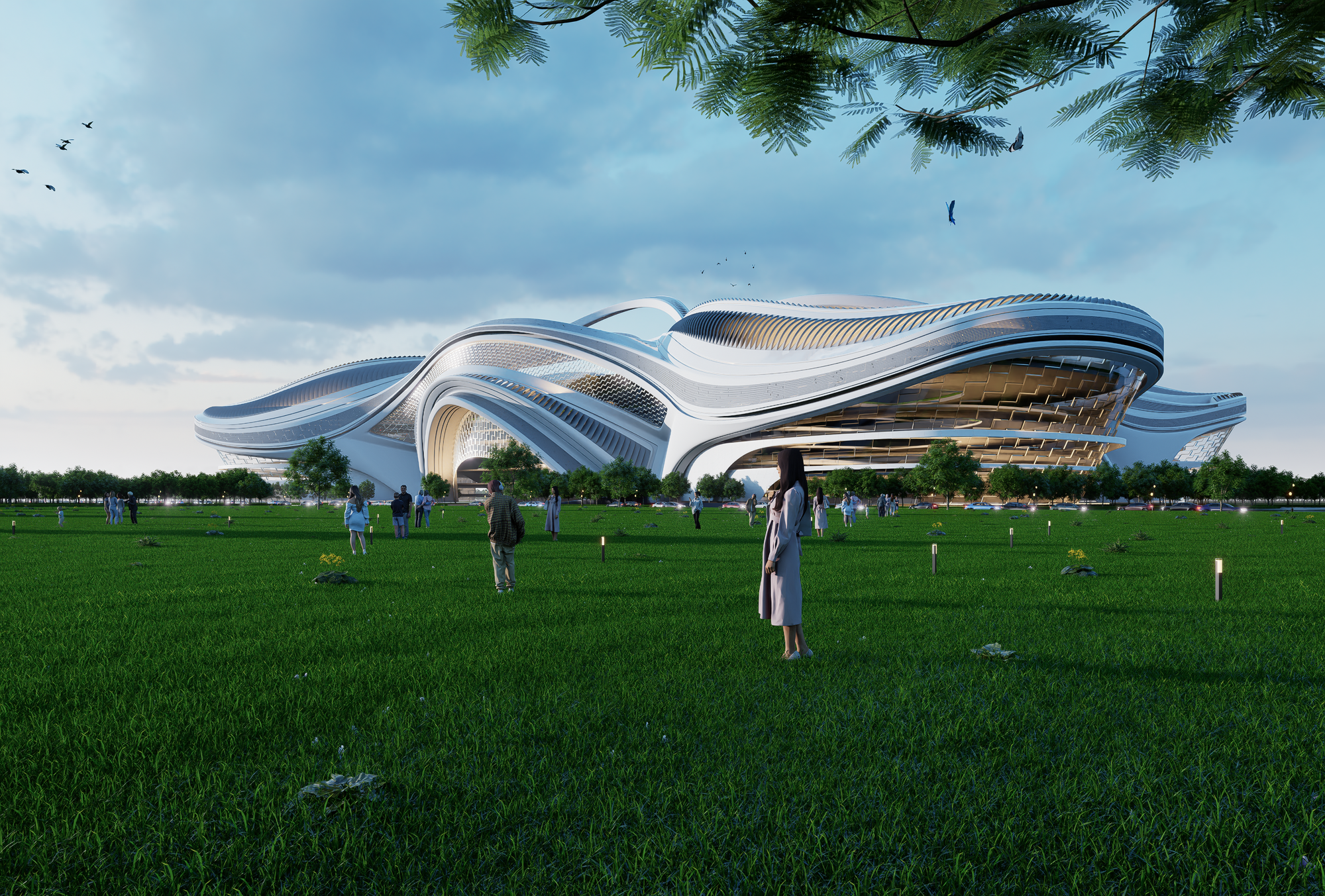
This course is a complete introduction to D5 Render, a powerful real-time rendering software for architects and designers. It will take you step-by-step from the fundamentals of linking Rhino models to D5, through setting up materials, lights, and cameras, all the way to producing high-quality visualizations and animations. With a focus on architectural and design workflows, you’ll learn how to create stunning renders that communicate your ideas clearly and professionally. Whether you’re preparing client presentations, portfolio projects, or cinematic animations, this course will give you the tools and techniques to deliver fast, realistic, and impactful results.
- Structured learning path from beginner to advanced visualization workflows
- Real-time rendering directly linked with Rhino models
- Professional lighting setups for both interior and exterior projects
- Creating animations, walkthroughs, and cinematic camera paths
- Exporting ultra-realistic images and videos for presentations and portfolios
- Architects, designers, and students who want to create professional renders without complex rendering
- Beginners looking to quickly master an intuitive, real-time visualization tool
- Professionals seeking to improve client presentations with photorealistic images and animations
- Rhino users who want to seamlessly integrate rendering into their existing design workflow
Strongly Recommended For Those Who Have Completed The Rhino Masterclass & or Advanced Organic Modeling Course
Part 01: User Interface
Session 01: User Interface Introduction
This session introduces the core principles and main tabs of D5.
Part 02: Water World
Session 01: Preparing Rhino Files
Learn how to organize and optimize Rhino models for smooth export to D5, including scaling, layer management, normals, and linking through LiveSync or file export.
Session 02: Cameras
Master D5’s camera tools by setting focal length, depth of field, and composition to create professional perspectives.
Session 03: Materials
Explore D5’s material editor, & Library
Session 04 : 05: Assets
Use D5’s asset library to add vegetation, people, furniture, and context models. Learn placement, scaling, and scattering for lifelike scenes.
Session 06:07: Eye Perspective
Set up ground-level viewpoints with correct human scale, horizon line, and lens settings to produce immersive design visuals.
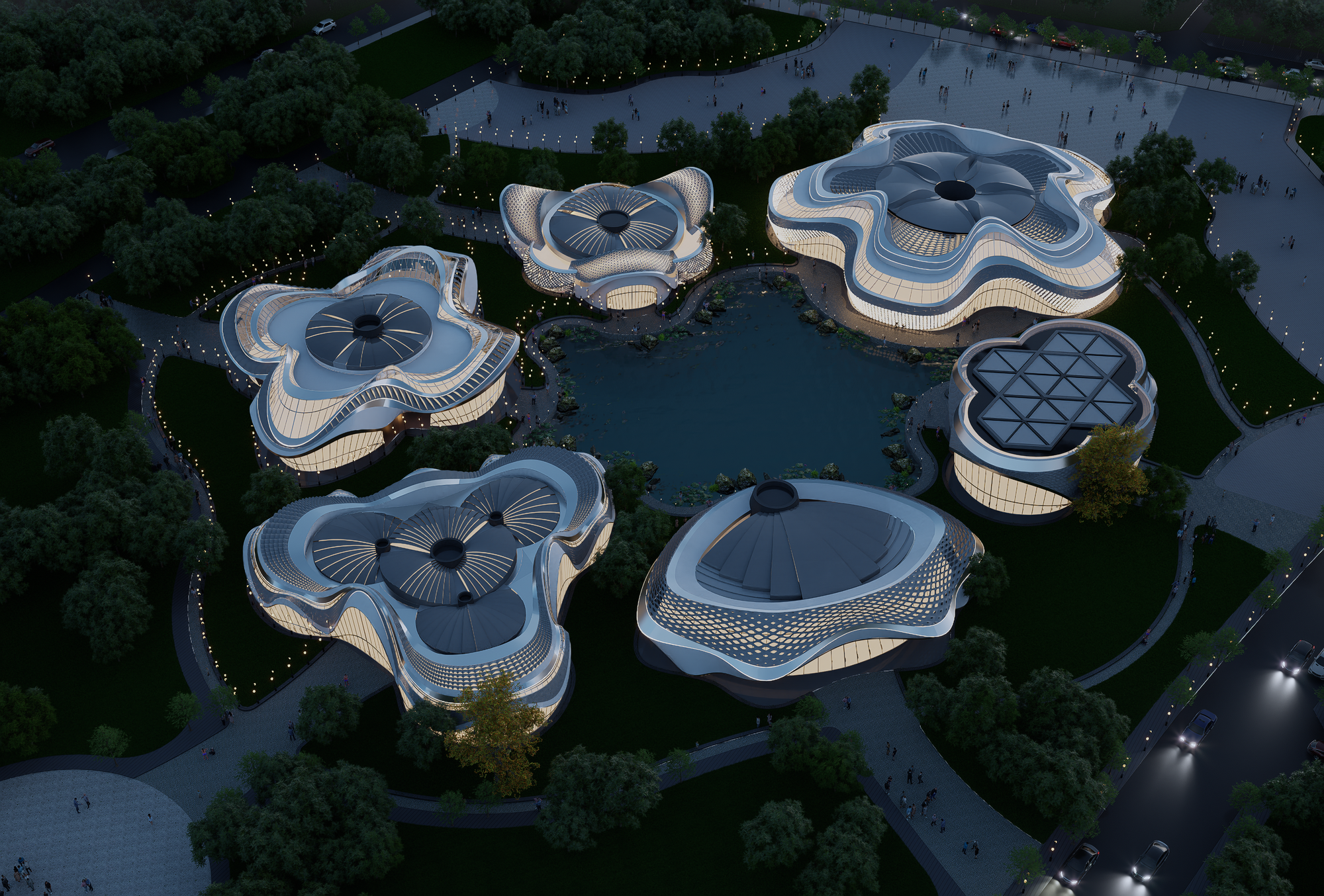
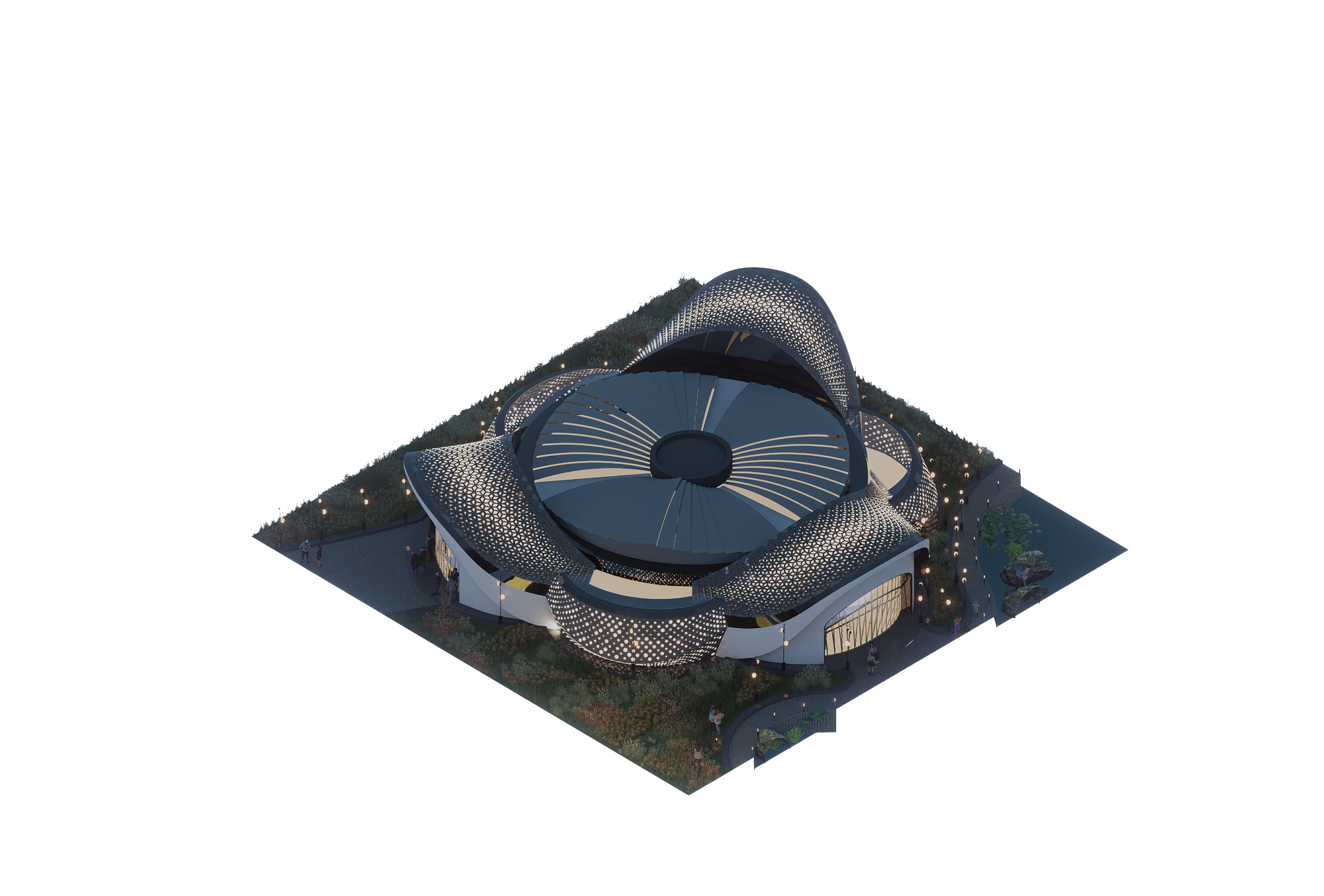
Session 08:10: Aerial Perspective
Create aerial shots with drone-like viewpoints, adjusting atmosphere, lighting, and exposure for impactful urban or site-wide visuals.
Session 11: AI-Post Processing
Enhance your renders with D5’s built-in AI tools and post-processing controls such as exposure, bloom, lens flare, and color grading.
Session 12: Animations
Build cinematic walkthroughs and fly-throughs using keyframes, camera paths, and animated assets to bring your designs to life.
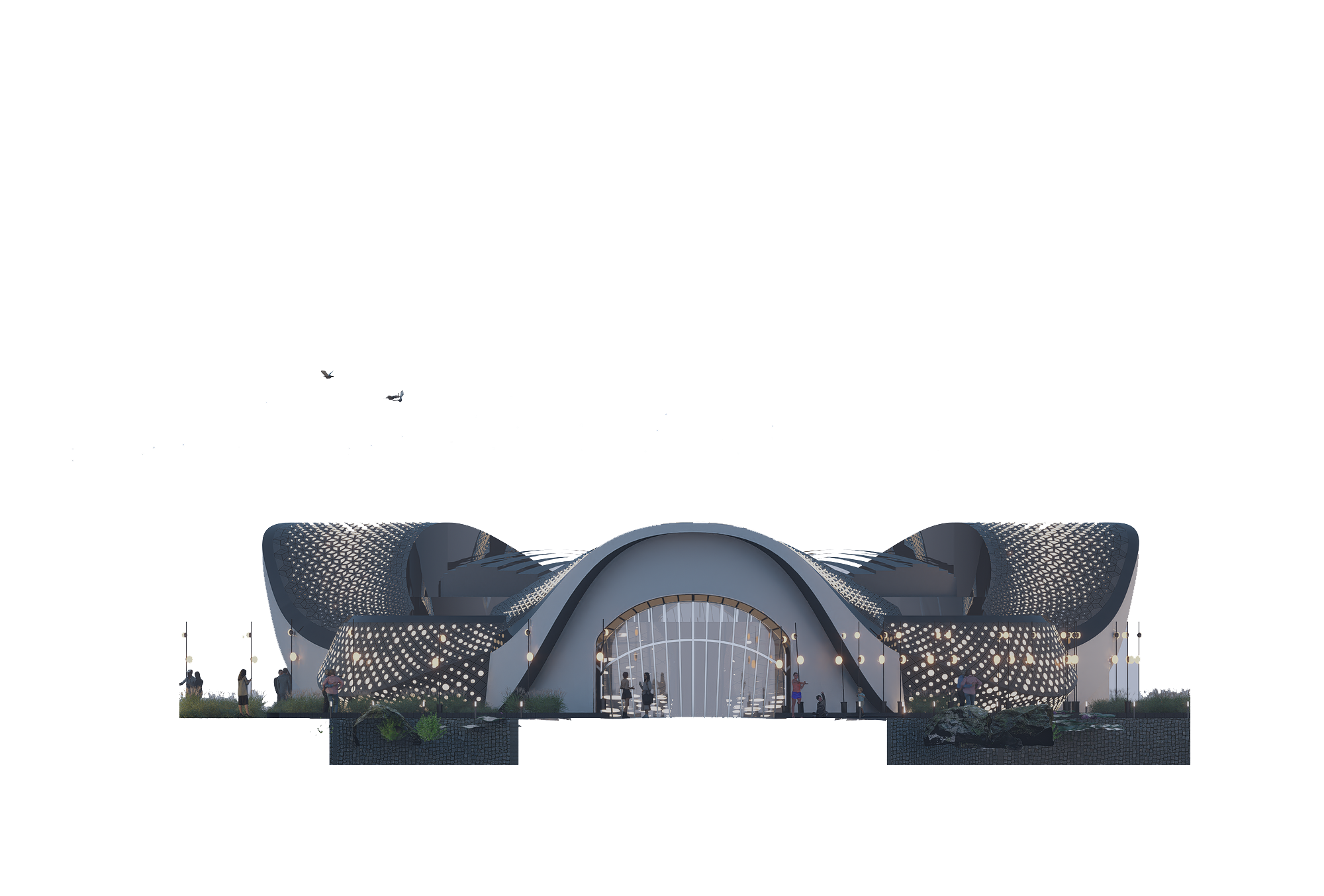
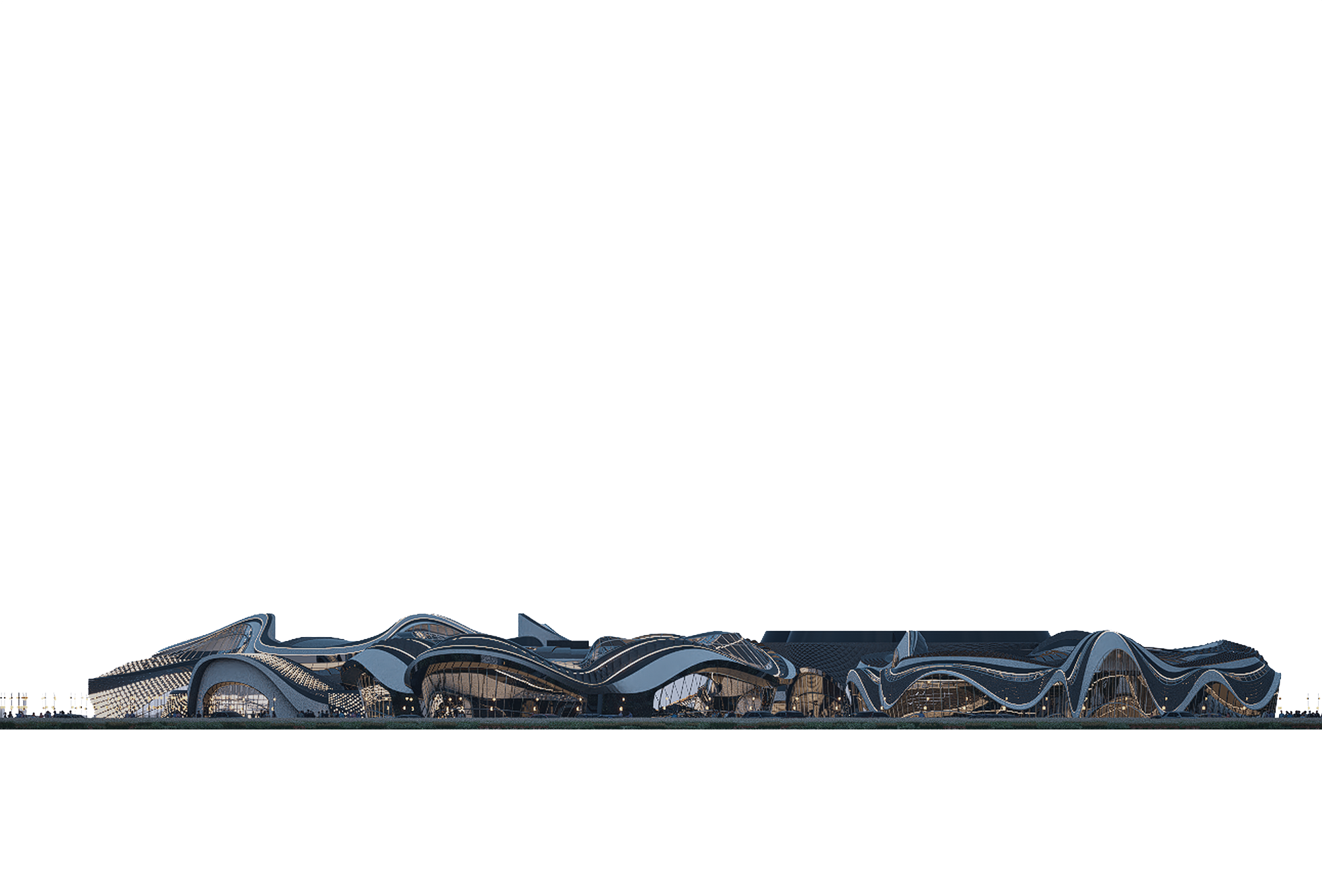
Session 13: Sections & Elevations
Generate orthographic views such as sections and elevations..
Part 03: Stadium
Session 01: Prepare Rhino File
Learn how to organize and optimize Rhino models for smooth export to D5, including scaling, layer management, normals, and linking through LiveSync or file export.
Session 02: Cameras & Material
Master D5’s camera, material editor,& Library
Session 03: Assets
Use D5’s asset library to add vegetation, people, furniture, and context models. Learn placement, scaling, and scattering for lifelike scenes.
Session 04: Render Settings
Understand D5’s rendering engine and how to optimize it for different outputs. Learn about resolution, aspect ratios, ray tracing, sampling quality, denoising, and balancing performance vs. realism.
Session 05: Animations
Build cinematic walkthroughs and fly-throughs using keyframes, camera paths, and animated assets to bring your designs to life.
Session 06: Sections & Elevations
Generate orthographic views such as sections and elevations..
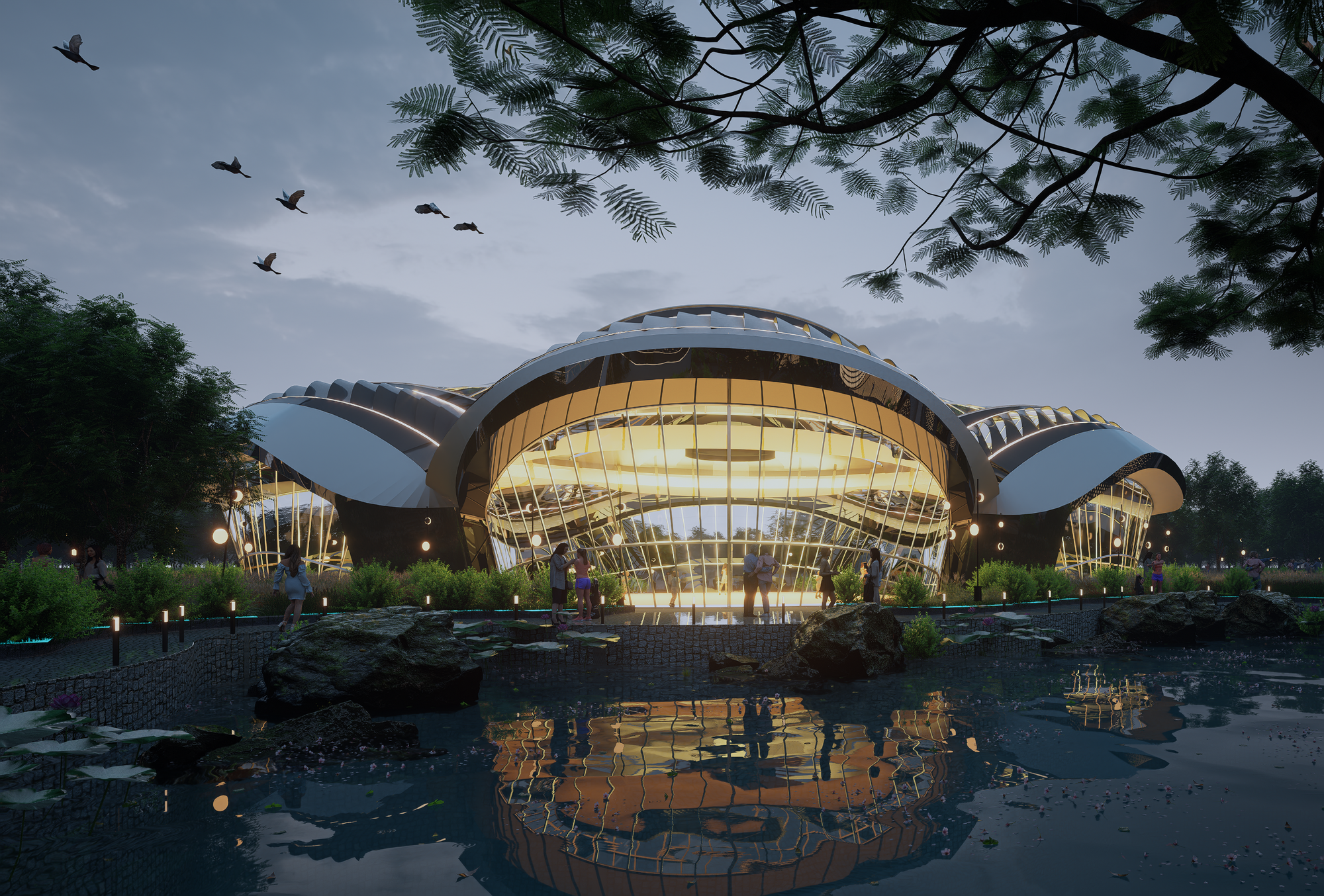
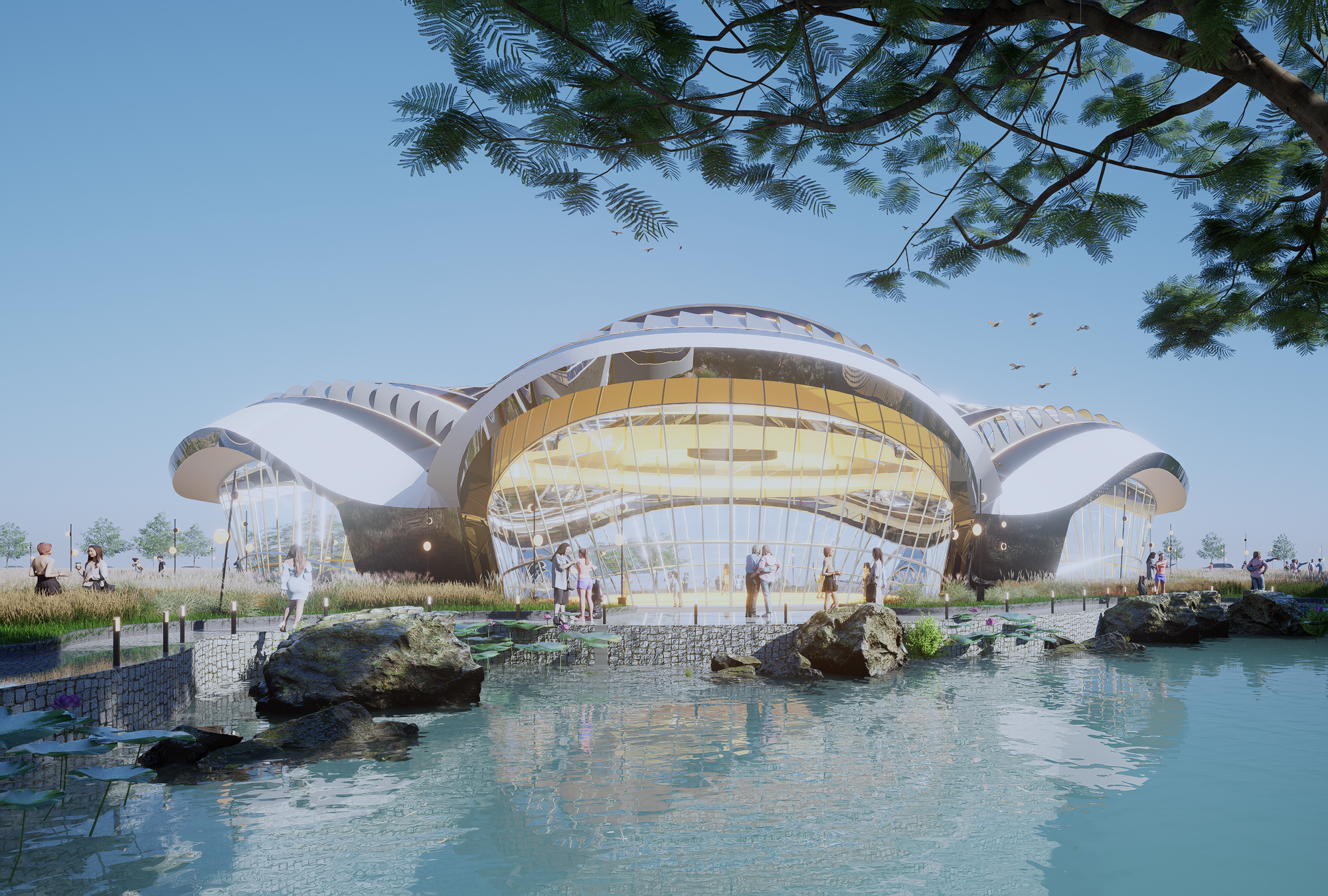
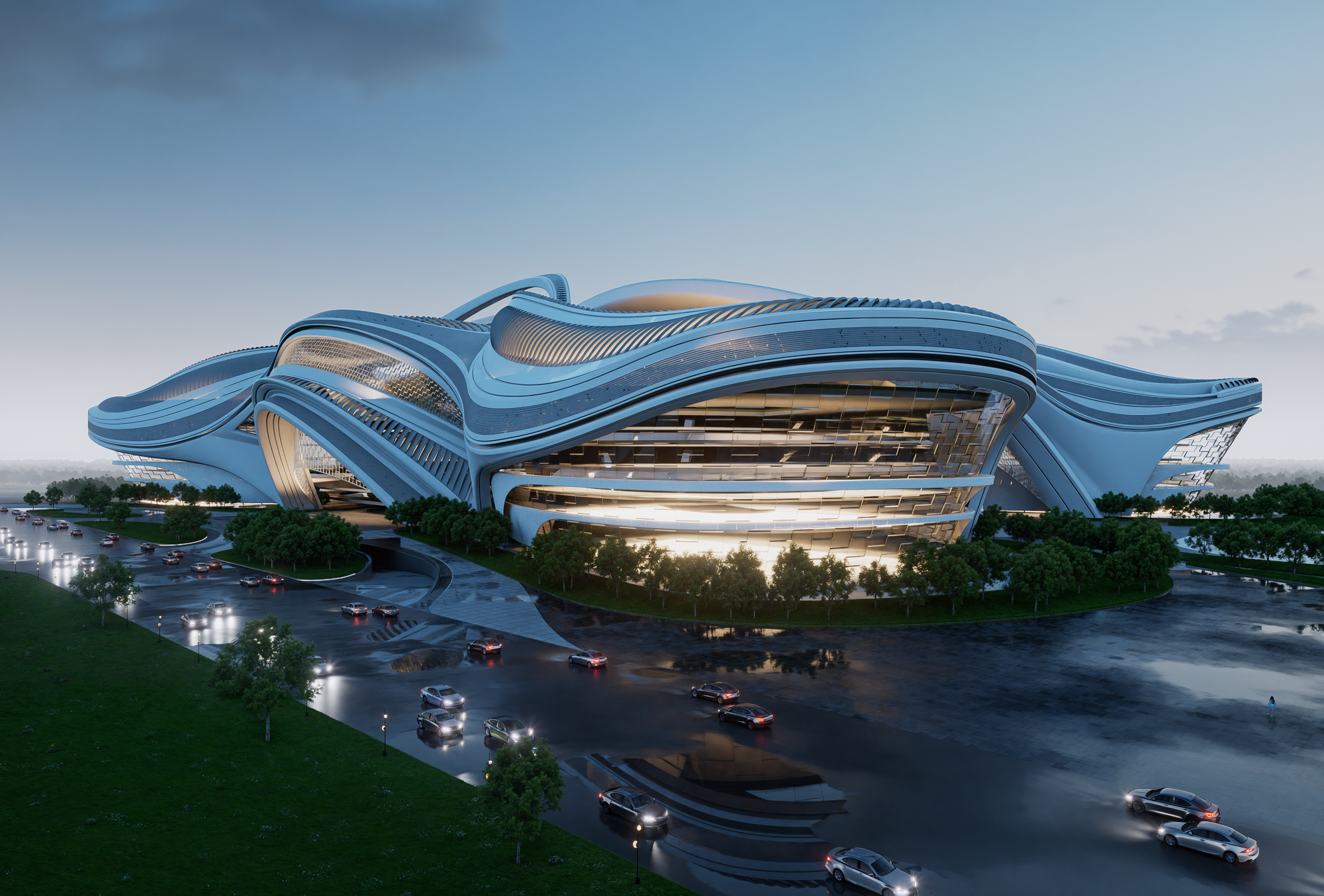
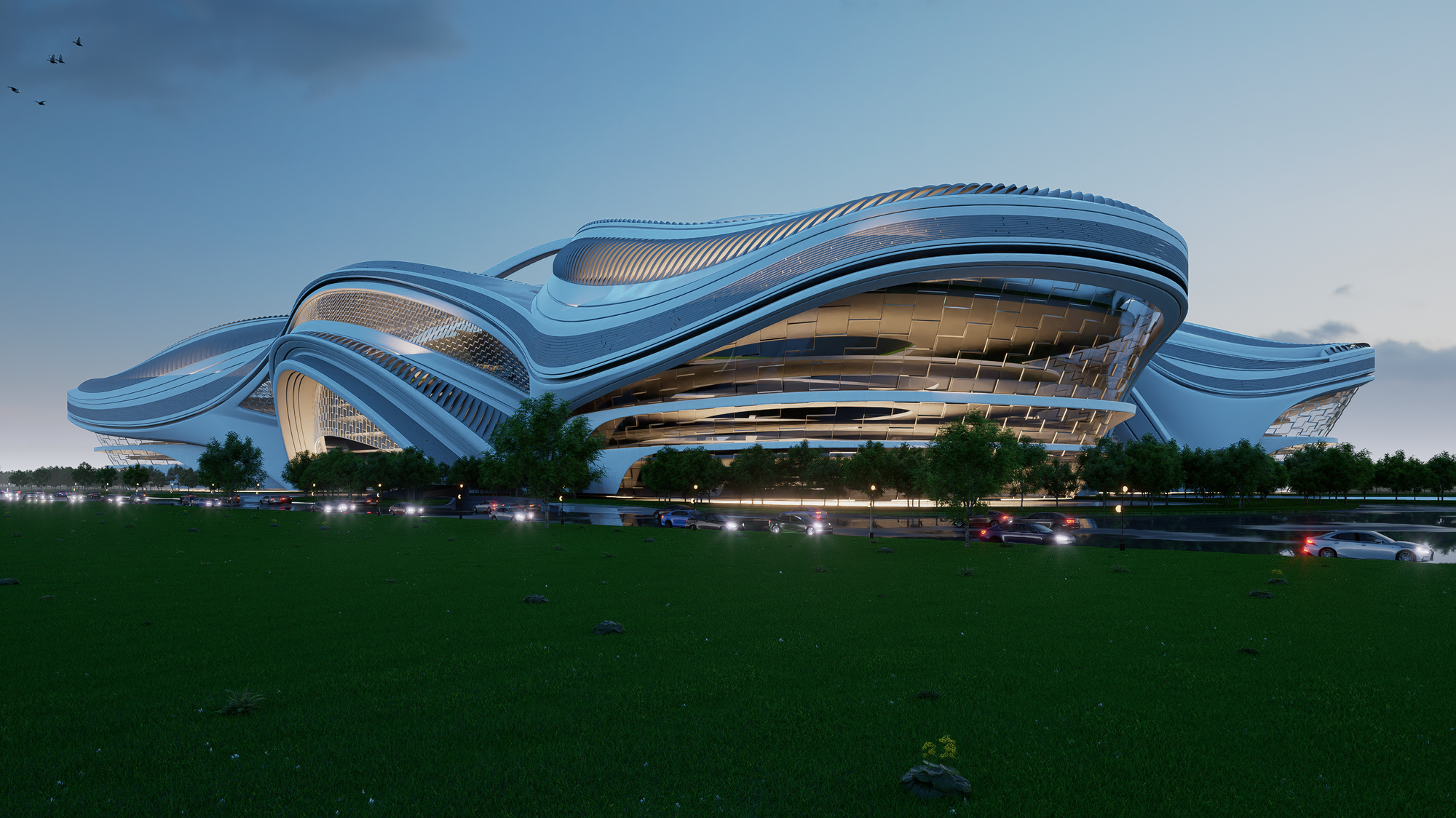
A great course for learning how to bring Rhino models to life with D5. The workflow is smooth, and the instructor explains rendering concepts clearly. I learned many useful tips for lighting, materials, and animation. Perfect for architectural visualization.
excellent
Special offer:
Sale ends in
-35%
6.480 EGP Original price was: 6.480 EGP.4.212 EGPCurrent price is: 4.212 EGP.
This course includes:
- Downloadable Content
- Madesst certificate upon reguest
- Instructor support
Course specifications
- +7 HRS
- 3 Parts
- 20 Sessions
- Arabic
- 4K