Grasshopper Masterclass
Average Rating
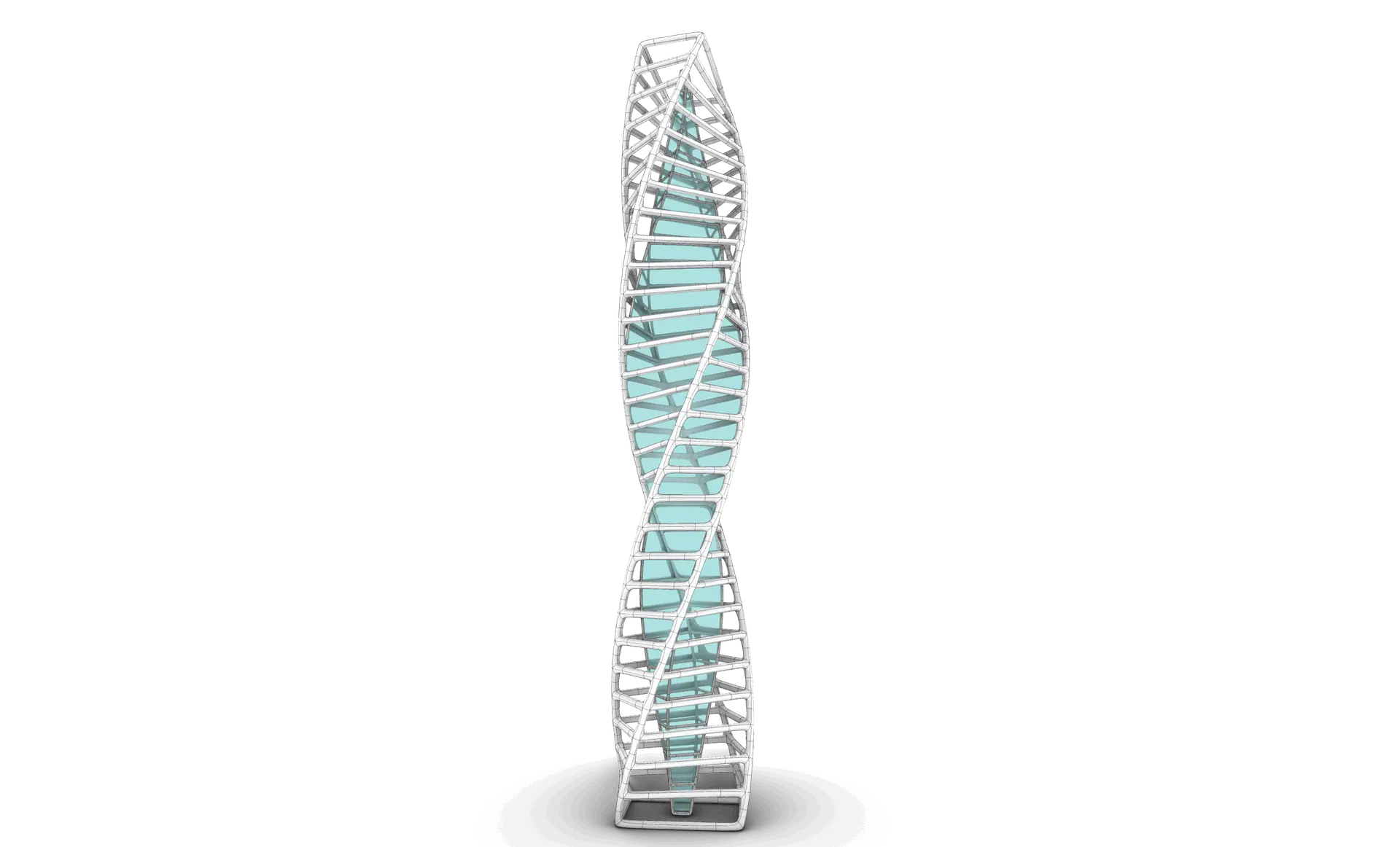
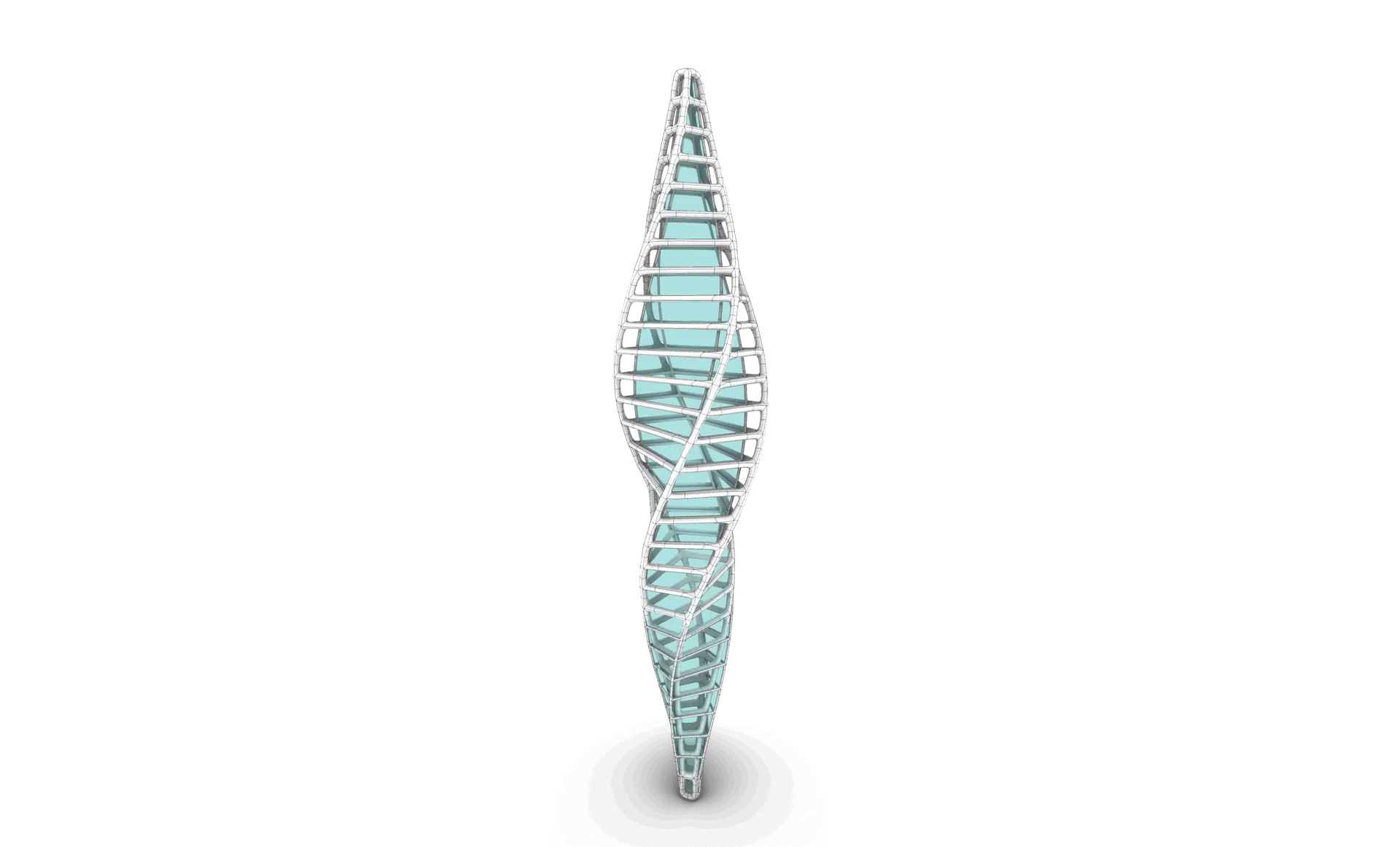
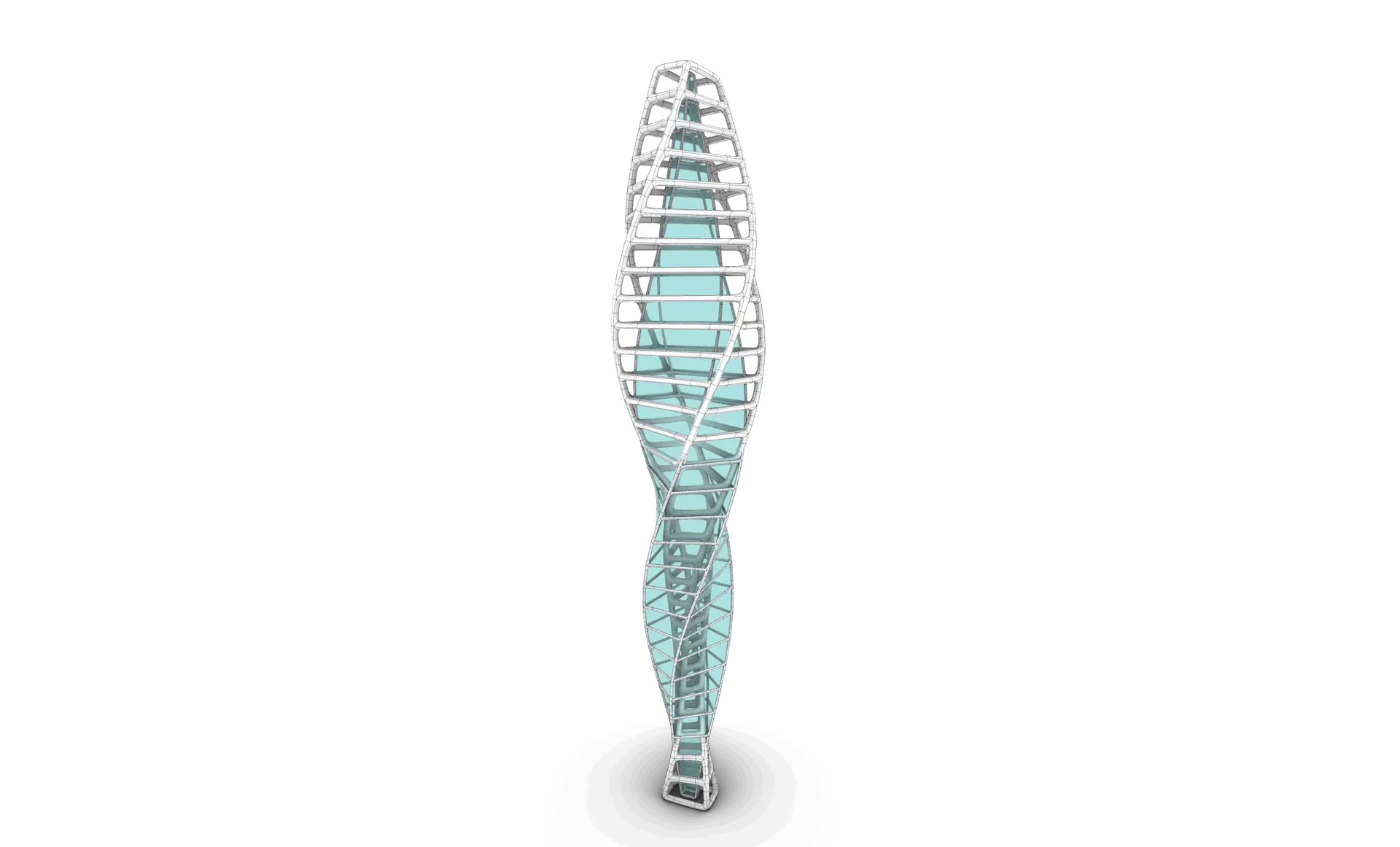
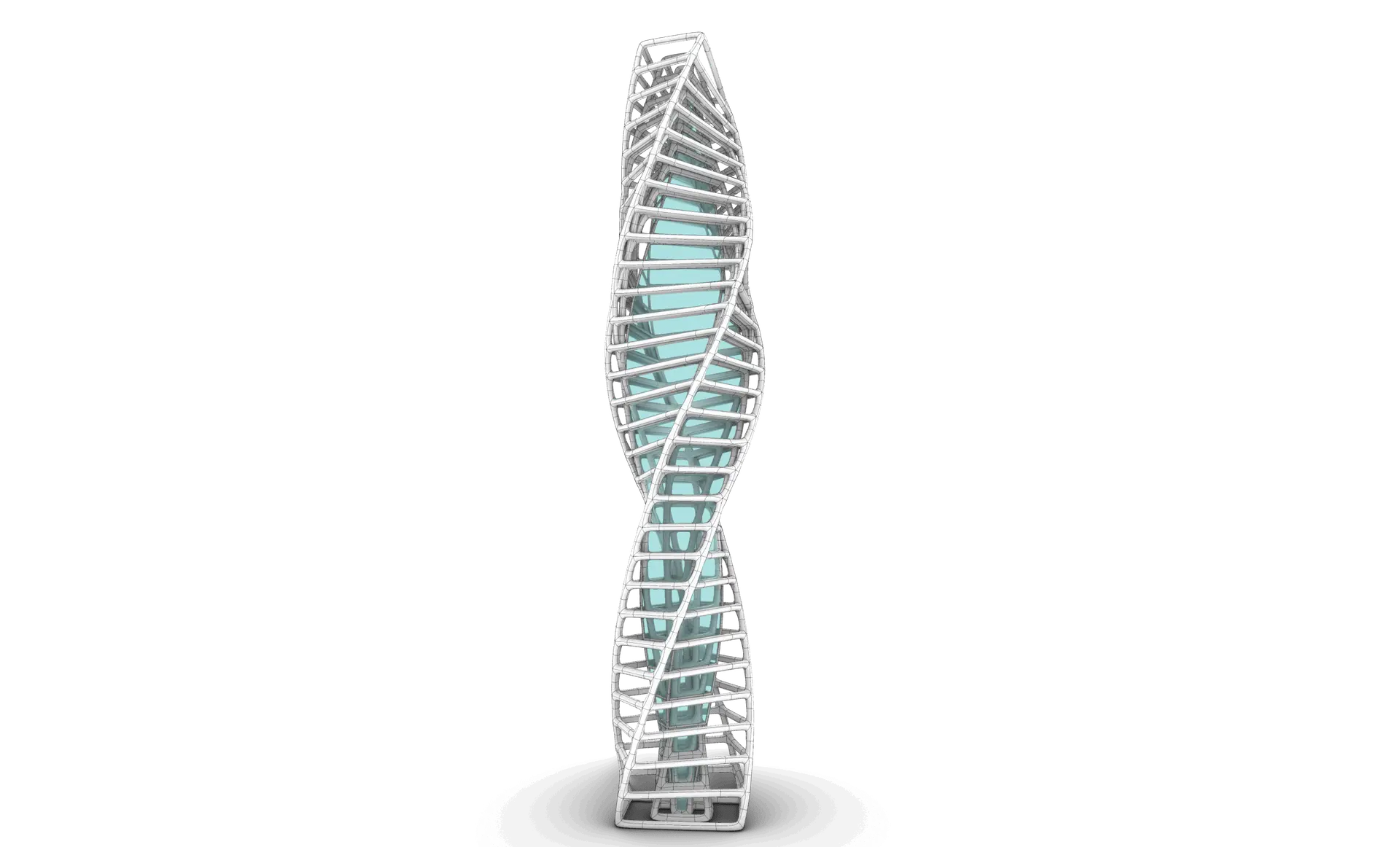
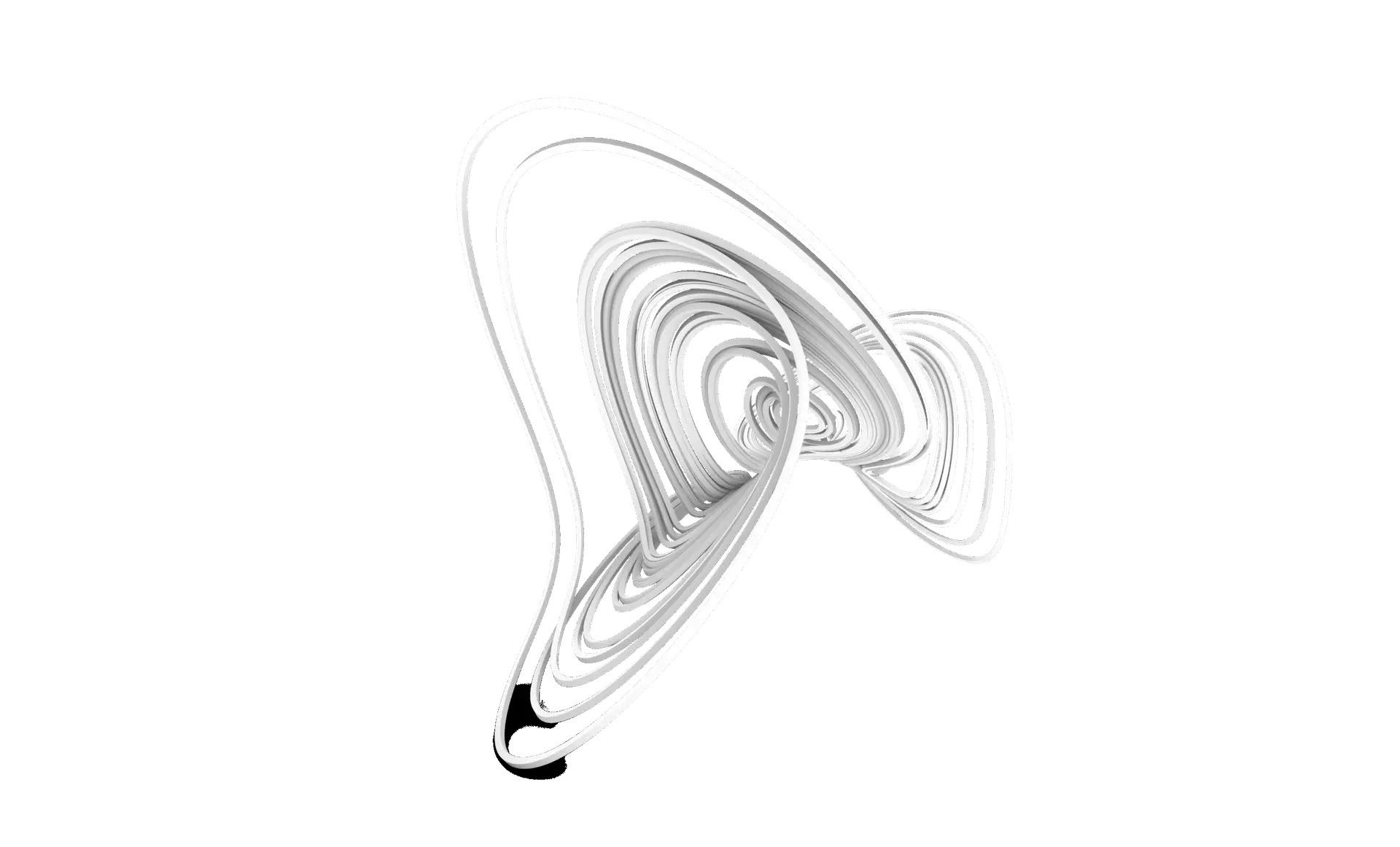
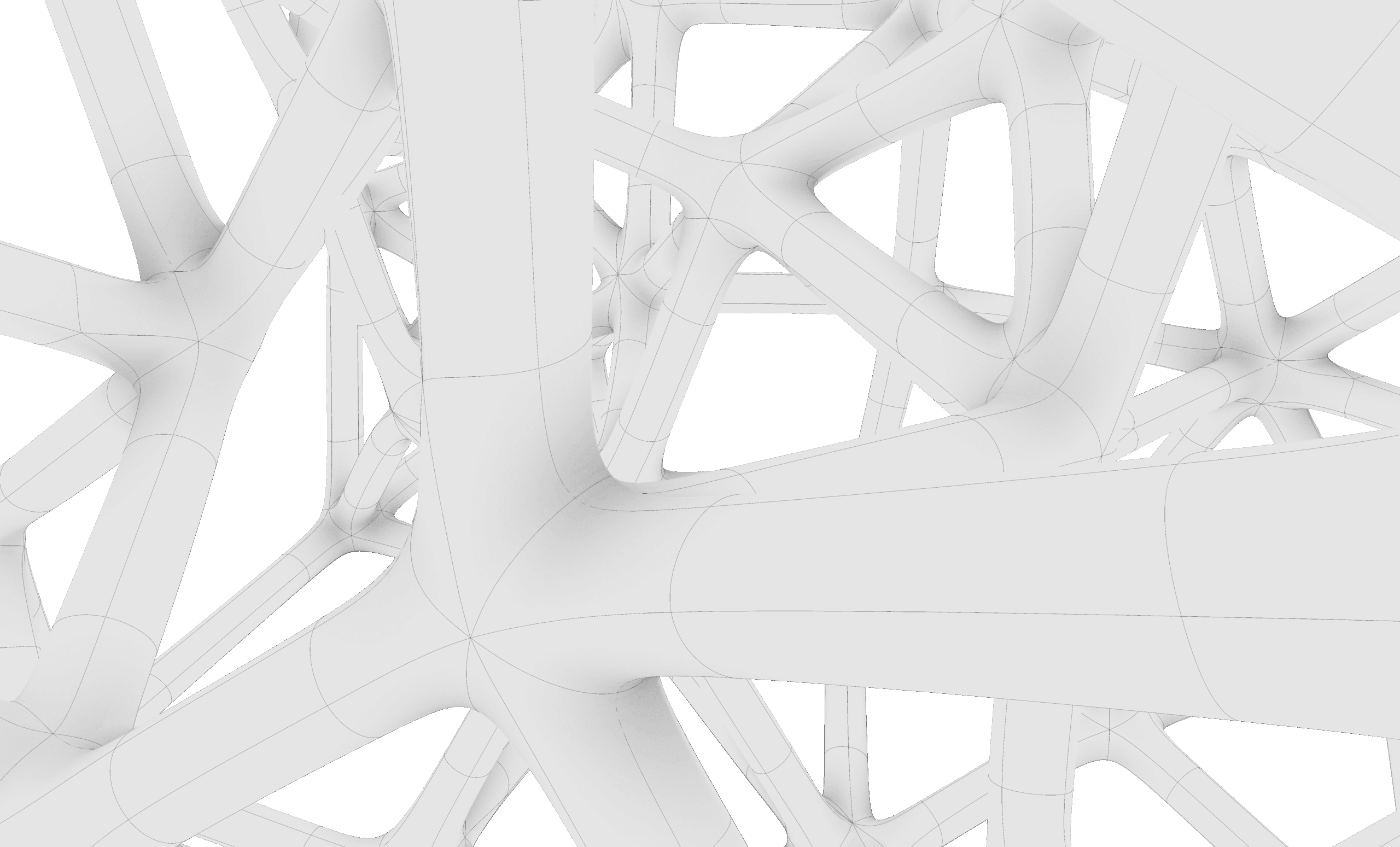
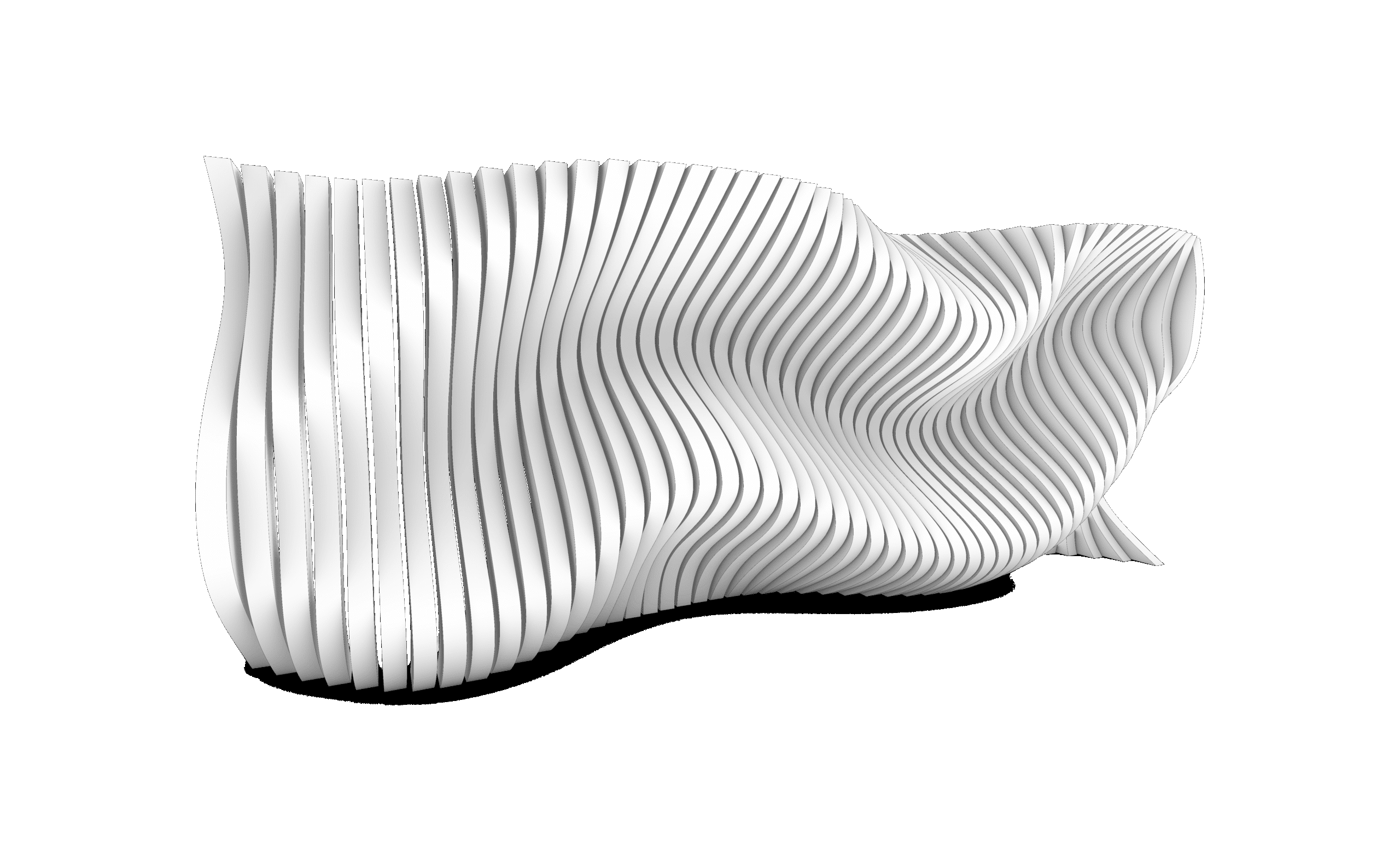
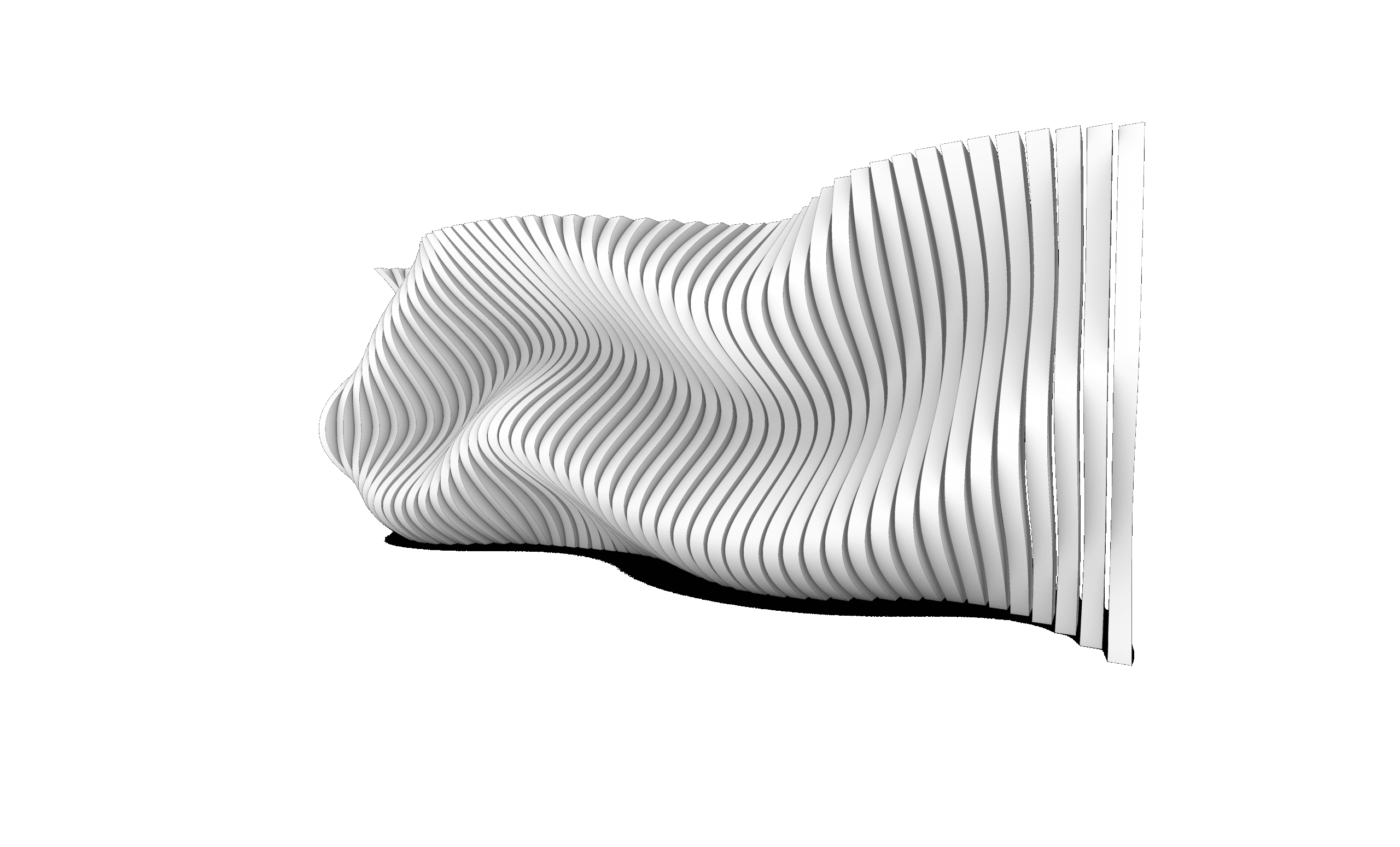
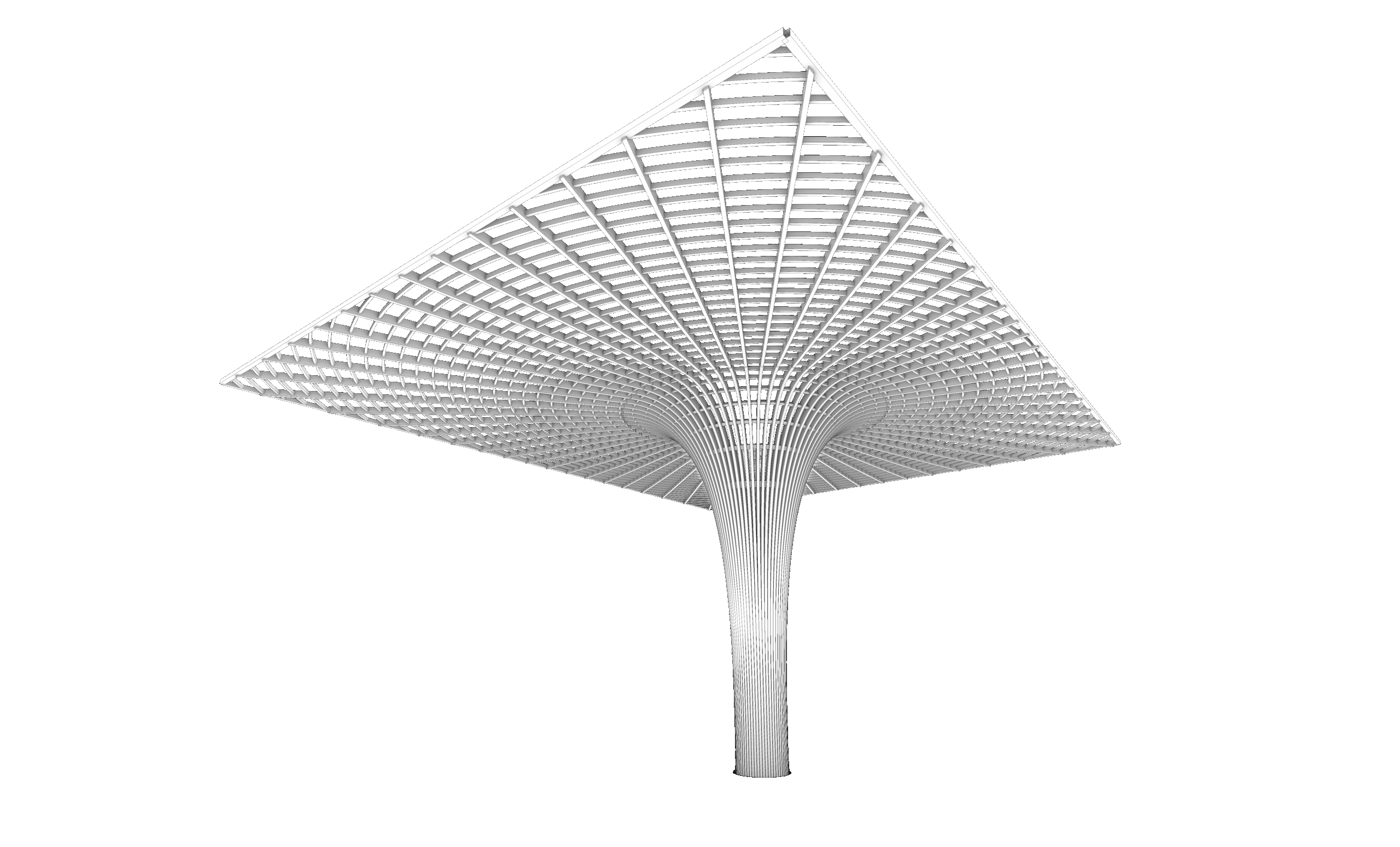
This course is a comprehensive introduction to Grasshopper, Rhino’s visual programming language for parametric and algorithmic design. It guides you step-by-step from the fundamentals of data and geometry handling to advanced topics like data trees, attractors, mesh modeling, and morphing systems. Through structured theory and practical exercises, you’ll gain full control over parametric workflows that are essential for contemporary architecture and design. Whether you aim to automate tasks, create adaptive systems, or build generative geometry, this course will equip you with the tools and mindset to do so professionally and efficiently.
- Structured learning path covering geometry, logic, math, and data structures
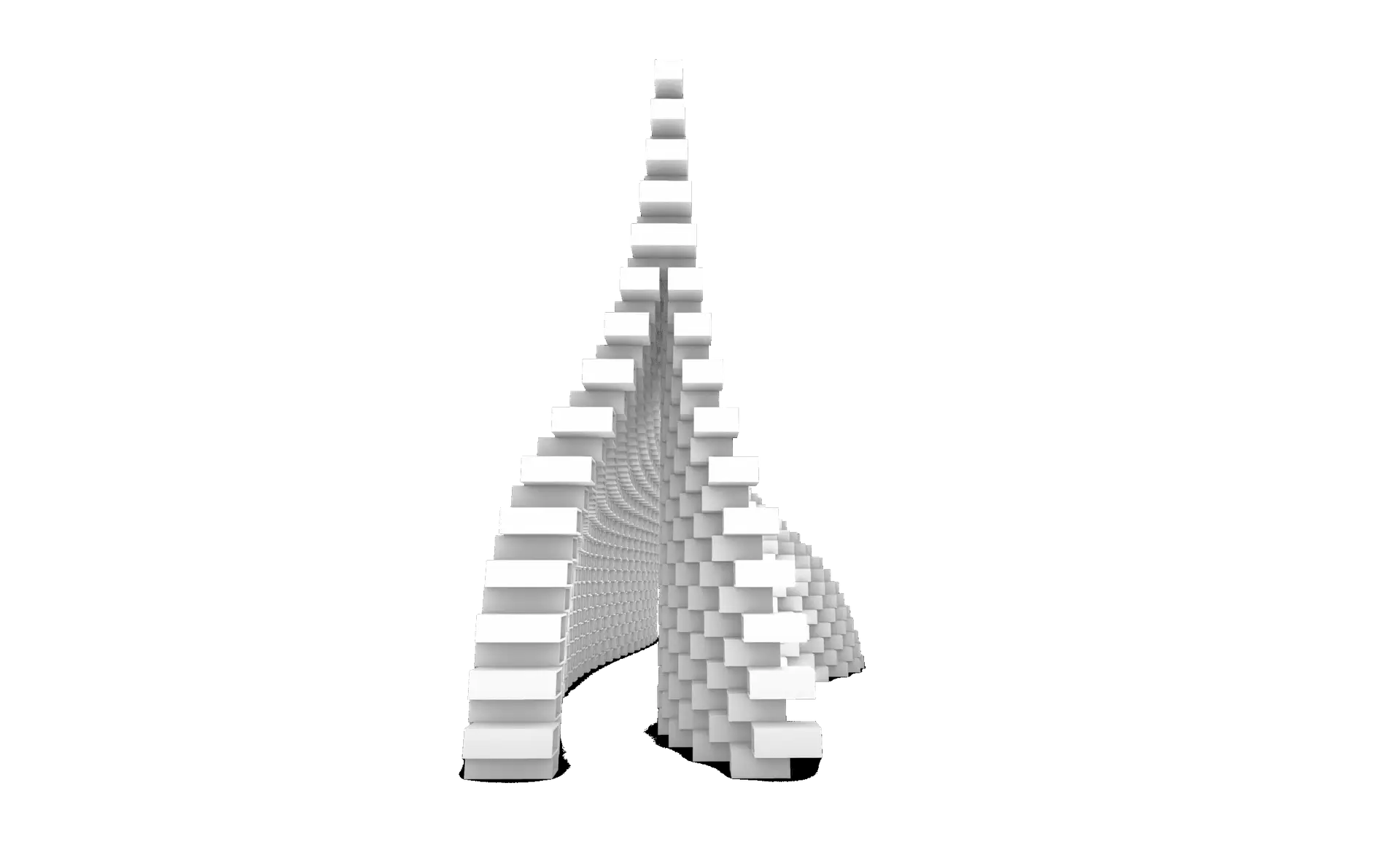
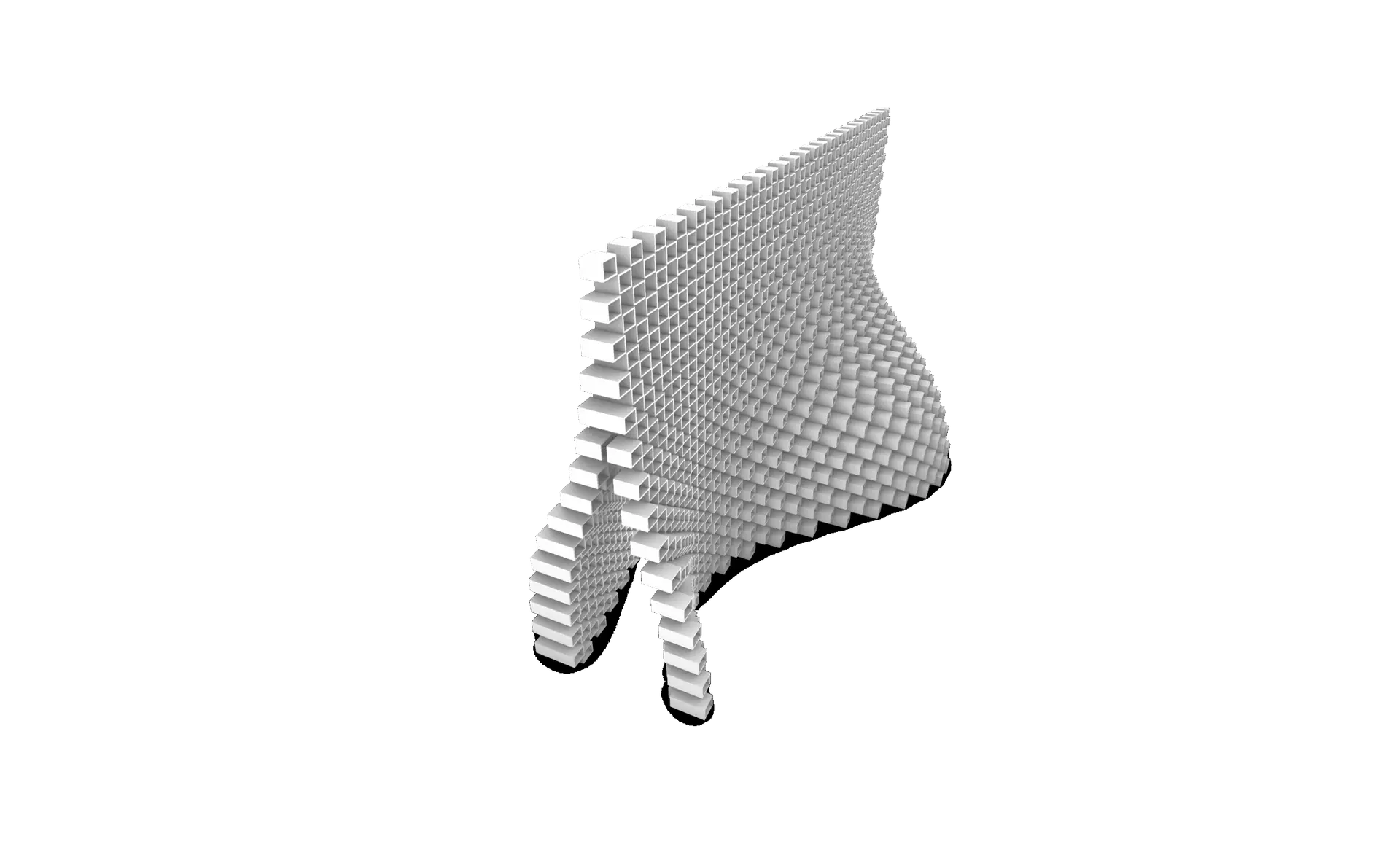
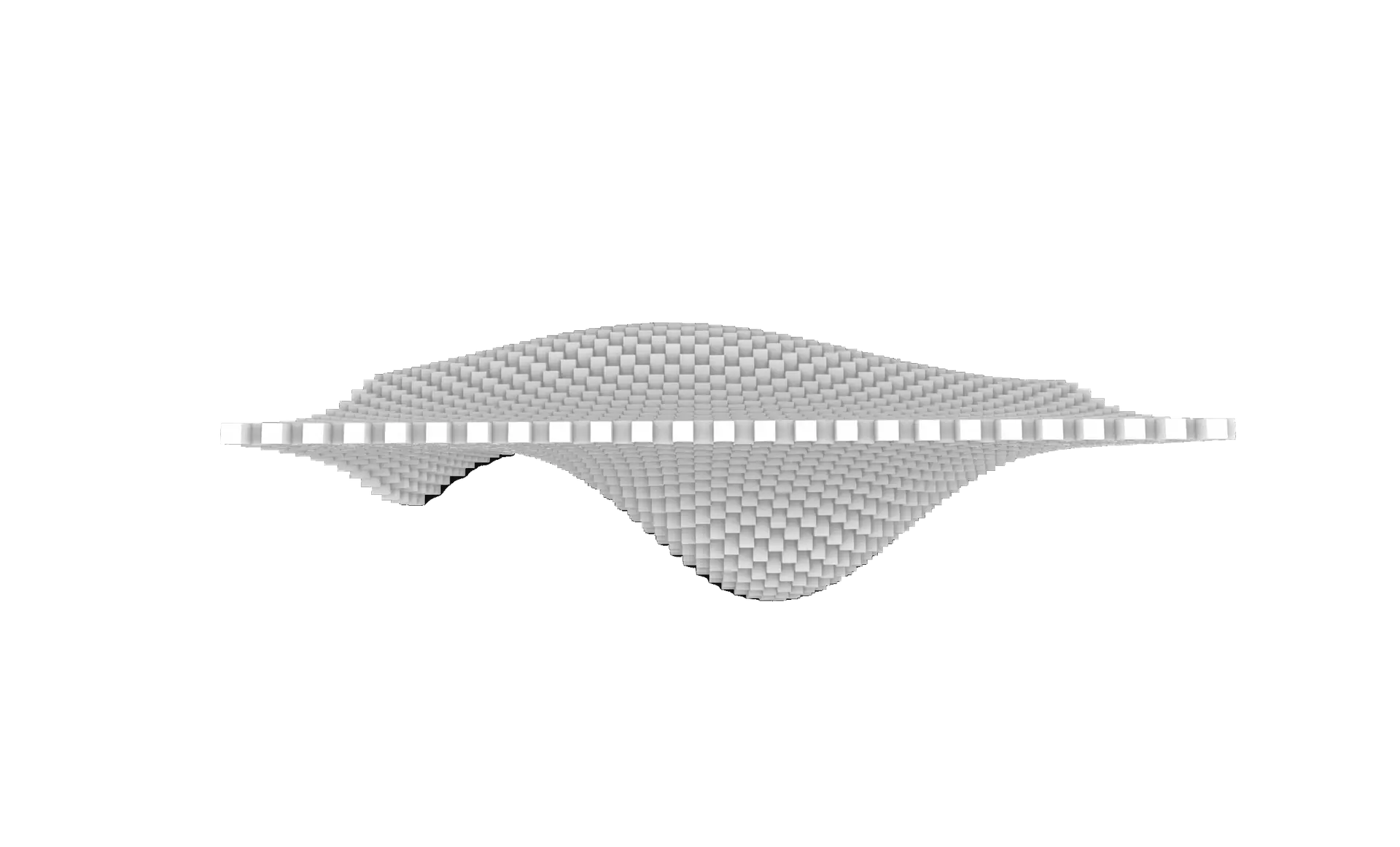
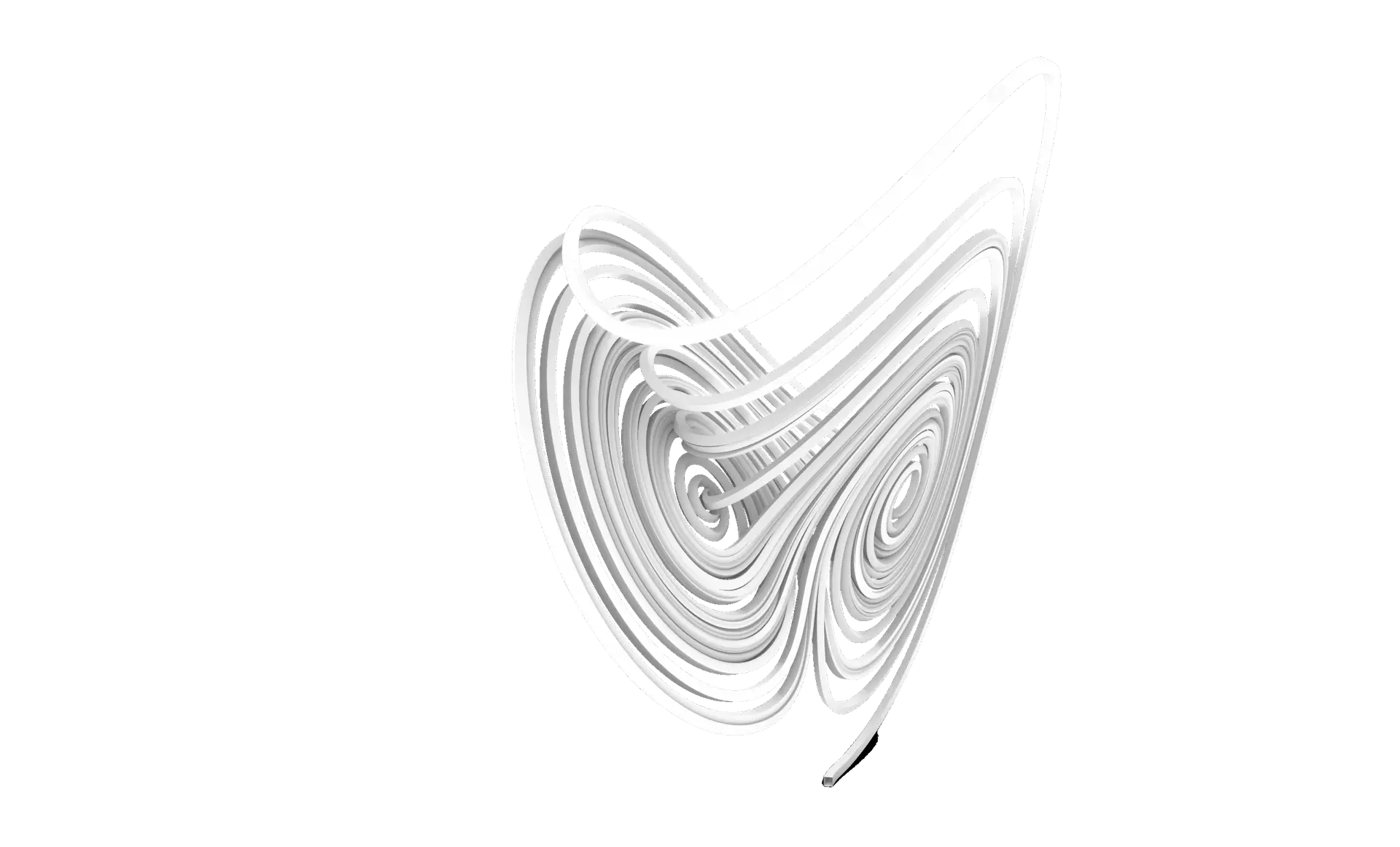
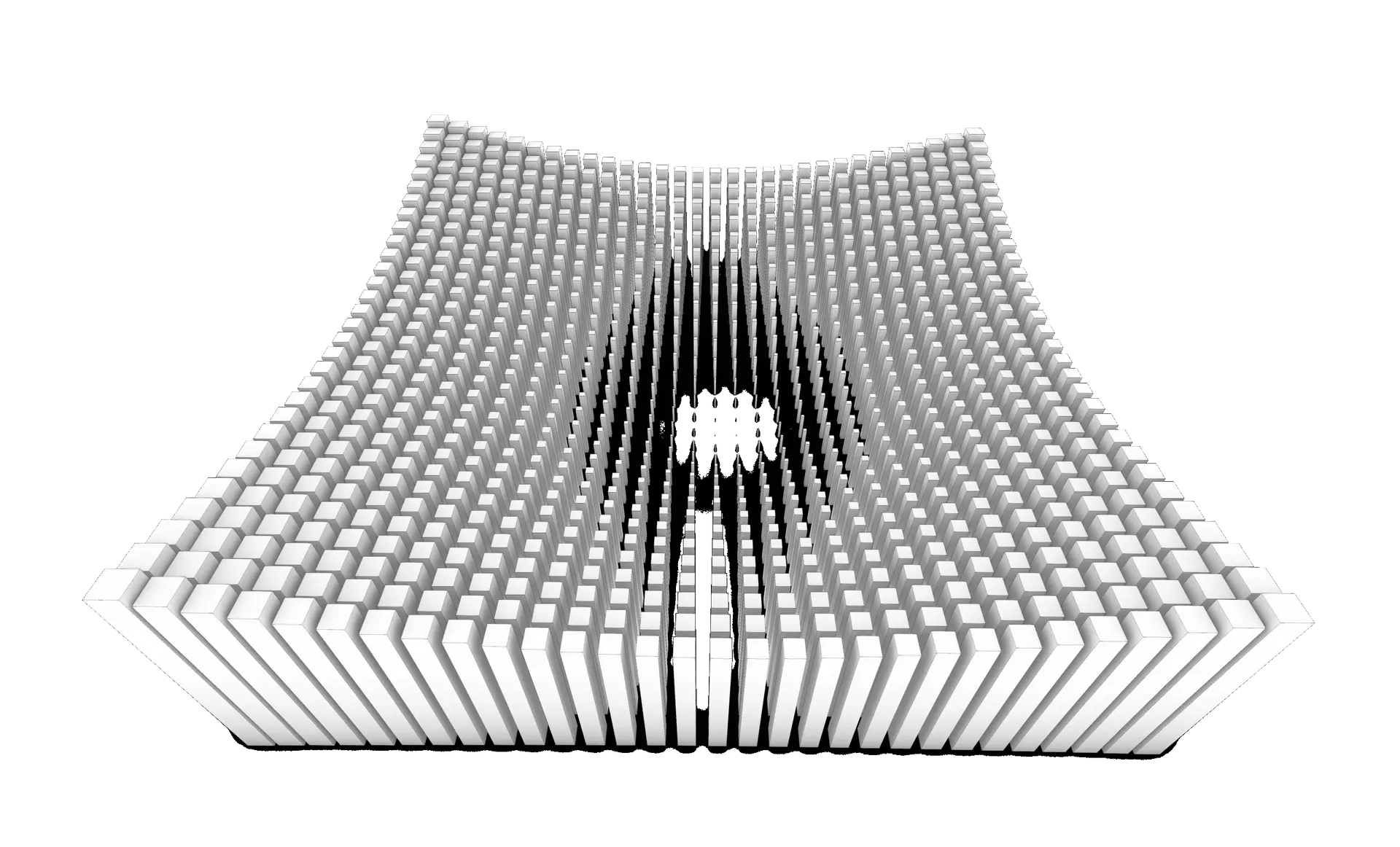
- Over 28 parametric exercises, including attractors, fields, remapping, and mesh systems
- Deep understanding of Lists & Data Trees, the core of Grasshopper’s power
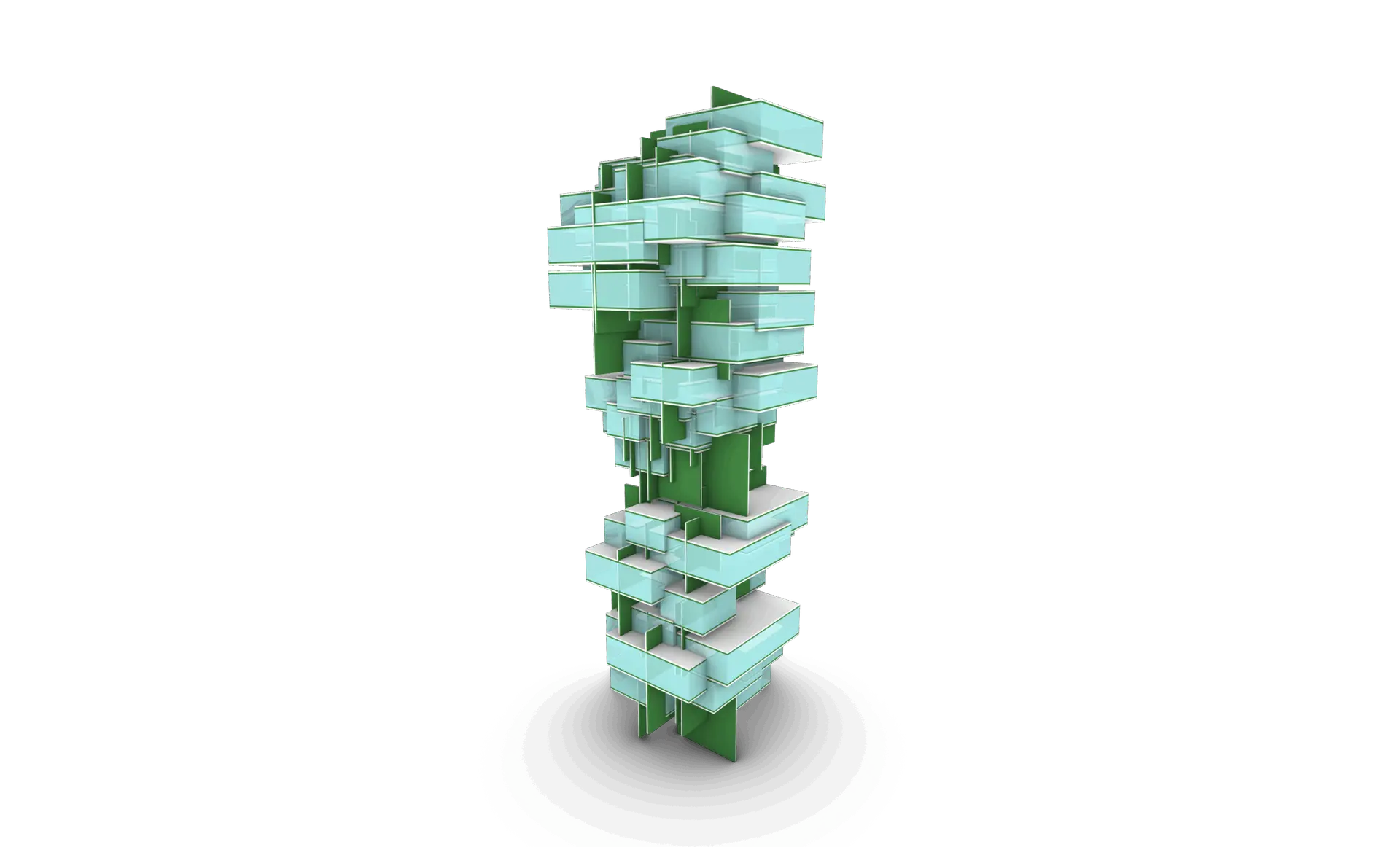
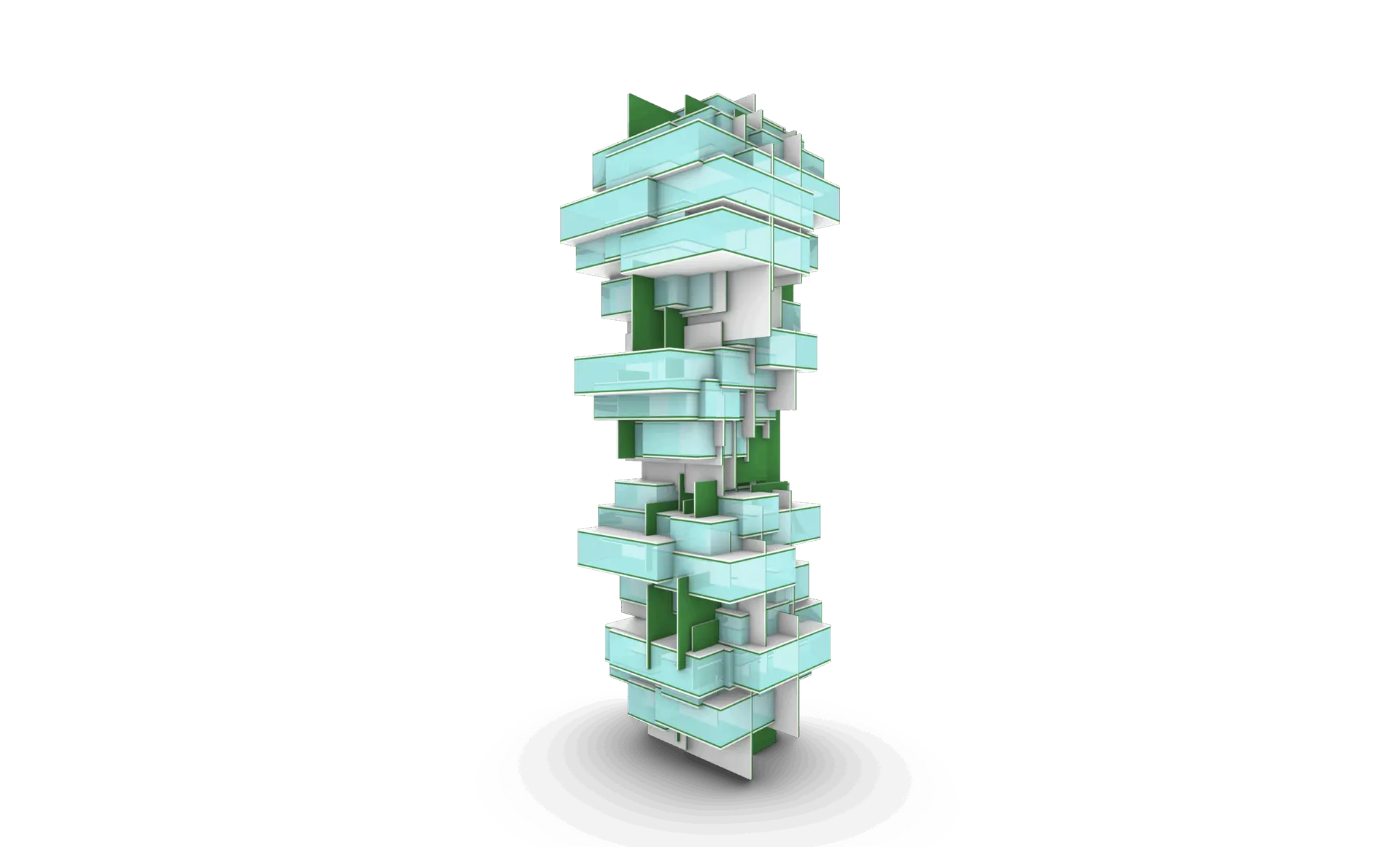
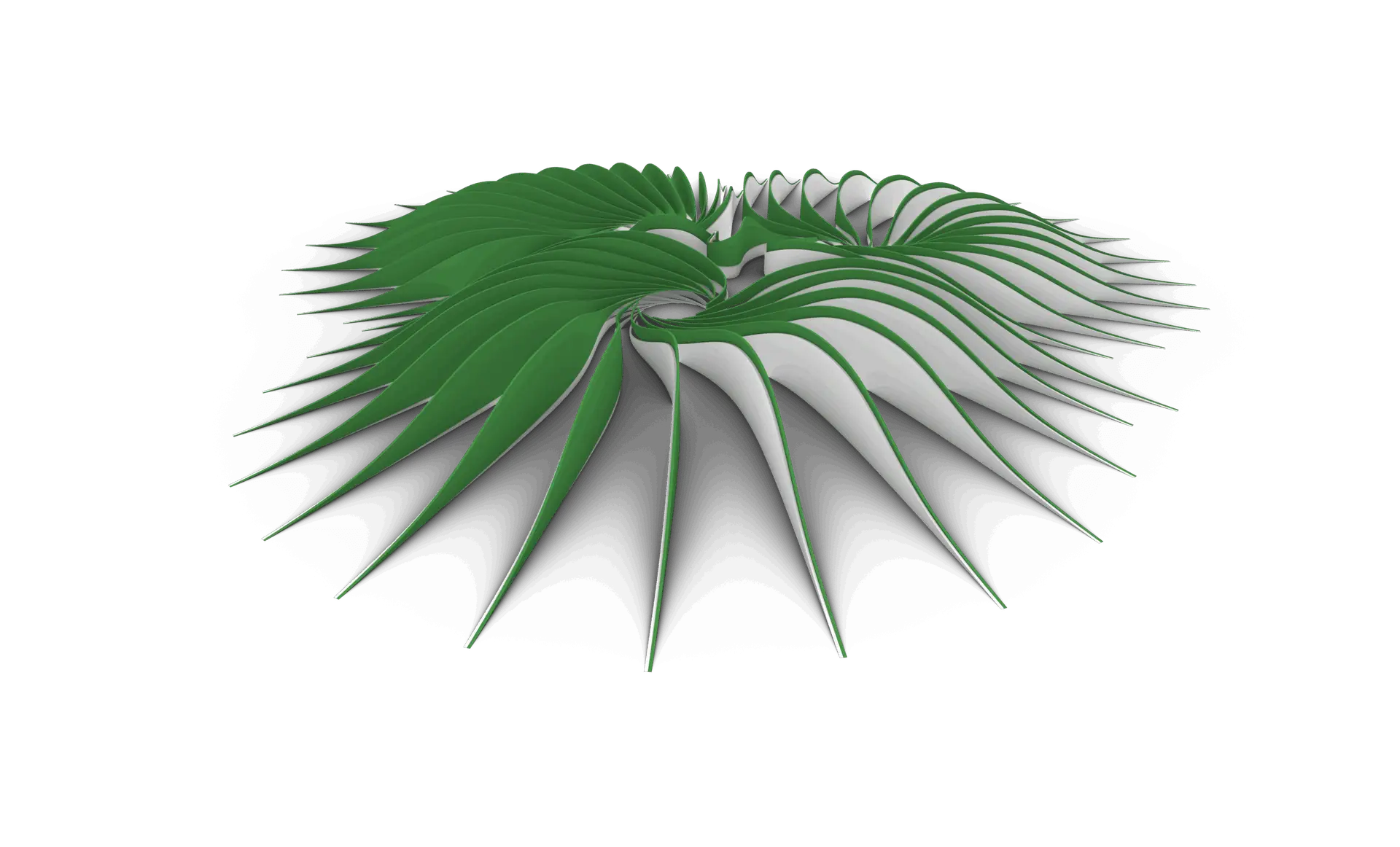
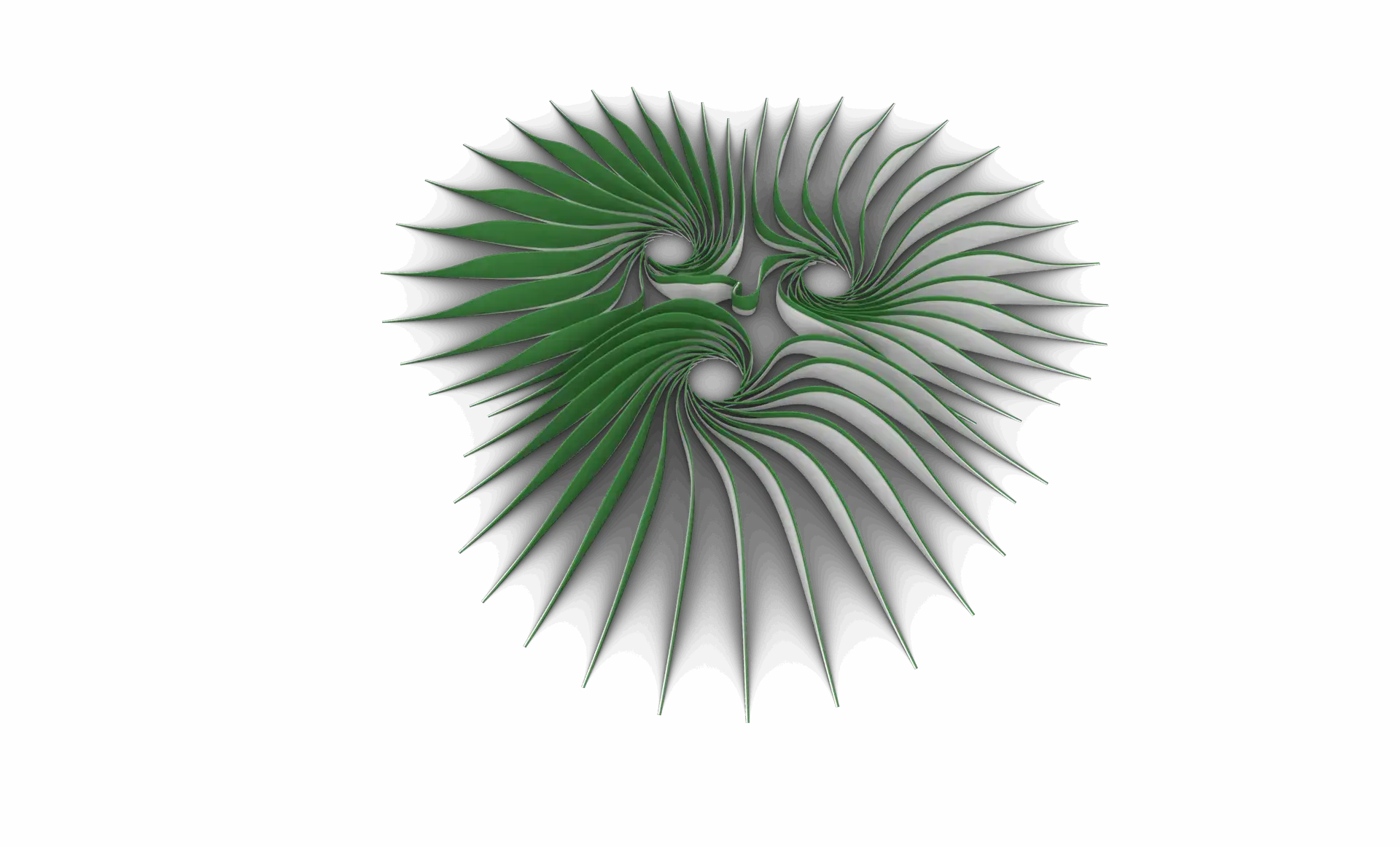
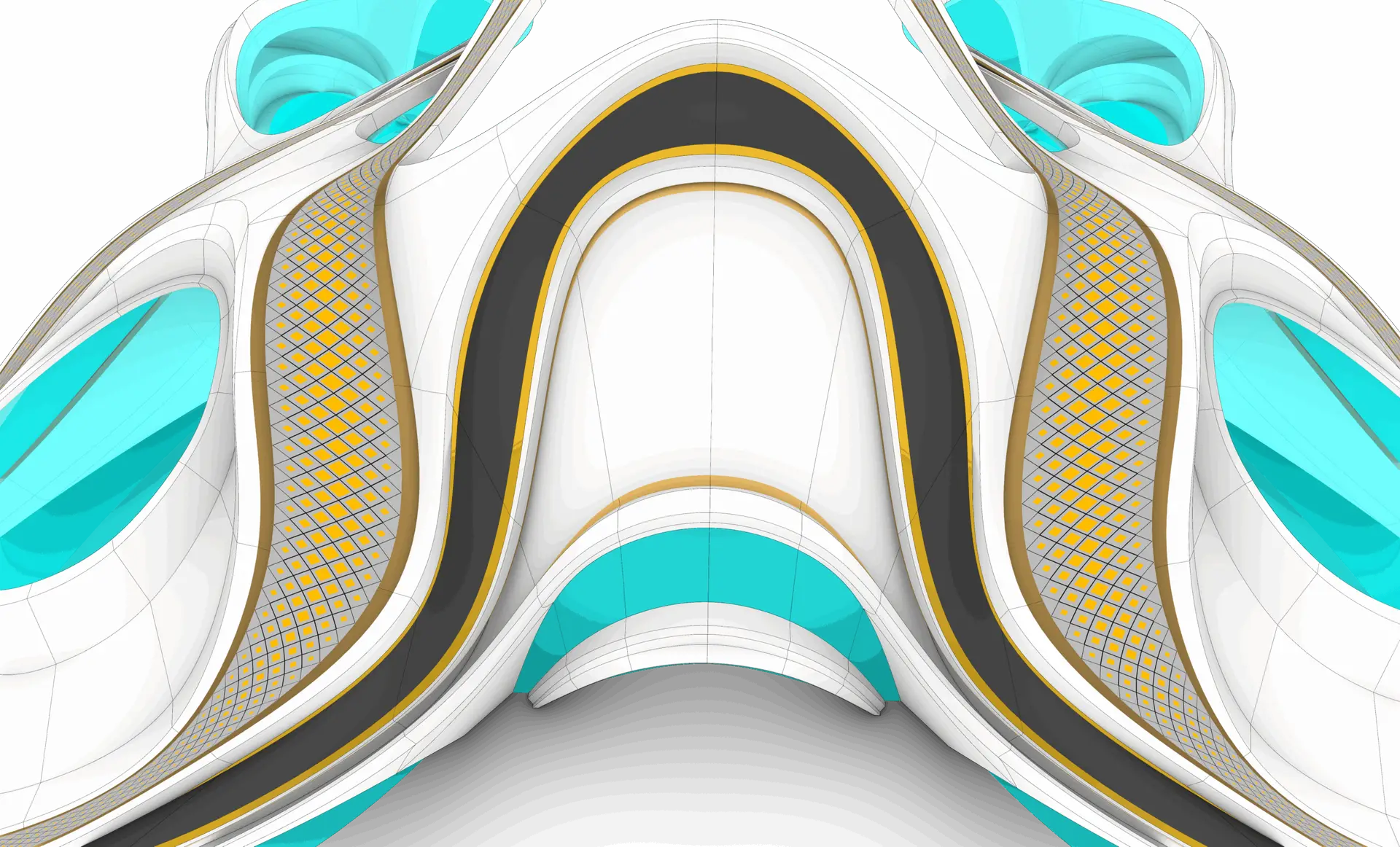
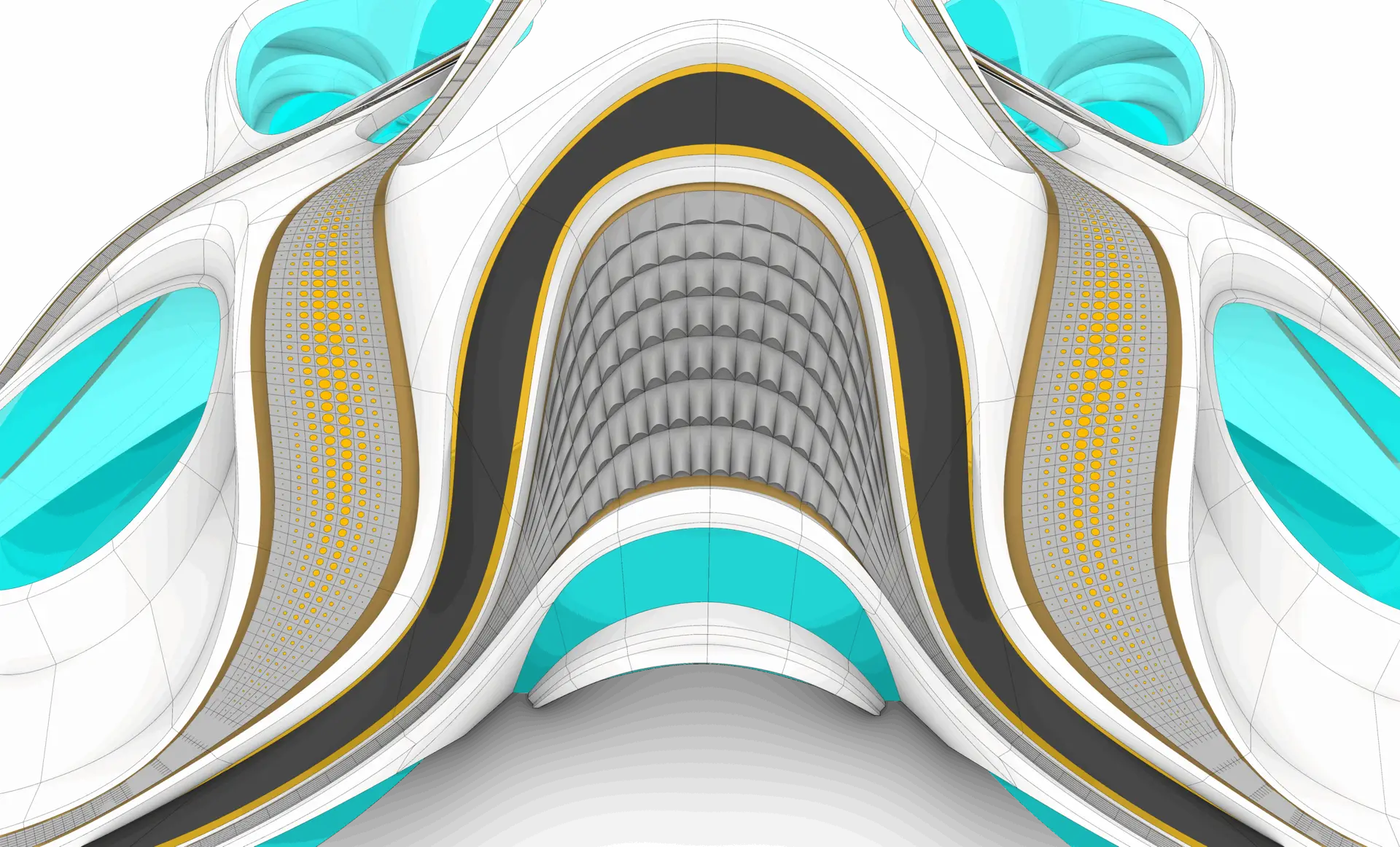
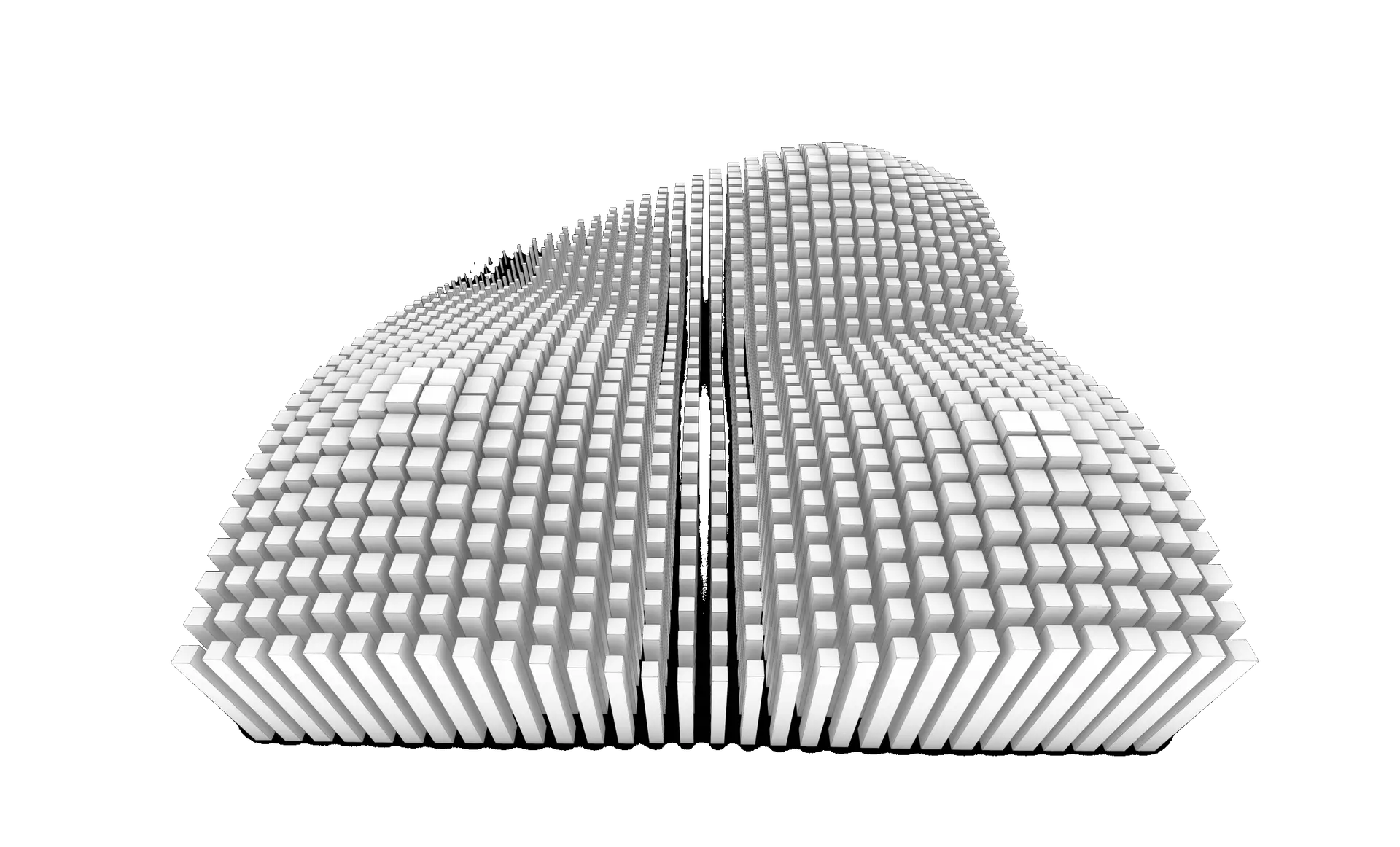
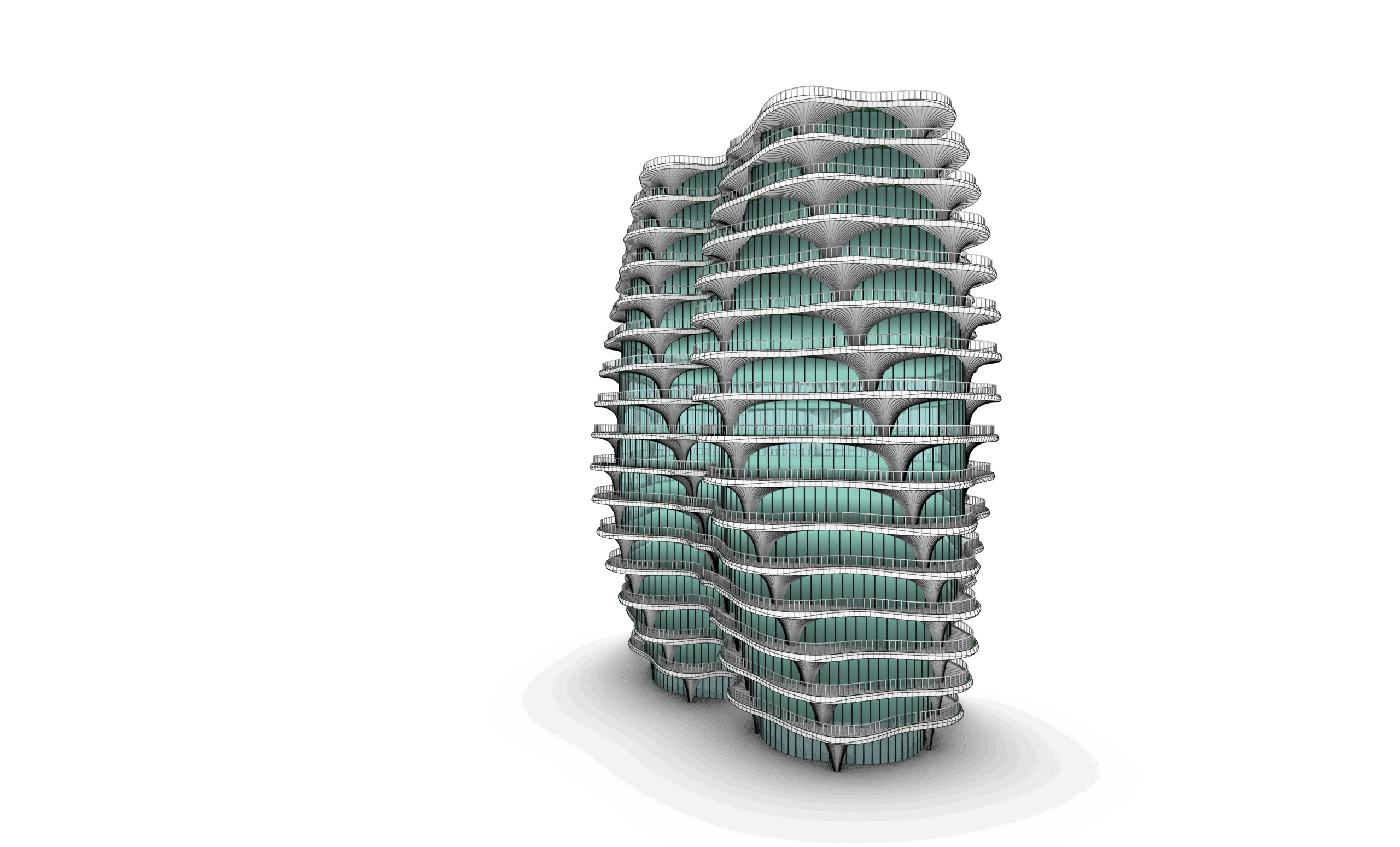
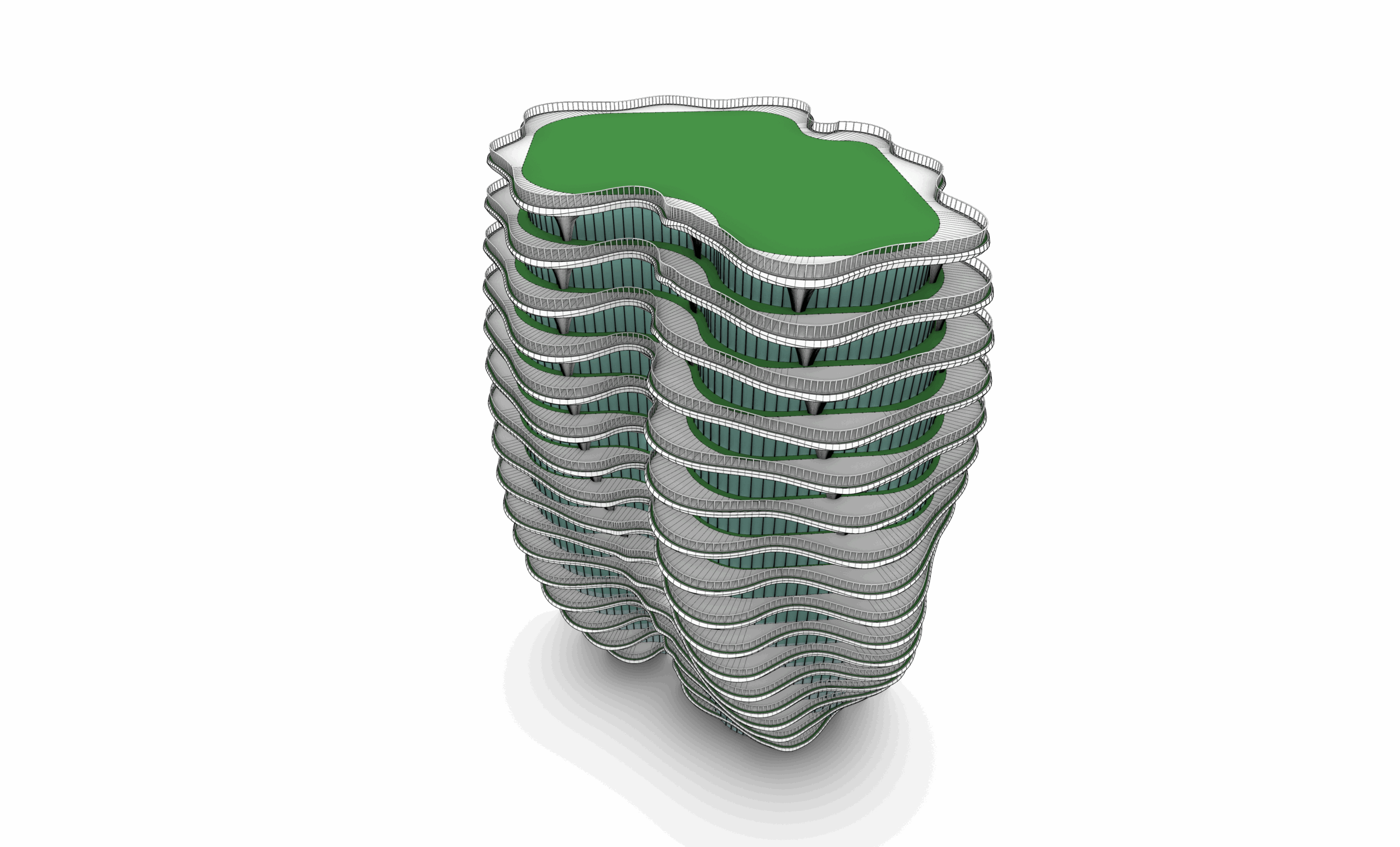
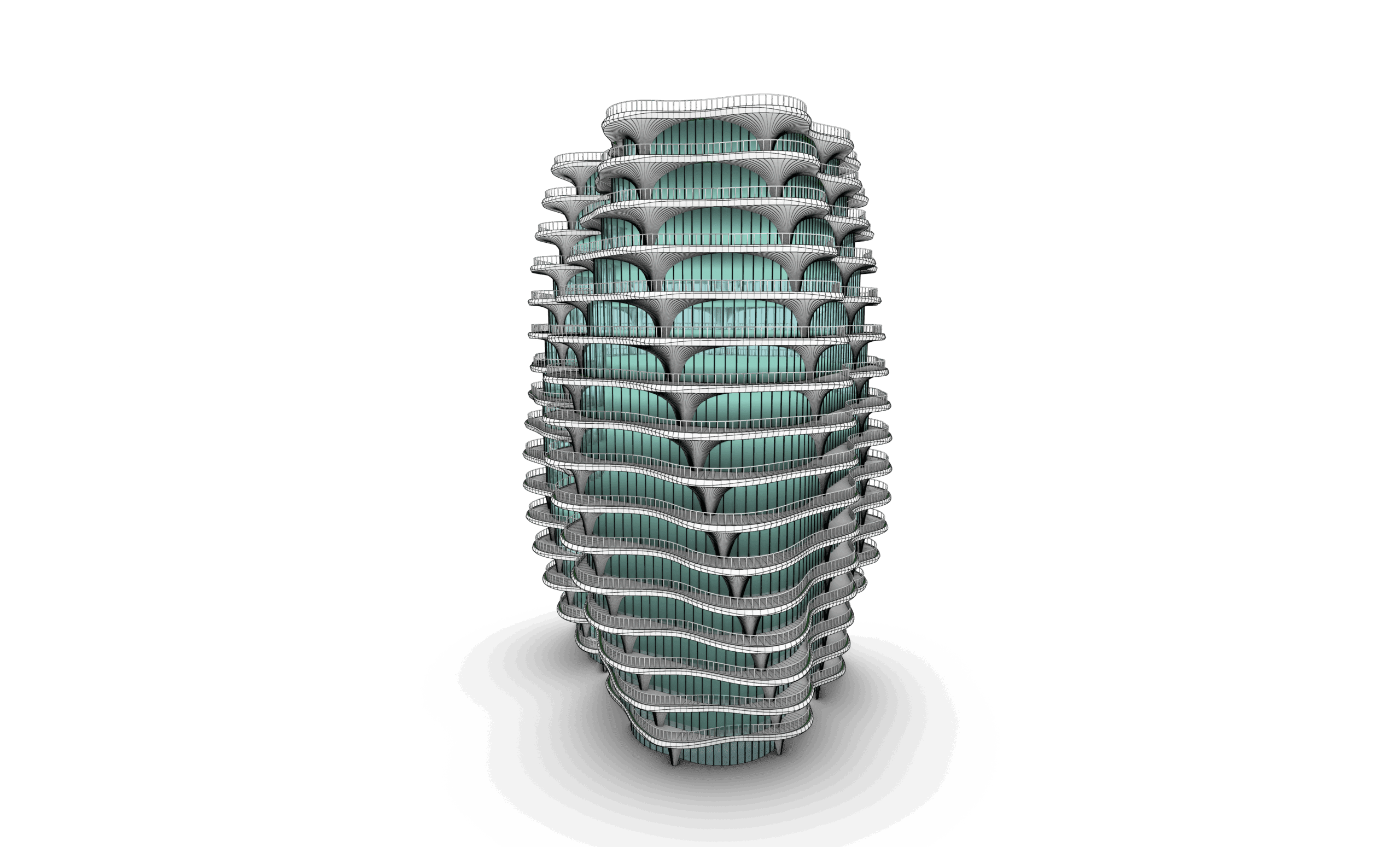
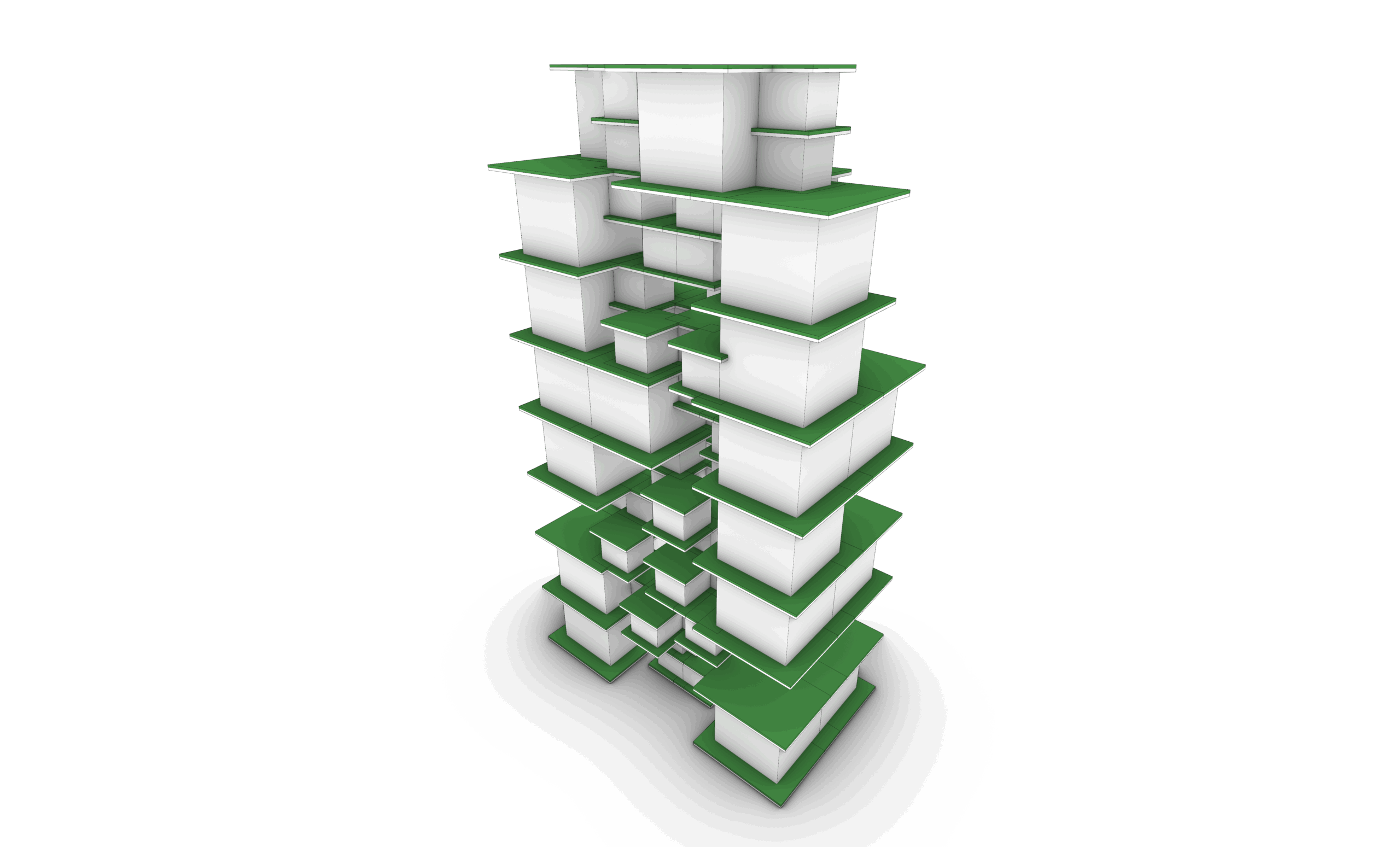
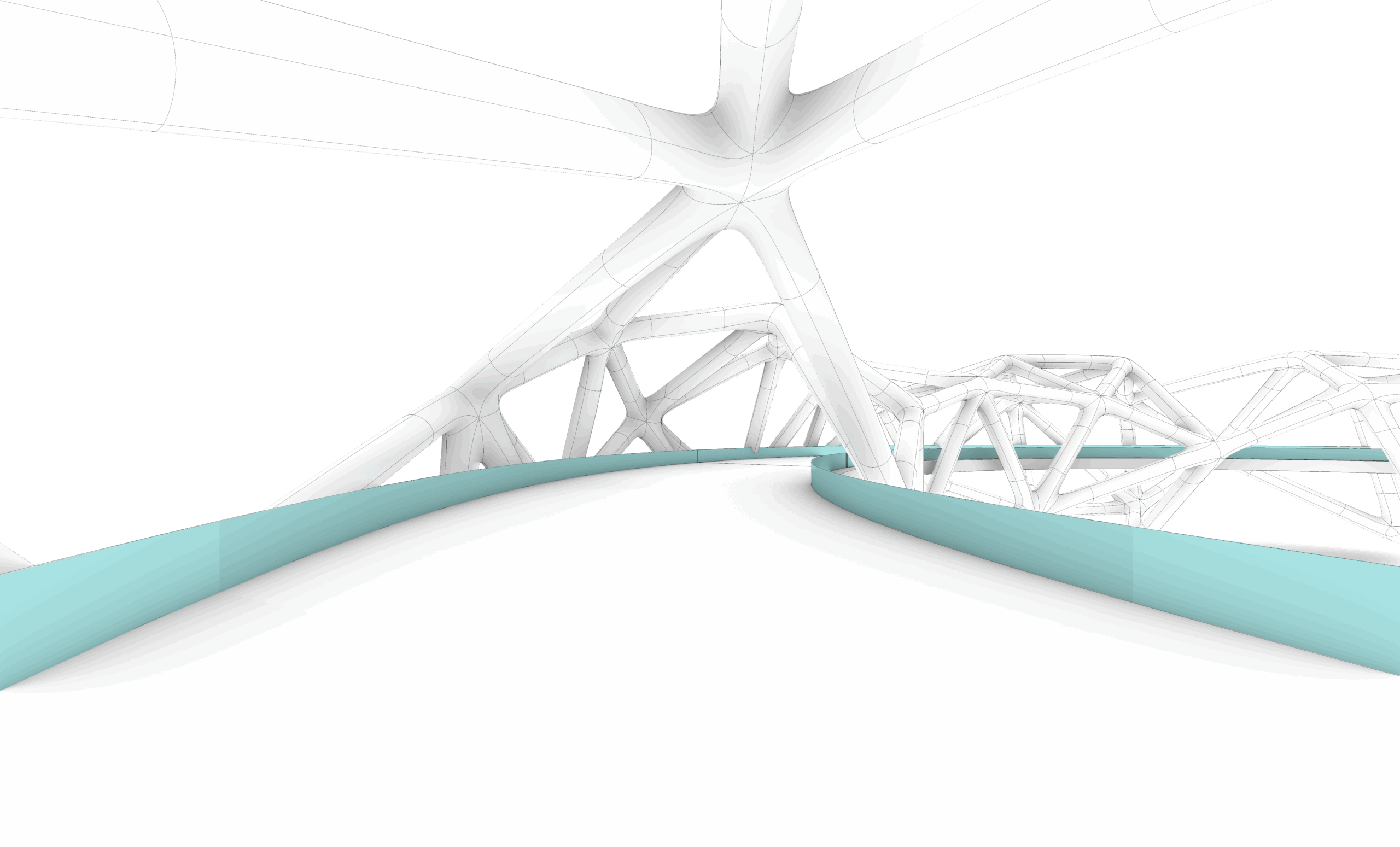
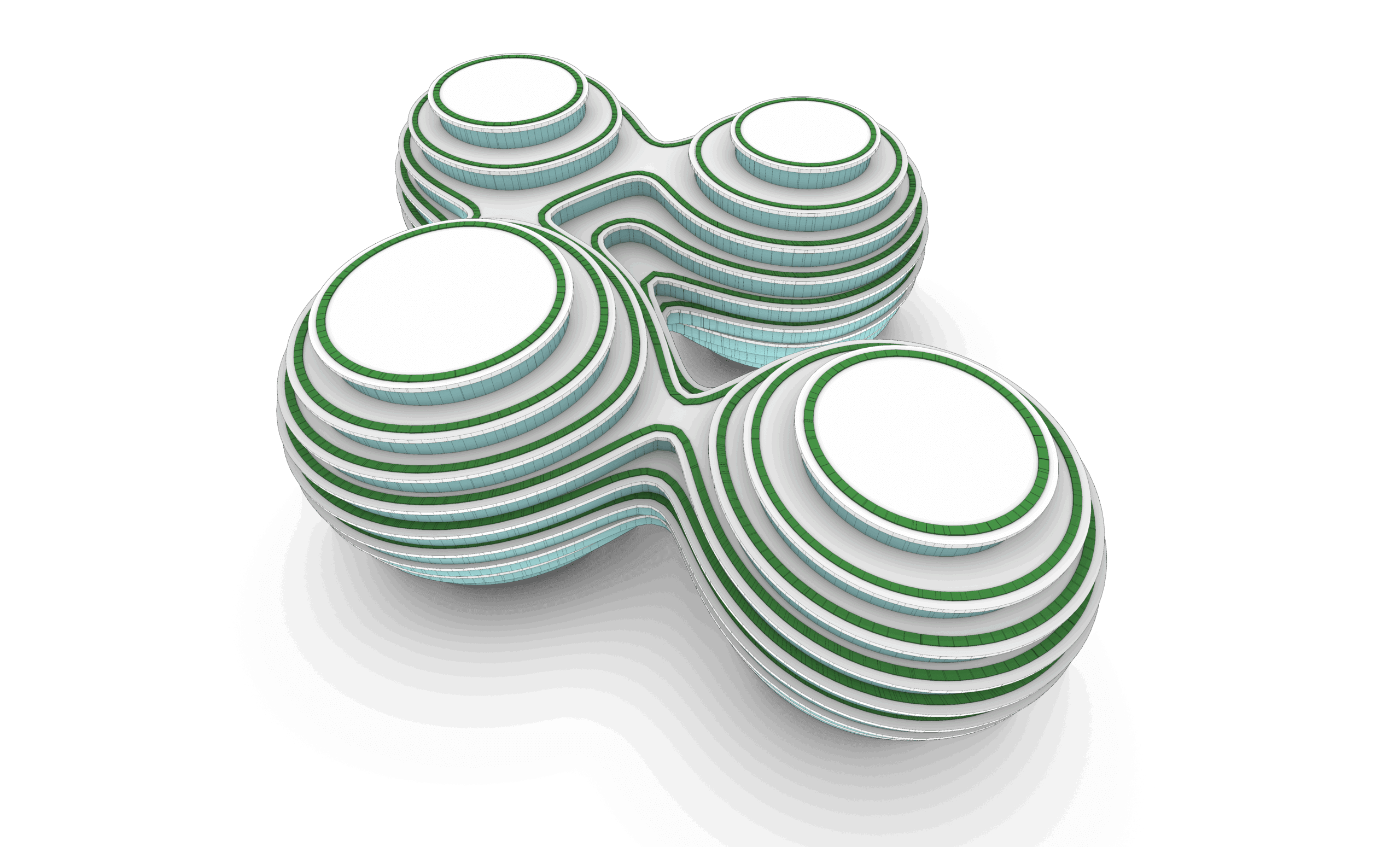
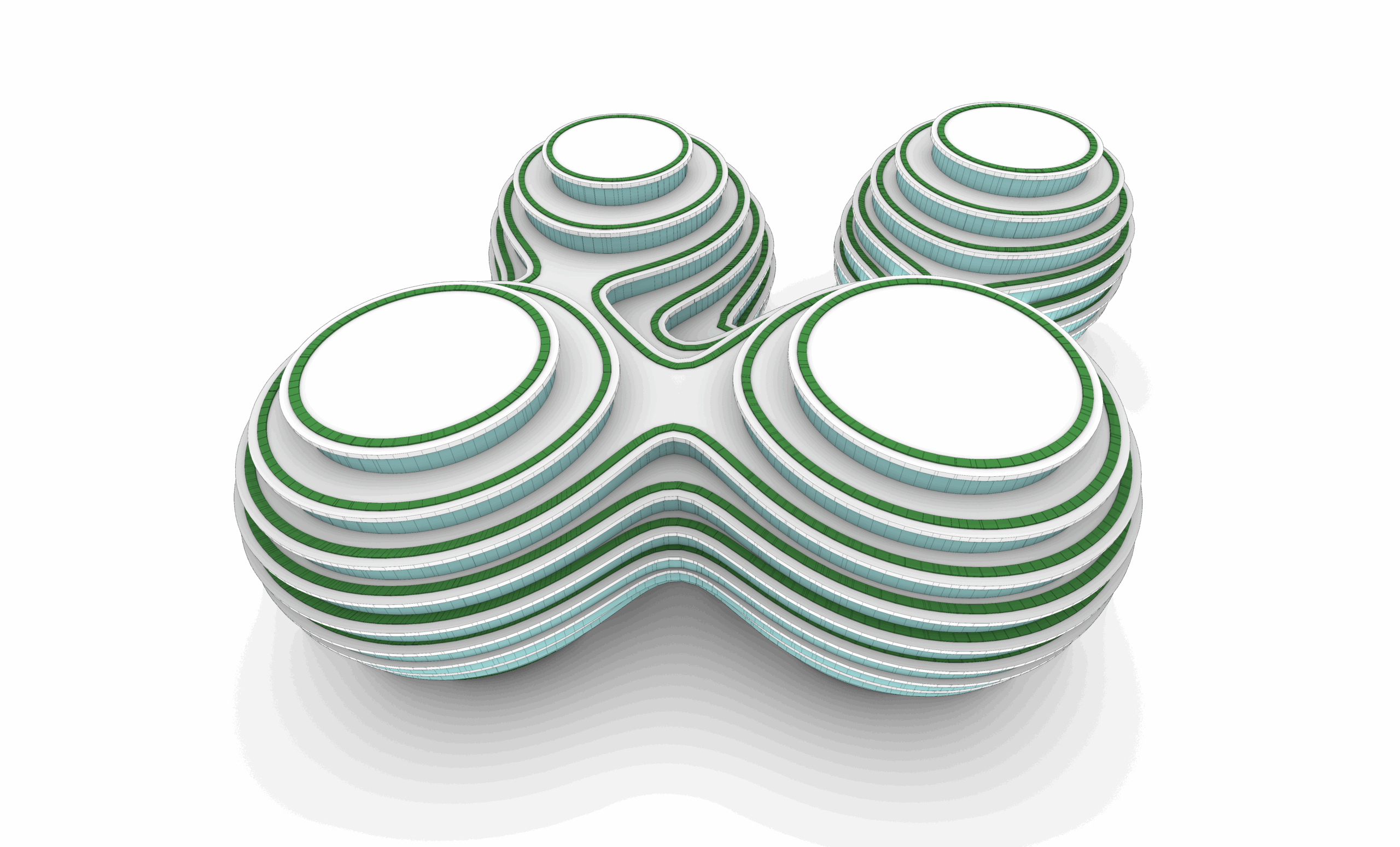
- Real-world applications: facades, installations, field systems, and responsive surfaces
- Covers key plugins like Weaverbird, Lunchbox, Hoopsnake
- Designers, architects, and students looking to master parametric design tools
- Beginners and intermediate users of Rhino who want to dive into Grasshopper from scratch
- Professionals seeking to automate workflows, control geometry through data, and expand their computational skills
Strongly recommended for those who have completed the Rhino Masterclass or are comfortable with basic Rhino modeling
Part 01: Introduction
Session 01: Introduction
This session introduces parametric modeling and explains how it differs from static modeling. Students will understand the logic of relationships and rule-based geometry creation.
Session 02: Grasshopper Introduction
Students will learn the basics of Grasshopper, including what it is, how it works, and why it’s a key tool for computational design in Rhino.
Session 03: Components Types
This session covers the different types of components in Grasshopper, including Params, Logic, Math, and Geometry, and how data flows between them.
Session 04: Inputs
Students will explore common input types like sliders, panels, and geometry containers to control parametric models dynamically.
Session 05: Grasshopper Interface
An overview of the Grasshopper interface, including display settings, wire styles, preview modes, grouping, and how to organize scripts effectively.
Session 06 to 08: Exercise 01
Hands-on exercise applying basic components and logic to create a parametric form using sliders and math.
Part 02: Points, Vectors & Planes
Session 01: Points & Vectors
This session introduces how to create and manipulate points and vectors in Grasshopper, forming the foundation for geometric logic and direction-based modeling.
Session 02: Planes
Students will explore how planes are constructed and used as coordinate systems for transforming, orienting, and building geometry.
Session 03: Vectors & Planes Applications with Curves & Surfaces
This session focuses on vectors and surfaces commands and applications with in curves and surfaces
Session 04: Grids
Students will generate 2D and 3D grids using Grid Native Components in grasshopper
Session 05: Exercise 02
This exercise brings together points, vectors, and planes to create a dynamic, responsive design
Session 06: Fields + Exercise 03
An introduction to scalar and vector fields. Students will explore how to influence geometry using attractors and field manipulation.
Part 03: Math
Session 01: Simple Math Components
Students will explore basic math operations—addition, subtraction, multiplication, and division—essential for controlling numerical input and relationships in parametric models.
Session 02: Simple Mathematics Equations
This session introduces geometry-related equations (area, volume, circle/sphere dimensions) and how to apply them in components and expression editors.
Session 03: Exercise 04
Students will use mathematical expressions combined with looping techniques (e.g., Hoopsnake) to generate iterative geometry.
Session 04: Sine, Cosine & Graph Mapper
An introduction to trigonometric functions and the Graph Mapper for creating waves, periodic patterns, and custom-controlled forms.
Session 05: Exercises 05 + 06
A set of guided exercises using sine, cosine, and graph-based logic to create parametric systems.
Session 06: Number Remapping, Domains, Ranges, Random & Series
Students learn how to structure and remap numeric data using domains, ranges, and random or sequential generators.
Session 07: Exercise 07
An applied task that uses remapped numbers, domain control, and mathematical Graph Mapper to generate a controlled organic Design.
Part 04: Attractors
Session 01: Simple Attractors
Students will learn how to use point, curve, and object-based attractors to influence geometry based on distance or proximity.
Session 02: Image Sampler
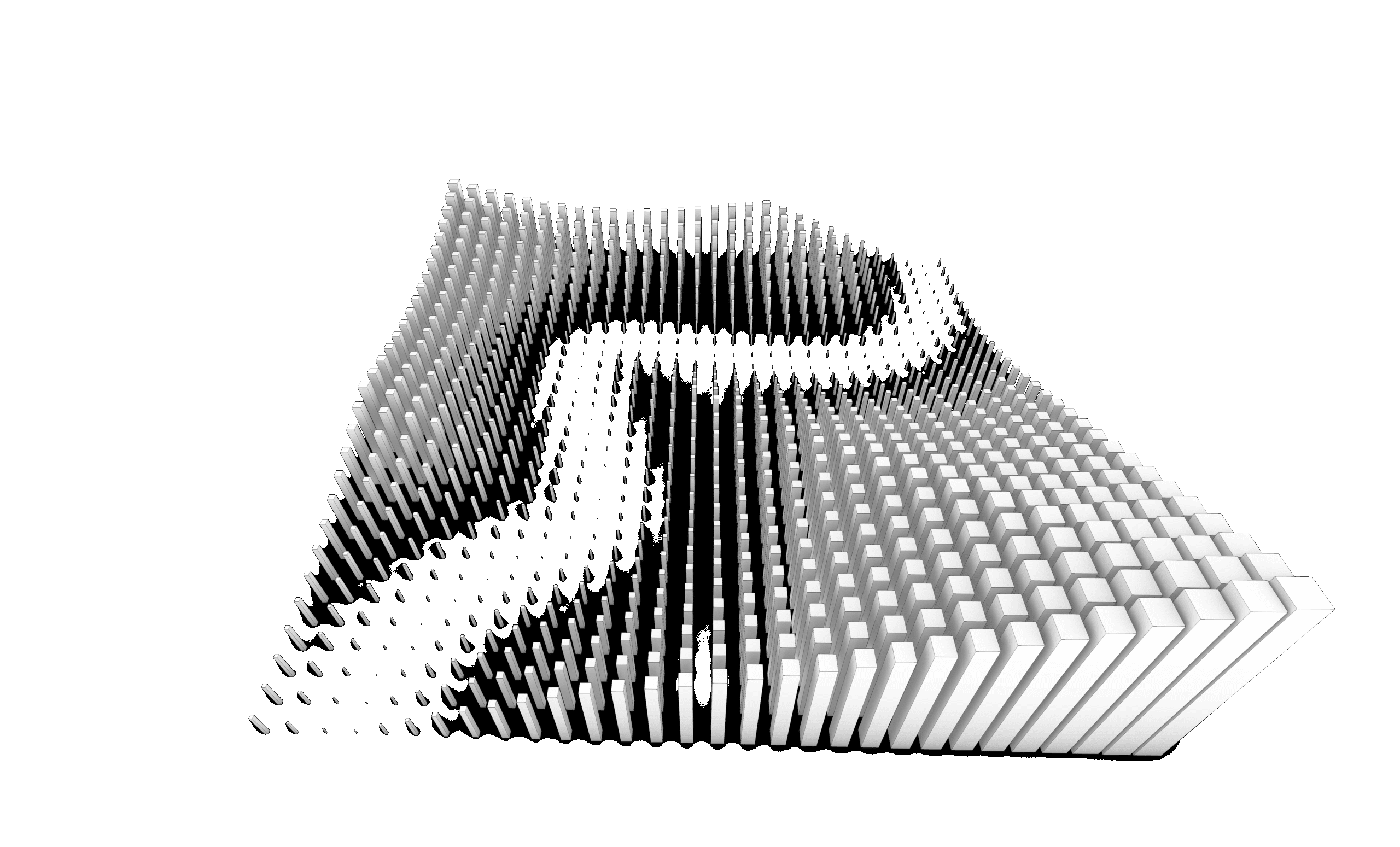
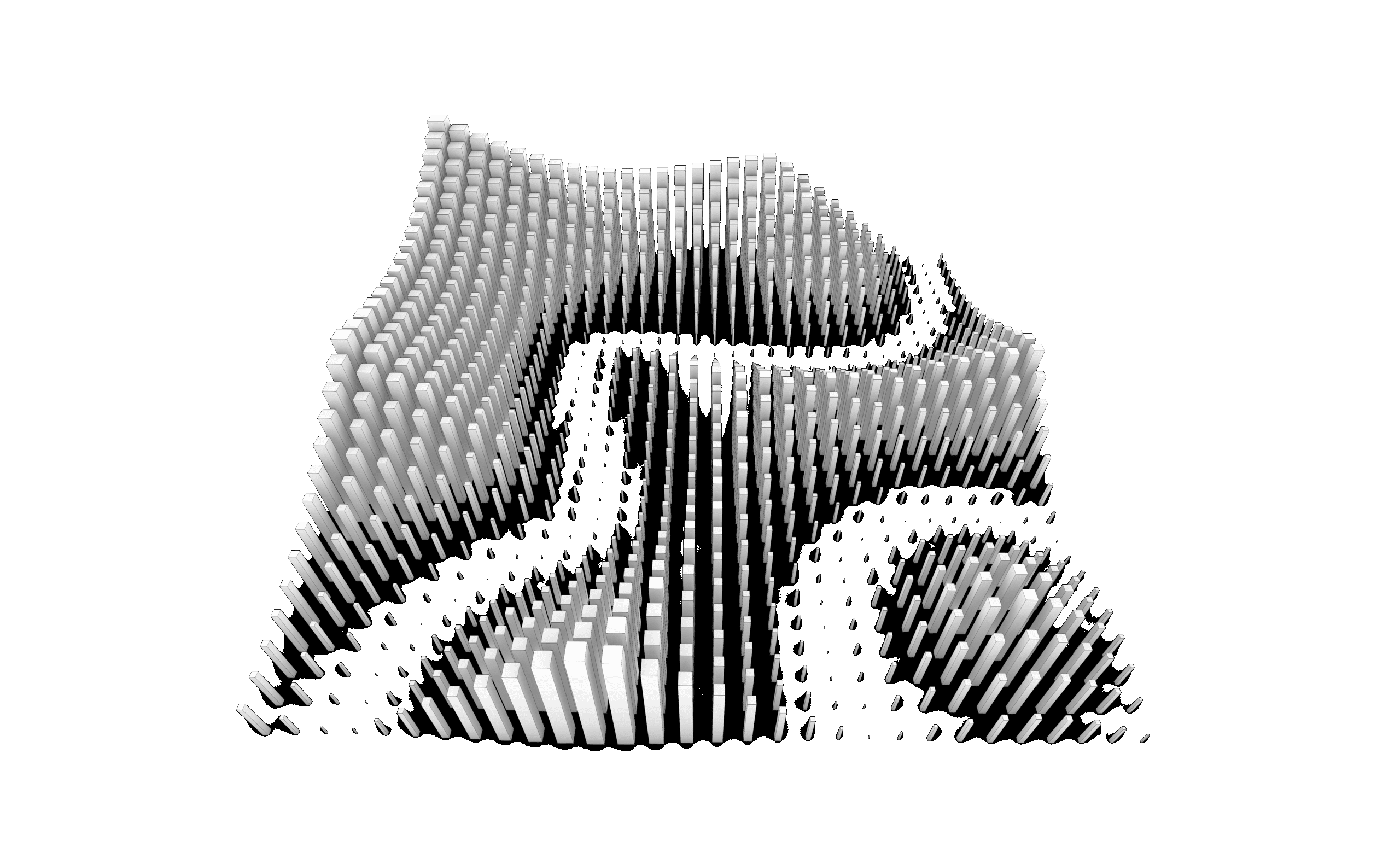
This session introduces the image sampler component, allowing students to extract color and brightness data from images to drive geometry and patterns.
Session 03: Exercise 08 – Pattern Design 01
A guided exercise using attractors to generate responsive design patterns.
Session 04: Exercise 09 – Pattern Design 02
A guided exercise using attractors to generate responsive design patterns.
Part 05: Lists & Trees
Session 01: Introduction to Lists & Trees
This session introduces data structures in Grasshopper, explaining the difference between flat lists and hierarchical data trees.
Session 02: Trees 01 – Graft & Flatten
Students will explore grafting and flattening operations to structure and restructure data for controlled geometric logic.
Session 03: Trees 02 – Advanced Tree Operations
Covers essential tree management tools like Simplify, Shift Path, Flip Matrix, Explode Tree, Tree Branch, Merge, Match Tree, and Stream Filter.
Session 04: Lists 01 – Basics
Introduces list operations like item selection, list length, and list manipulation to control geometry through indexing.
Session 05: Lists 02 – Advanced Manipulation
Students will work with sorting, reversing, culling, and shuffling lists to structure design logic and variability.
Session 06: Sequence
Covers generating and using number sequences with range, series, and steps to automate repetitive design logic.
Session 07: Sets
Students will explore set operations (union, intersection, difference) and tools like duplicate removal and member index.
Session 08: Lists & Trees Applications in Previous Tasks
A recap session applying list and tree logic to earlier exercises, reinforcing understanding through real examples.
Part 06: Curves
Session 01: Parameter Space
Students will understand how Grasshopper interprets curve domains and parameter space, enabling precise control over curve operations.
Session 02: Curves Primitive Commands
Covers basic curve creation tools such as lines, arcs and circles to build foundational geometry.
Session 03: Curves Spline Commands
Focuses on smooth curve generation using Interpolate and NURBS curves.
Session 04: Curves Utilities Commands
Explores offsetting, filleting, rebuilding, and other utilities to refine and modify curves.
Session 05: Curves Division Commands
Students will learn how to divide curves into segments or points using various division methods and logic.
Session 06: Curves Analysis Commands
Introduces tools to analyze curvature, tangents, length, and other curve properties to drive design logic.
Session 07 to 09 : Exercise 10
Hands-on task creating a parametric pattern driven by curve logic and division points.
Part 07: Surfaces
Session 01: Surface Primitive Commands
Students will learn how to create simple surfaces from primitives like planes, boxes, and cylinders directly within Grasshopper.
Session 02: Surface Freeform Commands
Covers generation of custom surfaces using Loft, Sweep, and Boundary tools, ideal for organic and fluid geometries.
Session 03: Surface Utility Commands
Introduces offsetting, rebuilding, trimming, and extending surfaces to enhance and control design logic.
Session 04: Surface Analysis Commands
Explores curvature analysis, UV directions, and surface evaluation tools to inform performance and continuity.
Session 05: SubD Commands
Students are introduced to SubD surfaces and their integration with Grasshopper for subdivision-based design.
Session 06: Lunchbox Plugin
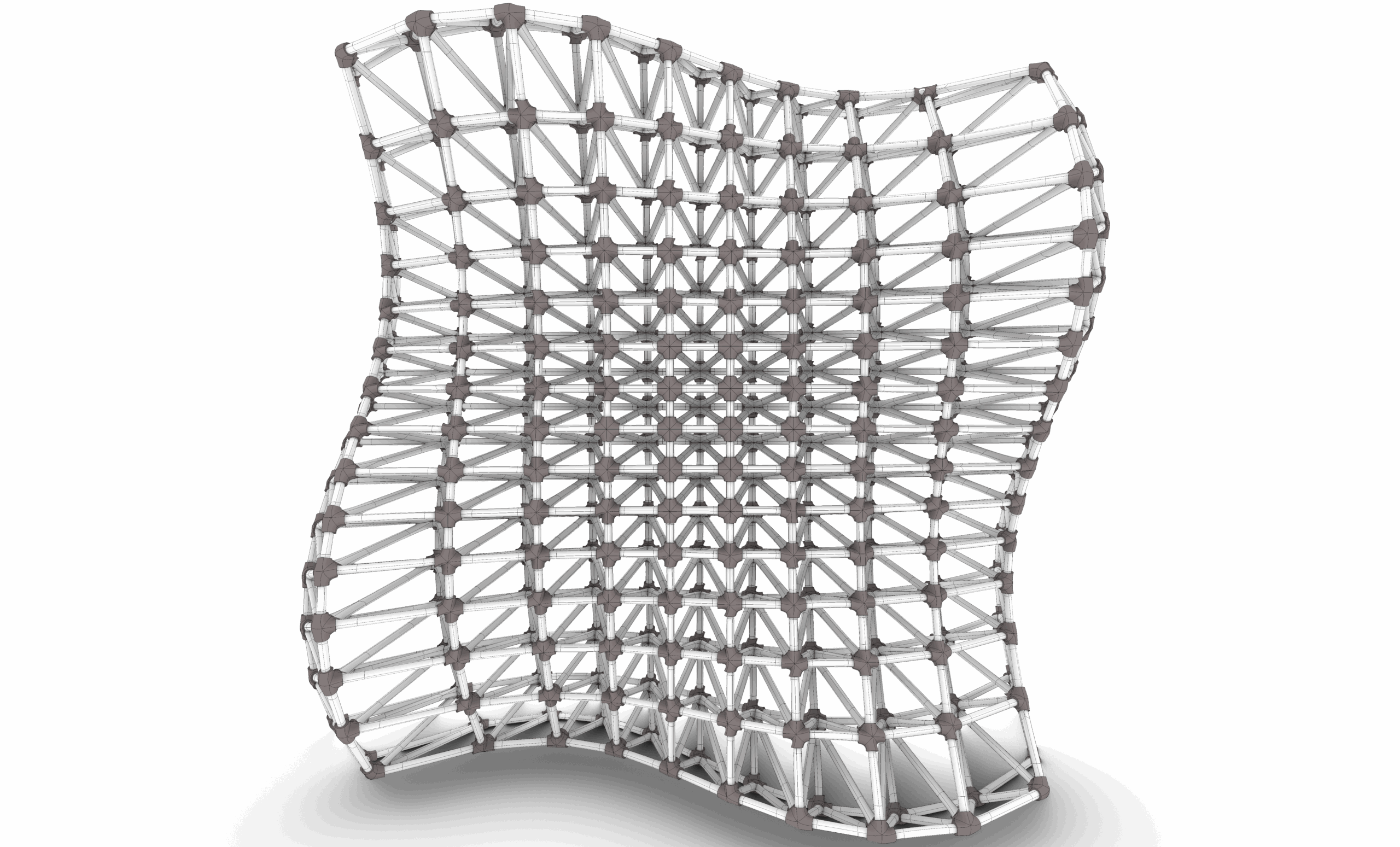
Covers the use of Lunchbox to create parametric panels, grids, and surface-based patterns with efficient workflows.
Session 07: to 09 Exercise 11-14 – Water World Patterns
Applies learned surface tools and plugins to generate a complex pattern.
Part 08: Meshes
Session 01: Meshes Primitive Commands
Students will learn how to create base mesh geometries like mesh boxes, spheres, and grids directly in Grasshopper.
Session 02: Meshes Utility Commands
Covers essential mesh operations such as joining, exploding, welding, and mesh subdivision for clean topology control.
Session 03: Meshes Analysis Commands
Introduces tools for evaluating mesh quality, face count, edge directions, and normal orientation.
Session 04: Weaverbird Plugin
Students explore the Weaverbird plugin to apply subdivision, smoothing, and mesh thickening for organic and detailed forms.
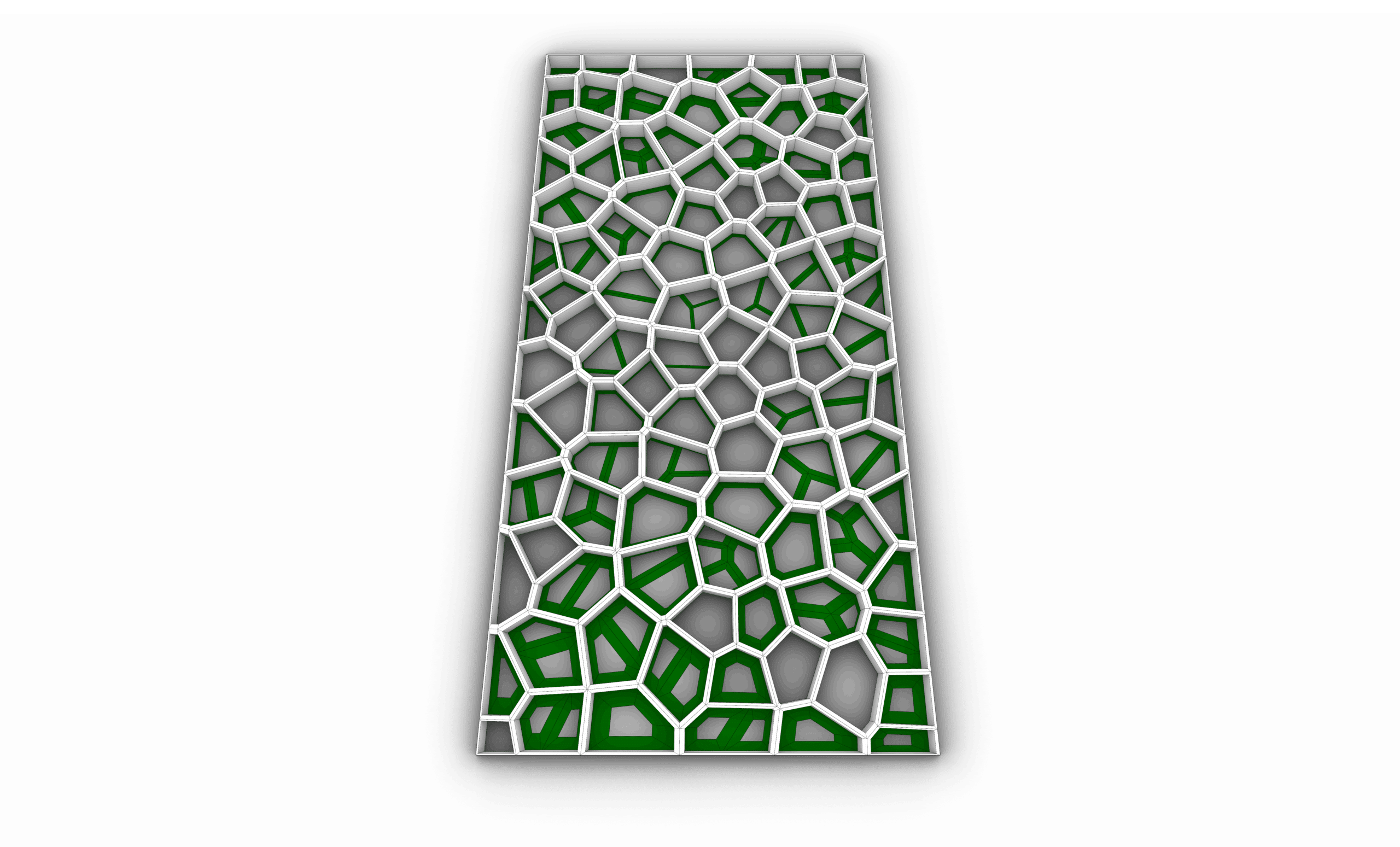
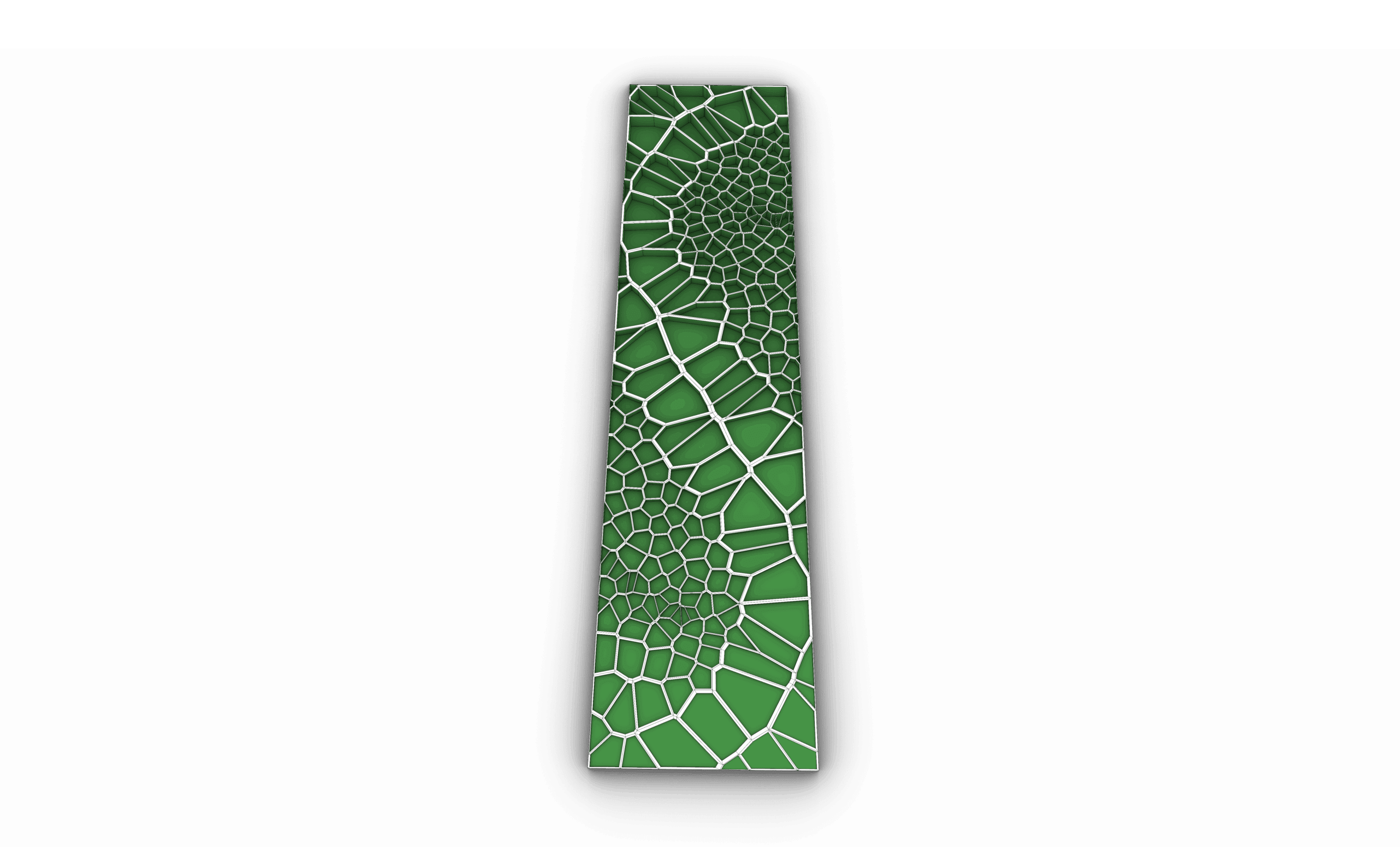
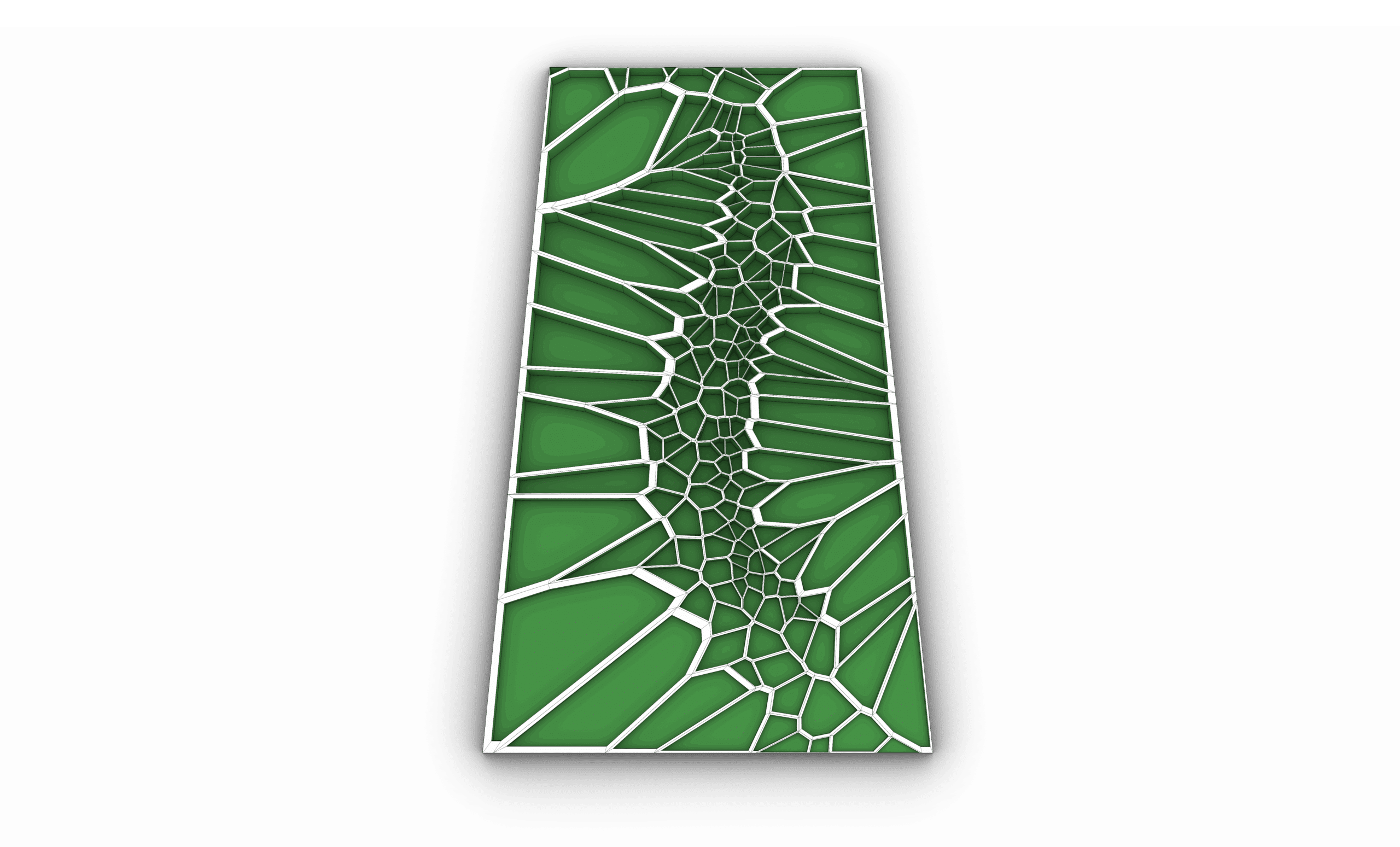
Session 05: Triangulation (Voronoi) + Exercises 15-18
Applies Voronoi-based triangulation on mesh surfaces and grids, followed by Exercises 15–17 to develop complex mesh patterns.
Session 06: Triangulation (Quad Tree + Metaball) + Exercises 19-21
Focuses on recursive quad tree subdivision and metaball generation, concluding with Exercises 19–21 for fluid mesh structures.
Part 09: Intersections
Session 01: Shapes Intersections
Students will learn how to find intersections between basic geometries like lines, curves, and surfaces using logical operators.
Session 02: Regions Intersections
Covers region-based operations such as union, difference, and intersection for creating complex 2D and planar compositions.
Session 03: Physical Intersection
Explores the use of intersecting solids and surfaces in 3D space to generate new geometries through trimming and splitting.
Session 04: Mathematical Intersection + Exercise 22
Introduces mathematical intersection techniques such as Brep–Plane intersections and Contour tools to extract section curves from complex geometry.
Session 05 to 07: Exercise 23
Students will apply intersection commands to generate sliced geometry and contour-based design elements.
Part 10: Transformation & Morph
Session 01: Transformation – Affine Commands
Students will learn foundational affine transformations including scale, project, and shear to control geometry with numeric precision.
Session 02: Transformation – Array Commands
Covers linear, polar, and rectangular arrays to distribute geometry parametrically across a defined system.
Session 03: Transformation – Euclidean Commands
Explores basic spatial operations like move, rotate, and mirror for structuring and orienting geometry.
Session 04: Morph 01 – Box Morph, Twisted Box, Blend Box
Introduces morphing techniques using bounding boxes to map geometry across varying volumes and forms.
Session 05: Morph 02 – Morph & Domains
Students will learn how to remap geometry using domain transformations and understand how ranges control morphing logic.
Session 06: Surface Morph + Exercise 24
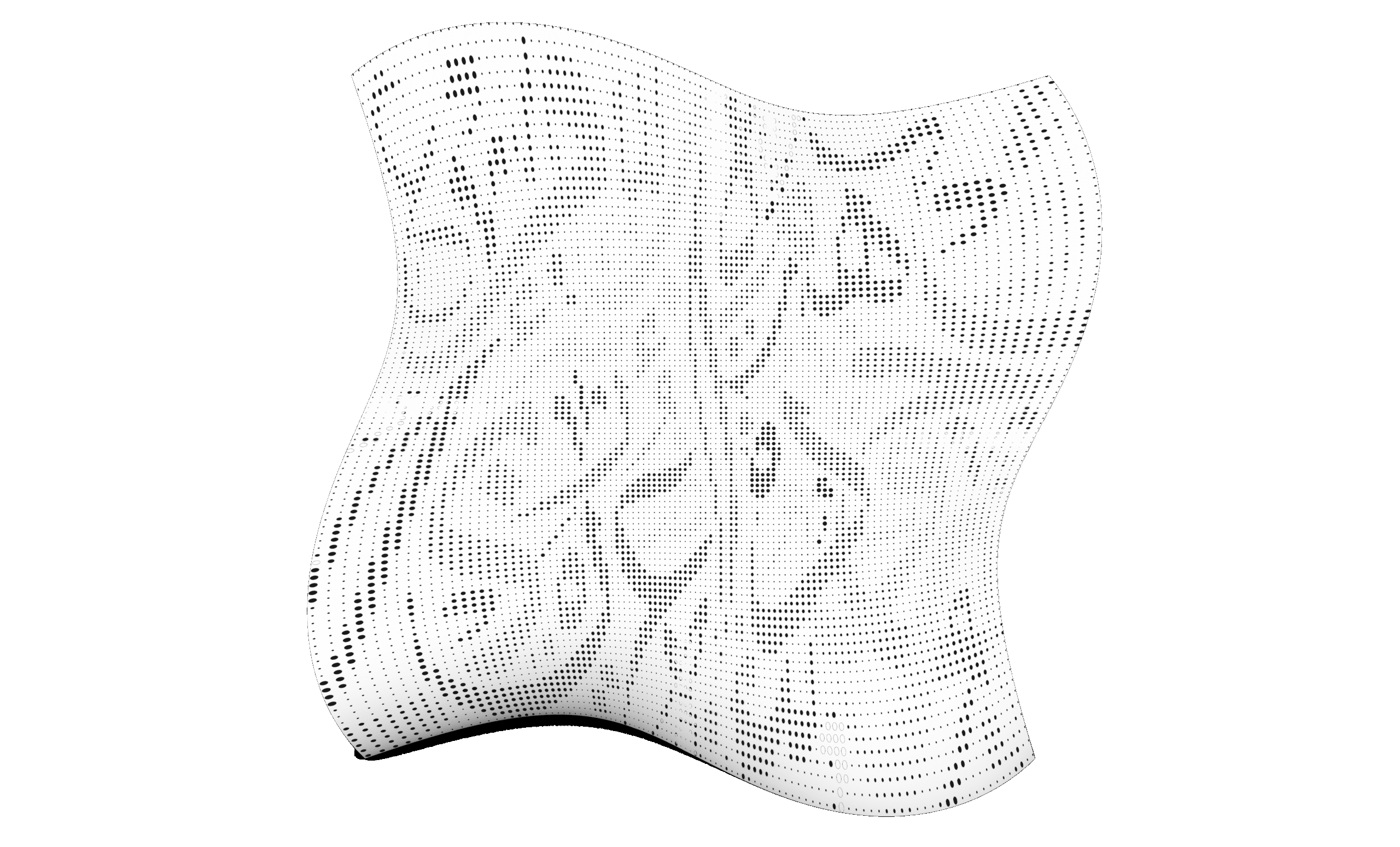
Applies surface morphing tools to project complex patterns or modules onto curved surfaces.
Session 07: Exercise 25
A hands on task integration morph commands
Session 08: Syntax Deform + Exercise 26
Covers deforming geometry through field logic and syntax-driven manipulation, followed by an applied exercise.
Session 09: Map to Surface + Exercise 27
Final transformation exercise using the "map to surface" workflow to generate responsive surface systems.
Part 11: Final Exercise
Session 01 to 3: Final Exercise 28
Students will start a capstone project that brings together points, vectors, curves, surfaces, lists, and transformations into a unified parametric system.
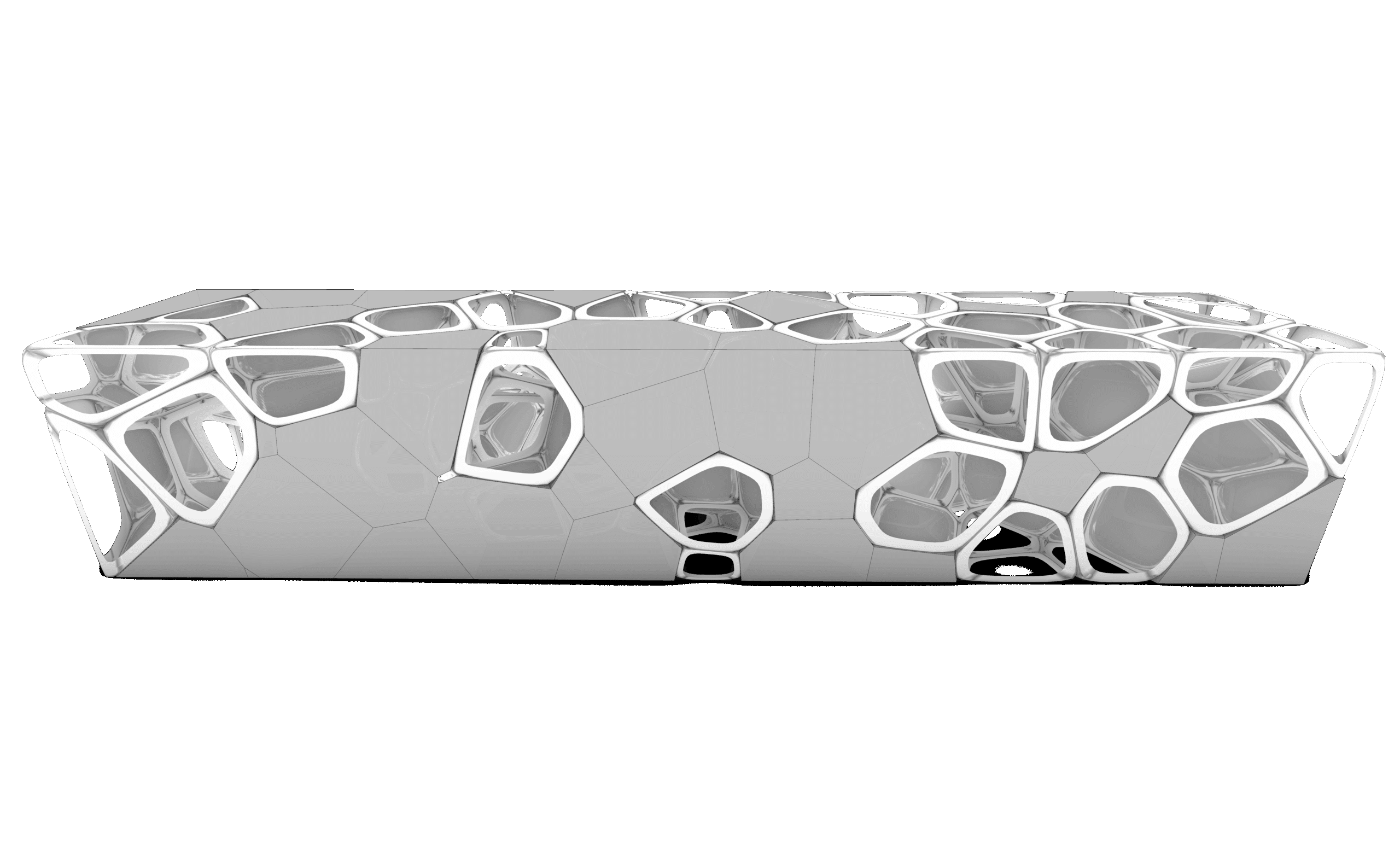
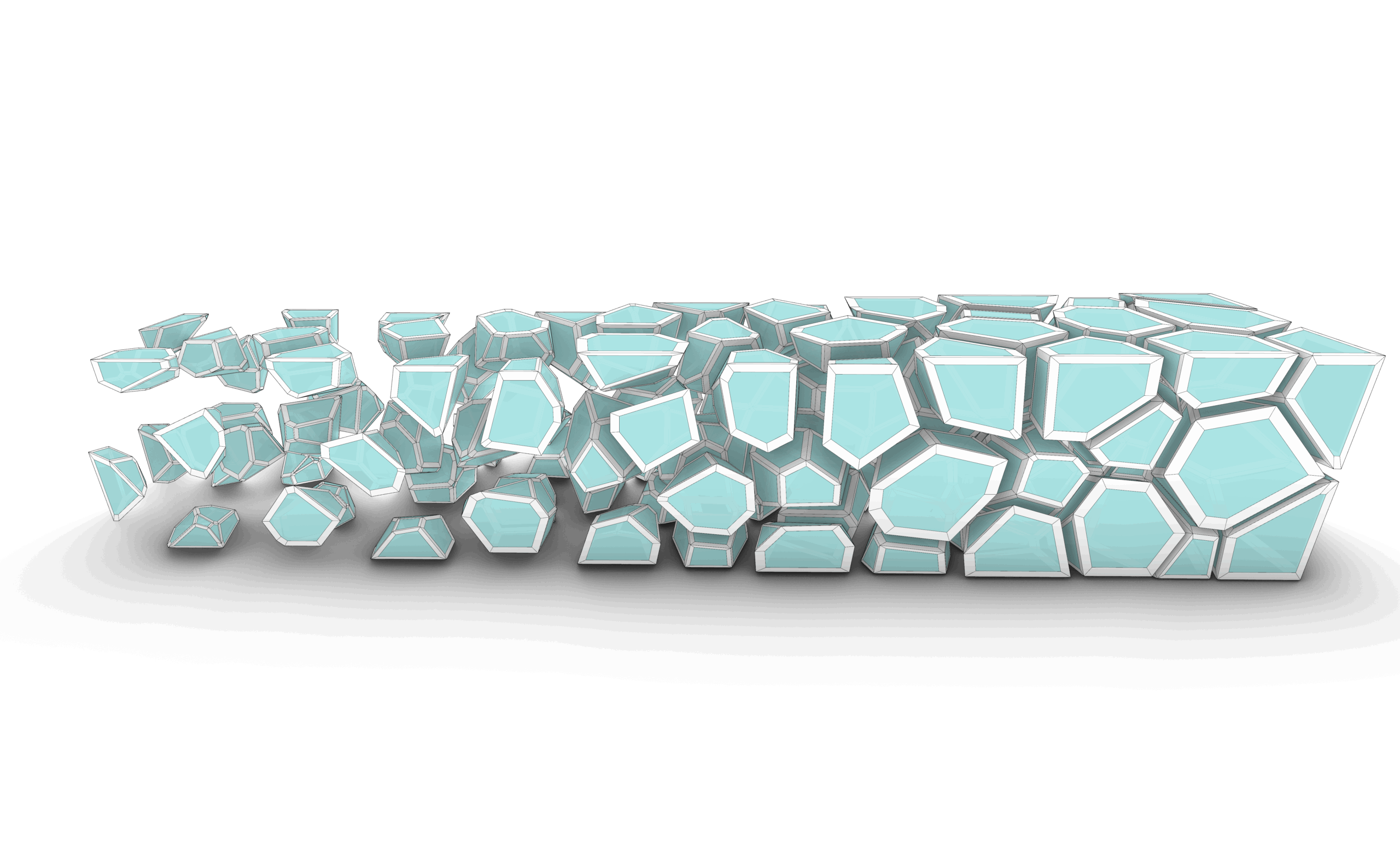
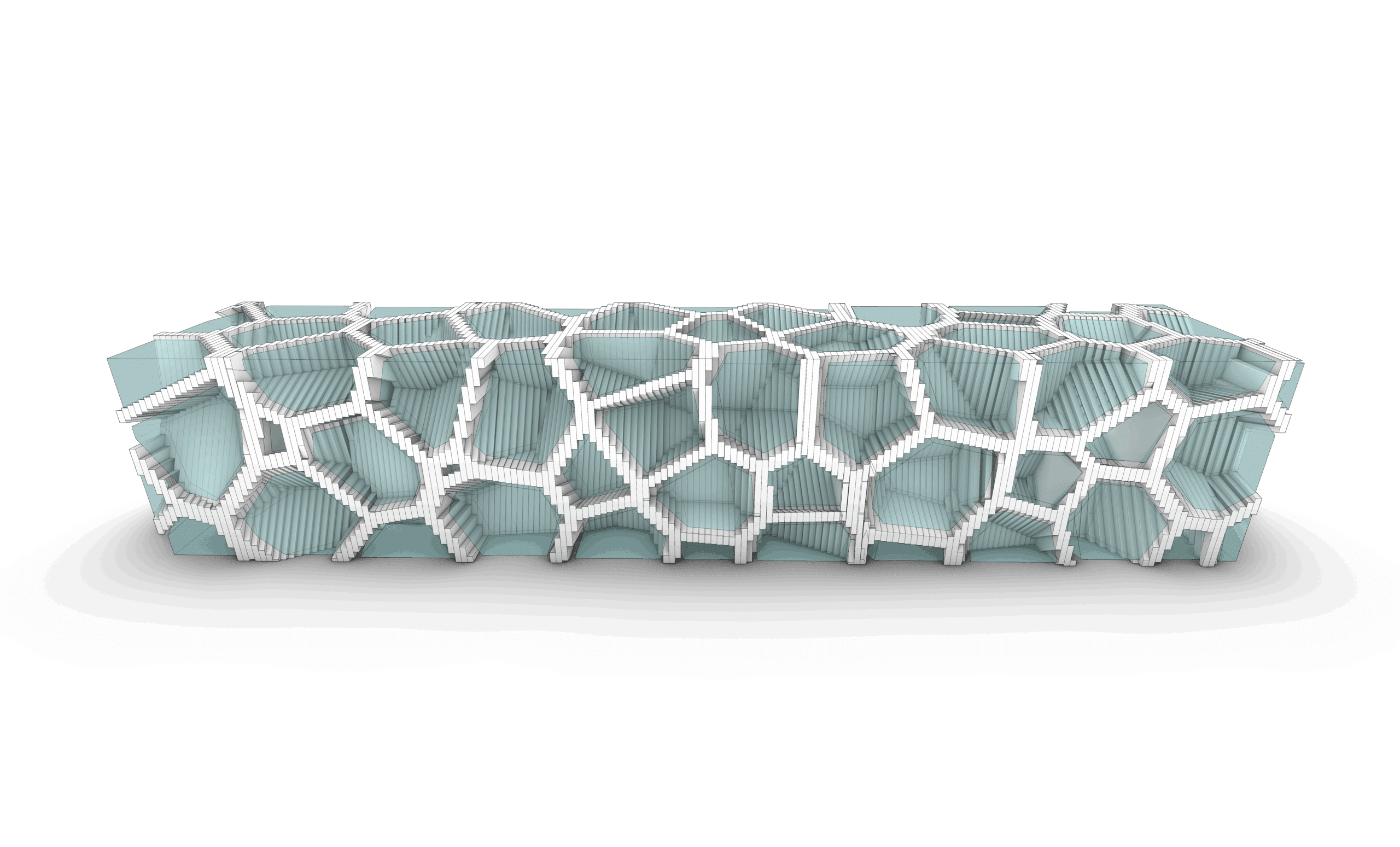
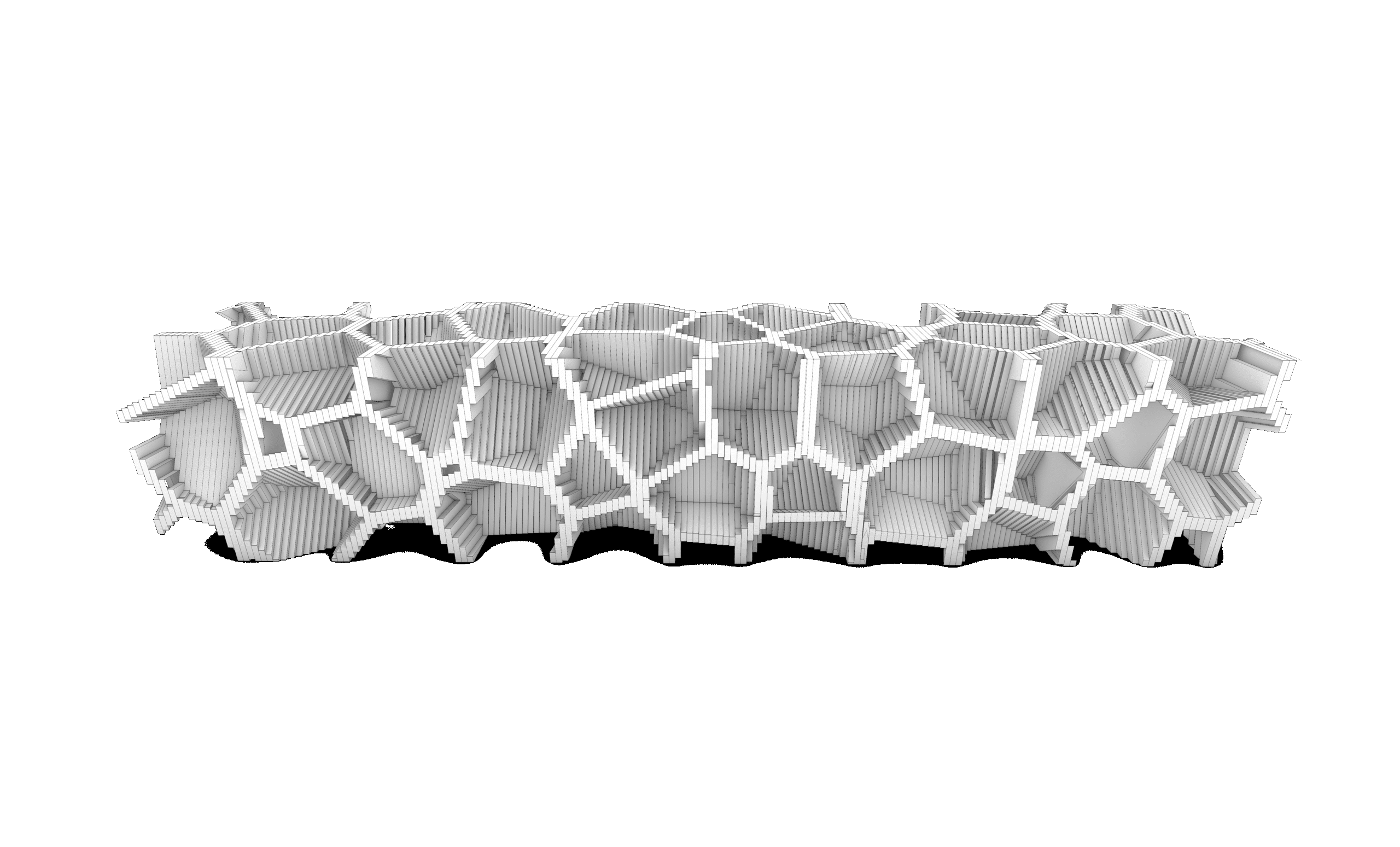
One of the best Grasshopper courses I’ve taken. It breaks down parametric design in a very logical way, starting from basics all the way to advanced definitions. The exercises helped me understand how to think parametrically and automate design tasks efficiently.
its good and interesting
Even though I’ve been using Rhino for a couple of years, I honestly found this course very useful. There were a lot of new commands, shortcuts, and small tricks I didn’t know about before, and they really helped me speed up the modeling process.
Overall, I highly recommend the course. The content is solid, and everything is explained clearly.
Honestly, the course was excellent. The explanation of the tools and basic concepts in Grasshopper was clear and helpful, even for beginners with some prior experience.
The instructor followed a structured approach to delivering the information, starting with the fundamentals and progressing to a level where students could design their own projects.
The practical aspect was one of my favorites, as each lesson included a hands-on application that allowed me to understand how to create everything in a real project.
I have taken so many courses before from all over the world, so far the is the best one! Everything is clear and organized and easy to digest!
Special offer:
Sale ends in
-30%
200 USD Original price was: 200 USD.140 USDCurrent price is: 140 USD.
This course includes:
- Downloadable Content
- Madesst certificate upon reguest
- Instructor support
Course specifications
- +27 HRS
- 11 Parts
- 76 Session
- Arabic
- 4K