Advanced Organic Modeling
Average Rating
This course is dedicated to mastering advanced techniques for creating complex, smooth, and organic shapes within Rhino. Focusing on freeform design, you will learn how to craft intricate organic models, from natural forms to detailed surfaces. The course will equip you with the skills to sculpt advanced geometries with precision, allowing you to push the boundaries of what’s possible in Rhino’s modeling environment.
- Project-based learning: Build a comprehensive professional project usding SubD Tools
- In-depth exploration of SubD core tools
- advanced techniques for modeling complex organic shapes
- Intermediate to advanced Rhino users.
- Architects and designers looking to improve their proficiency in organic modeling
recommended to join the Rhino Masterclass Course Prior to joining the advanced organic modeling
Part 01: SubD Tools
Session 01: Introduction to SubD Modeling
This session introduces the concept of SubD modeling in Rhino, comparing Mesh, NURBS, and SubD workflows. Students will also learn how to use SubD selection filters and manipulate points, edges, and faces with basic transformation commands such as Move, Rotate, and Scale.
Session 02: SubD Creation Tools
Students will explore the core tools for creating SubD objects, including primitive shapes like Box, Cylinder, and Torus, as well as surface-based methods like Loft and Sweep for generating custom base geometries.
Session 03: SubD Modification Tools 1
This session focuses on fundamental SubD editing tools, such as Crease, Insert Edge Loop, Expand, and Bevel, which allow students to refine and shape their geometry efficiently.
Session 04: SubD Modification Tools 2
Students will continue exploring editing commands, including Merge All Coplanar Faces, Inset, Extrude Face, Insert Point, Stitch, Fill SubD Hole, Bridge, Symmetry, Radiate, and Offset SubD, essential for sculpting complex organic forms.
Session 05: SubD Modification Tools 3
Advanced tools such as Subdivide SubD, Spin Edge, Slide Edge, Merge Faces, Quad Remesh, Convert to SubD, and Convert to NURBS will be covered, allowing students to fine-tune geometry and optimize their workflow.
Session 06: SubD Modification Tools 4
This session introduces organizational and cleanup tools such as Named Selections, Soft Transform, Project Curve, Extract Surface, and Repair, helping students manage complex models and ensure geometry integrity.
Part 02: SubD Application Tasks
Session 01: Bridge-Based Modeling Exercise
In this session, students will focus on a guided task utilizing the Bridge command alongside point, edge, and face transformations to develop organic connections within SubD forms
Session 02: NURBS to SubD Workflow
Students will learn how to convert traditional Rhino geometry into SubD objects, modify them organically, and convert the final model back into Rhino surfaces for further refinement or export.
Part 03: Main Organic Modeling Project
Session 01: Organic Curves Creation
Students will begin by drawing expressive, controlled curves as a foundation for their organic design.
Session 02: From Curves to SubD Geometry
This session guides students through generating SubD surfaces from curves, setting up the initial form for further sculpting.
Session 03: SubD Form Development
Students will refine their geometry using SubD editing tools to develop fluid, organic shapes.
Session 04: Adding SubD Details
This session focuses on integrating detailed features and transitions into the SubD model, enhancing complexity and realism.
Session 05: Finalizing the SubD Model
Students will complete the project by cleaning, converting, and preparing the final SubD model for presentation, rendering, or fabrication.
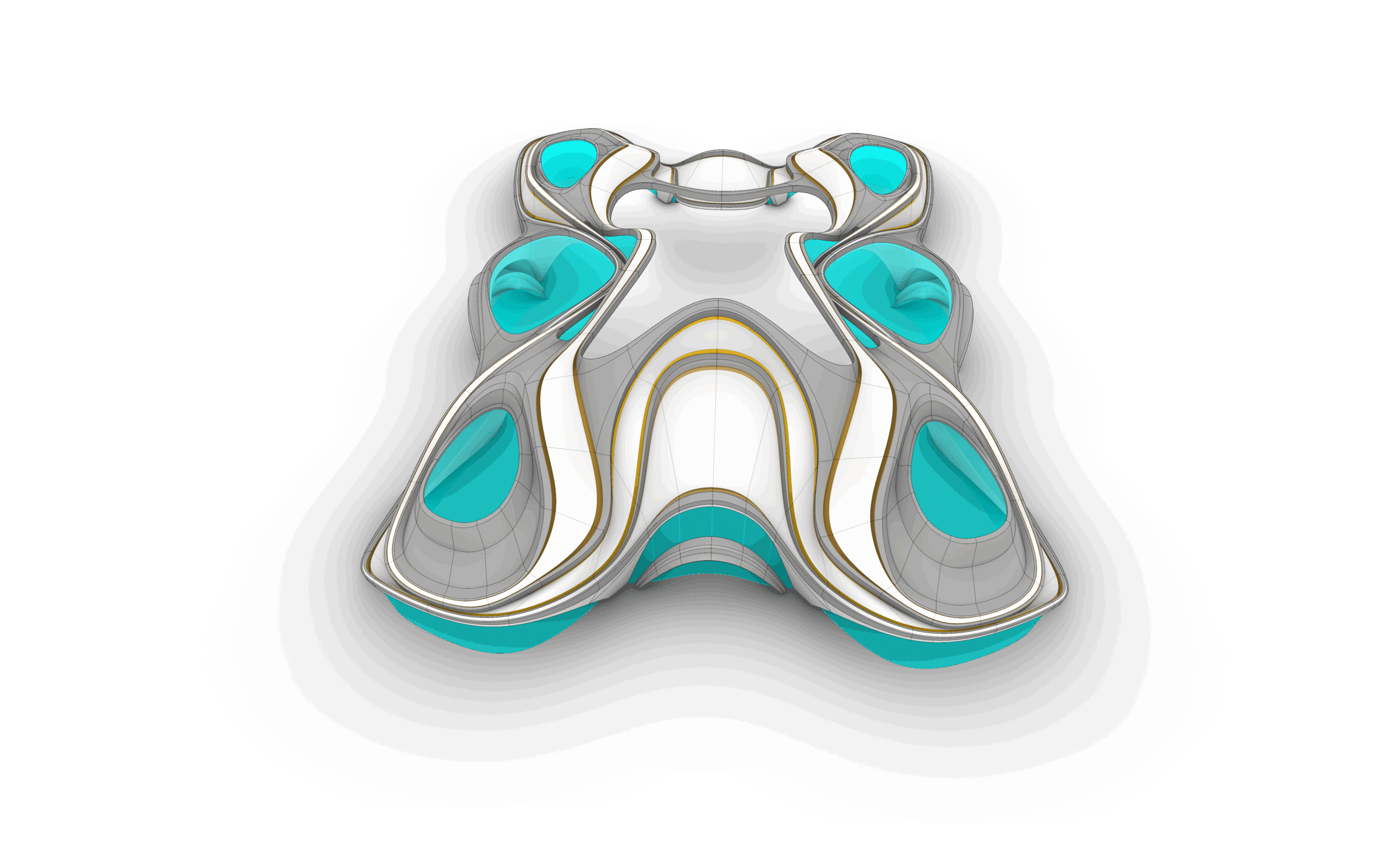
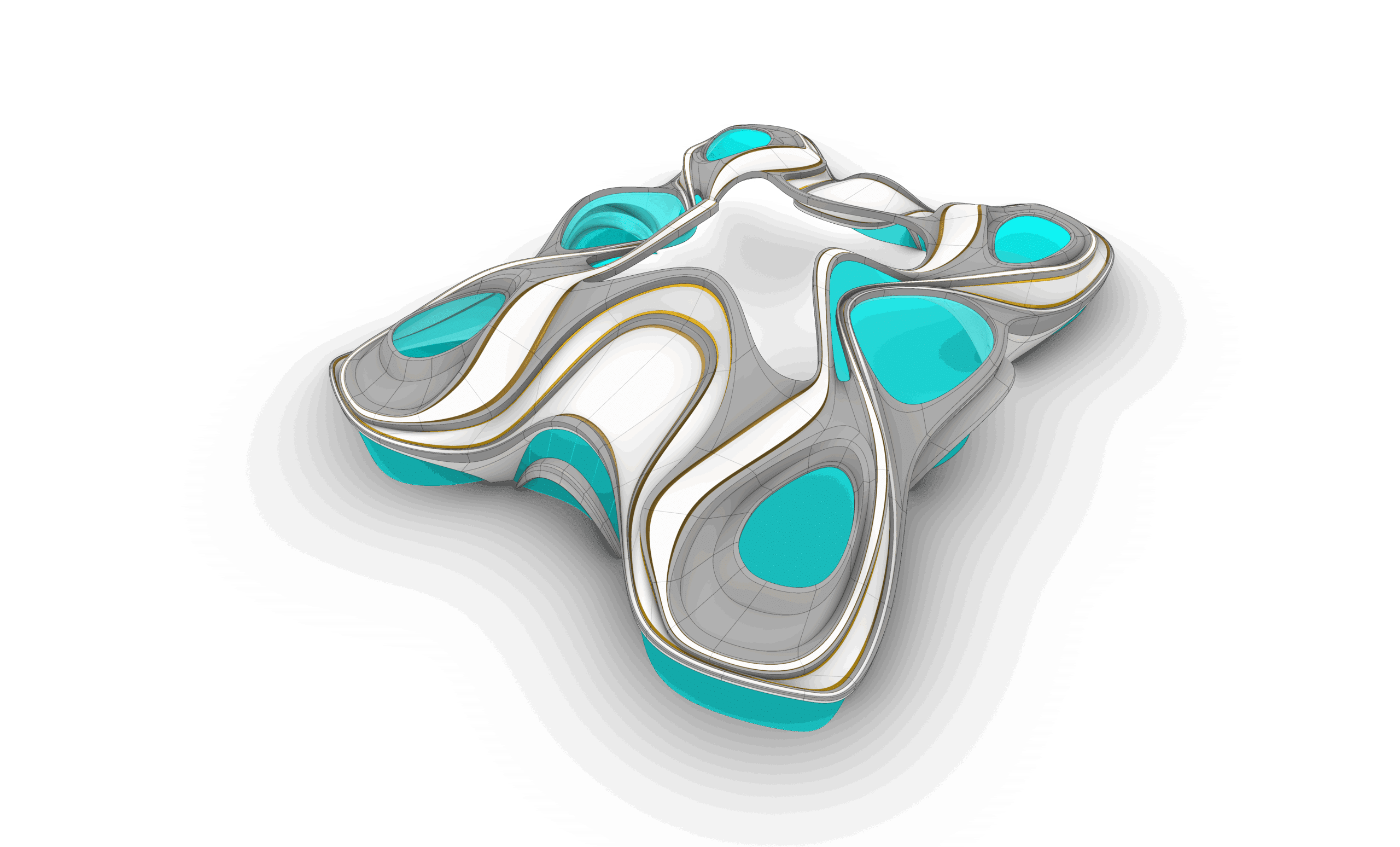
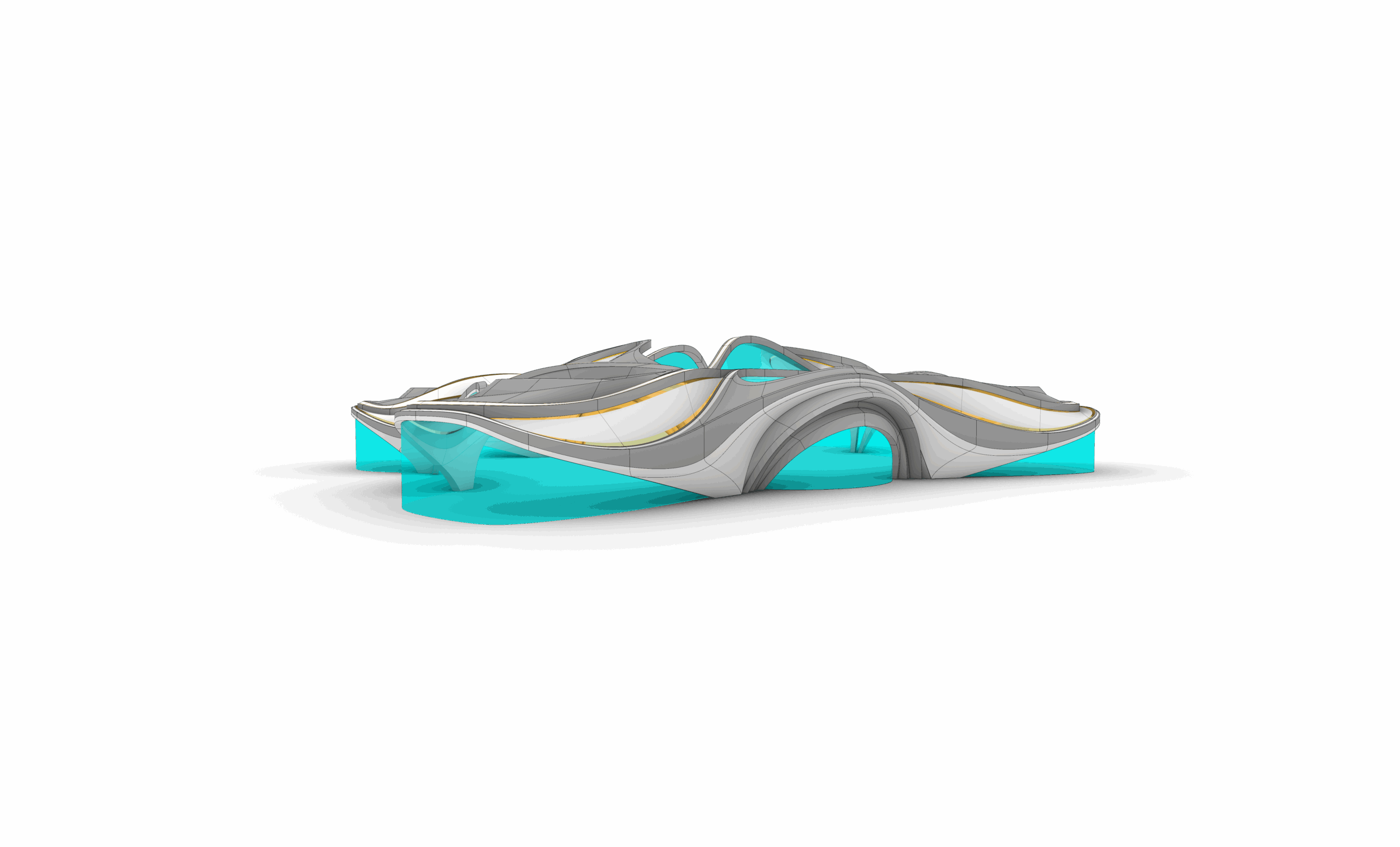
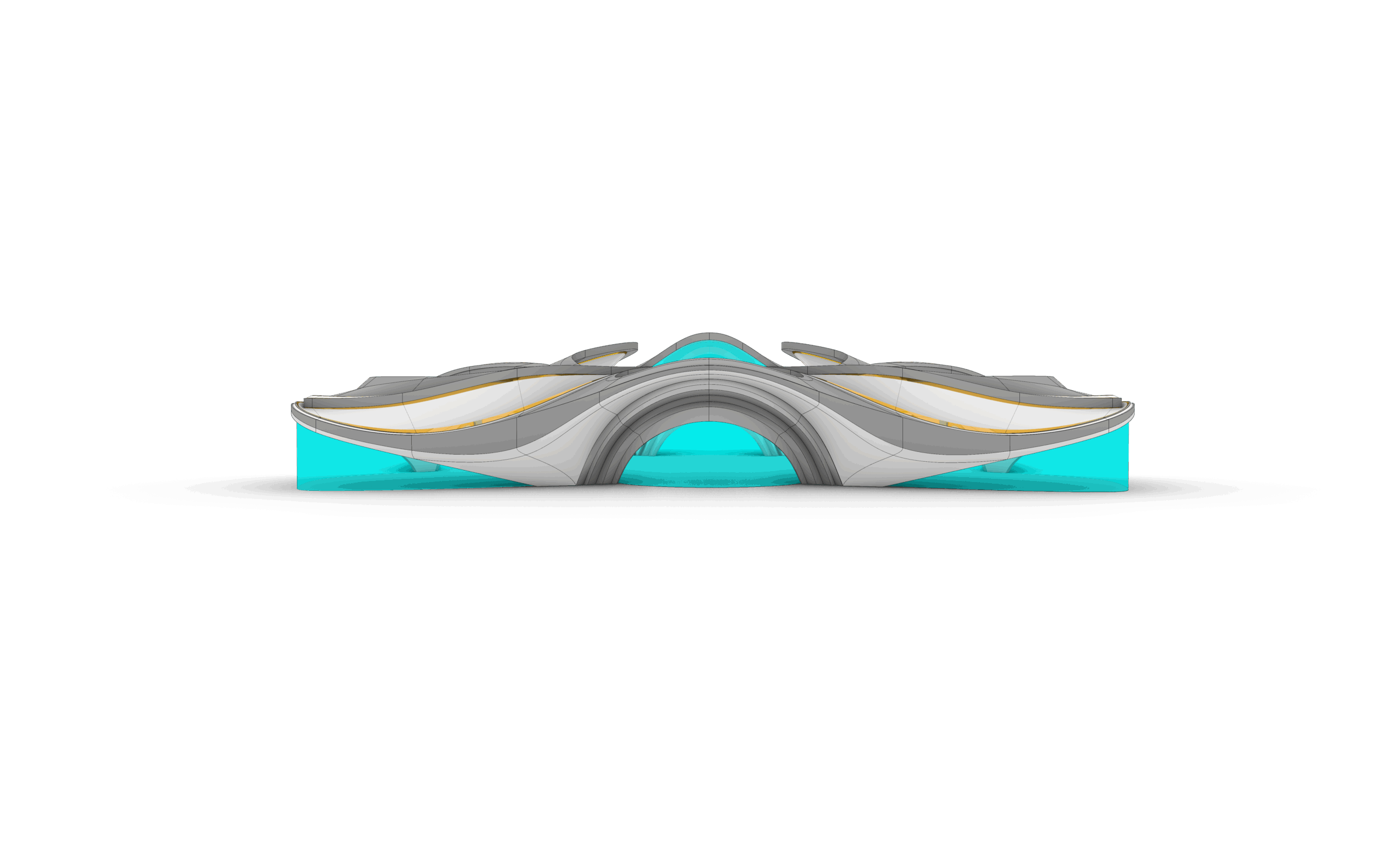
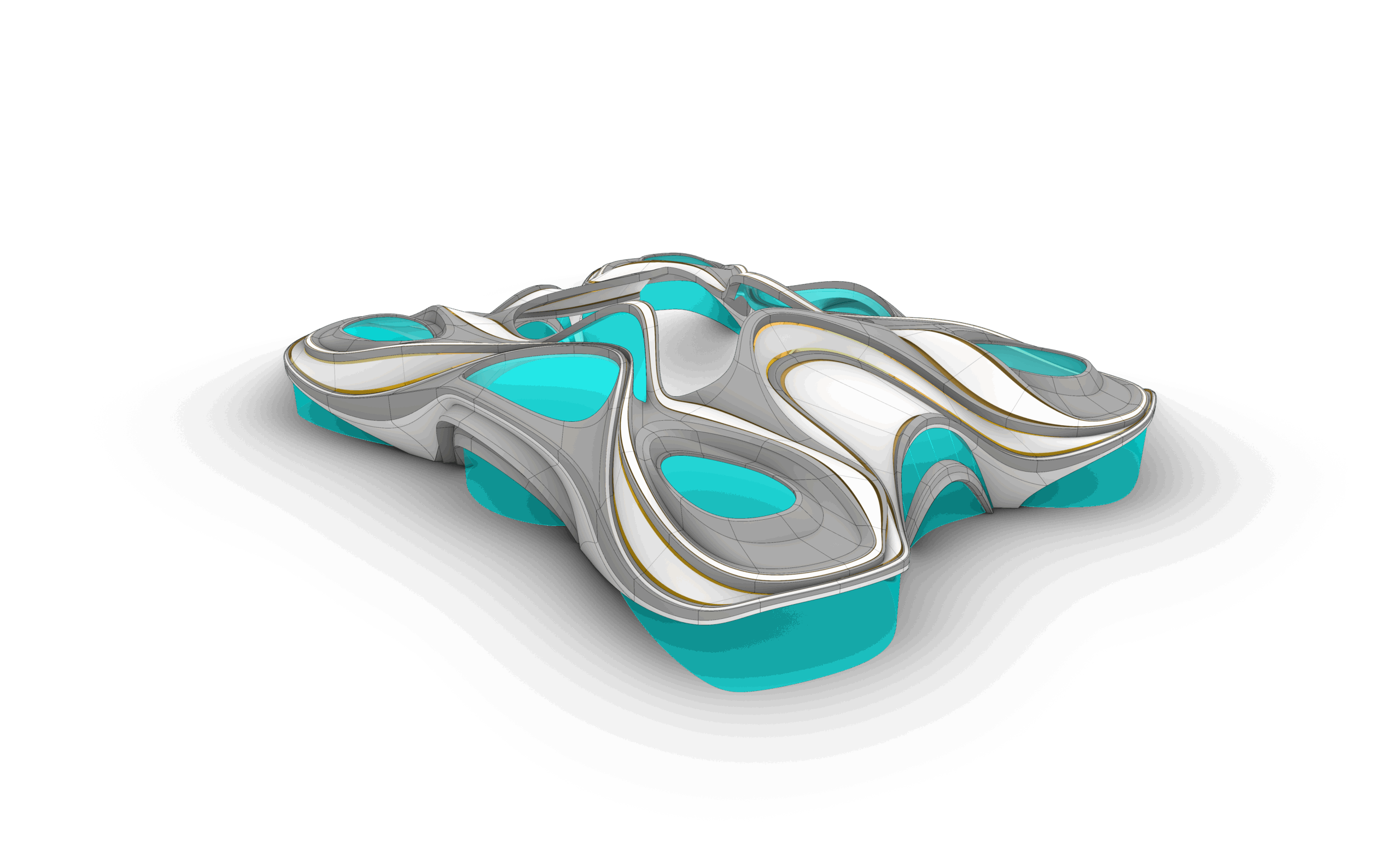
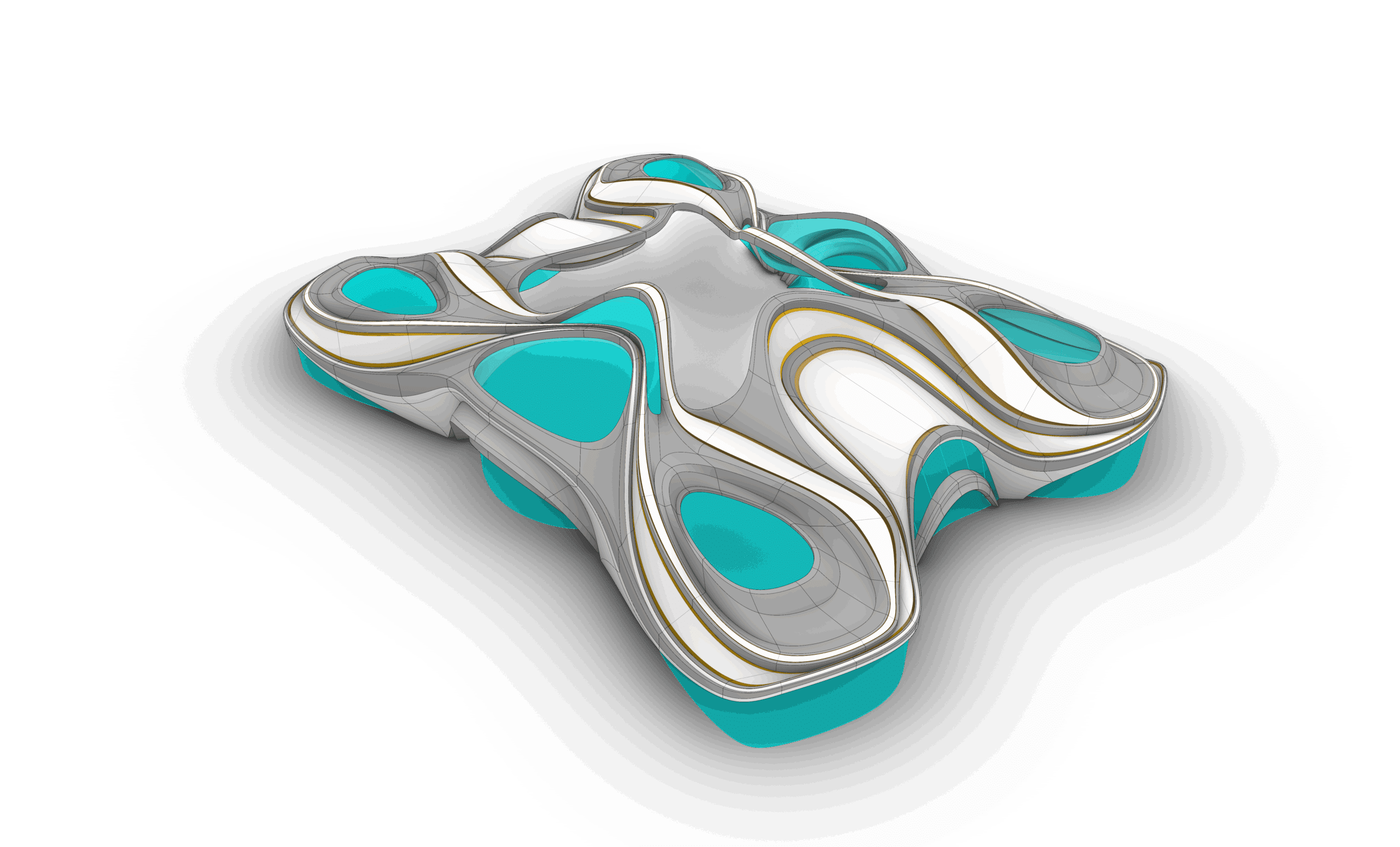
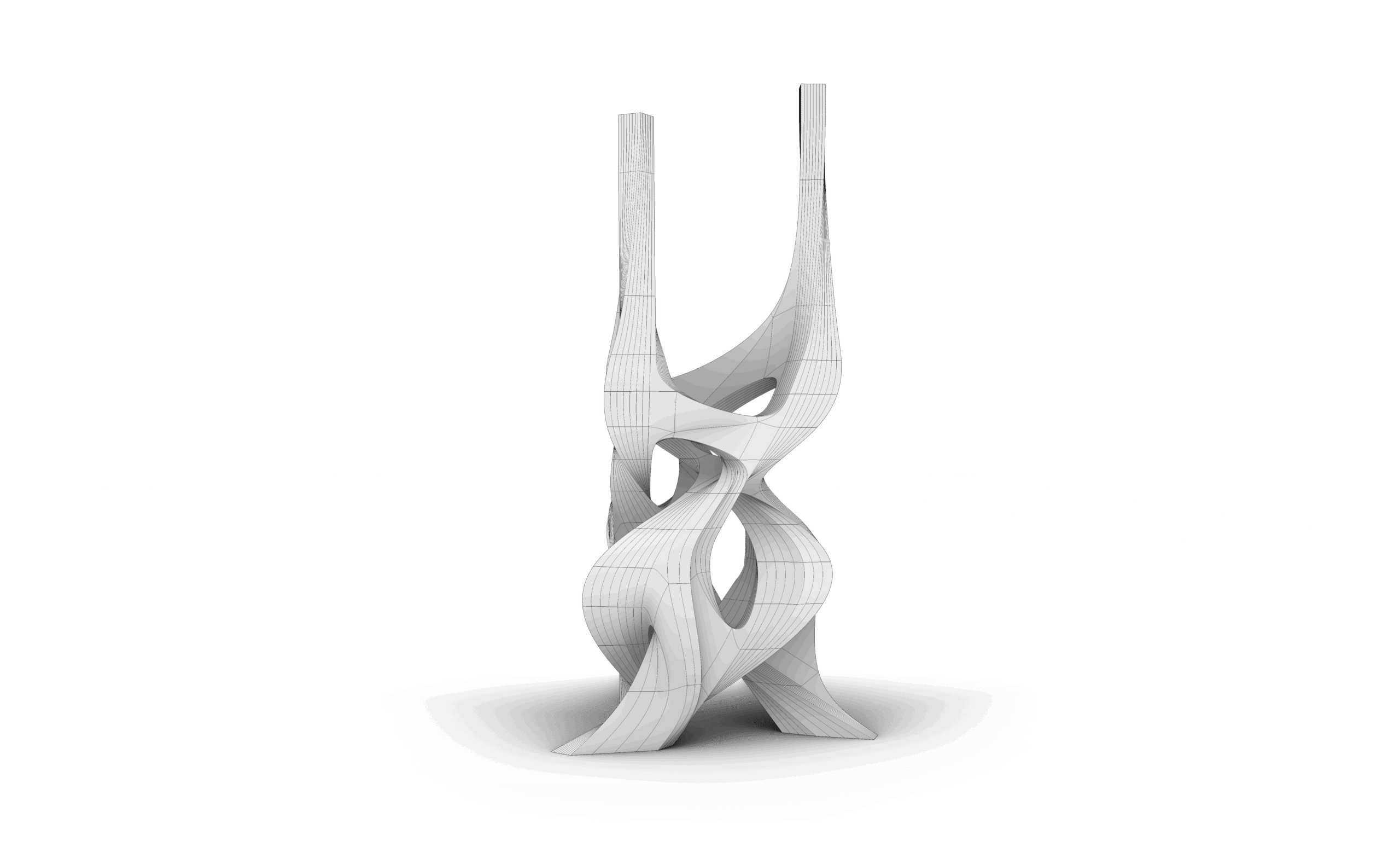
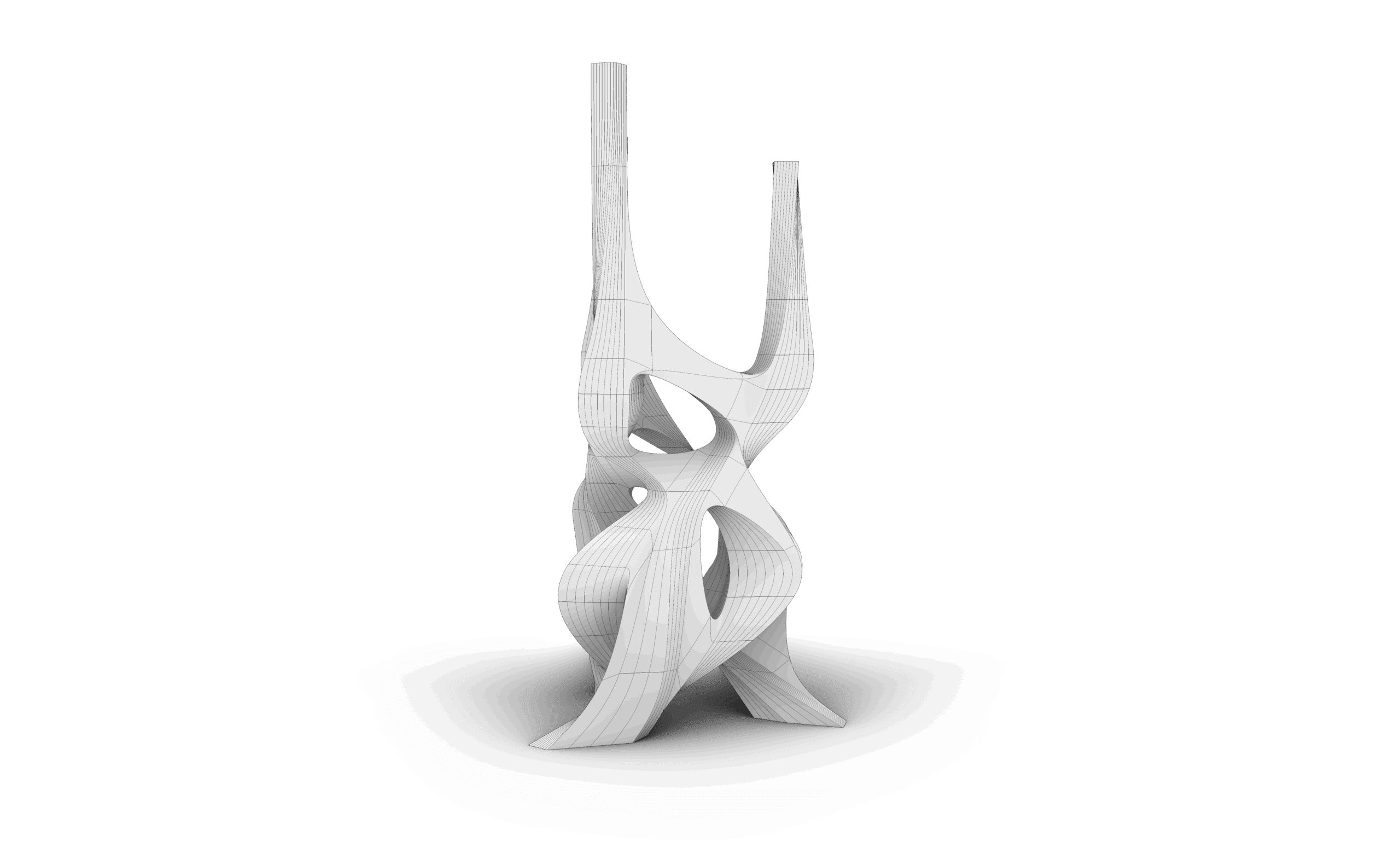
This course focused on advanced organic modeling techniques in Rhino, with an emphasis on freeform design and complex surface creation.
Through a series of progressive tasks, I developed greater control over smooth transitions, surface continuity, and complex geometries.
The main challenge was maintaining clean, well-structured models while working with intricate organic forms.
The course enhanced my understanding of surface logic and precision in sculpting advanced shapes.
Overall, it strengthened my ability to translate conceptual organic forms into controlled and refined 3D models within Rhino.
Thank you, the lectures were really helpful.
Sub-D is a new feature in Rhino 8; this course took us through all the important commands related to Sub-D. The tasks were really good practice, and following up with the explanation was easy and clear. Now I can create more organic and complicated shapes using this feature.
This course dives deep into complex organic forms and advanced modeling strategies. The examples are challenging but extremely rewarding. It pushed my skills to a new level and helped me understand how to approach free-form geometry with confidence.
The best way to learn is through practice, and I really appreciated how this course embraced that approach. It allowed us to experiment hands-on with real scenarios, trying out various commands and tackling different modeling challenges. The explanations were clear, and the material covered was more than enough for someone to truly understand how SubD works.
Honestly, the course was very informative and well-organized. The instructor explained Grasshopper’s tools and logic in a simple, clear way that made even complex concepts easy to understand.
The sessions built up step by step — starting from the basics and gradually moving to advanced applications — which helped me gain confidence in creating my own parametric designs by the end of the course.
The advanced part was really useful. The explanation is clear, and the exercises made the application easier and helped me learn new things in Rhino 3D. I felt that my level improved after I finished it.
الكورس ماشاء الله شرحة سهل والفديوهات مش طويلة ومش ممله
Special offer:
Sale ends in
-30%
5.400 EGP Original price was: 5.400 EGP.3.780 EGPCurrent price is: 3.780 EGP.
This course includes:
- Downloadable Content
- Madesst certificate upon reguest
- Instructor support
Course specifications
- +5 HRS
- 3 Parts
- 13 Session
- Arabic
- 4K