Rhino Masterclass
Average Rating
The Rhino Masterclass is an advanced and comprehensive training program designed for architects, designers, and digital fabricators. This course provides a step-by-step learning journey through Rhino 3D, focusing on both foundational tools and advanced techniques essential for professional design, drafting, and modeling.
With a blend of theory, hands-on practice, and real-world application, students will gain the skills necessary to create intricate and high-quality designs, from 2D plans to complex 3D models. Students will also work on a professional-scale architectural project, reinforcing their learning with practical experience in surface, solid, and landscape modeling.
- Project-based learning: Build a comprehensive professional project including 6 buildings, roofs, and landscapes.
- In-depth exploration of Rhino’s core tools: curves, surfaces, solids, and 2D drafting tools.
- Solid and surface modeling: Learn advanced techniques for designing intricate 3D objects, including futuristic designs and complex architectural forms.
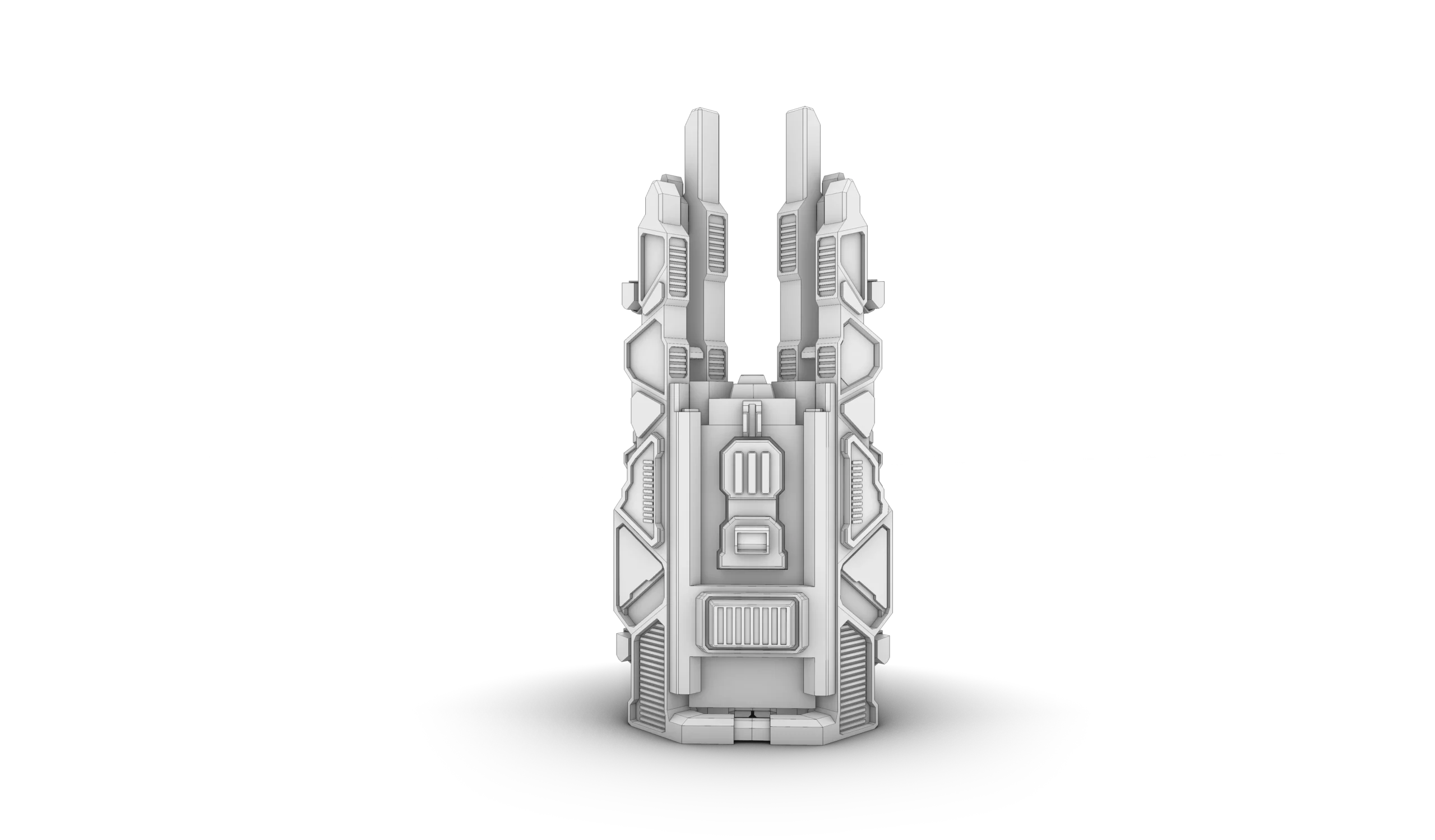
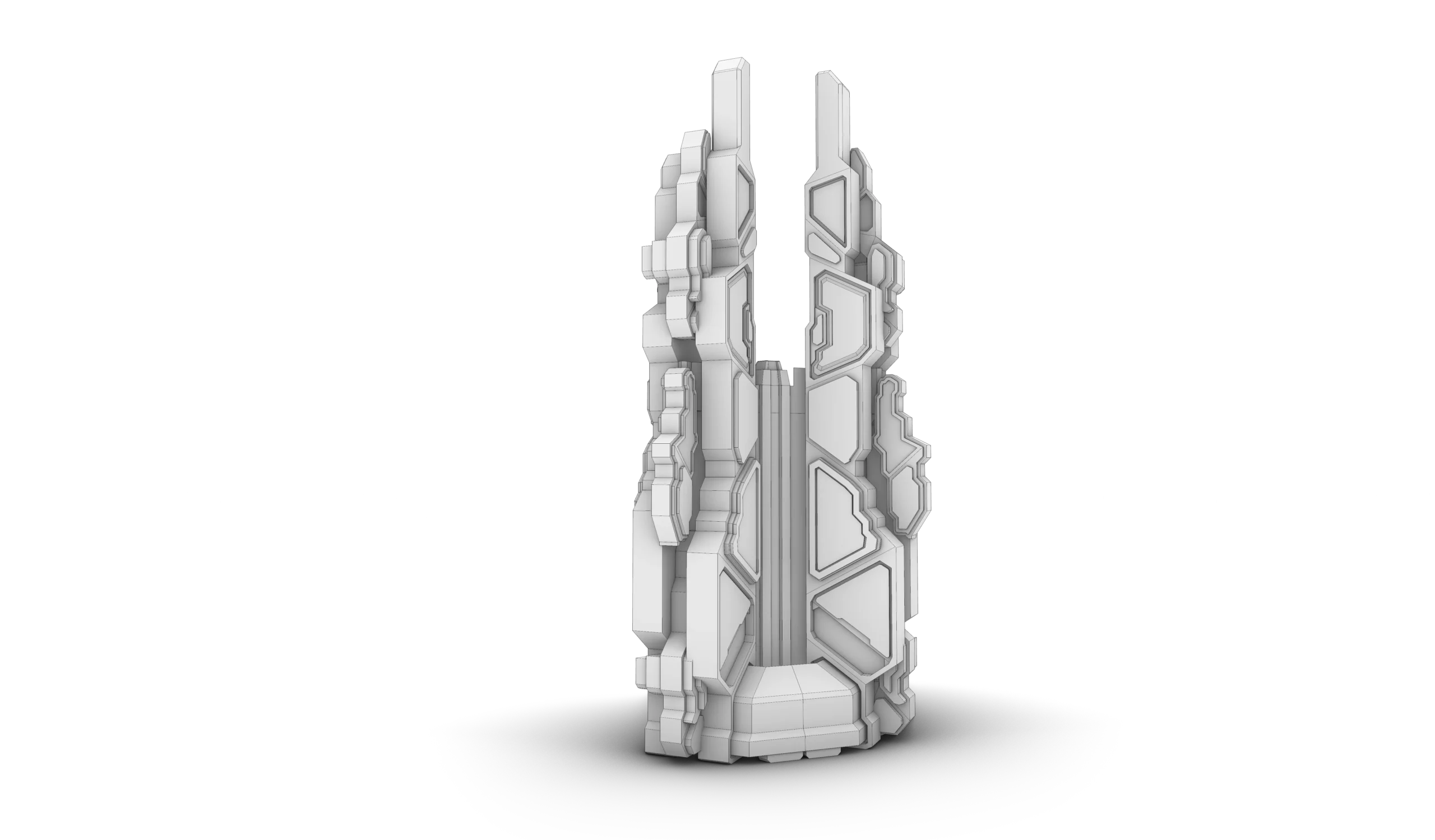
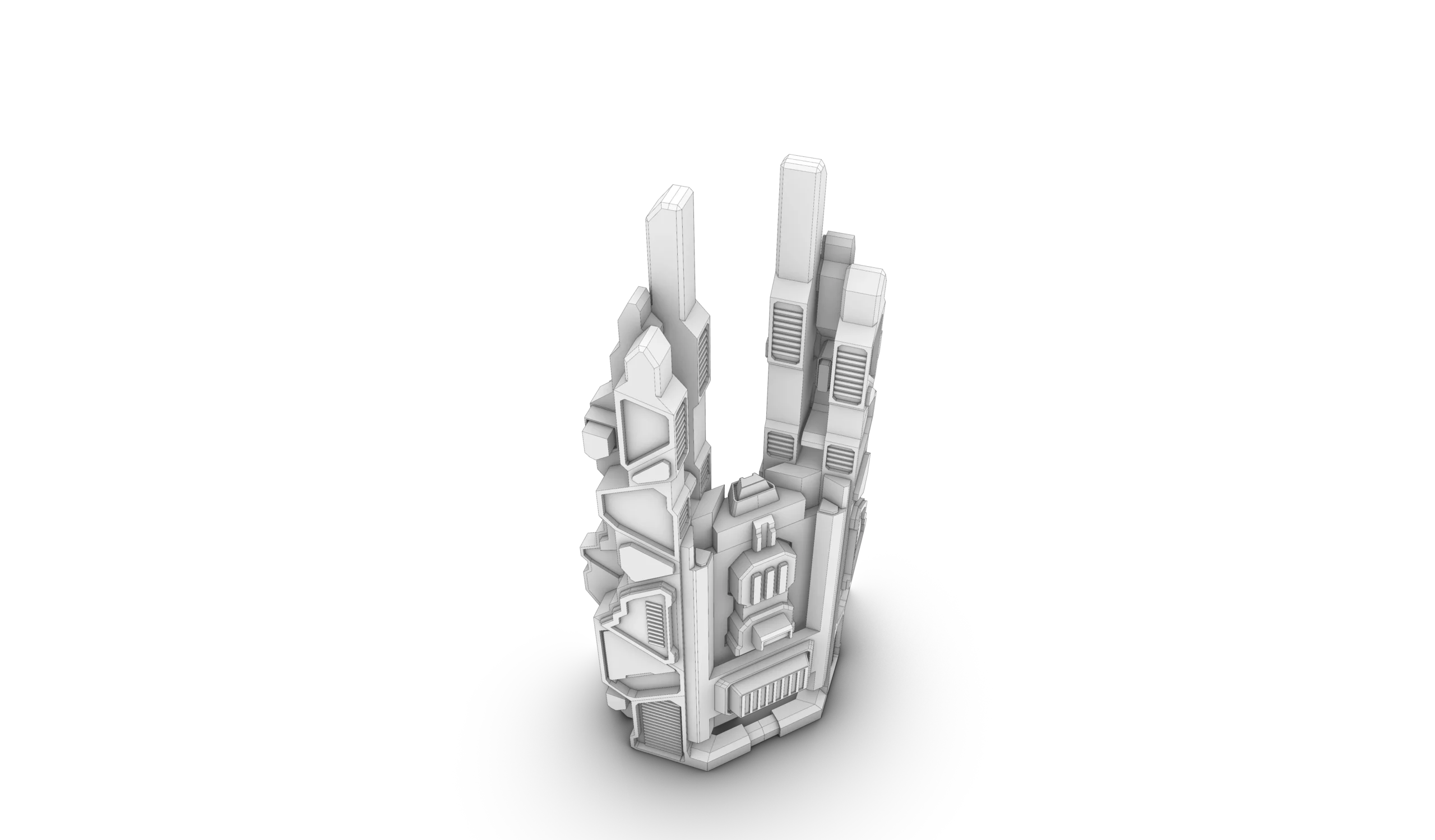
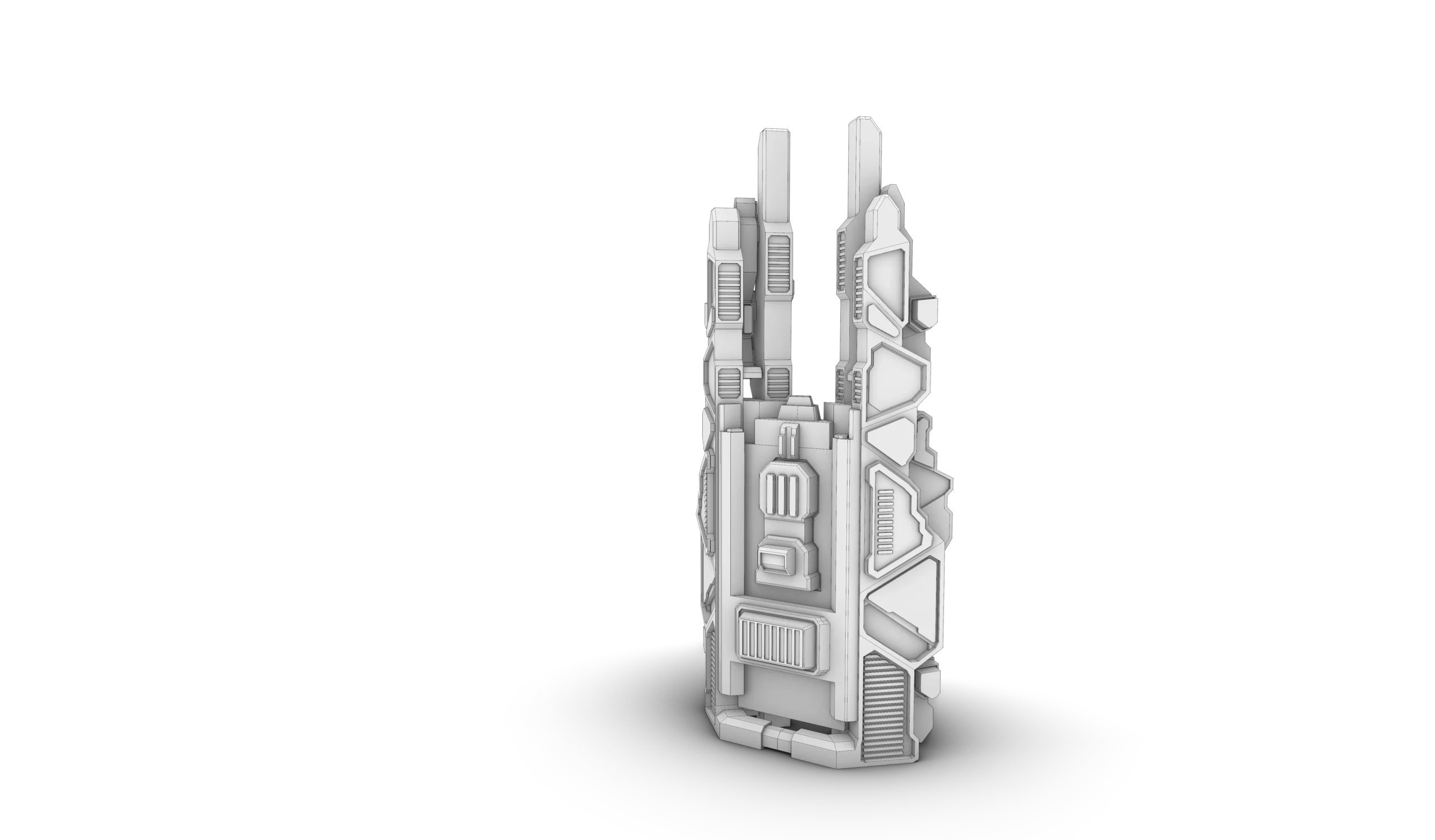
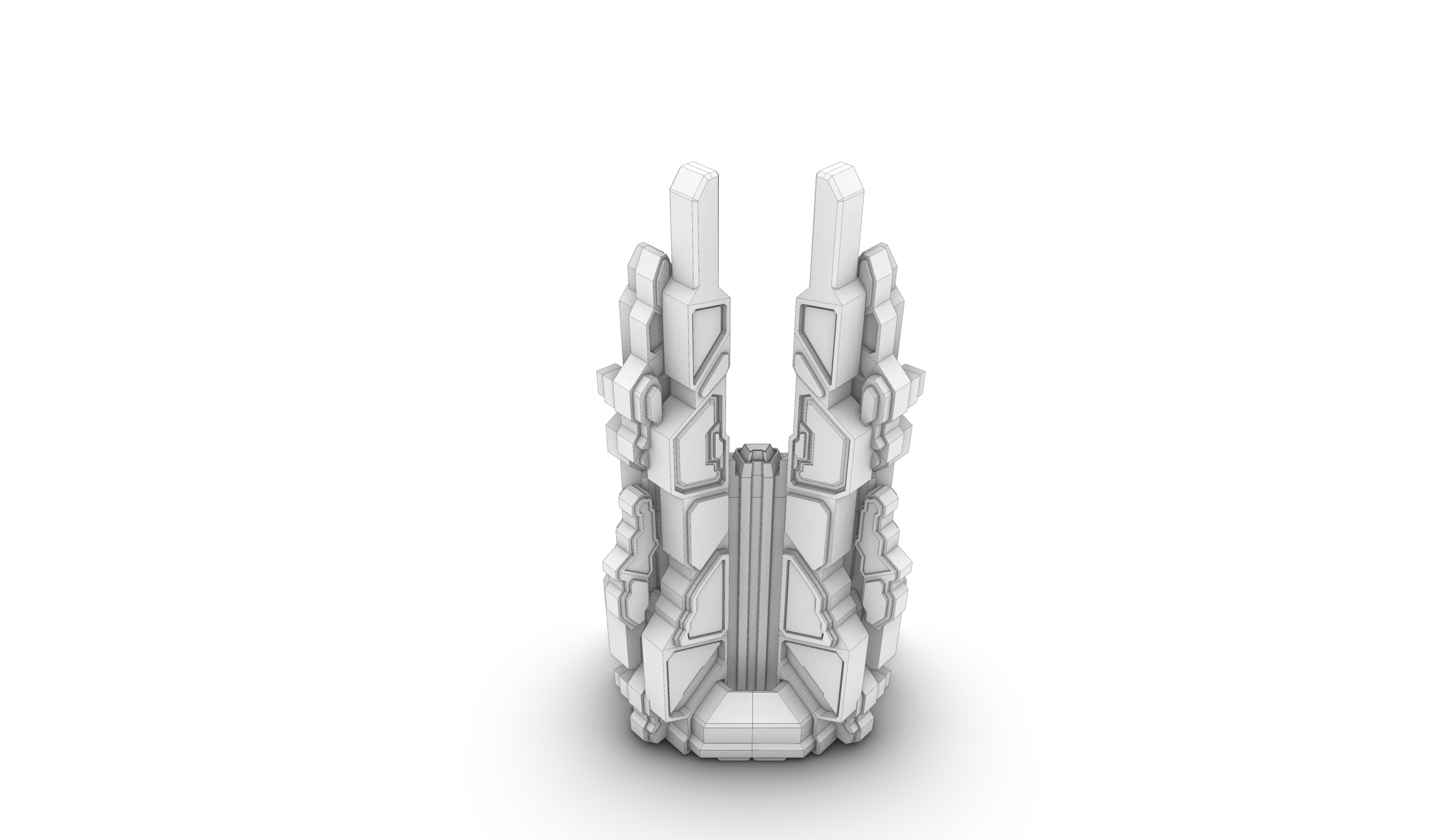
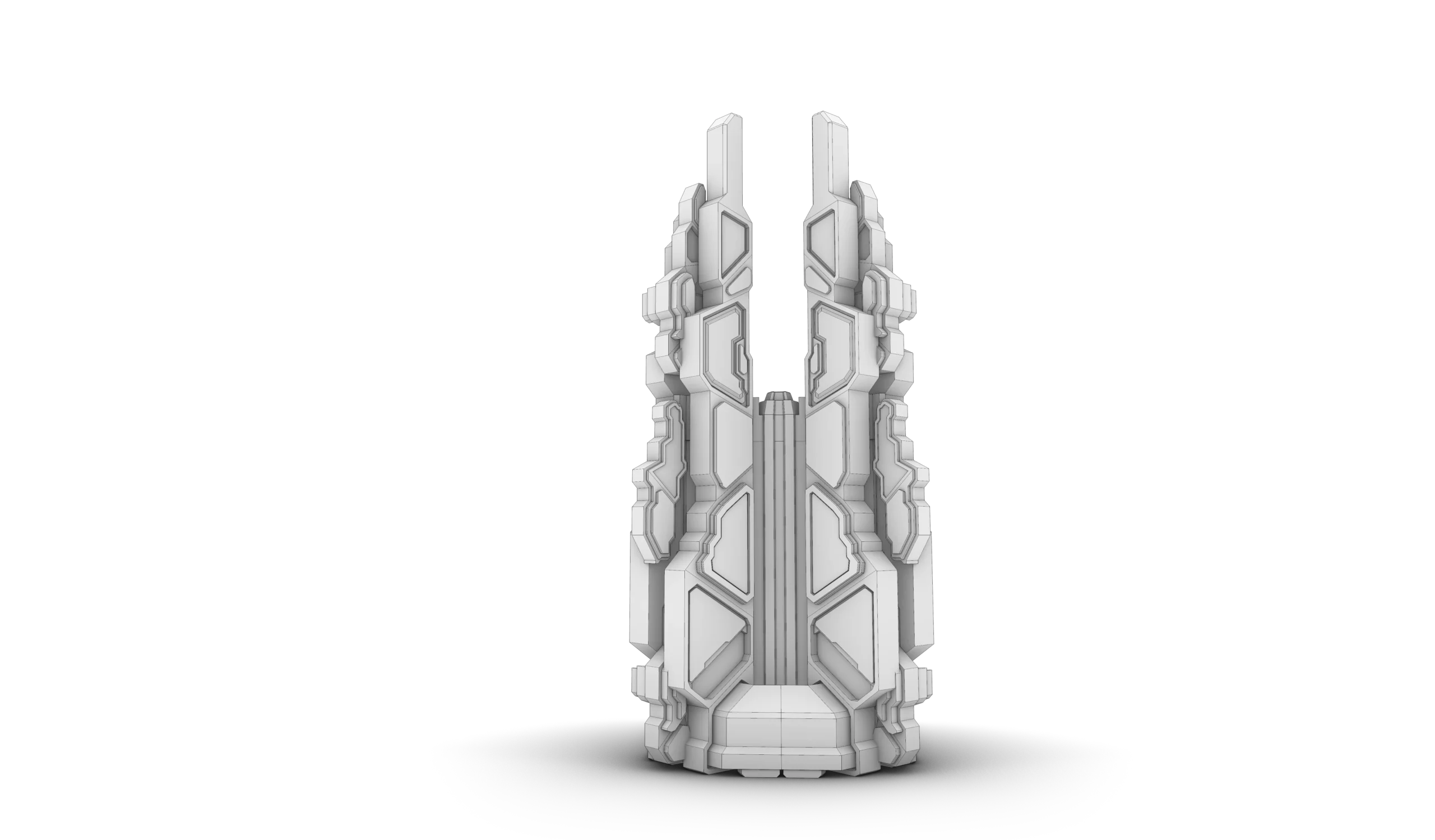
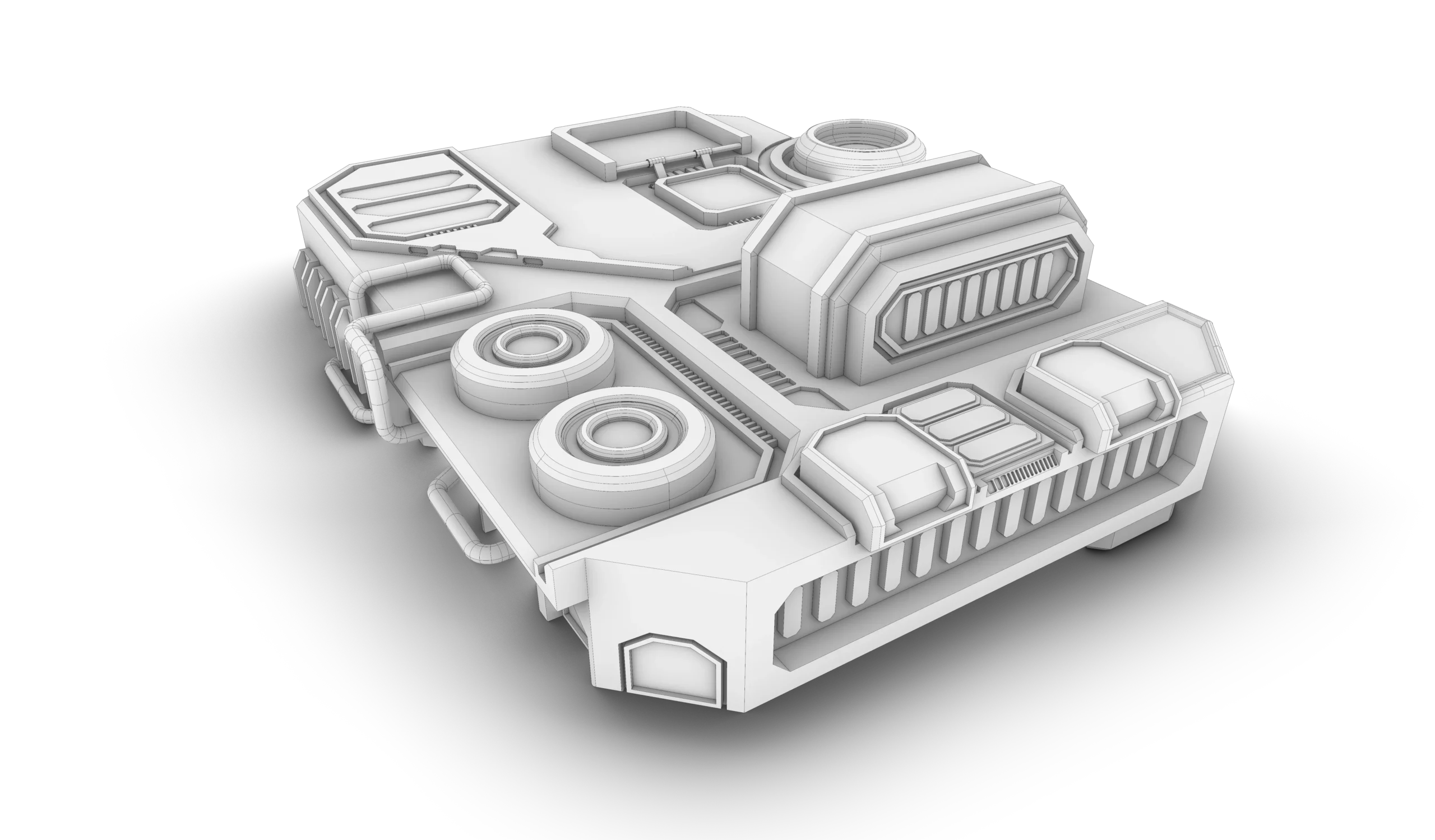
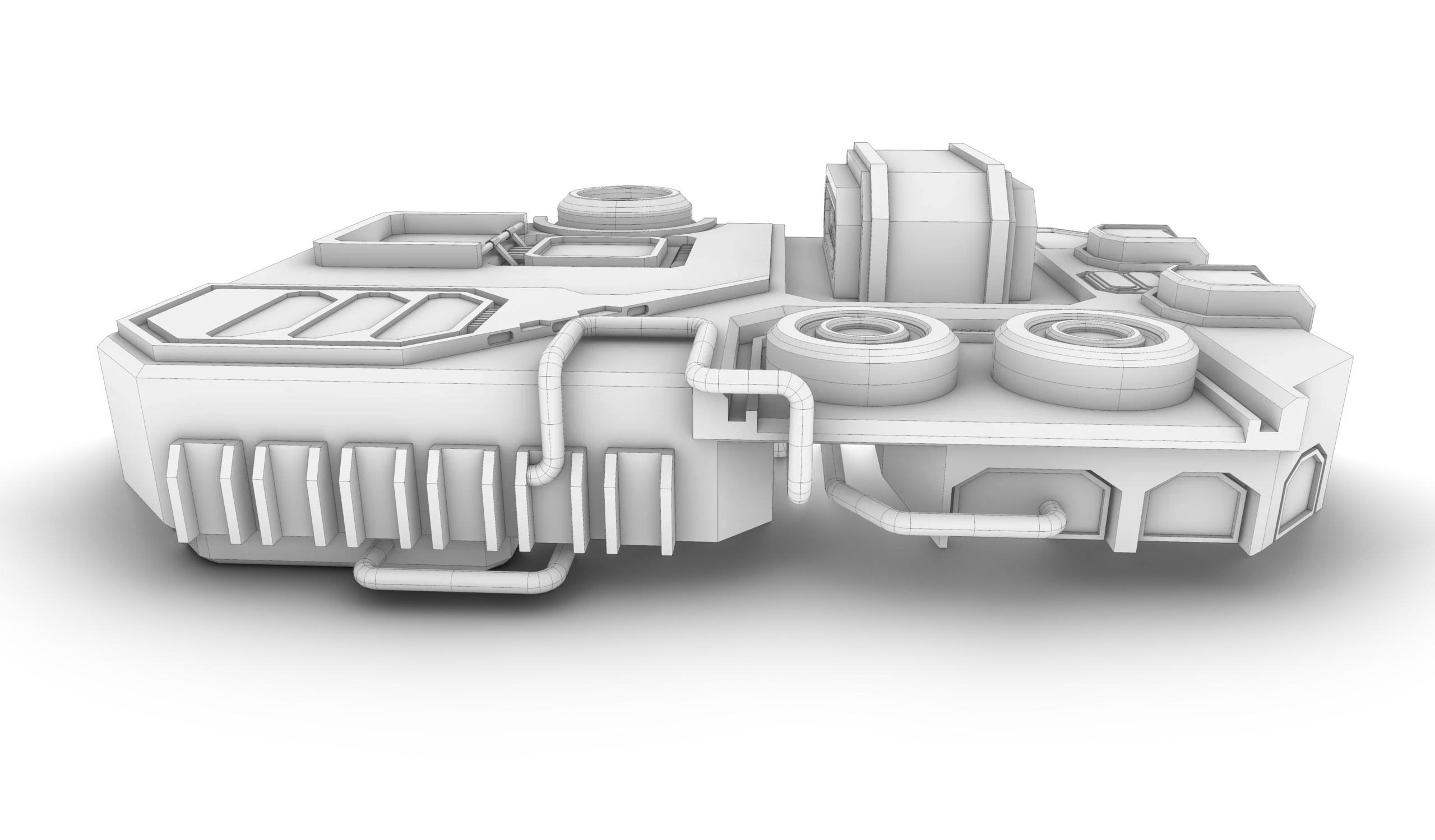
- Hands-on experience: Practical tasks like modeling a futuristic spaceship base and a tower design, applying solid modeling principles to unique projects.
- Beginners who want a structured pathway to mastering Rhino.
- Intermediate to advanced users looking for real-world applications of Rhino’s capabilities.
- Architects and designers looking to improve their proficiency in Rhino 3D.
No prior experience is necessary.
Part 01: User Interface
Session 01: Introduction to Rhino's User Interface & Navigation
This session provides an overview of Rhino’s interface, focusing on the management of viewports, display modes, and navigation tools. Students will learn how to customize their workspace for an efficient and streamlined design experience.
Session 02: Selection Tools & Object Properties Management
In this session, students will explore Rhino’s advanced selection tools, including selection filters, and learn how to manage object properties through the Properties panel to streamline their design process.
Session 03: Transformational Tools and Smart Modeling
This session delves into essential transformation tools such as Gumball, Osnap, Ortho, Grid Snap, Smart Track, and Planar, all of which enhance modeling precision and workflow. The session also covers custom user preferences through C-Panes.
Session 04: Advanced Transformation Techniques
Students will gain proficiency in Rhino’s core transformation commands, including move, rotate, scale, mirror, and more. This session emphasizes precise object manipulation essential for detailed 3D modeling.
Part 02: Curve Tools
Session 01: Drawing and Creating Curves
This session covers the foundational curve creation commands in Rhino, including lines, arcs, circles, and freeform curves. Students will learn how to efficiently draw and control curves for accurate 3D and 2D modeling.
Session 02: Editing and Modifying Curves
Students will explore the wide range of editing tools for curves, including commands like trimming, extending, joining, and filleting. Emphasis will be placed on refining and manipulating curves to achieve desired design outcomes.
Part 03: 2D Drafting & Documentation
Session 01: Techniques for 2D Plan Drawings
This session provides an introduction to creating professional-grade 2D architectural drawings, focusing on the key principles of accurate plan drafting.
Session 02: Layer Management & Organization
Learn how to use Rhino’s advanced layer system to organize, manage, and control the visibility of different elements within your designs, improving both clarity and efficiency.
Session 03: Layer Applications in 2D Design
Building on layer fundamentals, this session teaches the practical application of layers in creating more complex 2D designs, helping students establish a clear structure in their drafting.
Session 04: Hatching, Blocks & Grouping Elements
This session focuses on key techniques for enhancing 2D drawings, including the use of hatches for patterns, blocks for reusable design components, and grouping objects for simplified manipulation and organization.
Session 05: Effective Use of Annotations and Dimensions
Students will learn to add dimensioning, annotations, and other vital documentation elements to their designs, ensuring their 2D drawings are both informative and precise.
Part 04: Surface Tools
Session 01: Introduction to NURBS & Surface Modeling
This session introduces the concept of NURBS (Non-Uniform Rational B-Splines) in Rhino and explains the distinction between curves, surfaces, polysurfaces and meshes. Students will learn essential surface theory, including UV mapping and surface rebuilding techniques.
Session 02: Surface Creation Tools
Students will explore various surface creation tools available in Rhino, including extruding, sweeping, lofting, and more, which enable the creation of complex 3D forms from curves.
Session 03: Modifying and Refining Surfaces
This session focuses on advanced techniques for modifying surfaces, including trimming, offsetting, extending, and smoothing surfaces to refine their final geometry.
Part 05: Water World (Professional Project Simulation)
Session 01: 2D Curves for Large-Scale Project Modeling
Students will begin modeling a complete architectural project, starting with the creation of 2D curves. This session introduces the process of translating design ideas into precise 2D elements.
Sessions 02 to 07: Buildings Modeling
In these sessions, students will model six distinct buildings, each in a separate session, allowing them to apply learned curve, surface, and 3D modeling skills to real-world architectural designs.
Session 08 & 09: Advanced Roof Modeling Techniques
Students will learn advanced techniques for roof modeling, using tools to design and refine complex roof structures across multiple buildings in the project.
Session 10: Landscape Modeling & Environment Design
The final session of the project focuses on landscape modeling. Students will learn how to model the terrain, create outdoor elements, and finalize the environmental context of the project.
Part 06: Solid Tools
Session 01: Fundamentals of Solid Creation
This session covers the tools and techniques used to create solid objects in Rhino, such as cubes, spheres, and other basic 3D shapes that form the foundation for more complex solid modeling.
Session 02: Modifying and Editing Solids
Building on solid creation, this session delves into modifying and refining solid models using Boolean operations, filleting, and other key commands. Students will learn how to combine and subtract solids to create intricate designs.
Part 07: Solid Modeling Tasks
Session 01: Futuristic Spaceship Base Modeling
In this session, students will use solid modeling tools to create a futuristic spaceship base, incorporating design elements that require advanced solid modeling techniques and creative thinking.
Session 02: Futuristic Tower Design & Modeling
The final task challenges students to model a futuristic tower, applying their knowledge of solid modeling and pushing the boundaries of their design creativity.


The content is well organized and easy to follow, which helps avoid confusion. Thank you.
this was the best decision i have made
I am an architecture student in second year and i decided to take the masterclass bundle to understand how these applications work but i didnt know that i would learn this much
i took it in summer and although i have not finished the full course i know more commands and shortcuts than my professors themselves it has made my experience way better considering i knew how to work on all these platforms before any of my colleagues and i wish i took it earlier
This course provided a structured introduction to Rhino, progressing from basic 2D drafting to complex 3D modeling.
Through the four tasks, I developed a clear understanding of Rhino’s core tools, accuracy control, and modeling logic.
The course gradually introduced solid, surface, and complex form modeling, which improved my ability to manage geometry and workflow efficiency.
Each task presented new challenges that strengthened my problem-solving skills and design precision.
By the end of the course, I gained the confidence to translate conceptual ideas into accurate 2D drawings and detailed 3D models suitable for real-world design applications.
Thank you, the lectures were really helpful.
I had zero experience in Rhino before starting this course. Now I’m able to model buildings using Rhino easily; the tasks’ organization and order are really beneficial, and the explanation is very clear and easy to understand and follow.
An excellent and comprehensive masterclass! It covers everything from basic tools to advanced workflows. The instructor explains concepts in a very practical and structured way, which helped me improve my modeling speed and accuracy. A must-take course for Rhino users.
excellent
The lectures are well-organized, the explanations are very easy, and they provide useful information for beginners and experienced learners. The tasks are very helpful and make you feel proficient in rhino, making it a great starting point for anyone who wants to learn rhino.
The course is very useful and organized, which made the lectures clear and simple. The explanation style is easy and smooth. I recommend it to anyone who wants to learn Rhino 3D in an organized and efficient manner.
I’ve seen a few tutorials but this is the first one I came across that has everything i needed with a comprehensive content and an excellent tasks can get you to advanced level
Special offer:
Sale ends in
-30%
150 USD Original price was: 150 USD.105 USDCurrent price is: 105 USD.
This course includes:
- Downloadable Content
- Madesst certificate upon reguest
- Instructor support
Course specifications
- +15 HRS
- 7 Parts
- 29 Session
- Arabic & English
- 4K