SUMMER DIPLOMA LVL 01
Average Rating
MADESST Diploma is a complete and advanced learning package designed for architects, designers, and students who want to master computational design, digital modeling, and architectural workflows through a structured professional path.
This comprehensive bundle brings together 5 Essential specialized courses that cover the full ecosystem of Rhino, Grasshopper, visualization, and advanced design methodologies. The program is built to provide a complete skillset used in leading architectural practices worldwide.

Part 01: User Interface
Session 01: Introduction to Rhino's User Interface & Navigation
This session provides an overview of Rhino’s interface, focusing on the management of viewports, display modes, and navigation tools. Students will learn how to customize their workspace for an efficient and streamlined design experience.
Session 02: Selection Tools & Object Properties Management
In this session, students will explore Rhino’s advanced selection tools, including selection filters, and learn how to manage object properties through the Properties panel to streamline their design process.
Session 03: Transformational Tools and Smart Modeling
This session delves into essential transformation tools such as Gumball, Osnap, Ortho, Grid Snap, Smart Track, and Planar, all of which enhance modeling precision and workflow. The session also covers custom user preferences through C-Panes.
Session 04: Advanced Transformation Techniques
Students will gain proficiency in Rhino’s core transformation commands, including move, rotate, scale, mirror, and more. This session emphasizes precise object manipulation essential for detailed 3D modeling.
Part 02: Curve Tools
Session 01: Drawing and Creating Curves
This session covers the foundational curve creation commands in Rhino, including lines, arcs, circles, and freeform curves. Students will learn how to efficiently draw and control curves for accurate 3D and 2D modeling.
Session 02: Editing and Modifying Curves
Students will explore the wide range of editing tools for curves, including commands like trimming, extending, joining, and filleting. Emphasis will be placed on refining and manipulating curves to achieve desired design outcomes.
Part 03: 2D Drafting & Documentation
Session 01: Techniques for 2D Plan Drawings
This session provides an introduction to creating professional-grade 2D architectural drawings, focusing on the key principles of accurate plan drafting.
Session 02: Layer Management & Organization
Learn how to use Rhino’s advanced layer system to organize, manage, and control the visibility of different elements within your designs, improving both clarity and efficiency.
Session 03: Layer Applications in 2D Design
Building on layer fundamentals, this session teaches the practical application of layers in creating more complex 2D designs, helping students establish a clear structure in their drafting.
Session 04: Hatching, Blocks & Grouping Elements
This session focuses on key techniques for enhancing 2D drawings, including the use of hatches for patterns, blocks for reusable design components, and grouping objects for simplified manipulation and organization.
Session 05: Effective Use of Annotations and Dimensions
Students will learn to add dimensioning, annotations, and other vital documentation elements to their designs, ensuring their 2D drawings are both informative and precise.
Part 04: Surface Tools
Session 01: Introduction to NURBS & Surface Modeling
This session introduces the concept of NURBS (Non-Uniform Rational B-Splines) in Rhino and explains the distinction between curves, surfaces, polysurfaces and meshes. Students will learn essential surface theory, including UV mapping and surface rebuilding techniques.
Session 02: Surface Creation Tools
Students will explore various surface creation tools available in Rhino, including extruding, sweeping, lofting, and more, which enable the creation of complex 3D forms from curves.
Session 03: Modifying and Refining Surfaces
This session focuses on advanced techniques for modifying surfaces, including trimming, offsetting, extending, and smoothing surfaces to refine their final geometry.
Part 05: Water World (Professional Project Simulation)
Session 01: 2D Curves for Large-Scale Project Modeling
Students will begin modeling a complete architectural project, starting with the creation of 2D curves. This session introduces the process of translating design ideas into precise 2D elements.
Sessions 02 to 07: Buildings Modeling
In these sessions, students will model six distinct buildings, each in a separate session, allowing them to apply learned curve, surface, and 3D modeling skills to real-world architectural designs.
Session 08 & 09: Advanced Roof Modeling Techniques
Students will learn advanced techniques for roof modeling, using tools to design and refine complex roof structures across multiple buildings in the project.
Session 10: Landscape Modeling & Environment Design
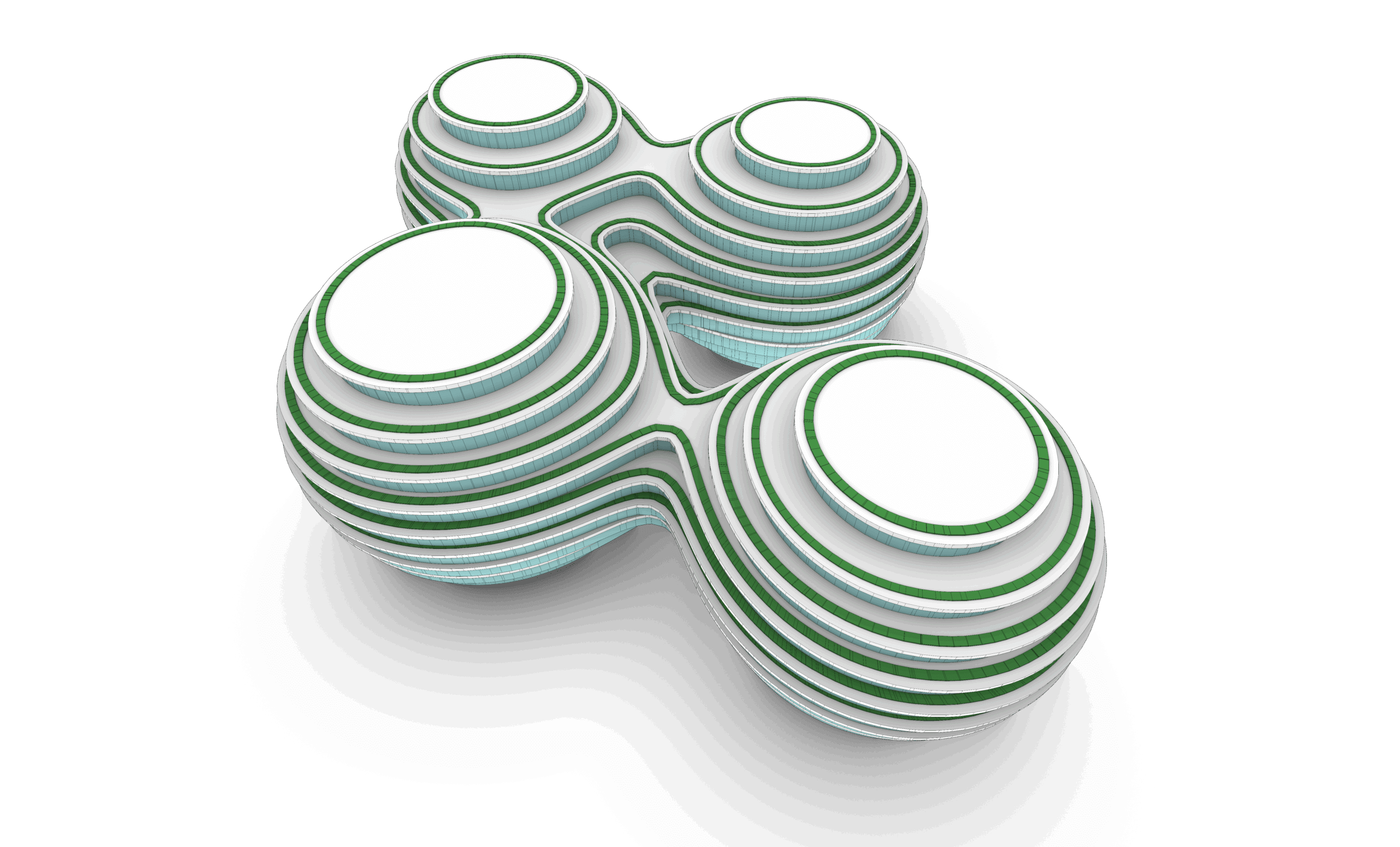
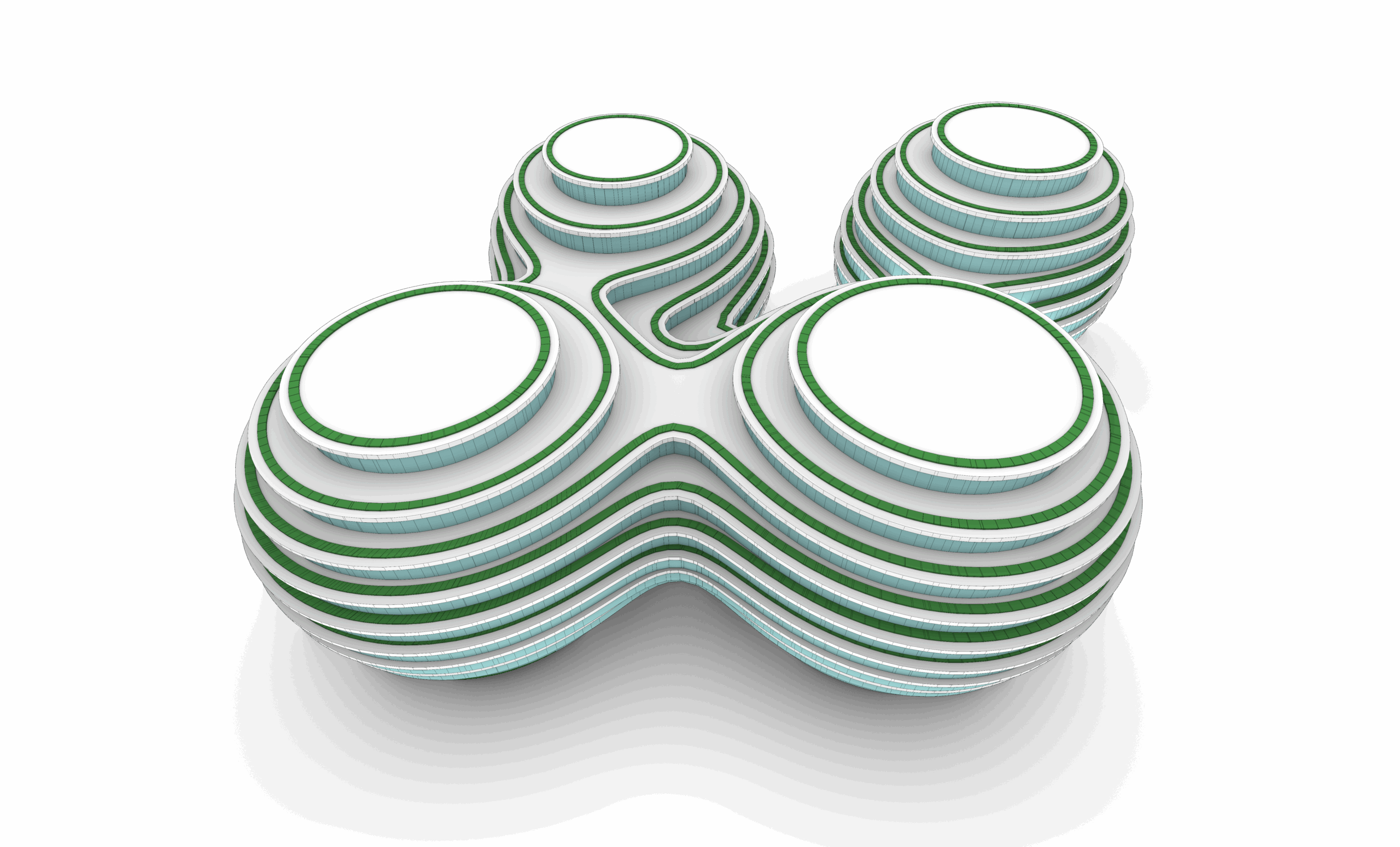
The final session of the project focuses on landscape modeling. Students will learn how to model the terrain, create outdoor elements, and finalize the environmental context of the project.
Part 06: Solid Tools
Session 01: Fundamentals of Solid Creation
This session covers the tools and techniques used to create solid objects in Rhino, such as cubes, spheres, and other basic 3D shapes that form the foundation for more complex solid modeling.
Session 02: Modifying and Editing Solids
Building on solid creation, this session delves into modifying and refining solid models using Boolean operations, filleting, and other key commands. Students will learn how to combine and subtract solids to create intricate designs.
Part 07: Solid Modeling Tasks
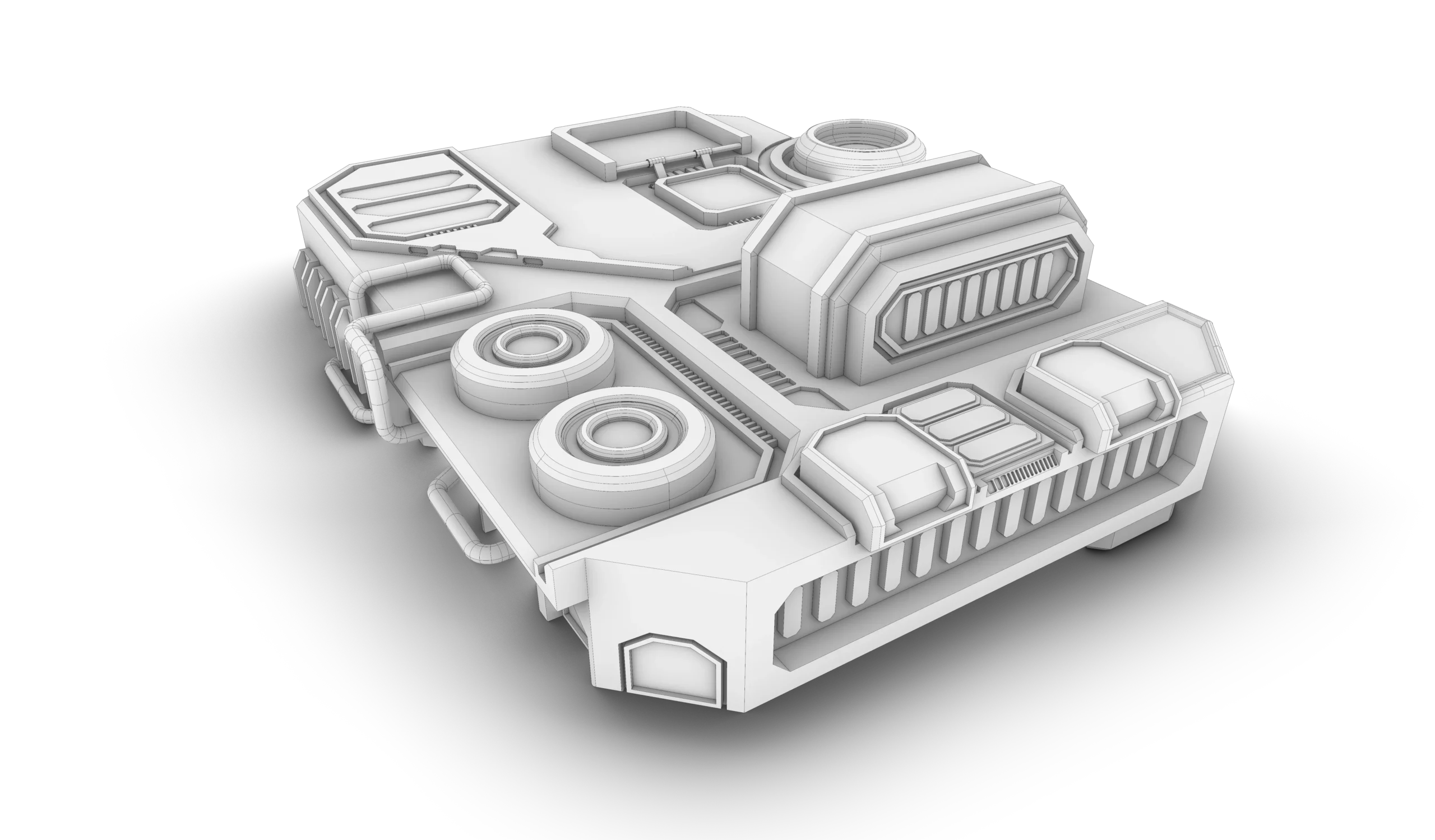
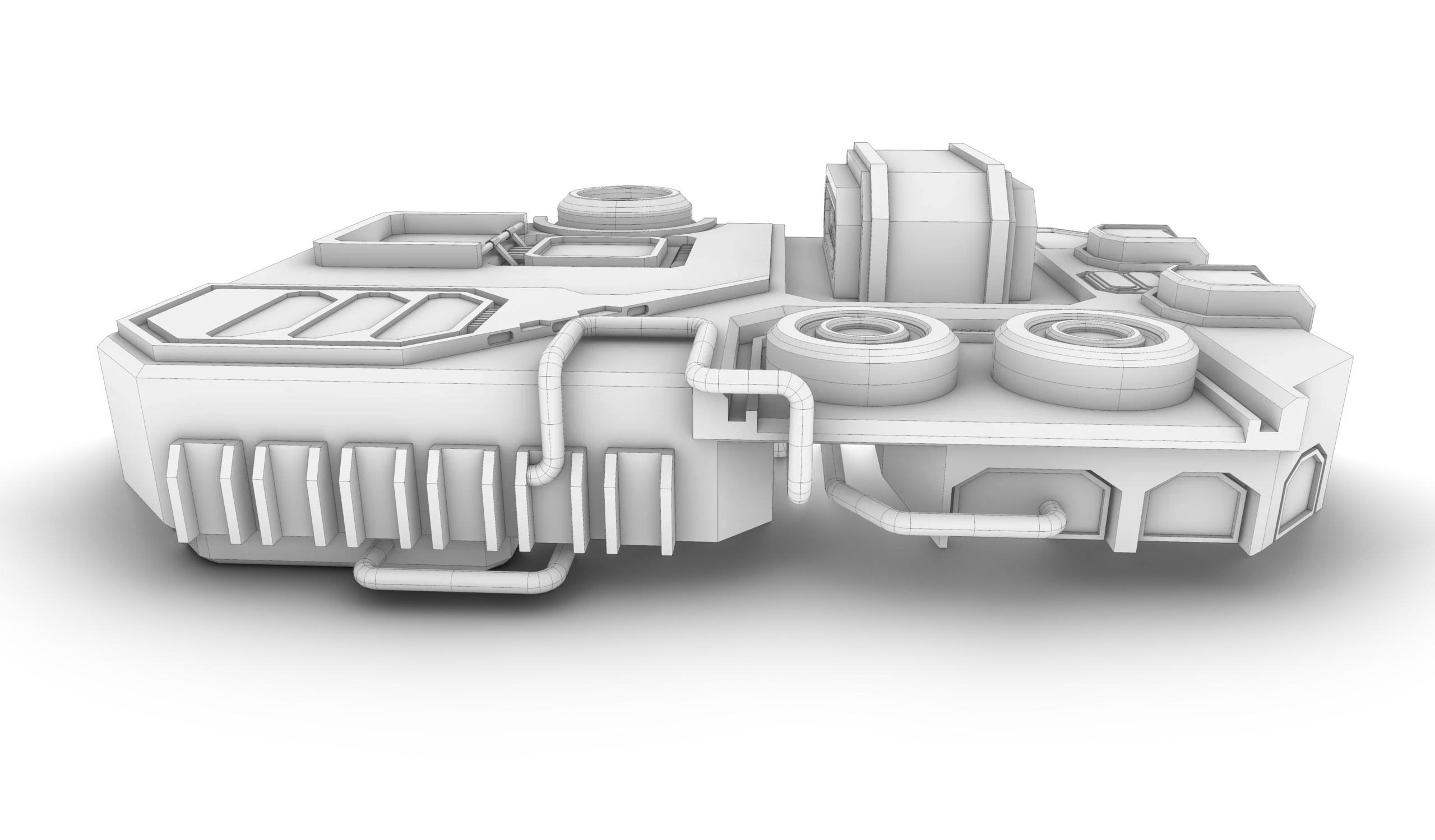
Session 01: Futuristic Spaceship Base Modeling
In this session, students will use solid modeling tools to create a futuristic spaceship base, incorporating design elements that require advanced solid modeling techniques and creative thinking.
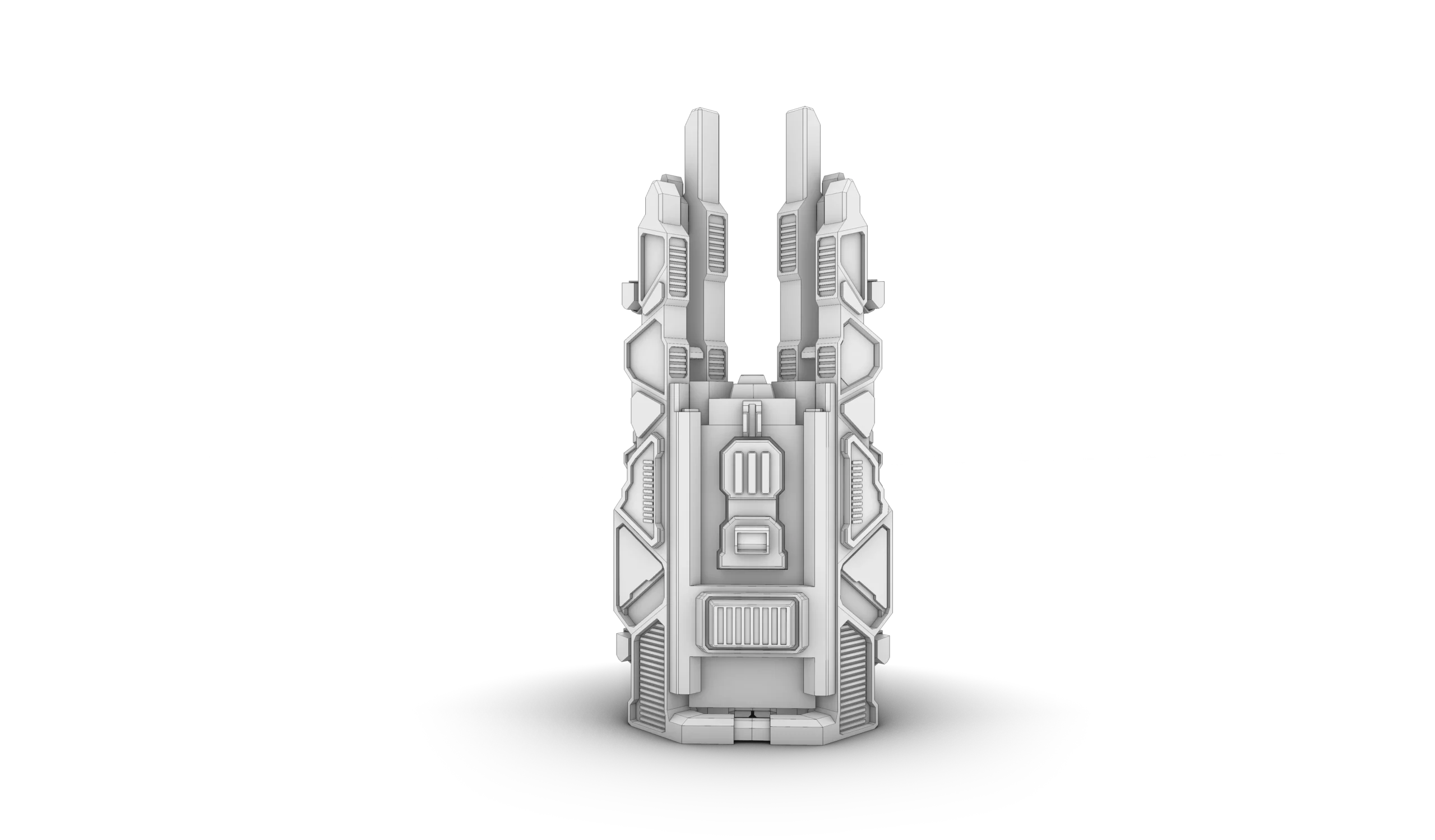
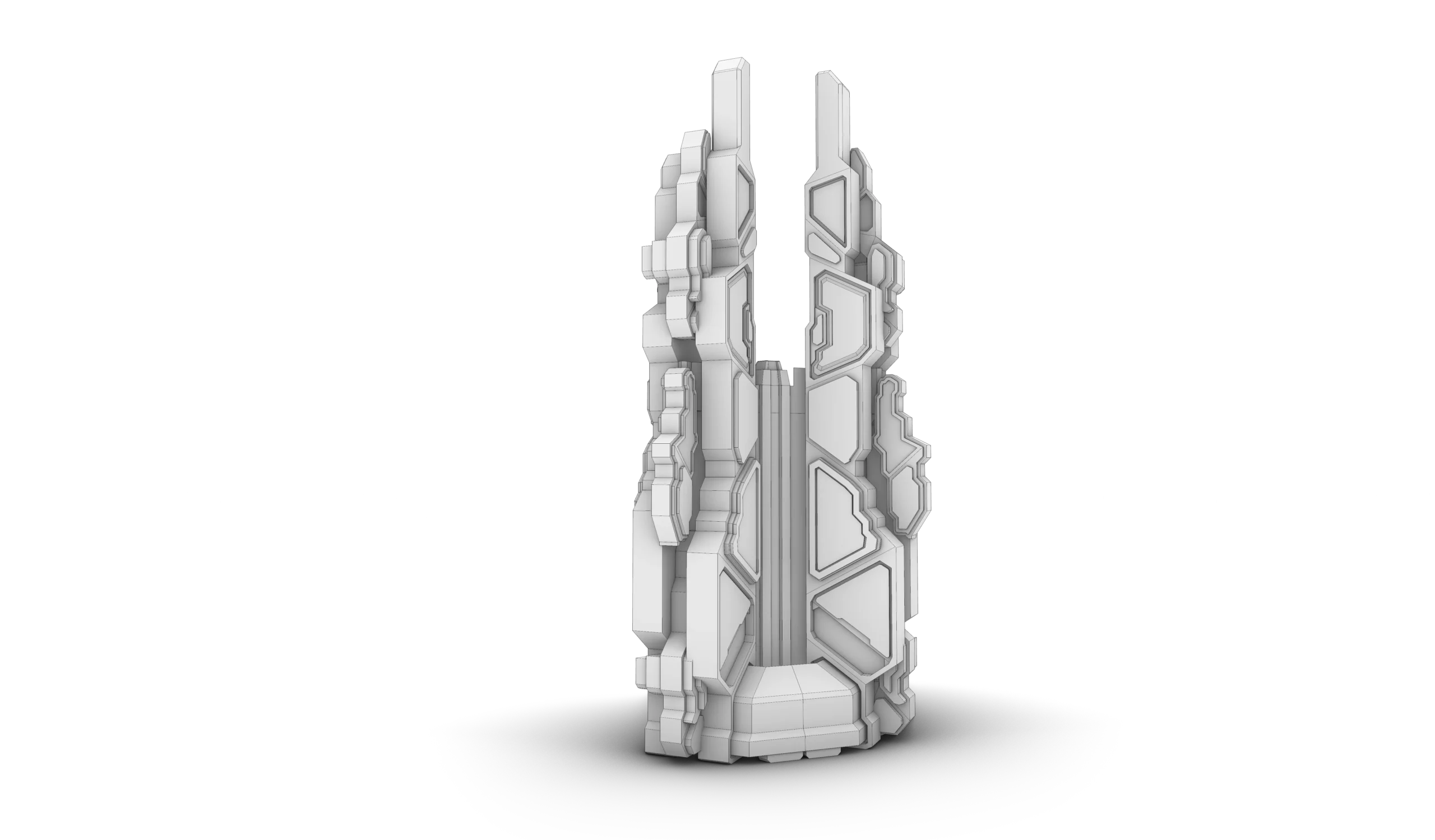
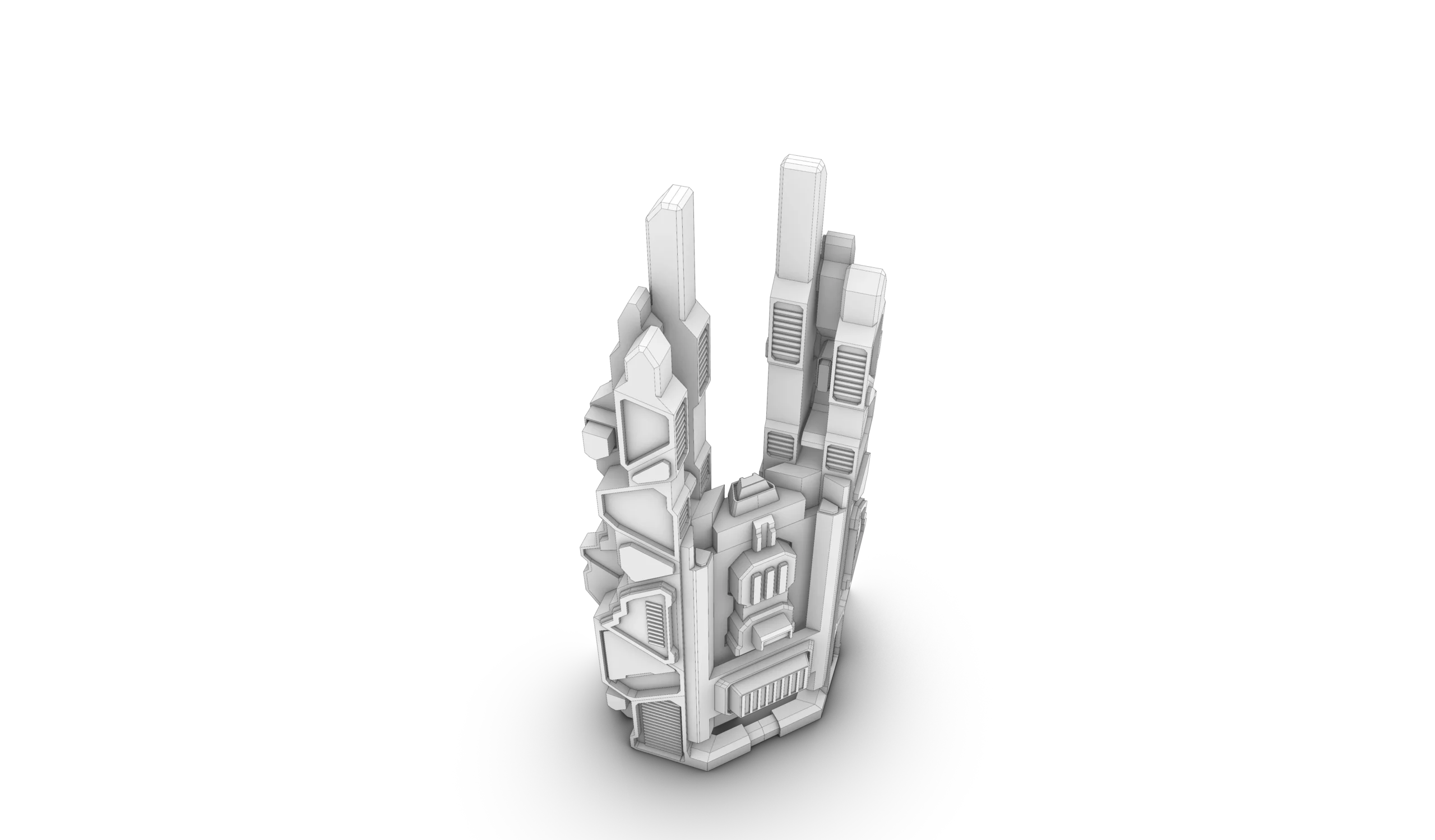
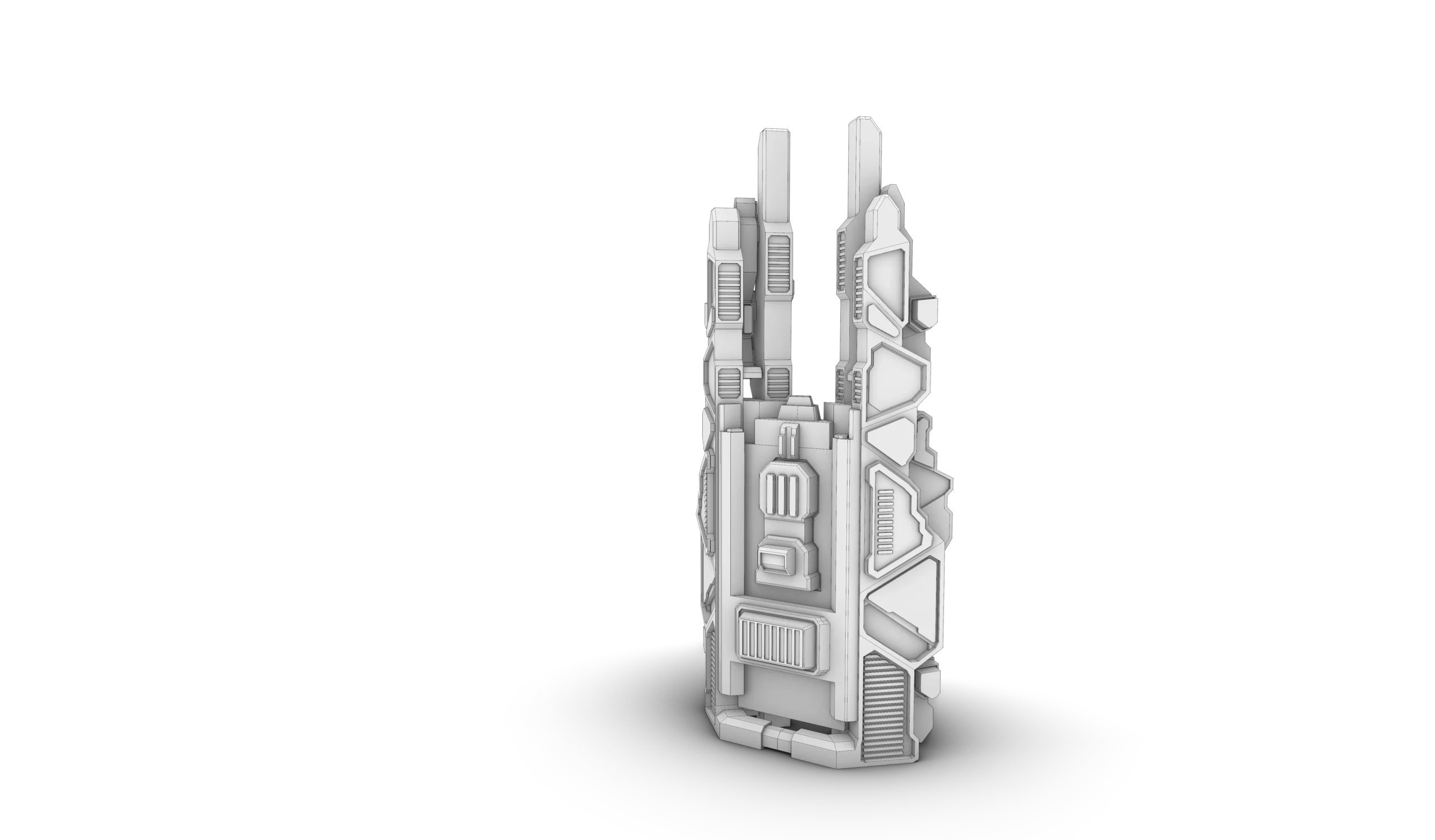
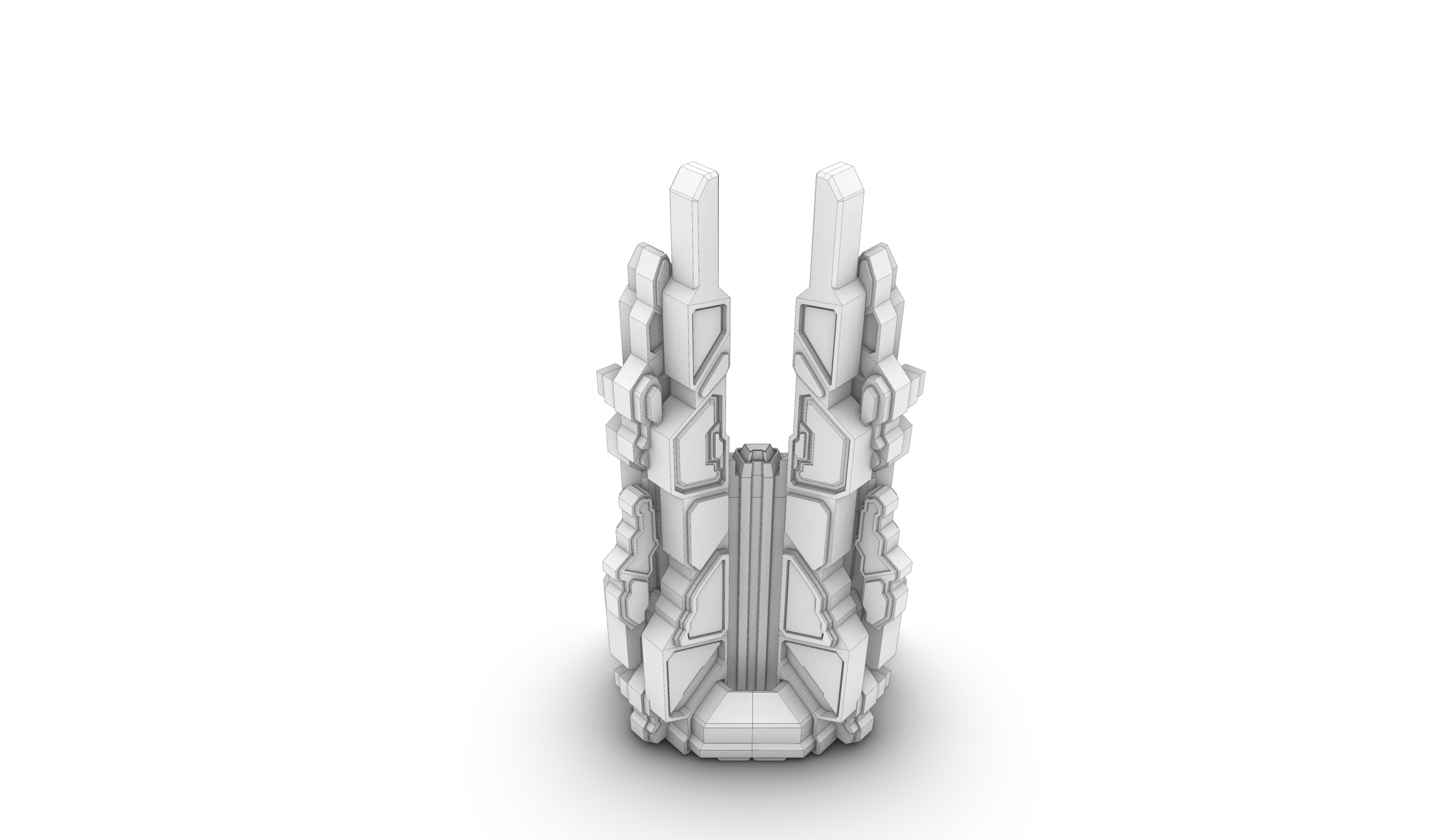
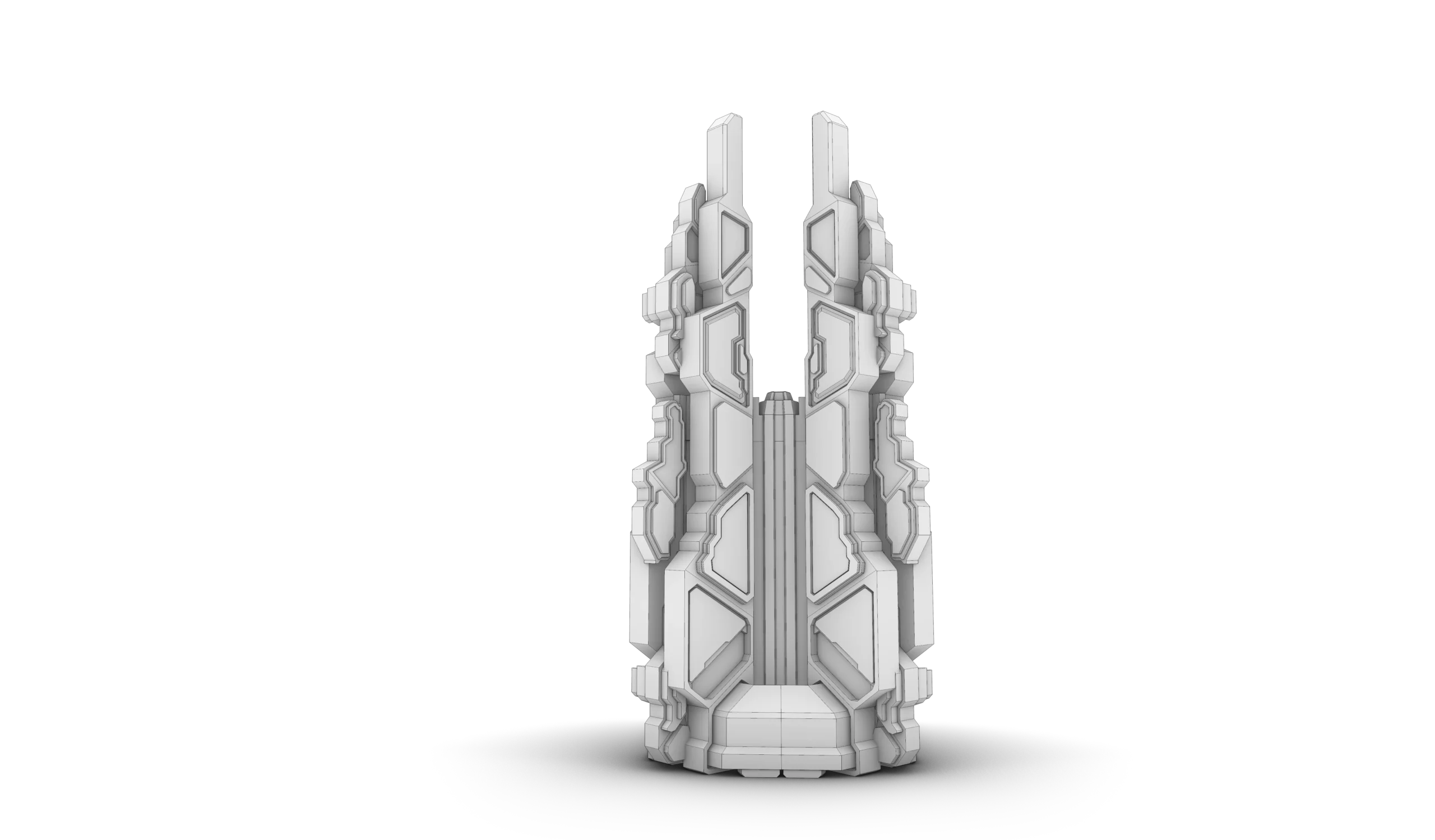
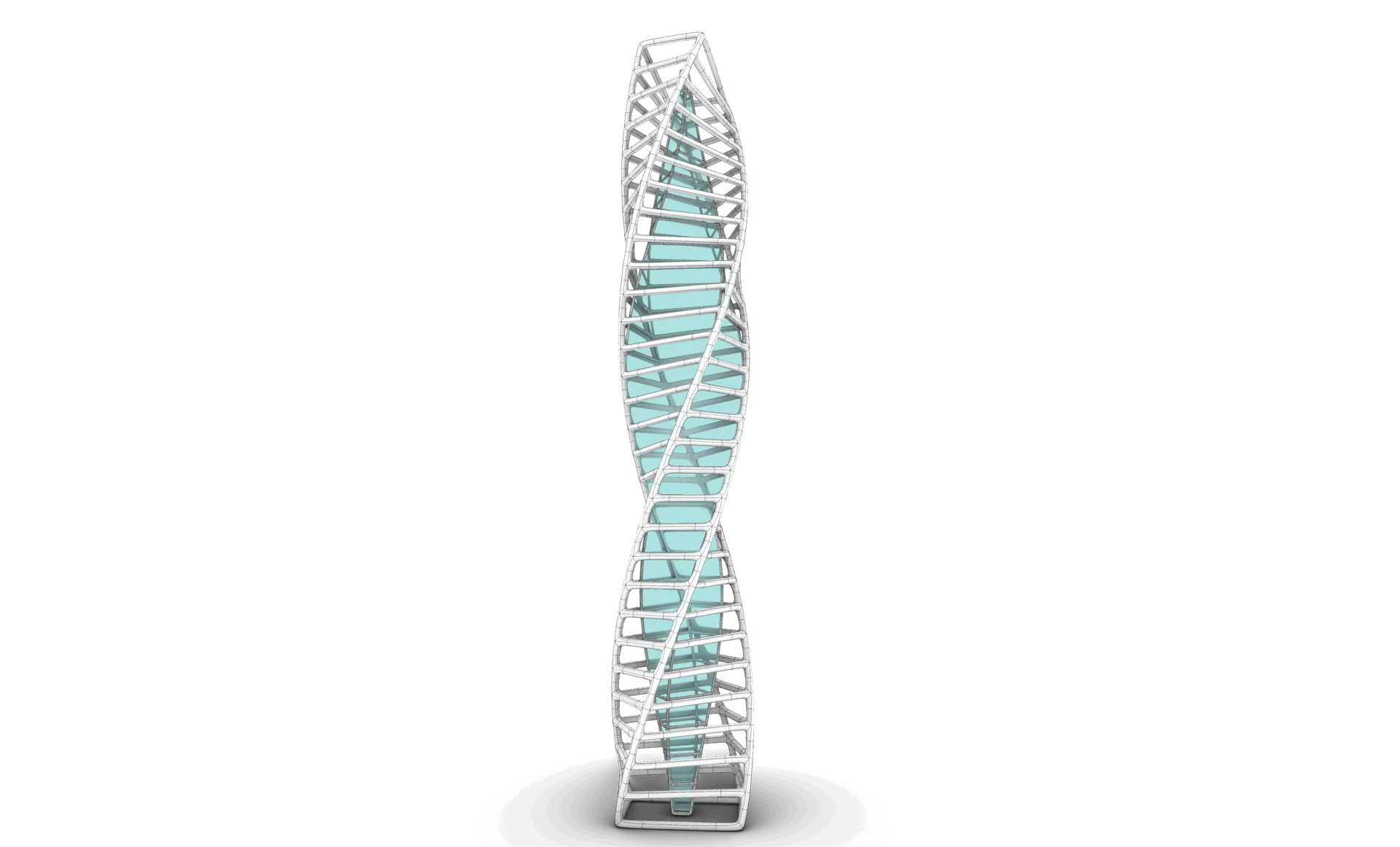
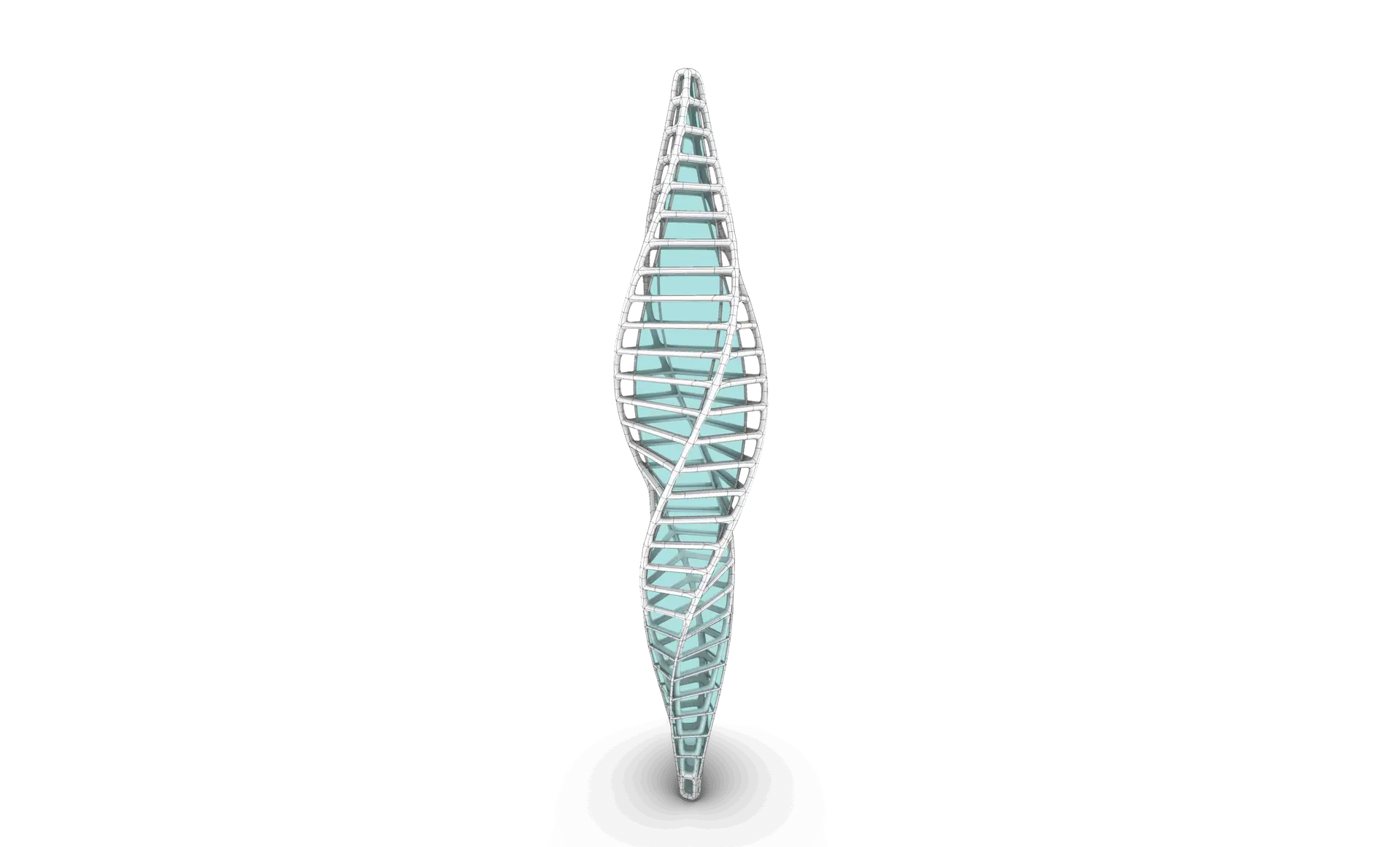
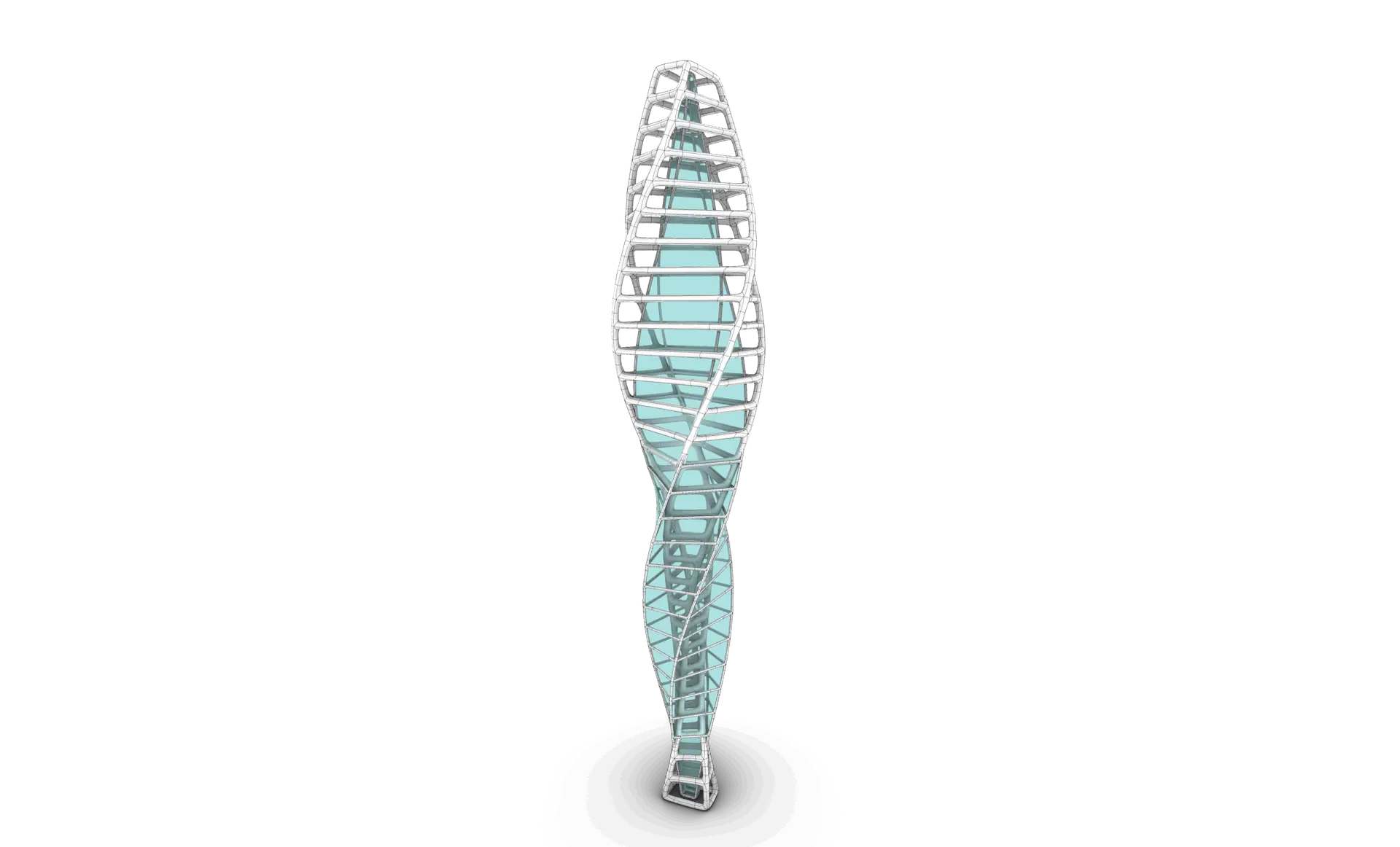
Session 02: Futuristic Tower Design & Modeling
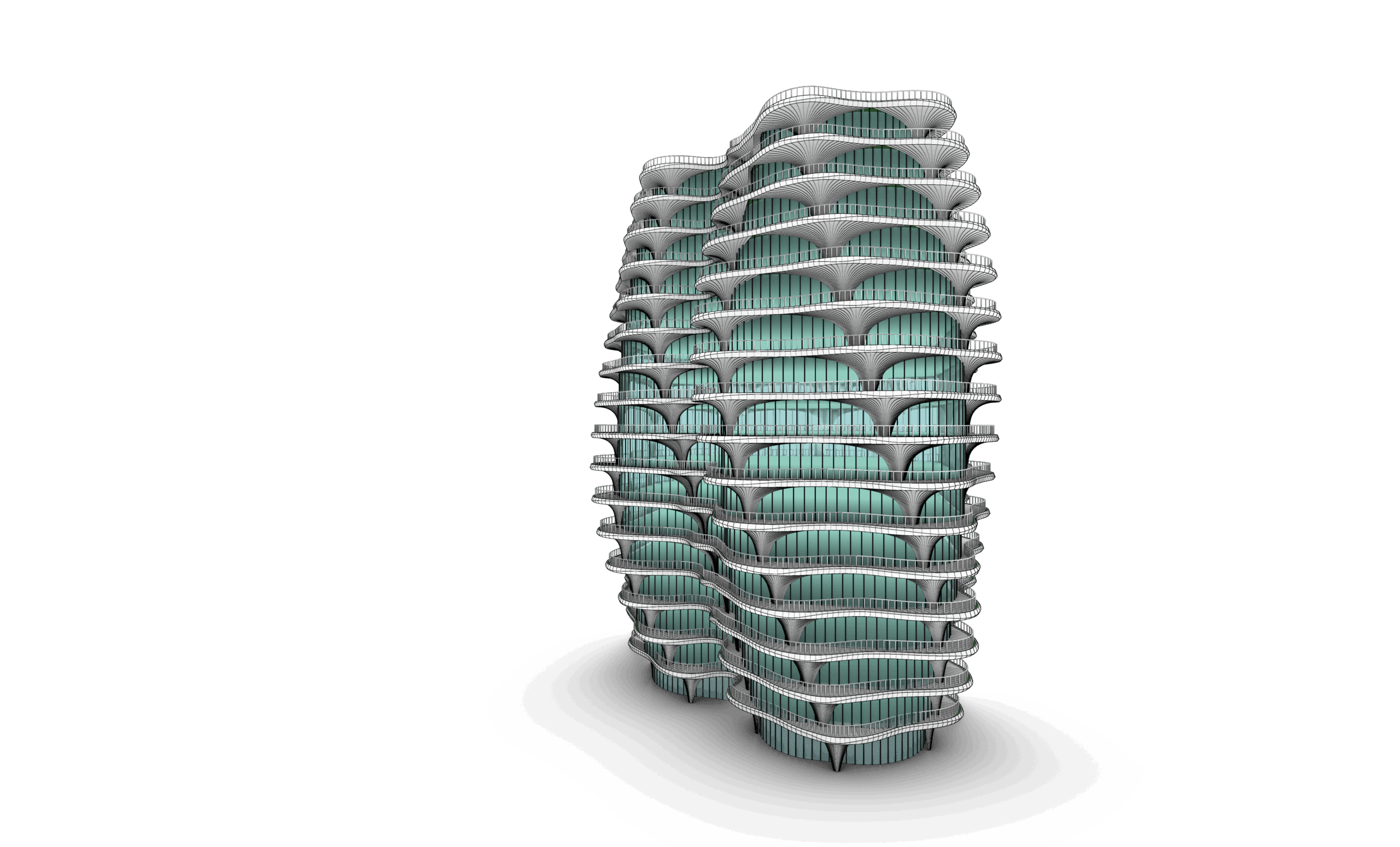
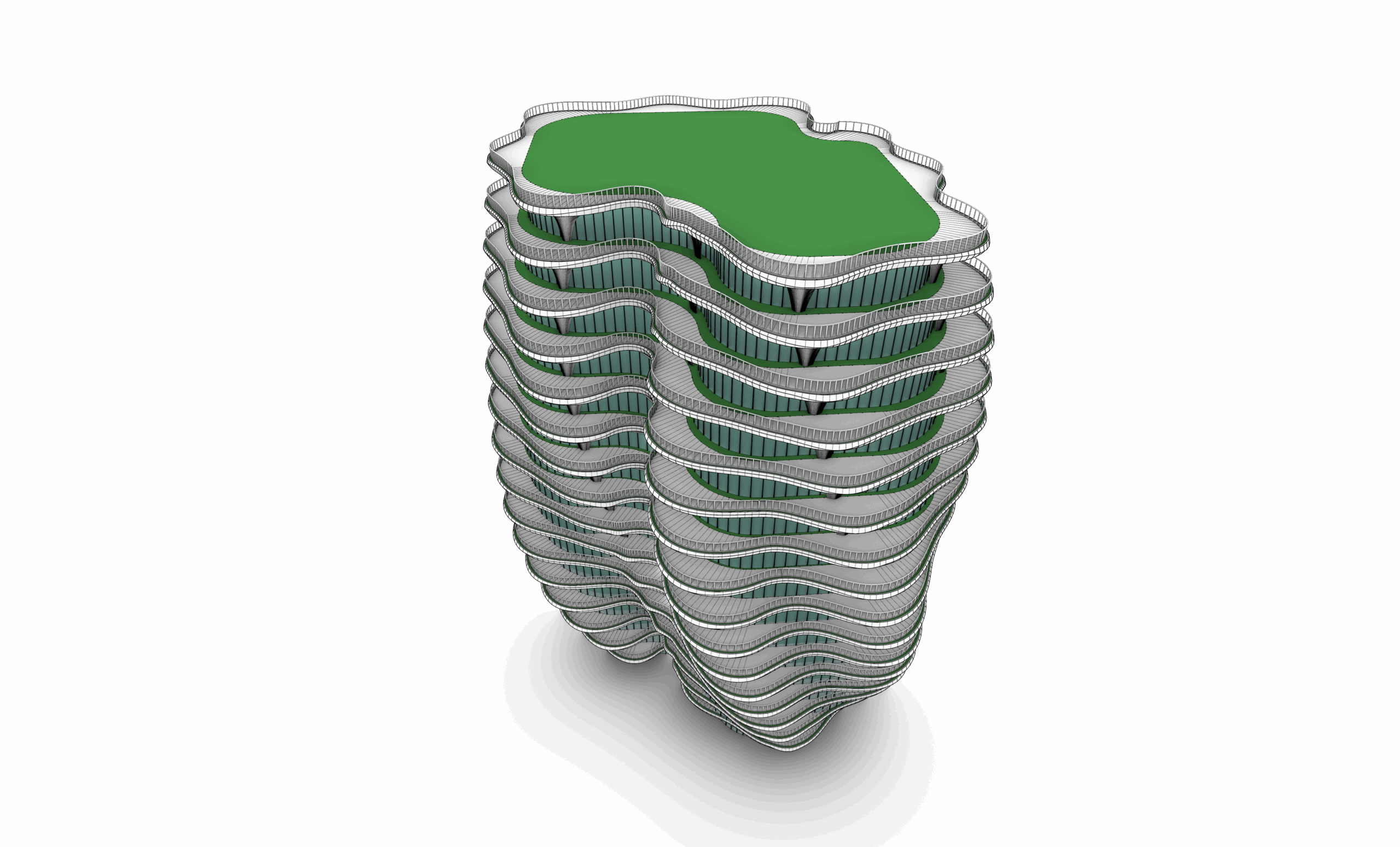
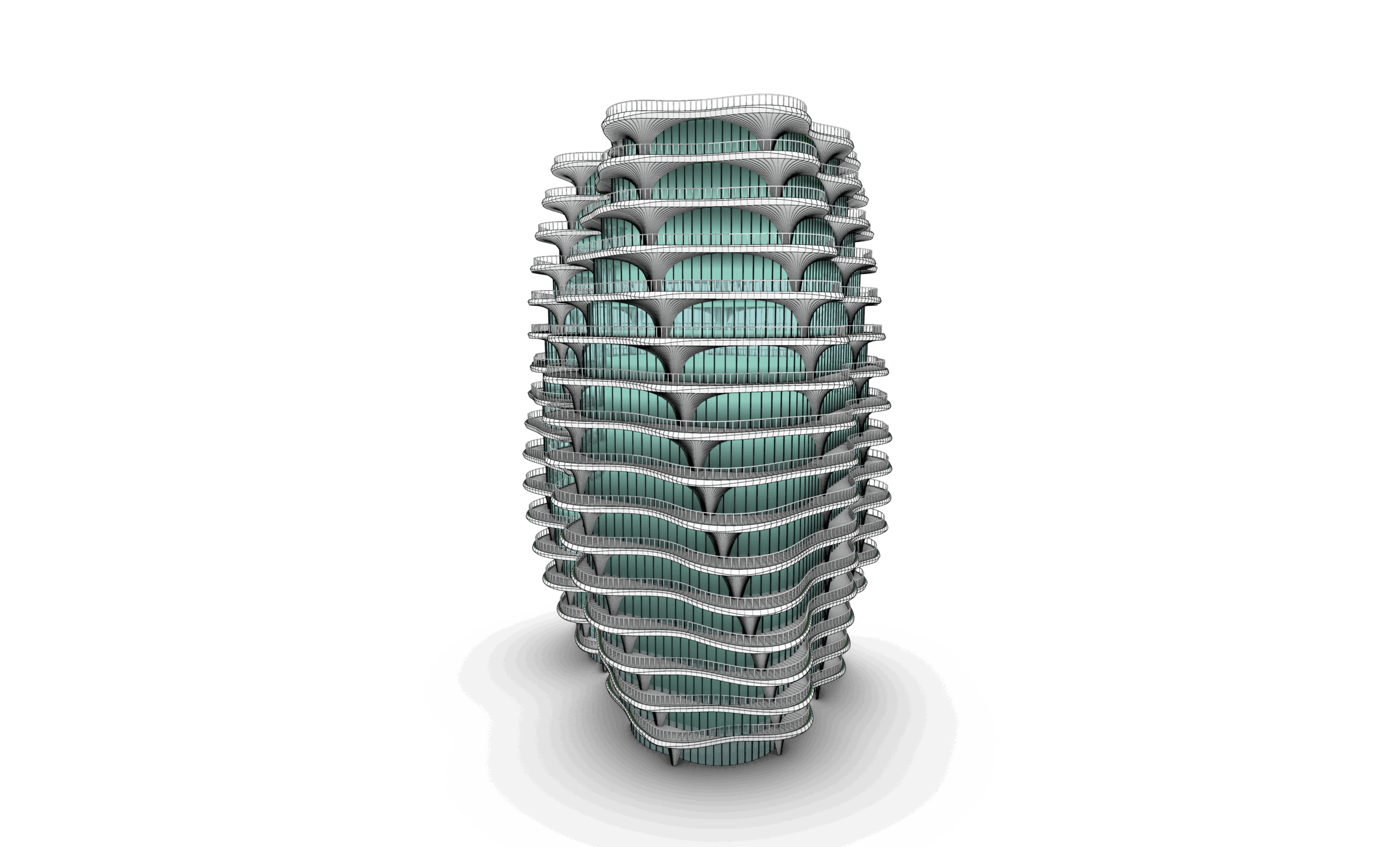
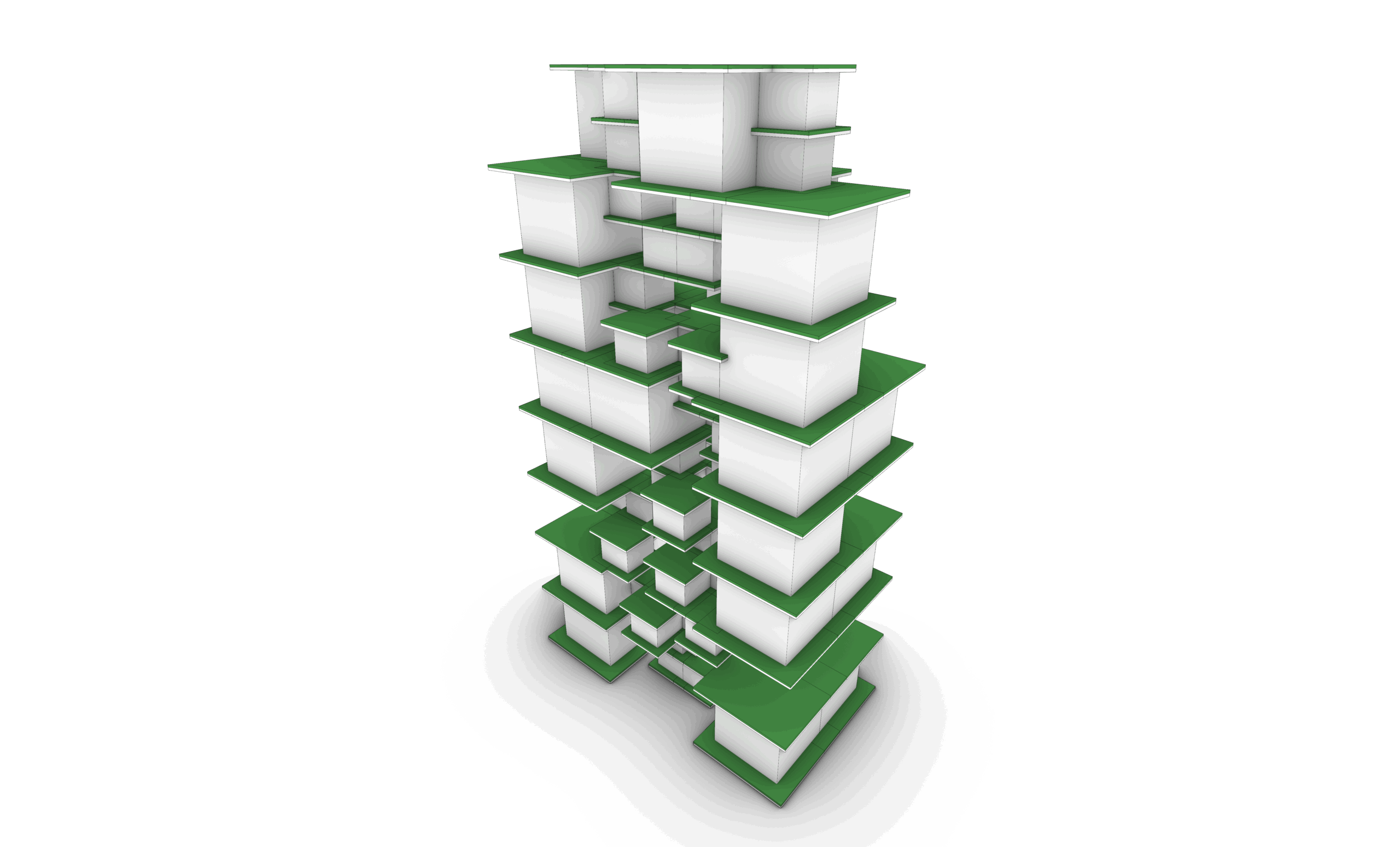
The final task challenges students to model a futuristic tower, applying their knowledge of solid modeling and pushing the boundaries of their design creativity.
Part 01: SubD Tools
Session 01: Introduction to SubD Modeling
This session introduces the concept of SubD modeling in Rhino, comparing Mesh, NURBS, and SubD workflows. Students will also learn how to use SubD selection filters and manipulate points, edges, and faces with basic transformation commands such as Move, Rotate, and Scale.
Session 02: SubD Creation Tools
Students will explore the core tools for creating SubD objects, including primitive shapes like Box, Cylinder, and Torus, as well as surface-based methods like Loft and Sweep for generating custom base geometries.
Session 03: SubD Modification Tools 1
This session focuses on fundamental SubD editing tools, such as Crease, Insert Edge Loop, Expand, and Bevel, which allow students to refine and shape their geometry efficiently.
Session 04: SubD Modification Tools 2
Students will continue exploring editing commands, including Merge All Coplanar Faces, Inset, Extrude Face, Insert Point, Stitch, Fill SubD Hole, Bridge, Symmetry, Radiate, and Offset SubD, essential for sculpting complex organic forms.
Session 05: SubD Modification Tools 3
Advanced tools such as Subdivide SubD, Spin Edge, Slide Edge, Merge Faces, Quad Remesh, Convert to SubD, and Convert to NURBS will be covered, allowing students to fine-tune geometry and optimize their workflow.
Session 06: SubD Modification Tools 4
This session introduces organizational and cleanup tools such as Named Selections, Soft Transform, Project Curve, Extract Surface, and Repair, helping students manage complex models and ensure geometry integrity.
Part 02: SubD Application Tasks
Session 01: Bridge-Based Modeling Exercise
In this session, students will focus on a guided task utilizing the Bridge command alongside point, edge, and face transformations to develop organic connections within SubD forms
Session 02: NURBS to SubD Workflow
Students will learn how to convert traditional Rhino geometry into SubD objects, modify them organically, and convert the final model back into Rhino surfaces for further refinement or export.
Part 03: Main Organic Modeling Project
Session 01: Organic Curves Creation
Students will begin by drawing expressive, controlled curves as a foundation for their organic design.
Session 02: From Curves to SubD Geometry
This session guides students through generating SubD surfaces from curves, setting up the initial form for further sculpting.
Session 03: SubD Form Development
Students will refine their geometry using SubD editing tools to develop fluid, organic shapes.
Session 04: Adding SubD Details
This session focuses on integrating detailed features and transitions into the SubD model, enhancing complexity and realism.
Session 05: Finalizing the SubD Model
Students will complete the project by cleaning, converting, and preparing the final SubD model for presentation, rendering, or fabrication.

Part 01: User Interface
Session 01: User Interface Introduction
This session introduces the core principles and main tabs of D5.
Part 02: Water World
Session 01: Preparing Rhino Files
Learn how to organize and optimize Rhino models for smooth export to D5, including scaling, layer management, normals, and linking through LiveSync or file export.
Session 02: Cameras
Master D5’s camera tools by setting focal length, depth of field, and composition to create professional perspectives.
Session 03: Materials
Explore D5’s material editor, & Library
Session 04 : 05: Assets
Use D5’s asset library to add vegetation, people, furniture, and context models. Learn placement, scaling, and scattering for lifelike scenes.
Session 06:07: Eye Perspective
Set up ground-level viewpoints with correct human scale, horizon line, and lens settings to produce immersive design visuals.
Session 08:10: Aerial Perspective
Create aerial shots with drone-like viewpoints, adjusting atmosphere, lighting, and exposure for impactful urban or site-wide visuals.
Session 11: AI-Post Processing
Enhance your renders with D5’s built-in AI tools and post-processing controls such as exposure, bloom, lens flare, and color grading.
Session 12: Animations
Build cinematic walkthroughs and fly-throughs using keyframes, camera paths, and animated assets to bring your designs to life.
Session 13: Sections & Elevations
Generate orthographic views such as sections and elevations..
Part 03: Stadium
Session 01: Prepare Rhino File
Learn how to organize and optimize Rhino models for smooth export to D5, including scaling, layer management, normals, and linking through LiveSync or file export.
Session 02: Cameras & Material
Master D5’s camera, material editor,& Library
Session 03: Assets
Use D5’s asset library to add vegetation, people, furniture, and context models. Learn placement, scaling, and scattering for lifelike scenes.
Session 04: Render Settings
Understand D5’s rendering engine and how to optimize it for different outputs. Learn about resolution, aspect ratios, ray tracing, sampling quality, denoising, and balancing performance vs. realism.
Session 05: Animations
Build cinematic walkthroughs and fly-throughs using keyframes, camera paths, and animated assets to bring your designs to life.
Session 06: Sections & Elevations
Generate orthographic views such as sections and elevations..

Part 01: Introduction
Session 01: Introduction
This session introduces parametric modeling and explains how it differs from static modeling. Students will understand the logic of relationships and rule-based geometry creation.
Session 02: Grasshopper Introduction
Students will learn the basics of Grasshopper, including what it is, how it works, and why it’s a key tool for computational design in Rhino.
Session 03: Components Types
This session covers the different types of components in Grasshopper, including Params, Logic, Math, and Geometry, and how data flows between them.
Session 04: Inputs
Students will explore common input types like sliders, panels, and geometry containers to control parametric models dynamically.
Session 05: Grasshopper Interface
An overview of the Grasshopper interface, including display settings, wire styles, preview modes, grouping, and how to organize scripts effectively.
Session 06 to 08: Exercise 01
Hands-on exercise applying basic components and logic to create a parametric form using sliders and math.
Part 02: Points, Vectors & Planes
Session 01: Points & Vectors
This session introduces how to create and manipulate points and vectors in Grasshopper, forming the foundation for geometric logic and direction-based modeling.
Session 02: Planes
Students will explore how planes are constructed and used as coordinate systems for transforming, orienting, and building geometry.
Session 03: Vectors & Planes Applications with Curves & Surfaces
This session focuses on vectors and surfaces commands and applications with in curves and surfaces
Session 04: Grids
Students will generate 2D and 3D grids using Grid Native Components in grasshopper
Session 05: Exercise 02
This exercise brings together points, vectors, and planes to create a dynamic, responsive design
Session 06: Fields + Exercise 03
An introduction to scalar and vector fields. Students will explore how to influence geometry using attractors and field manipulation.
Part 03: Math
Session 01: Simple Math Components
Students will explore basic math operations—addition, subtraction, multiplication, and division—essential for controlling numerical input and relationships in parametric models.
Session 02: Simple Mathematics Equations
This session introduces geometry-related equations (area, volume, circle/sphere dimensions) and how to apply them in components and expression editors.
Session 03: Exercise 04
Students will use mathematical expressions combined with looping techniques (e.g., Hoopsnake) to generate iterative geometry.
Session 04: Sine, Cosine & Graph Mapper
An introduction to trigonometric functions and the Graph Mapper for creating waves, periodic patterns, and custom-controlled forms.
Session 05: Exercises 05 + 06
A set of guided exercises using sine, cosine, and graph-based logic to create parametric systems.
Session 06: Number Remapping, Domains, Ranges, Random & Series
Students learn how to structure and remap numeric data using domains, ranges, and random or sequential generators.
Session 07: Exercise 07
An applied task that uses remapped numbers, domain control, and mathematical Graph Mapper to generate a controlled organic Design.
Part 04: Attractors
Session 01: Simple Attractors
Students will learn how to use point, curve, and object-based attractors to influence geometry based on distance or proximity.
Session 02: Image Sampler
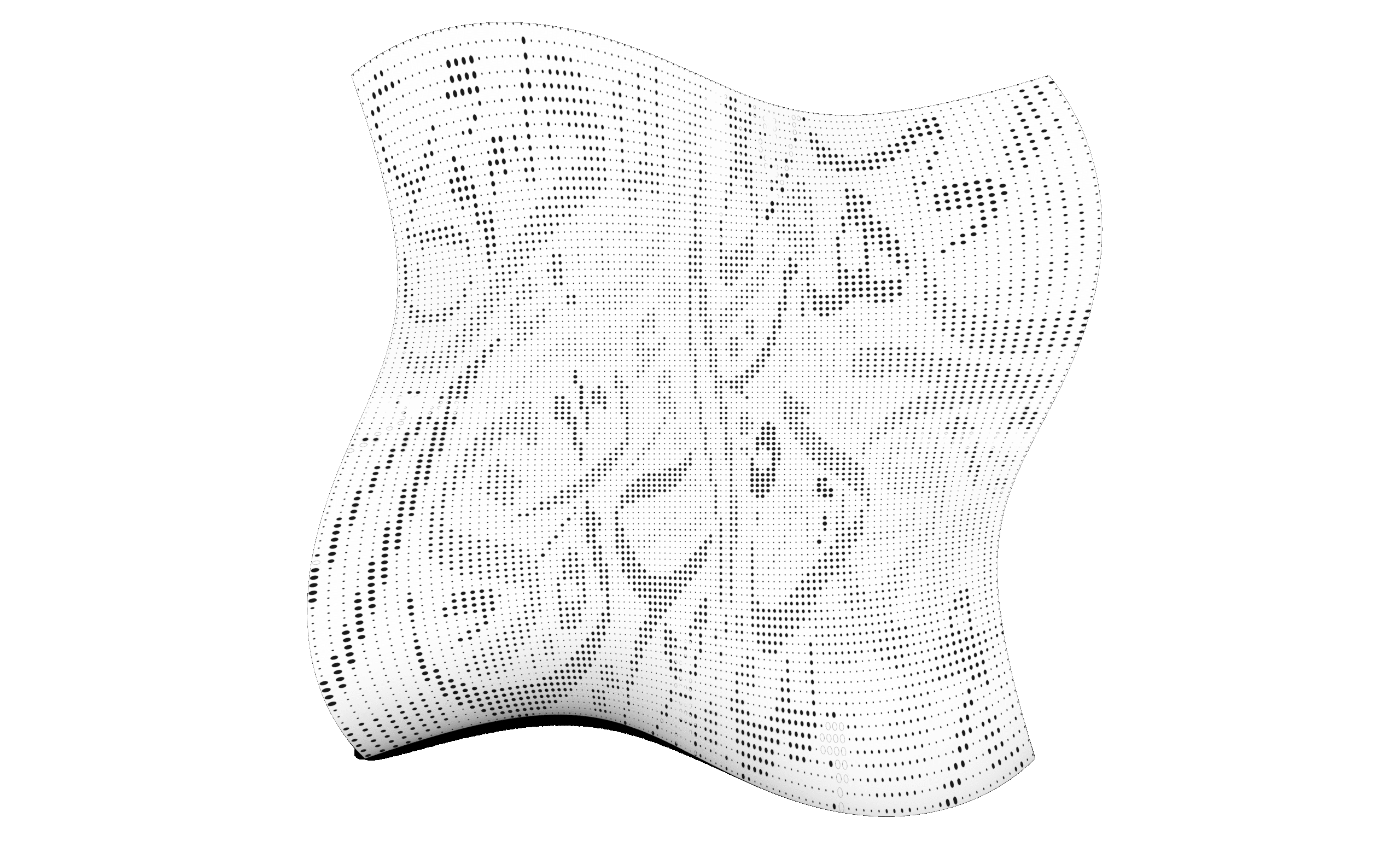
This session introduces the image sampler component, allowing students to extract color and brightness data from images to drive geometry and patterns.
Session 03: Exercise 08 – Pattern Design 01
A guided exercise using attractors to generate responsive design patterns.
Session 04: Exercise 09 – Pattern Design 02
A guided exercise using attractors to generate responsive design patterns.
Part 05: Lists & Trees
Session 01: Introduction to Lists & Trees
This session introduces data structures in Grasshopper, explaining the difference between flat lists and hierarchical data trees.
Session 02: Trees 01 – Graft & Flatten
Students will explore grafting and flattening operations to structure and restructure data for controlled geometric logic.
Session 03: Trees 02 – Advanced Tree Operations
Covers essential tree management tools like Simplify, Shift Path, Flip Matrix, Explode Tree, Tree Branch, Merge, Match Tree, and Stream Filter.
Session 04: Lists 01 – Basics
Introduces list operations like item selection, list length, and list manipulation to control geometry through indexing.
Session 05: Lists 02 – Advanced Manipulation
Students will work with sorting, reversing, culling, and shuffling lists to structure design logic and variability.
Session 06: Sequence
Covers generating and using number sequences with range, series, and steps to automate repetitive design logic.
Session 07: Sets
Students will explore set operations (union, intersection, difference) and tools like duplicate removal and member index.
Session 08: Lists & Trees Applications in Previous Tasks
A recap session applying list and tree logic to earlier exercises, reinforcing understanding through real examples.
Part 06: Curves
Session 01: Parameter Space
Students will understand how Grasshopper interprets curve domains and parameter space, enabling precise control over curve operations.
Session 02: Curves Primitive Commands
Covers basic curve creation tools such as lines, arcs and circles to build foundational geometry.
Session 03: Curves Spline Commands
Focuses on smooth curve generation using Interpolate and NURBS curves.
Session 04: Curves Utilities Commands
Explores offsetting, filleting, rebuilding, and other utilities to refine and modify curves.
Session 05: Curves Division Commands
Students will learn how to divide curves into segments or points using various division methods and logic.
Session 06: Curves Analysis Commands
Introduces tools to analyze curvature, tangents, length, and other curve properties to drive design logic.
Session 07 to 09 : Exercise 10
Hands-on task creating a parametric pattern driven by curve logic and division points.
Part 07: Surfaces
Session 01: Surface Primitive Commands
Students will learn how to create simple surfaces from primitives like planes, boxes, and cylinders directly within Grasshopper.
Session 02: Surface Freeform Commands
Covers generation of custom surfaces using Loft, Sweep, and Boundary tools, ideal for organic and fluid geometries.
Session 03: Surface Utility Commands
Introduces offsetting, rebuilding, trimming, and extending surfaces to enhance and control design logic.
Session 04: Surface Analysis Commands
Explores curvature analysis, UV directions, and surface evaluation tools to inform performance and continuity.
Session 05: SubD Commands
Students are introduced to SubD surfaces and their integration with Grasshopper for subdivision-based design.
Session 06: Lunchbox Plugin
Covers the use of Lunchbox to create parametric panels, grids, and surface-based patterns with efficient workflows.
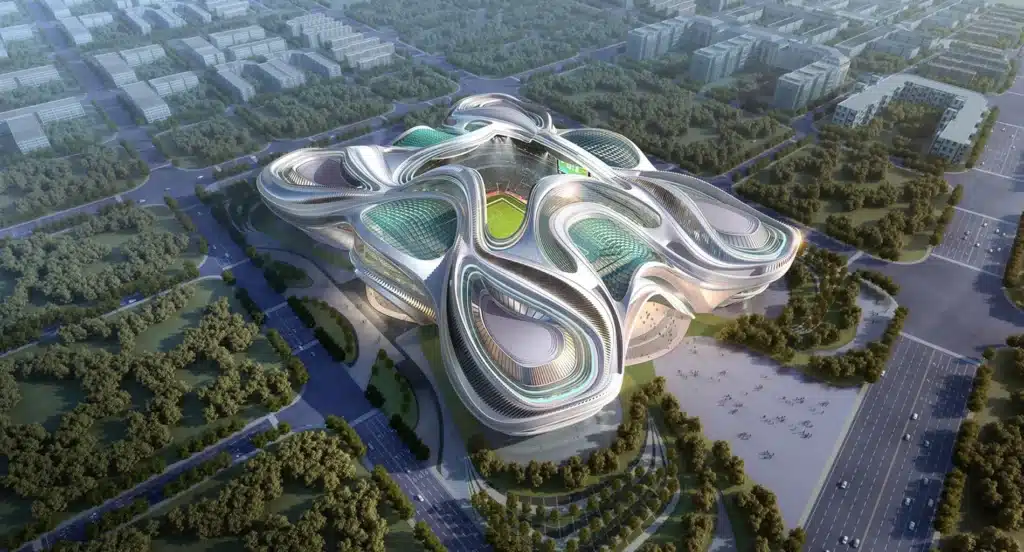
Session 07: to 09 Exercise 11-14 – Water World Patterns
Applies learned surface tools and plugins to generate a complex pattern.
Part 08: Meshes
Session 01: Meshes Primitive Commands
Students will learn how to create base mesh geometries like mesh boxes, spheres, and grids directly in Grasshopper.
Session 02: Meshes Utility Commands
Covers essential mesh operations such as joining, exploding, welding, and mesh subdivision for clean topology control.
Session 03: Meshes Analysis Commands
Introduces tools for evaluating mesh quality, face count, edge directions, and normal orientation.
Session 04: Weaverbird Plugin
Students explore the Weaverbird plugin to apply subdivision, smoothing, and mesh thickening for organic and detailed forms.
Session 05: Triangulation (Voronoi) + Exercises 15-18
Applies Voronoi-based triangulation on mesh surfaces and grids, followed by Exercises 15–17 to develop complex mesh patterns.
Session 06: Triangulation (Quad Tree + Metaball) + Exercises 19-21
Focuses on recursive quad tree subdivision and metaball generation, concluding with Exercises 19–21 for fluid mesh structures.
Part 09: Intersections
Session 01: Shapes Intersections
Students will learn how to find intersections between basic geometries like lines, curves, and surfaces using logical operators.
Session 02: Regions Intersections
Covers region-based operations such as union, difference, and intersection for creating complex 2D and planar compositions.
Session 03: Physical Intersection
Explores the use of intersecting solids and surfaces in 3D space to generate new geometries through trimming and splitting.
Session 04: Mathematical Intersection + Exercise 22
Introduces mathematical intersection techniques such as Brep–Plane intersections and Contour tools to extract section curves from complex geometry.
Session 05 to 07: Exercise 23
Students will apply intersection commands to generate sliced geometry and contour-based design elements.
Part 10: Transformation & Morph
Session 01: Transformation – Affine Commands
Students will learn foundational affine transformations including scale, project, and shear to control geometry with numeric precision.
Session 02: Transformation – Array Commands
Covers linear, polar, and rectangular arrays to distribute geometry parametrically across a defined system.
Session 03: Transformation – Euclidean Commands
Explores basic spatial operations like move, rotate, and mirror for structuring and orienting geometry.
Session 04: Morph 01 – Box Morph, Twisted Box, Blend Box
Introduces morphing techniques using bounding boxes to map geometry across varying volumes and forms.
Session 05: Morph 02 – Morph & Domains
Students will learn how to remap geometry using domain transformations and understand how ranges control morphing logic.
Session 06: Surface Morph + Exercise 24
Applies surface morphing tools to project complex patterns or modules onto curved surfaces.
Session 07: Exercise 25
A hands on task integration morph commands
Session 08: Syntax Deform + Exercise 26
Covers deforming geometry through field logic and syntax-driven manipulation, followed by an applied exercise.
Session 09: Map to Surface + Exercise 27
Final transformation exercise using the "map to surface" workflow to generate responsive surface systems.
Part 11: Final Exercise
Session 01 to 3: Final Exercise 28
Students will start a capstone project that brings together points, vectors, curves, surfaces, lists, and transformations into a unified parametric system.

Part 01: Drawings
Session 01: 2D drawings
This session covers how to generate accurate 2D drawings directly from your 3D Rhino models, including plans, elevations, and sections with clean, professional linework.
Session 02: Dynamic Sesctions
This session explores how to create dynamic section cuts and perspectives, allowing you to present your projects with clarity and precision while maintaining live links to your 3D geometry.
Session 03: Layout
This session explains how to set up layouts in Rhino, manage viewports, and prepare annotated sheets with dimensions, text, and scales ready for printing or presentation.
Session 03: View DIsplay
This session introduces display modes and graphic styles in Rhino, showing how to enhance your drawings with shaded views, hidden lines, and customized visual settings.
Part 02: Animations
Session 01: Rhino Animations
This session introduces Rhino’s built-in animation tools, including camera paths, walkthroughs, and flythroughs. You’ll learn how to animate views to create smooth visual sequences that bring your projects to life.
Session 02: assembly Animaitions
This session covers Rhino’s Snapshot tool for storing and animating different model states—such as materials, layers, positions, and views—to create compelling transitions and presentation-ready animations.
Rhino Masterclass


Advanced Organic Modeling


Visualization Using D5


Grasshopper Masterclass
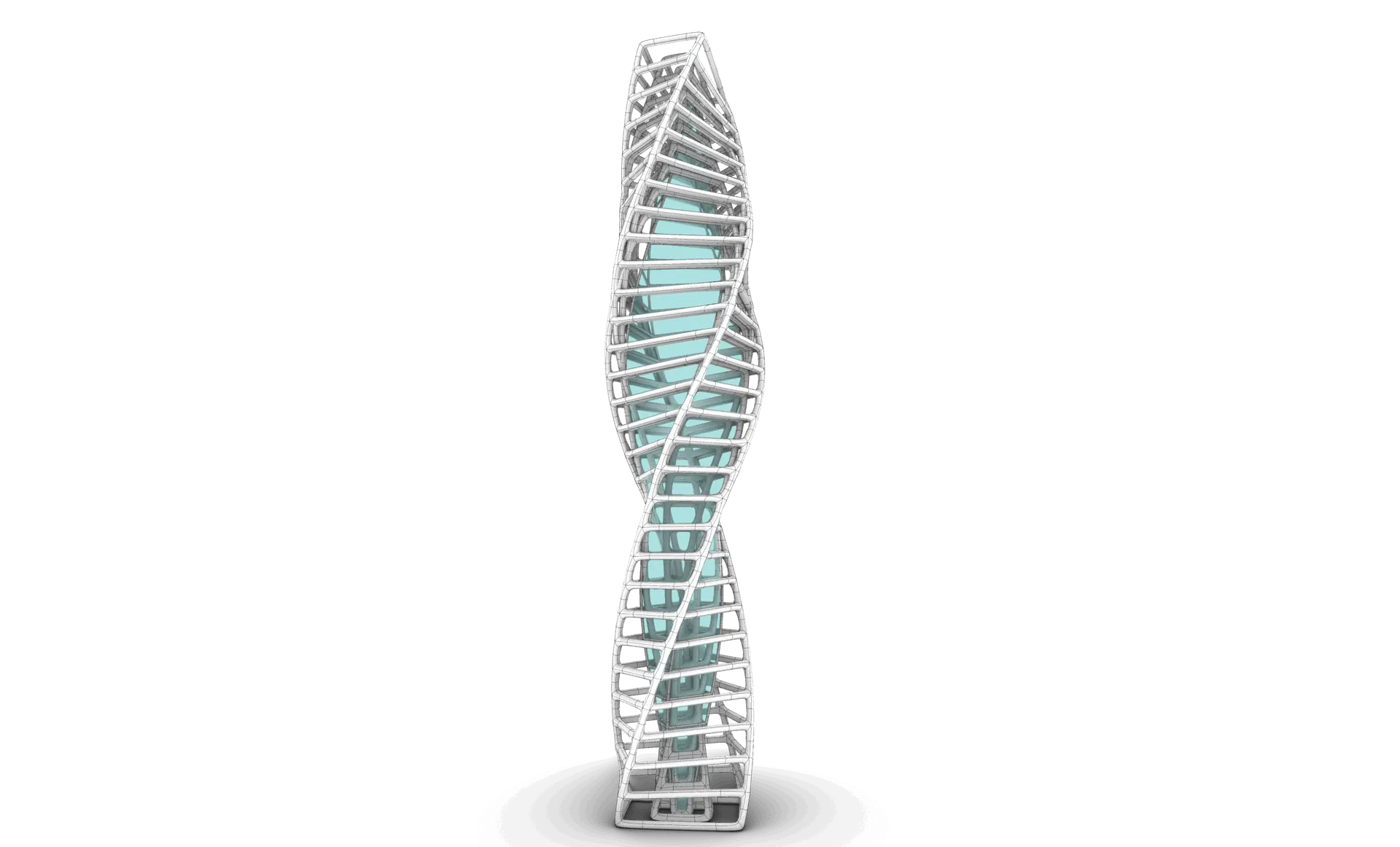
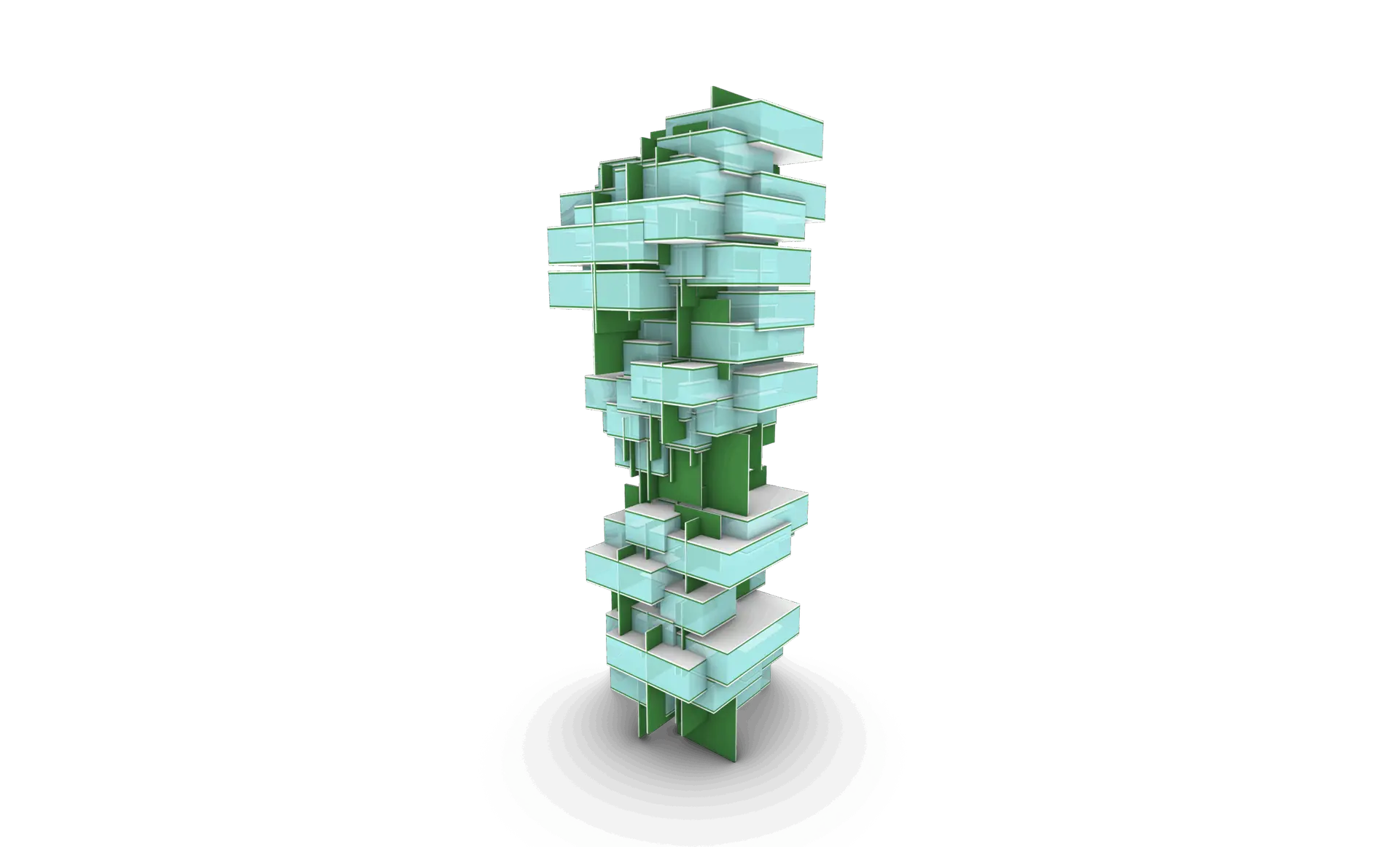
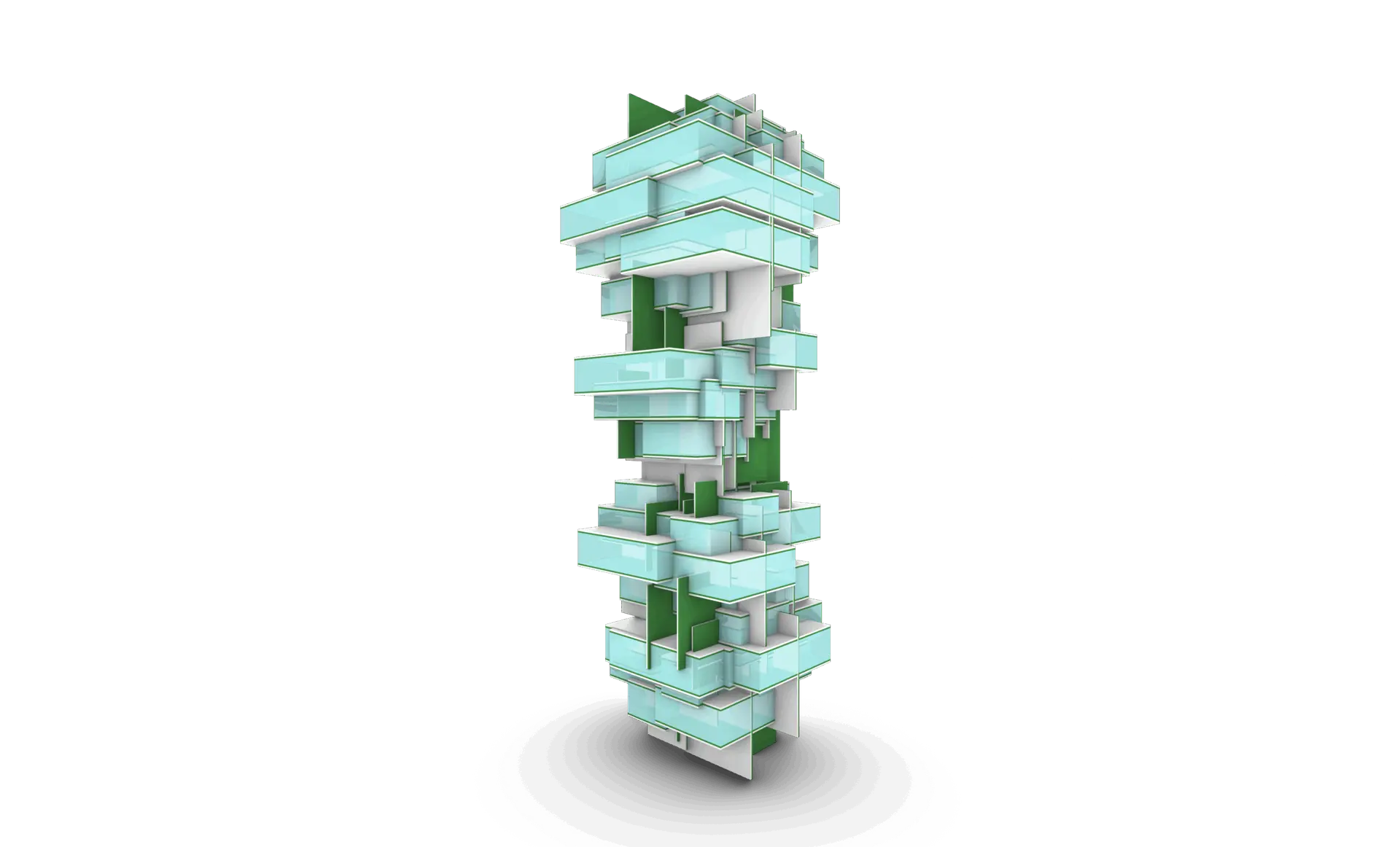
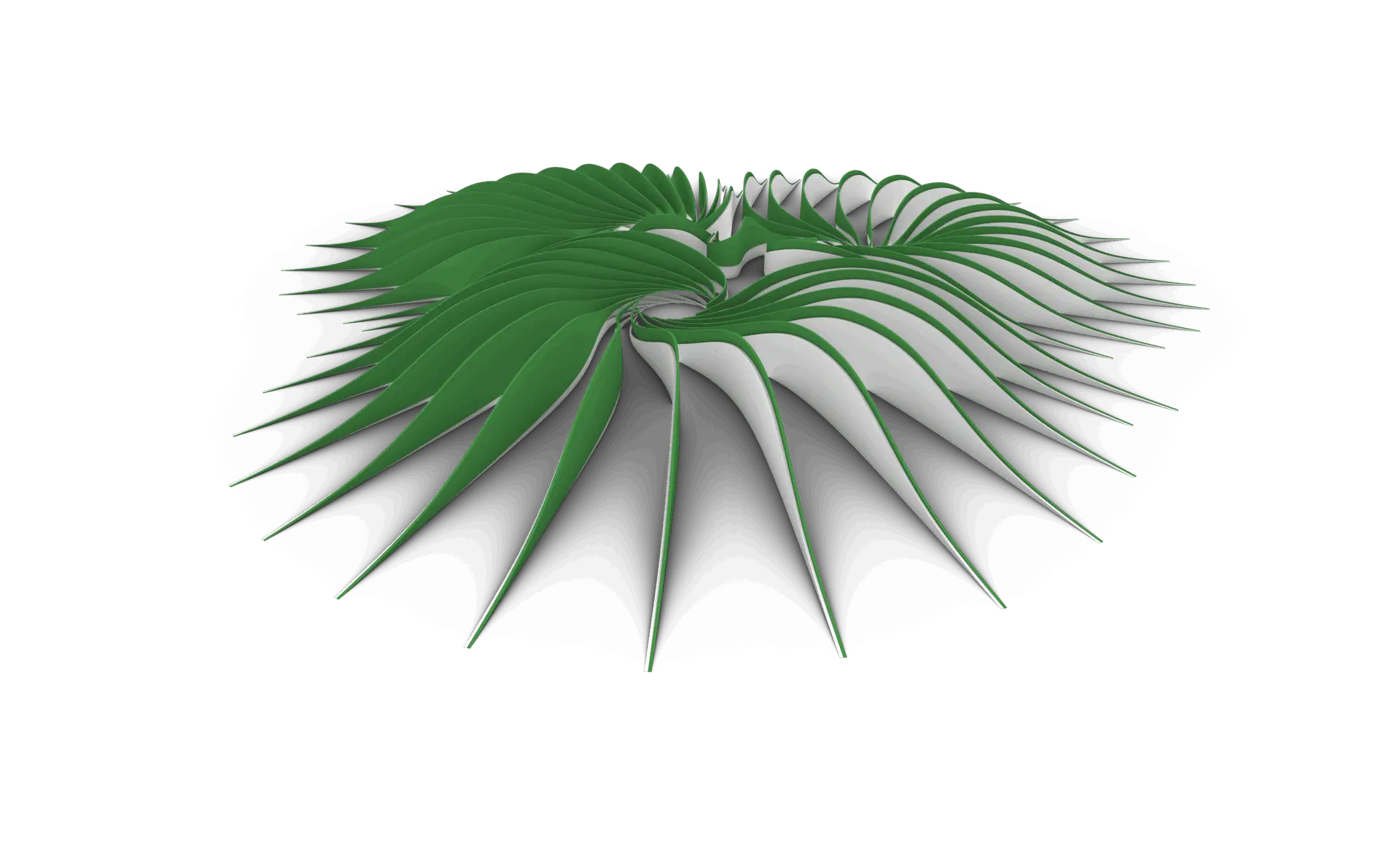
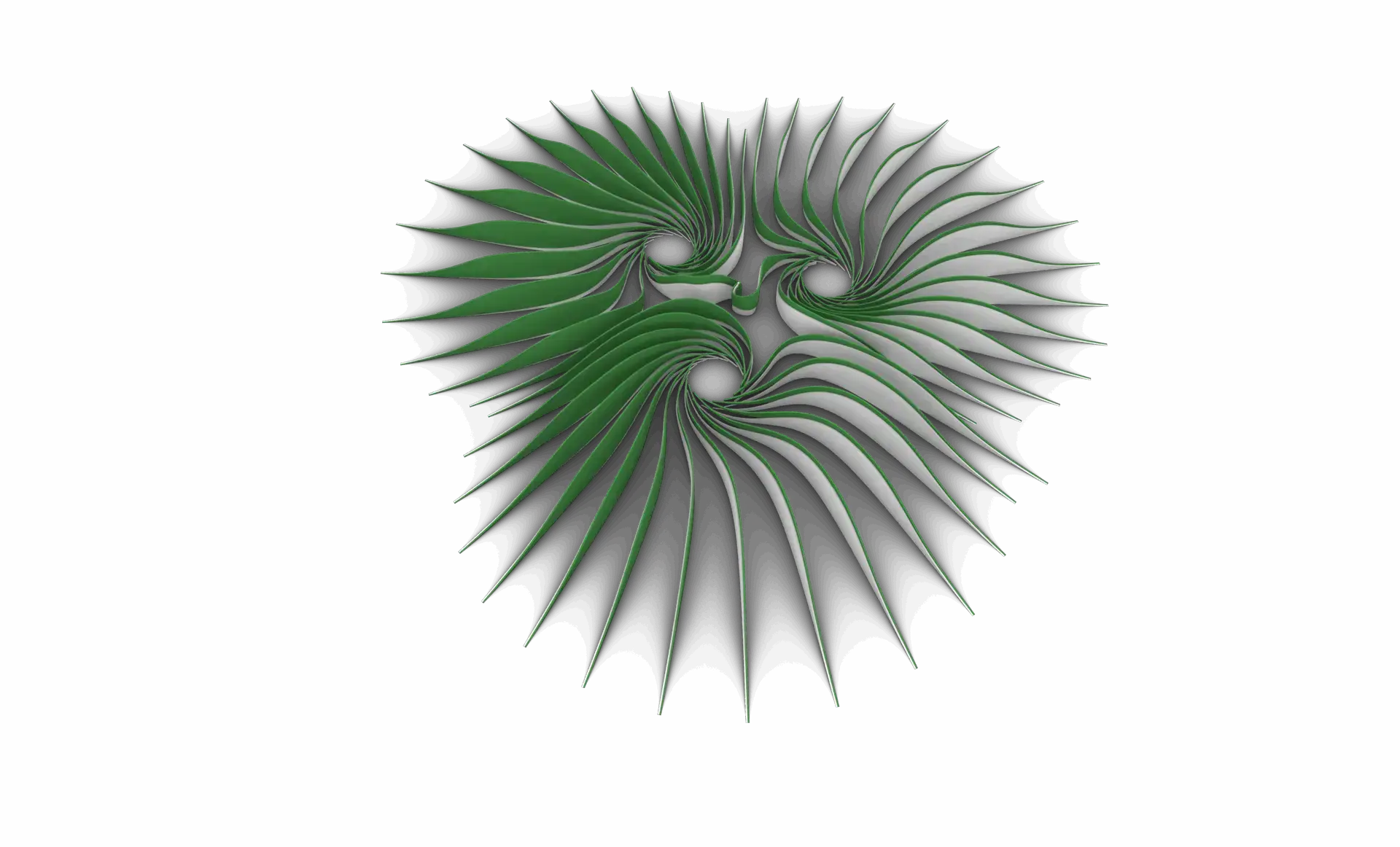
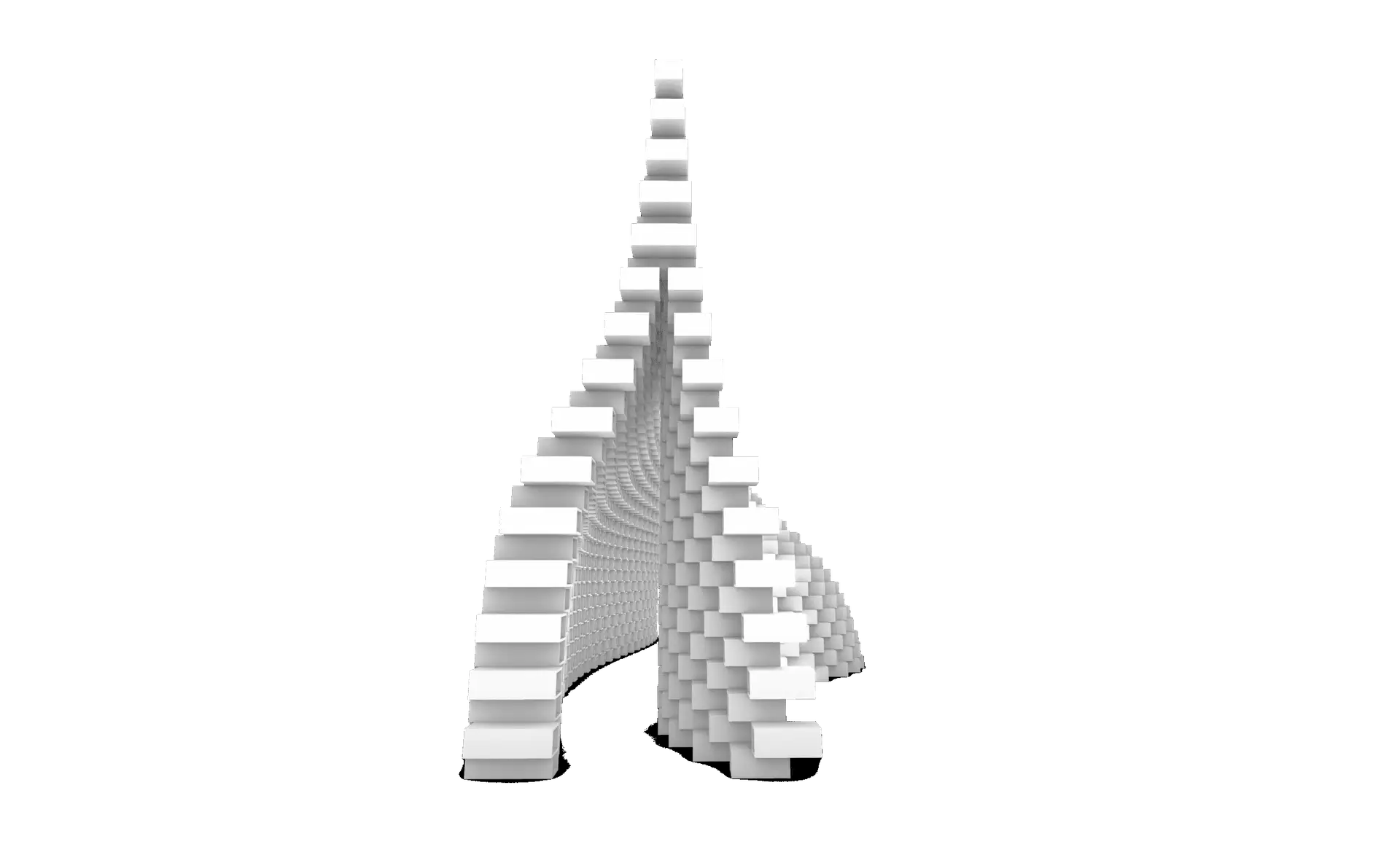
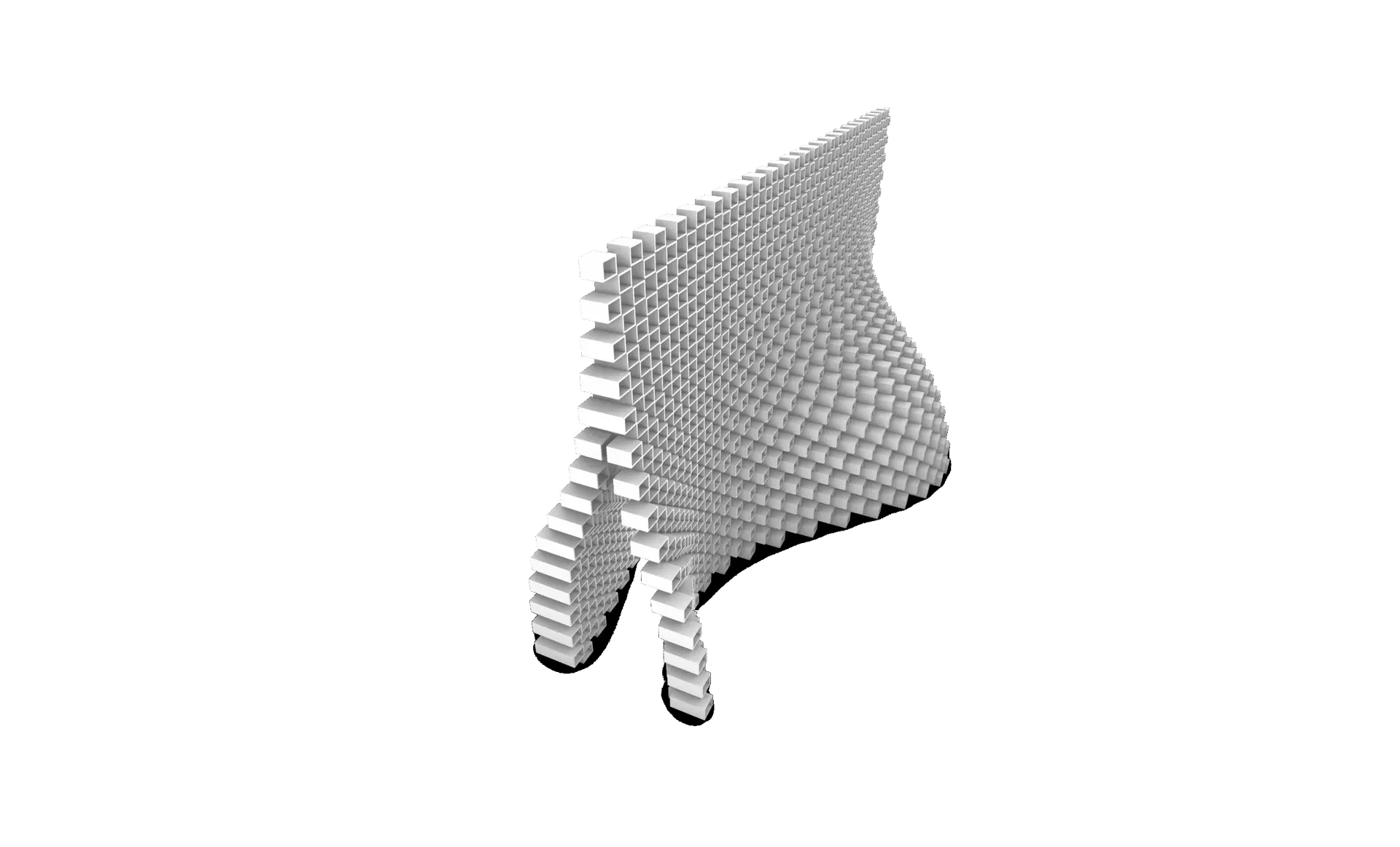
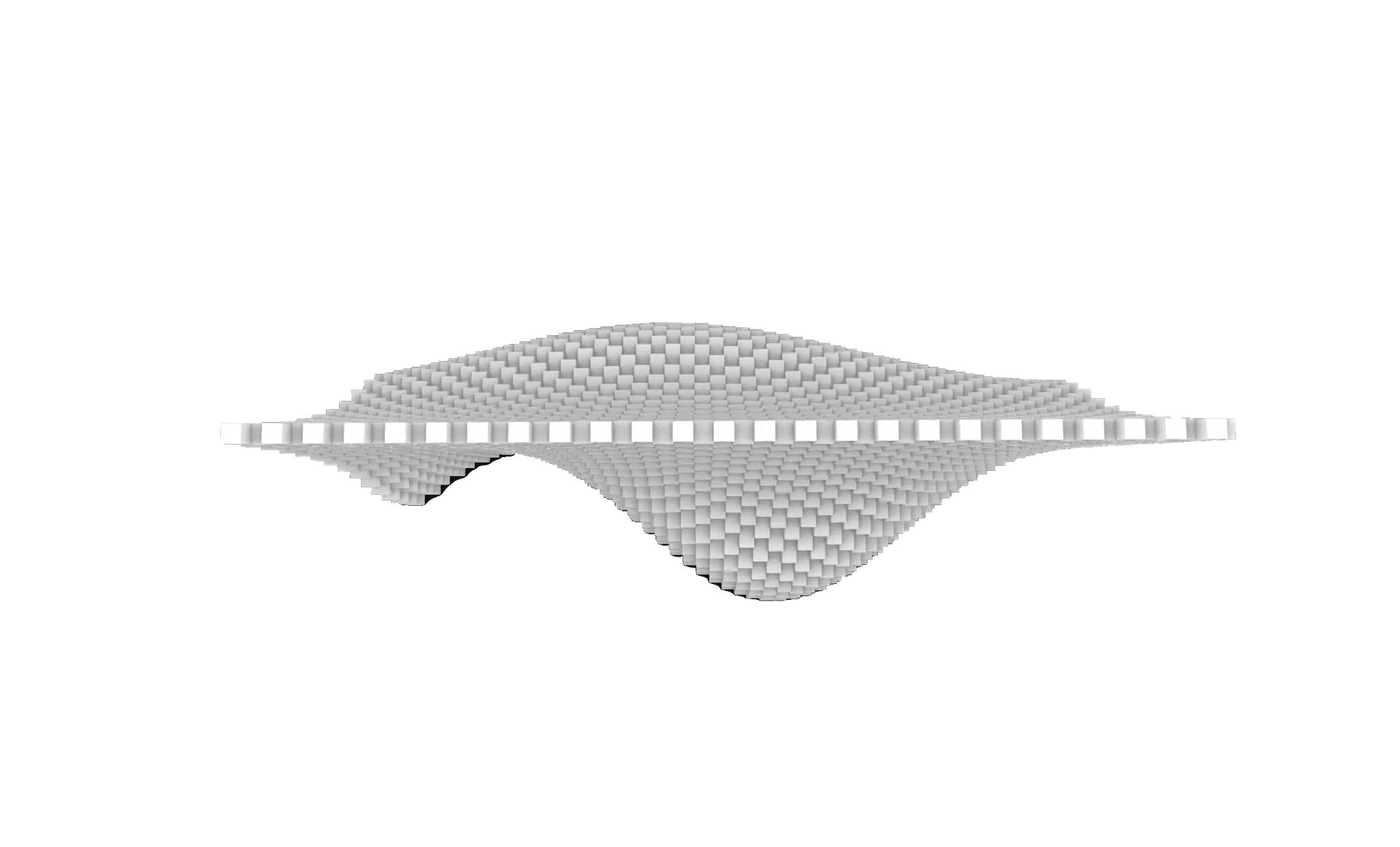
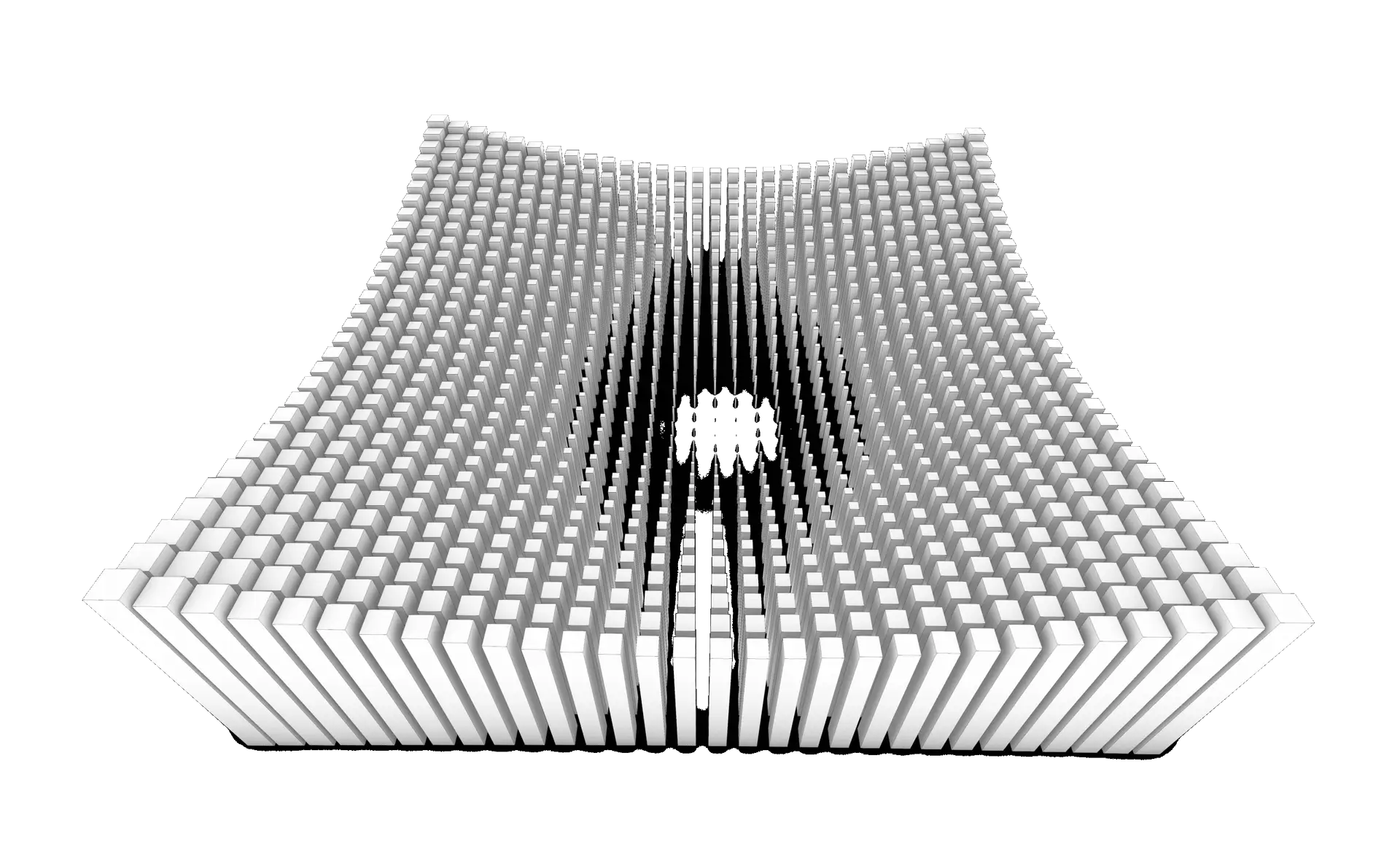
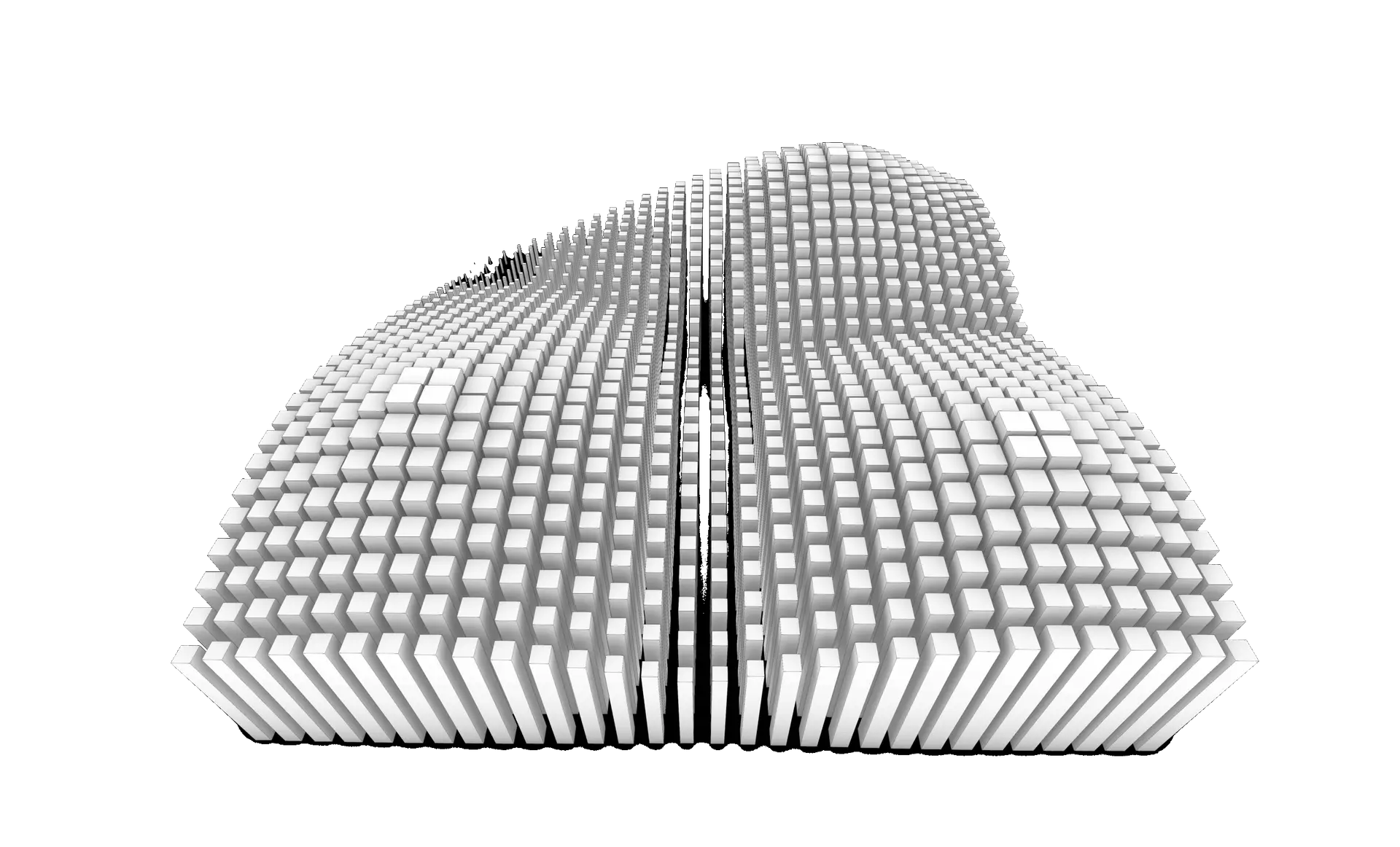
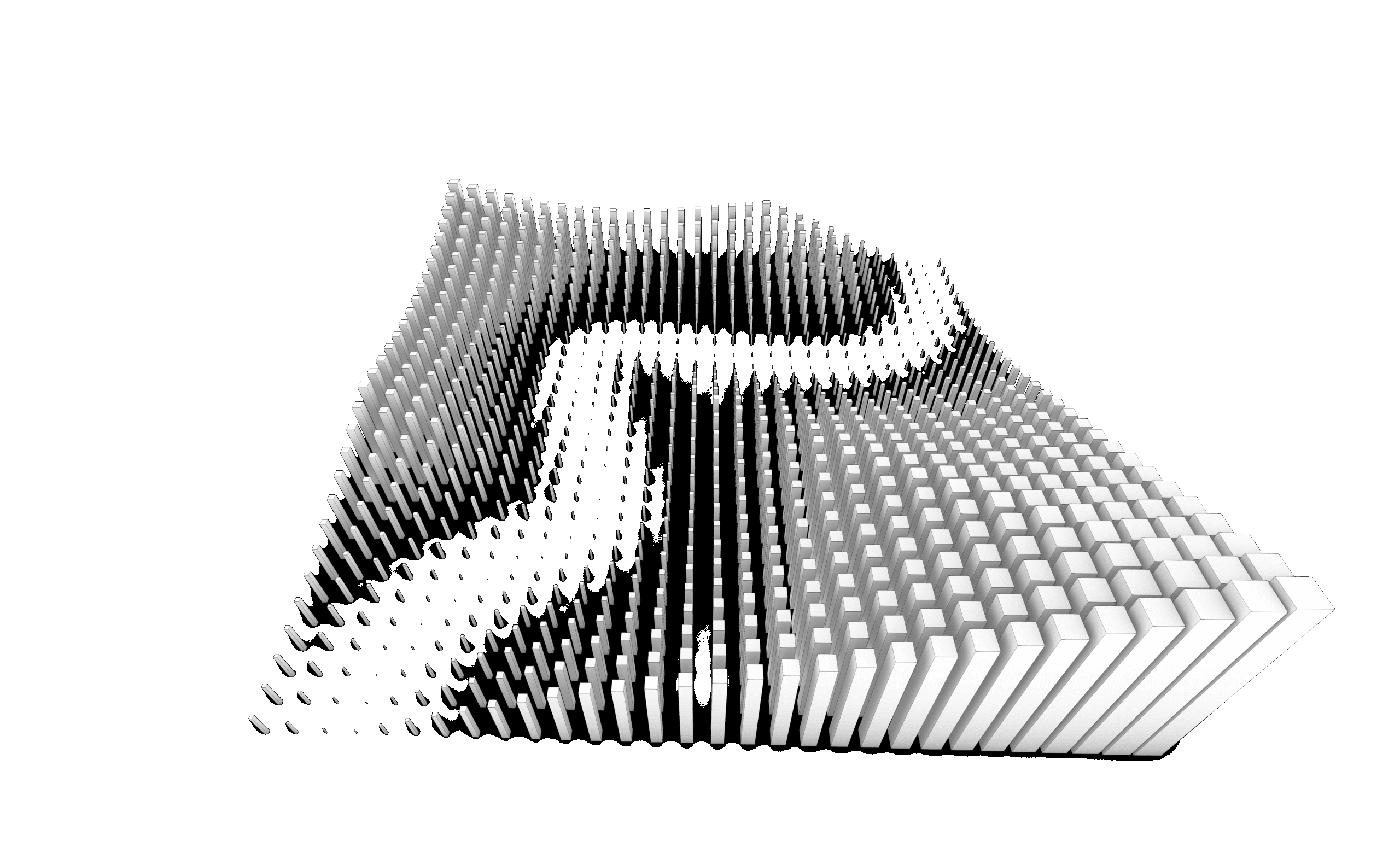
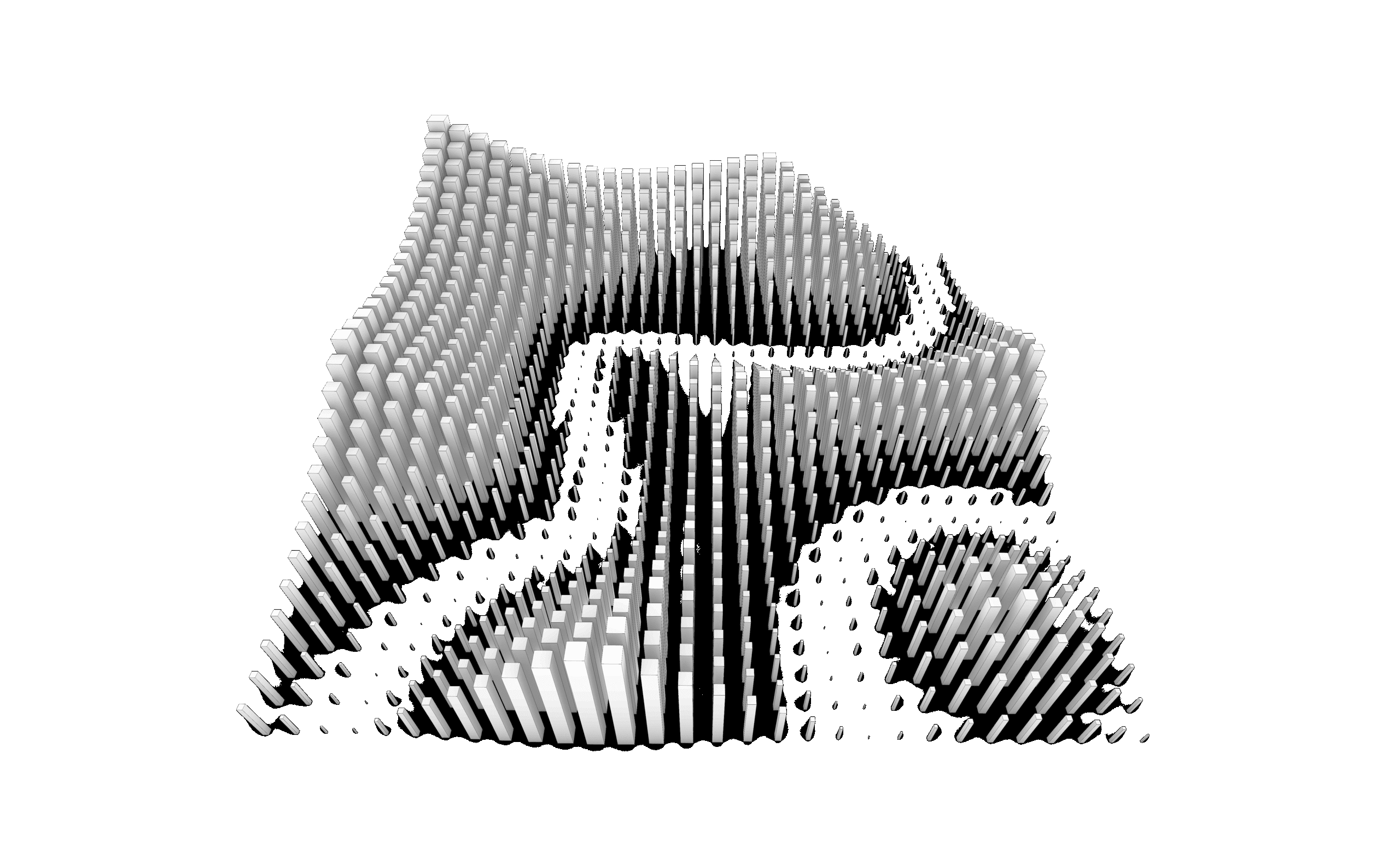
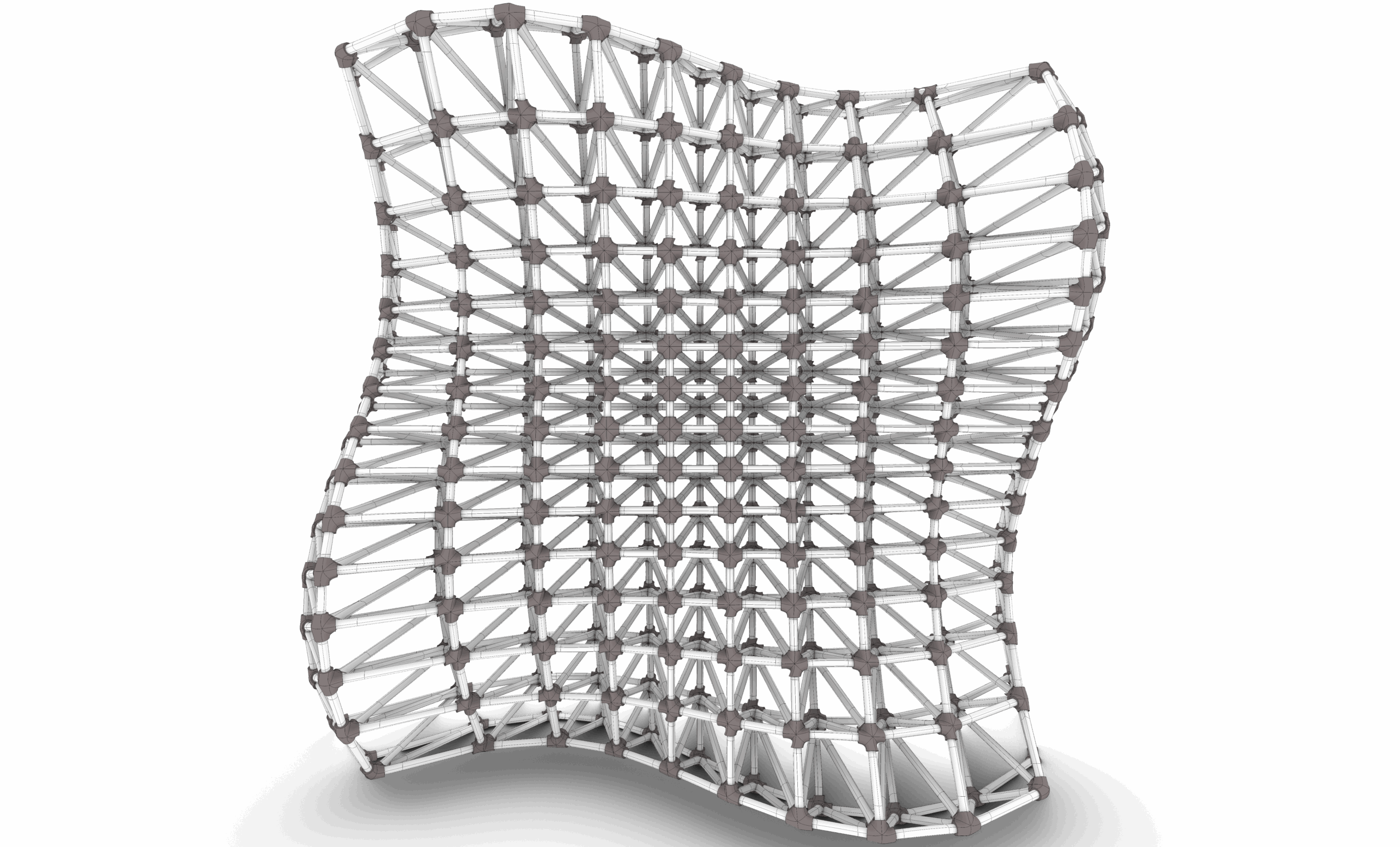
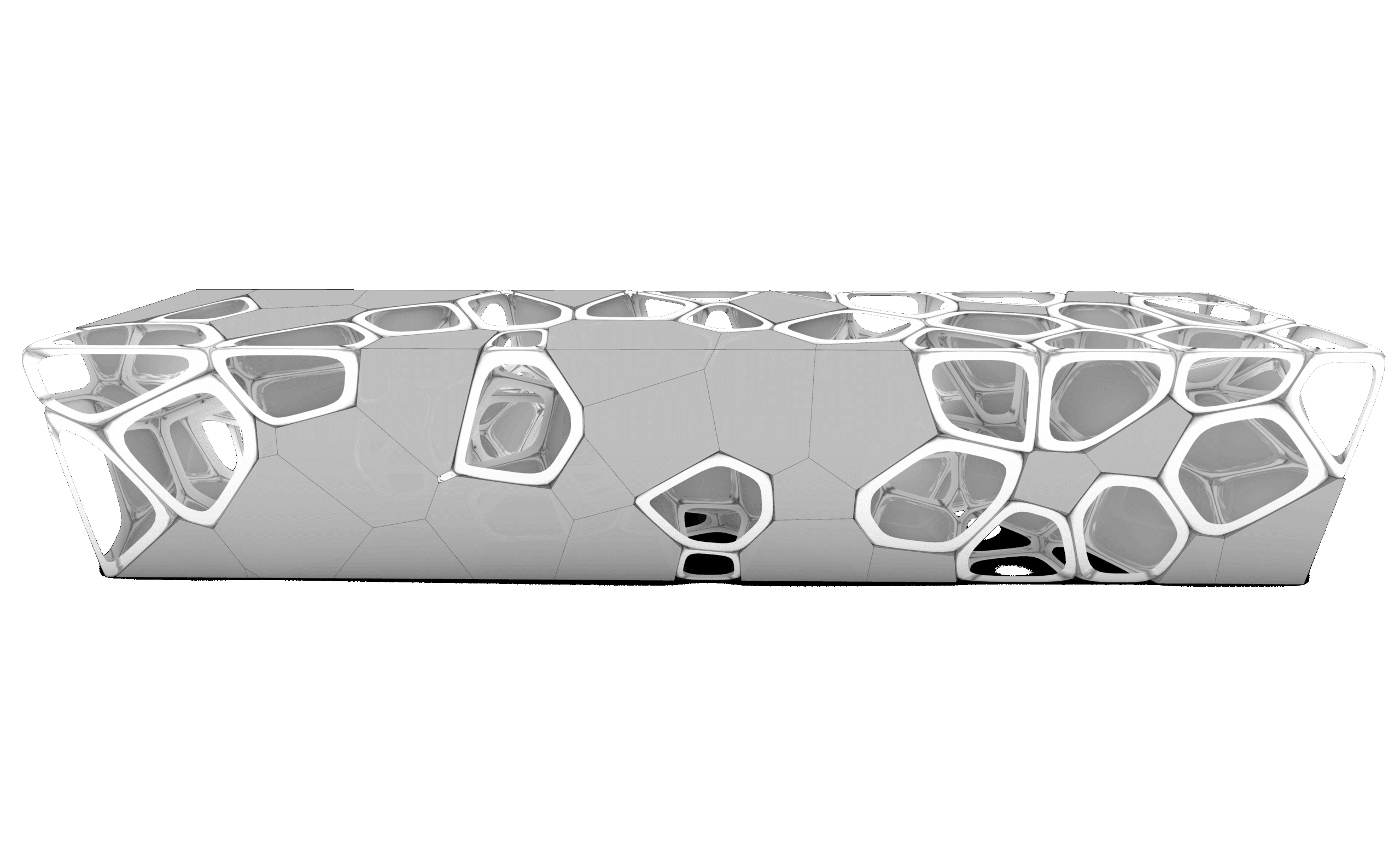
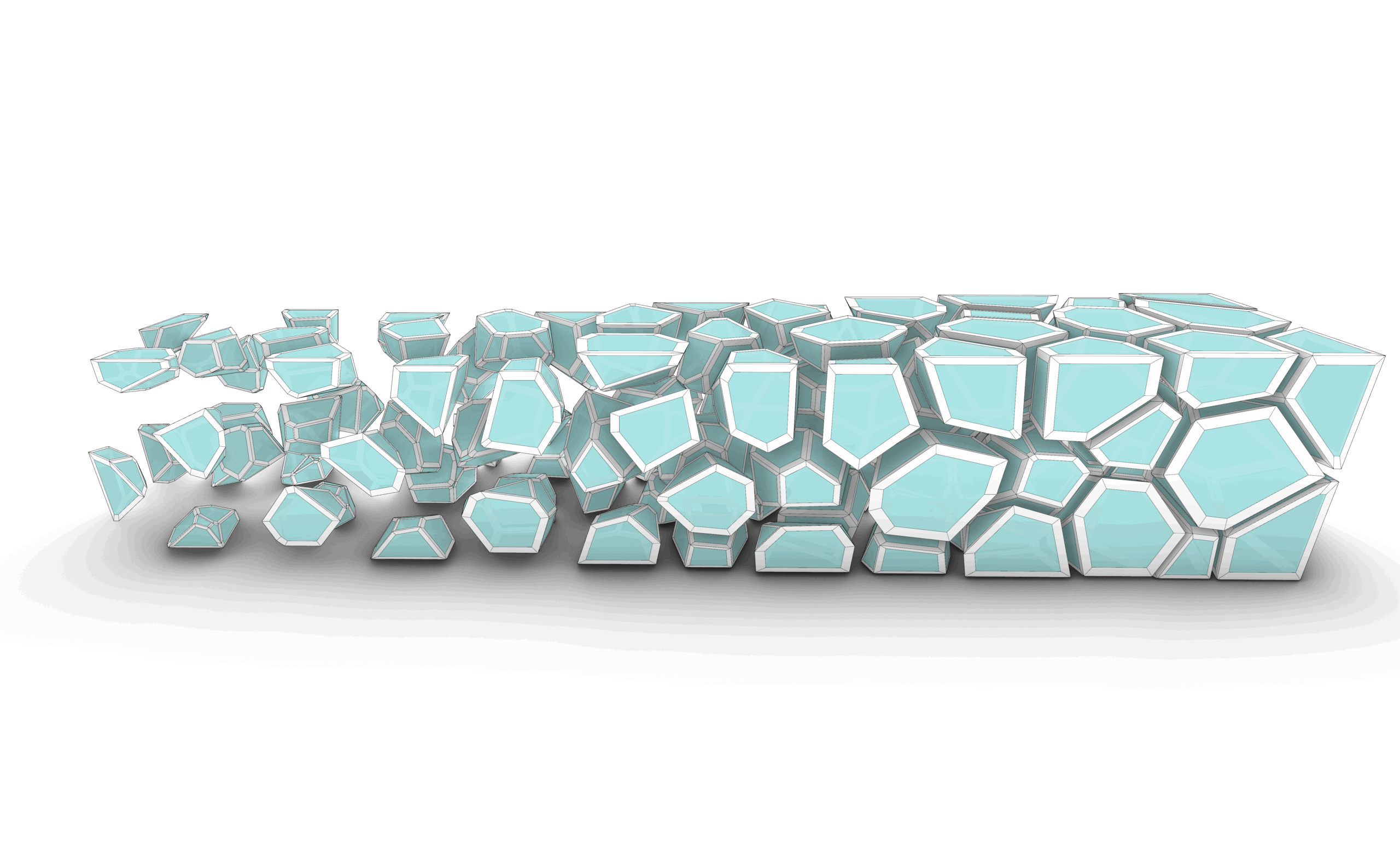

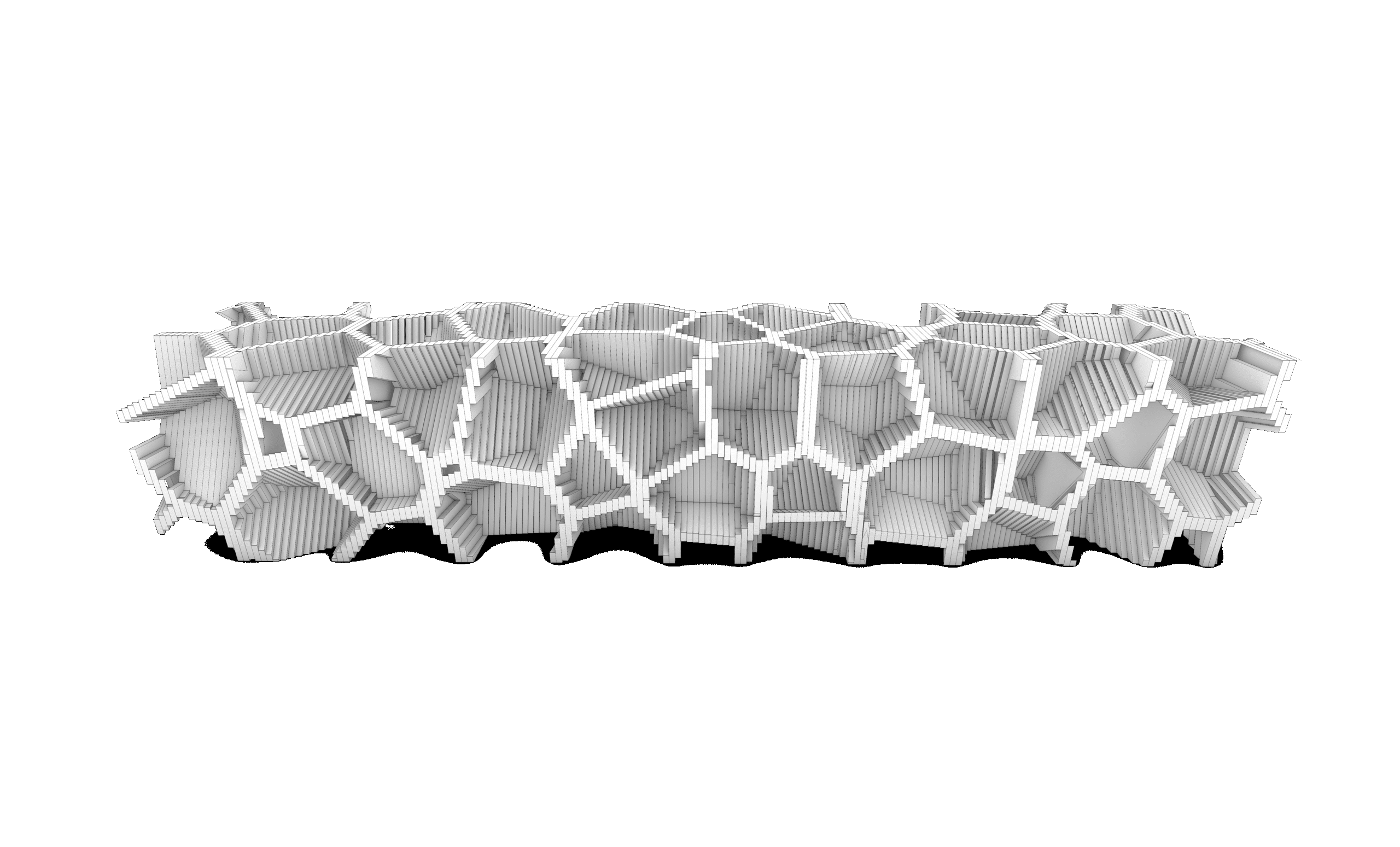
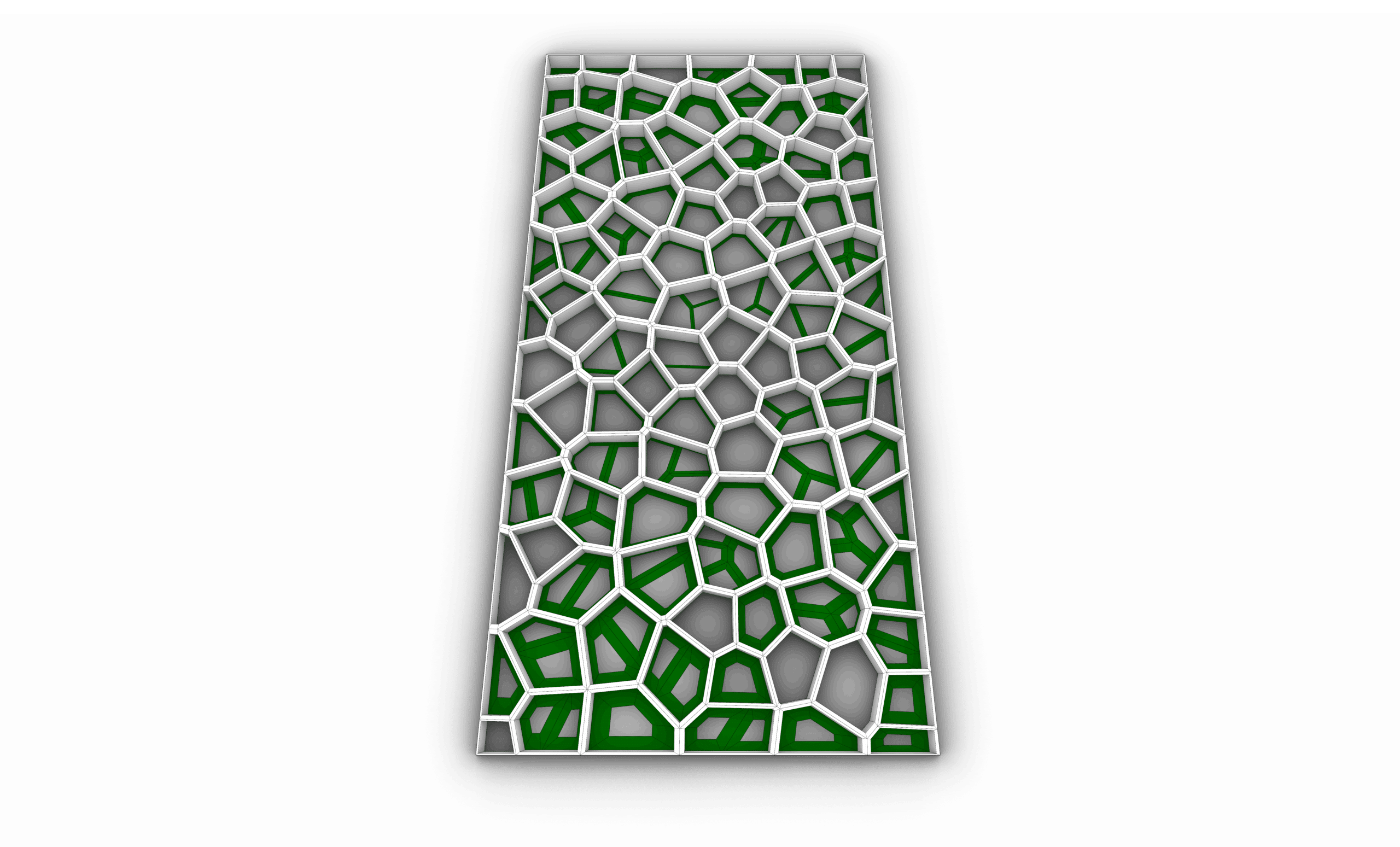
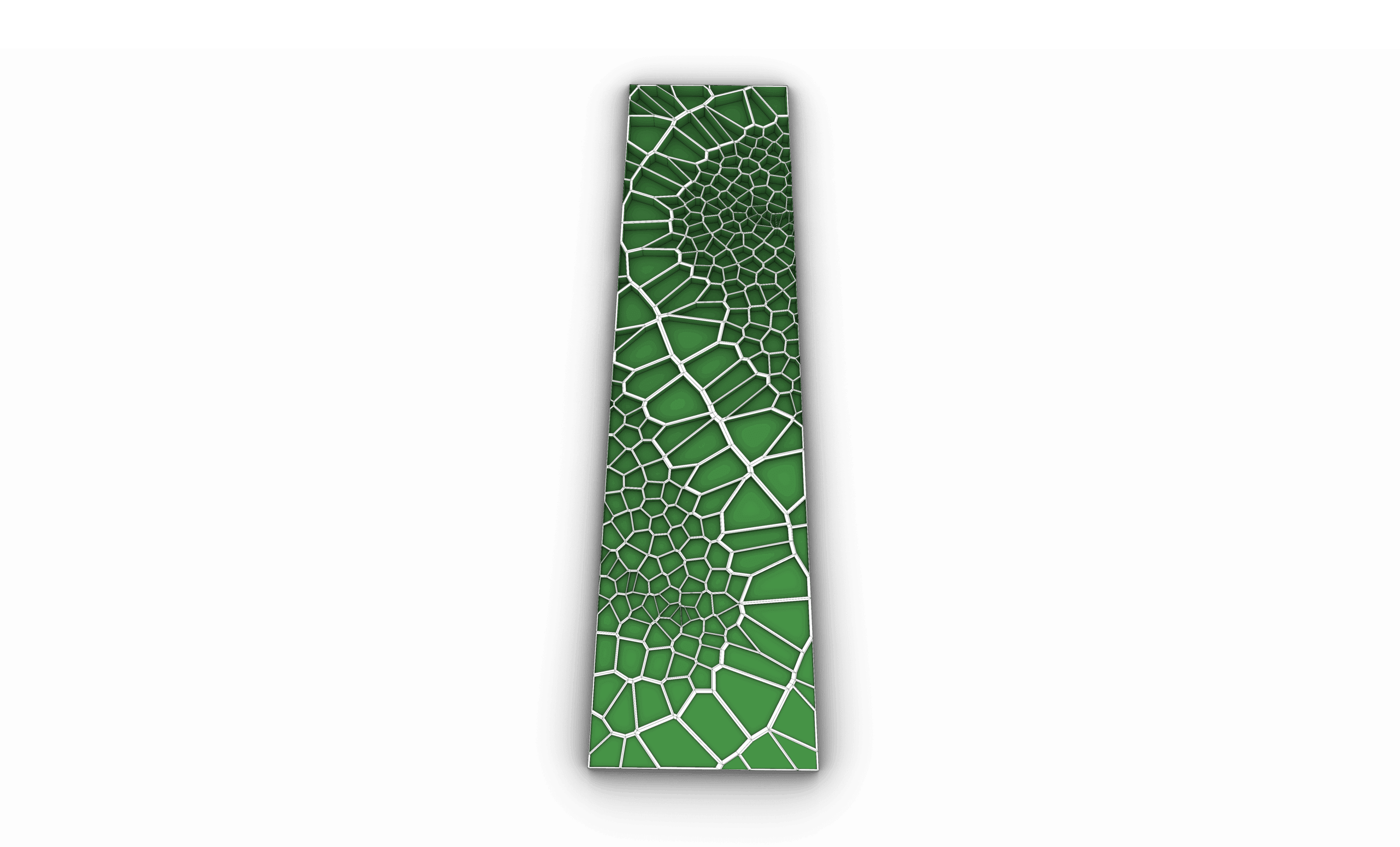
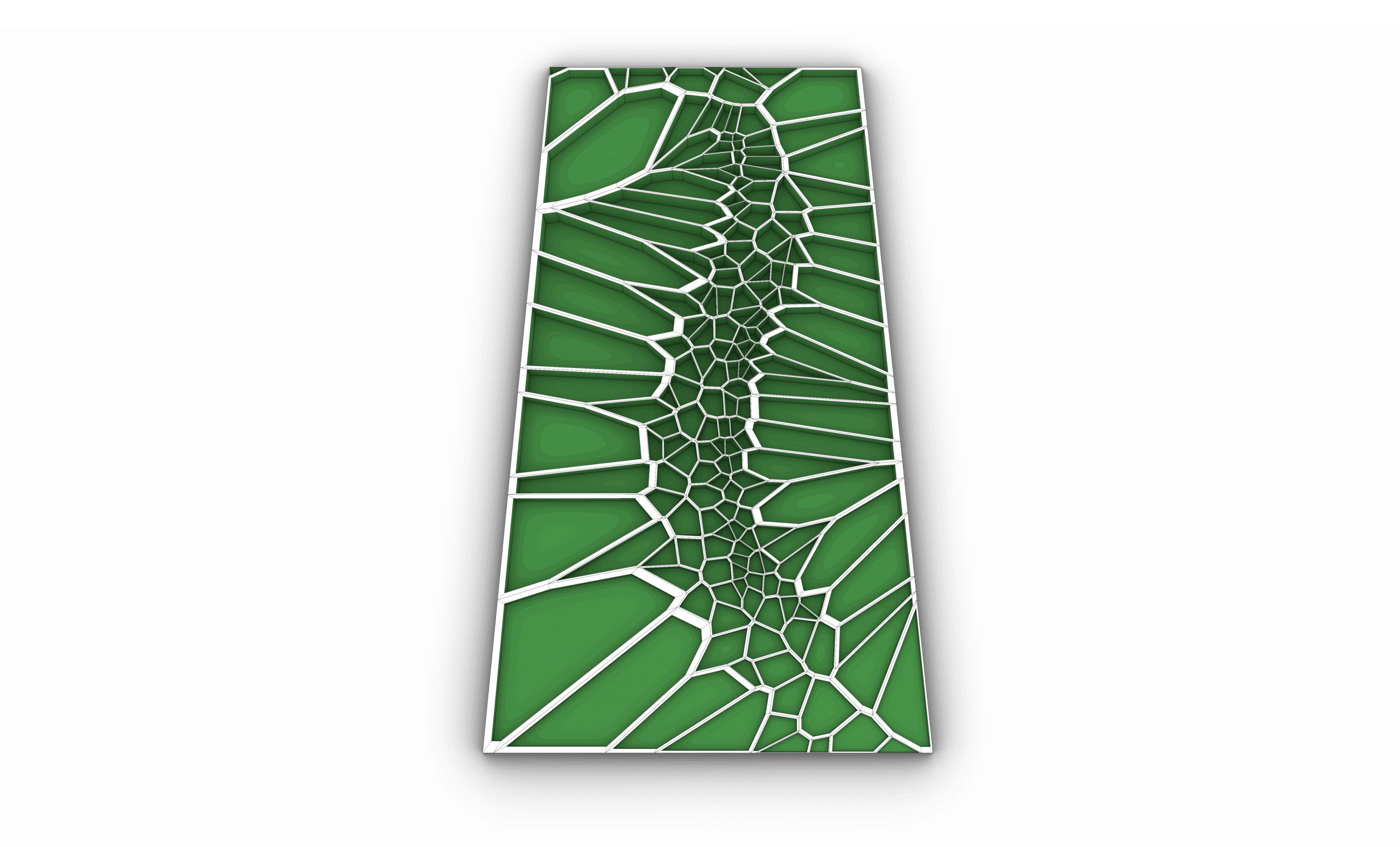
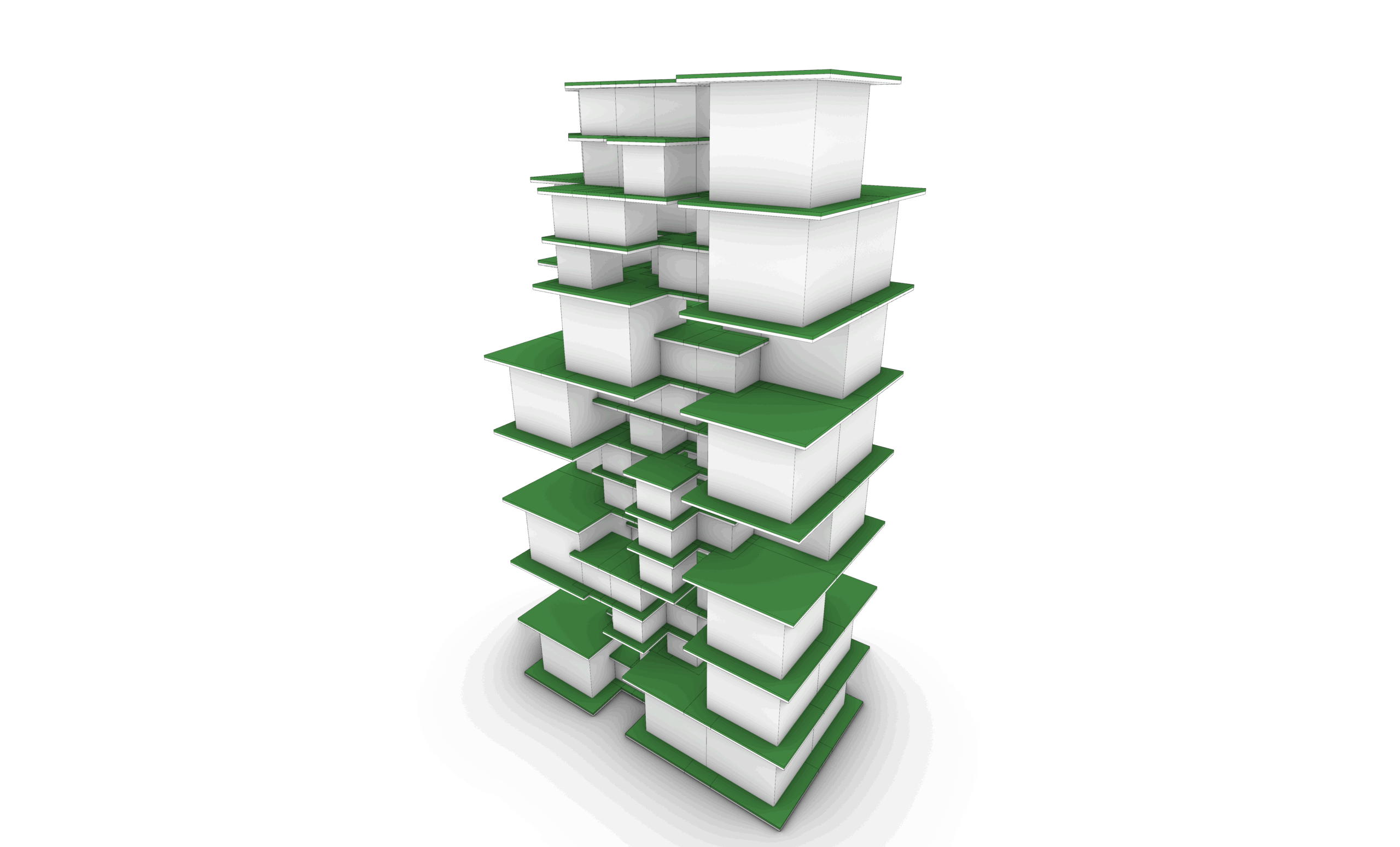
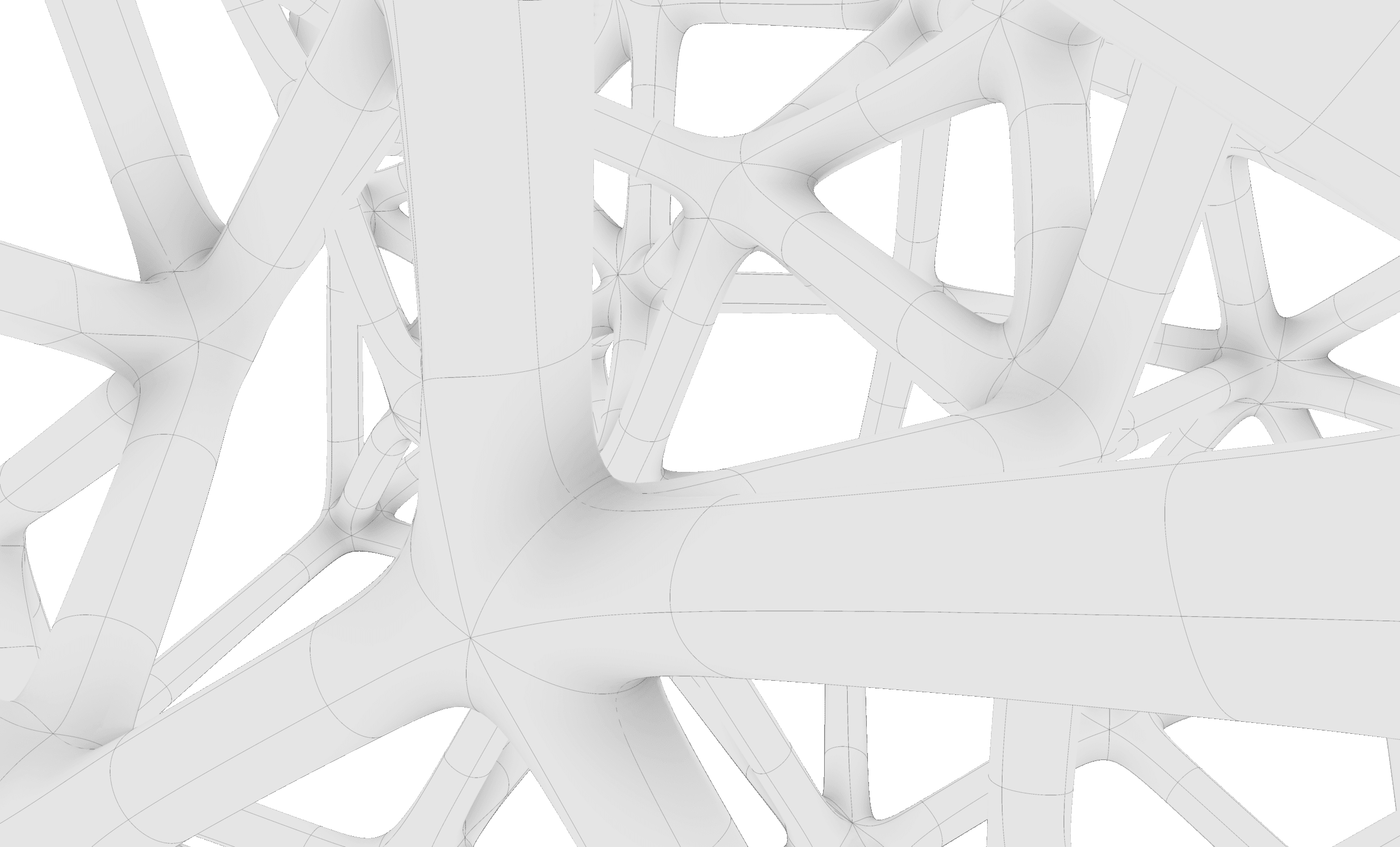
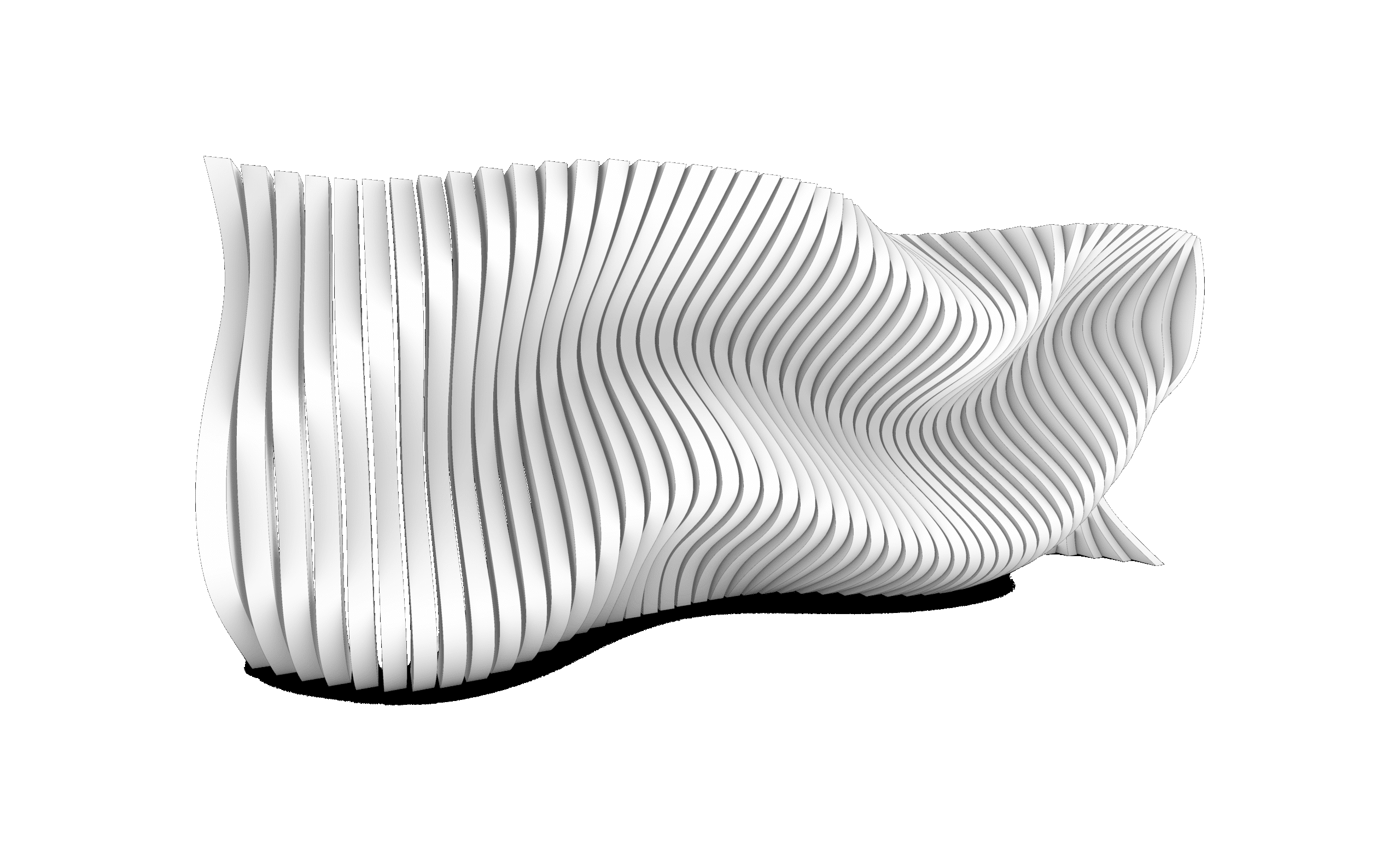
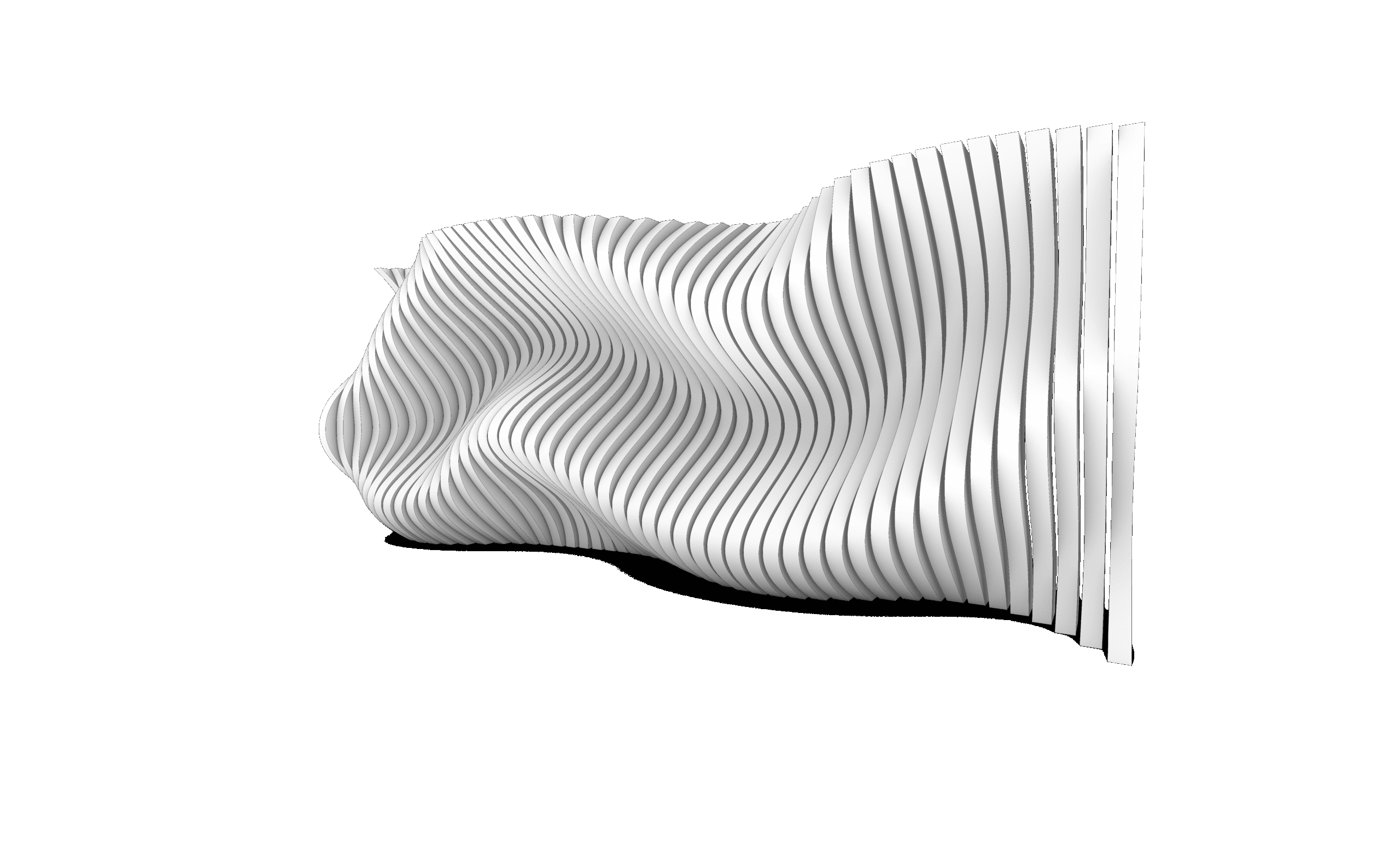
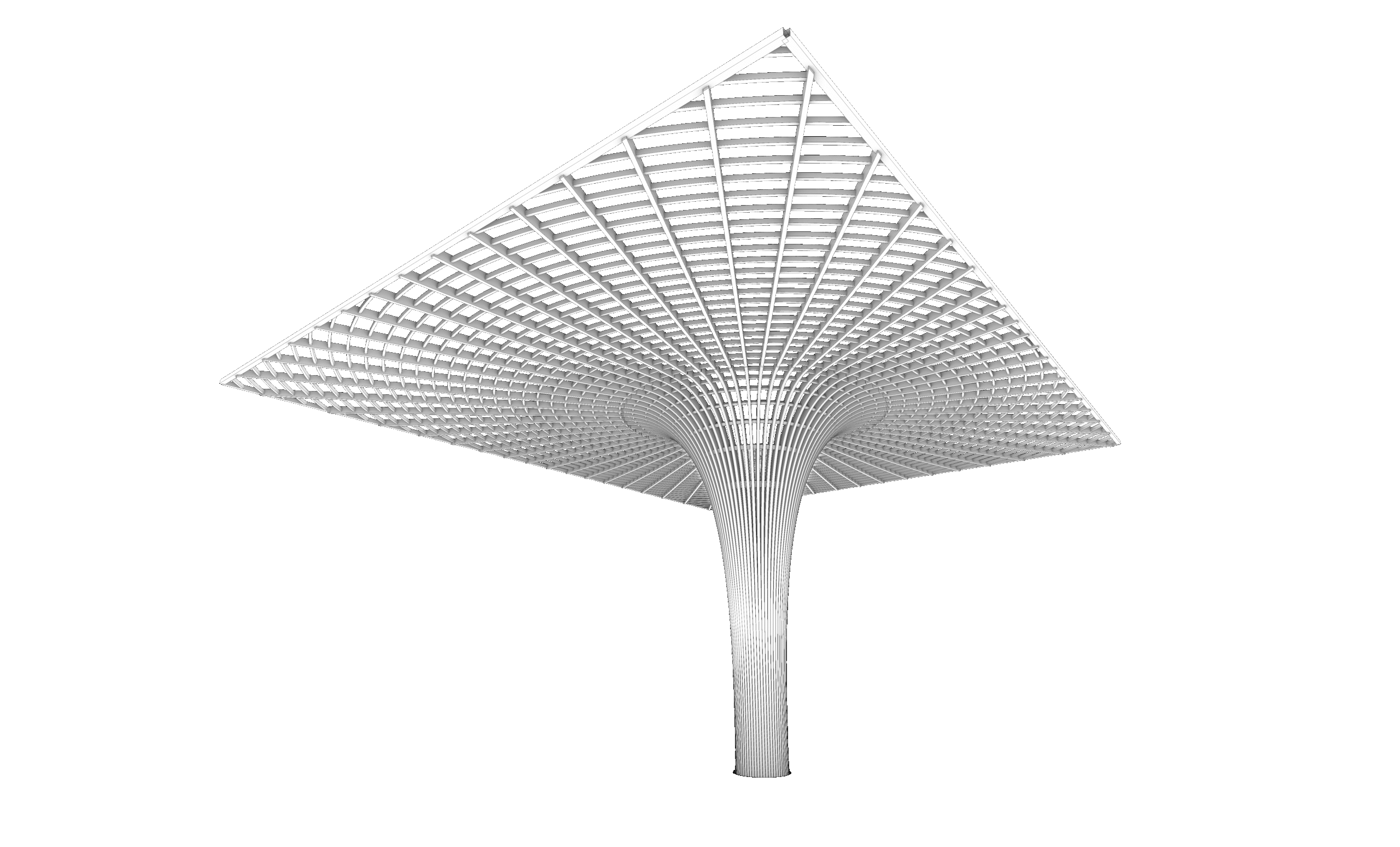
Diagrams using Rhino


The content is well organized and easy to follow, which helps avoid confusion. Thank you.
this was the best decision i have made
I am an architecture student in second year and i decided to take the masterclass bundle to understand how these applications work but i didnt know that i would learn this much
i took it in summer and although i have not finished the full course i know more commands and shortcuts than my professors themselves it has made my experience way better considering i knew how to work on all these platforms before any of my colleagues and i wish i took it earlier
This course provided a structured introduction to Rhino, progressing from basic 2D drafting to complex 3D modeling.
Through the four tasks, I developed a clear understanding of Rhino’s core tools, accuracy control, and modeling logic.
The course gradually introduced solid, surface, and complex form modeling, which improved my ability to manage geometry and workflow efficiency.
Each task presented new challenges that strengthened my problem-solving skills and design precision.
By the end of the course, I gained the confidence to translate conceptual ideas into accurate 2D drawings and detailed 3D models suitable for real-world design applications.
This course focused on advanced organic modeling techniques in Rhino, with an emphasis on freeform design and complex surface creation.
Through a series of progressive tasks, I developed greater control over smooth transitions, surface continuity, and complex geometries.
The main challenge was maintaining clean, well-structured models while working with intricate organic forms.
The course enhanced my understanding of surface logic and precision in sculpting advanced shapes.
Overall, it strengthened my ability to translate conceptual organic forms into controlled and refined 3D models within Rhino.
Thank you, the lectures were really helpful.
Thank you, the lectures were really helpful.
Sub-D is a new feature in Rhino 8; this course took us through all the important commands related to Sub-D. The tasks were really good practice, and following up with the explanation was easy and clear. Now I can create more organic and complicated shapes using this feature.
I had zero experience in Rhino before starting this course. Now I’m able to model buildings using Rhino easily; the tasks’ organization and order are really beneficial, and the explanation is very clear and easy to understand and follow.
An excellent and comprehensive masterclass! It covers everything from basic tools to advanced workflows. The instructor explains concepts in a very practical and structured way, which helped me improve my modeling speed and accuracy. A must-take course for Rhino users.
This course dives deep into complex organic forms and advanced modeling strategies. The examples are challenging but extremely rewarding. It pushed my skills to a new level and helped me understand how to approach free-form geometry with confidence.
Special offer:
Sale ends in
-63%
650 USD Original price was: 650 USD.240 USDCurrent price is: 240 USD.
This Bundle include:
- Downloadable Content
- Madesst certificate upon reguest
- Instructor support
Course specifications
- Arabic : Available
- 4K