Grasshopperverse Bundle
Average Rating
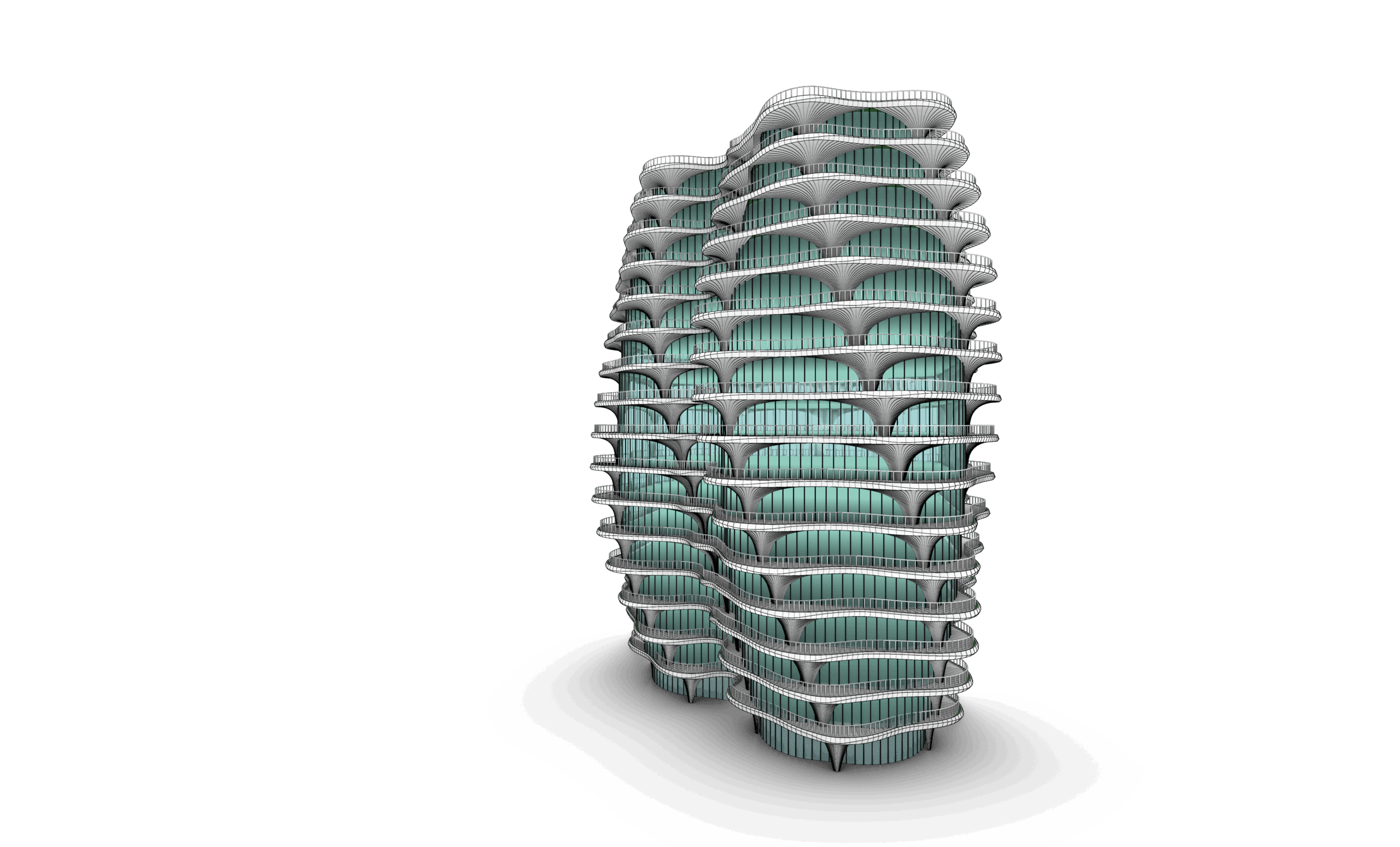
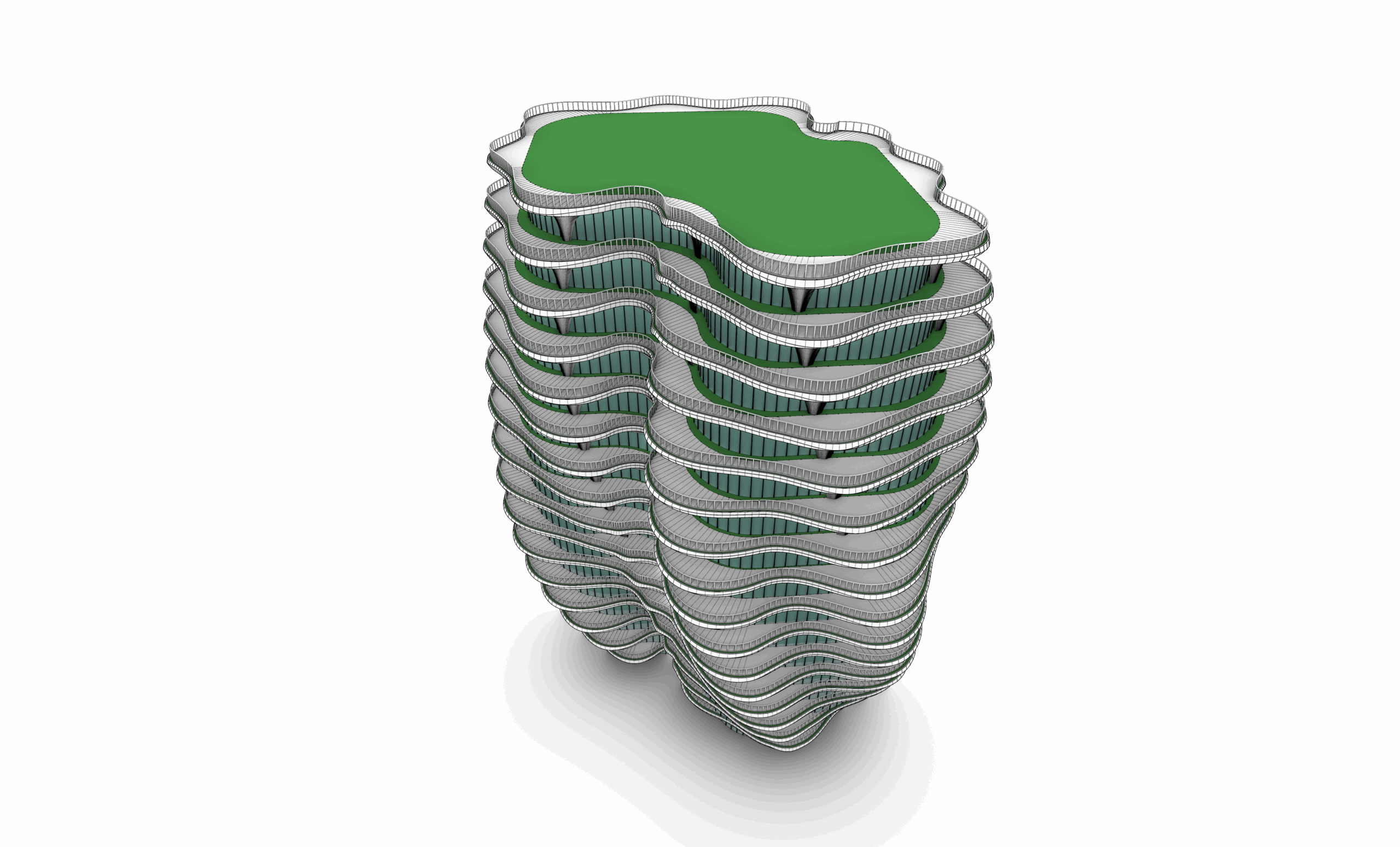
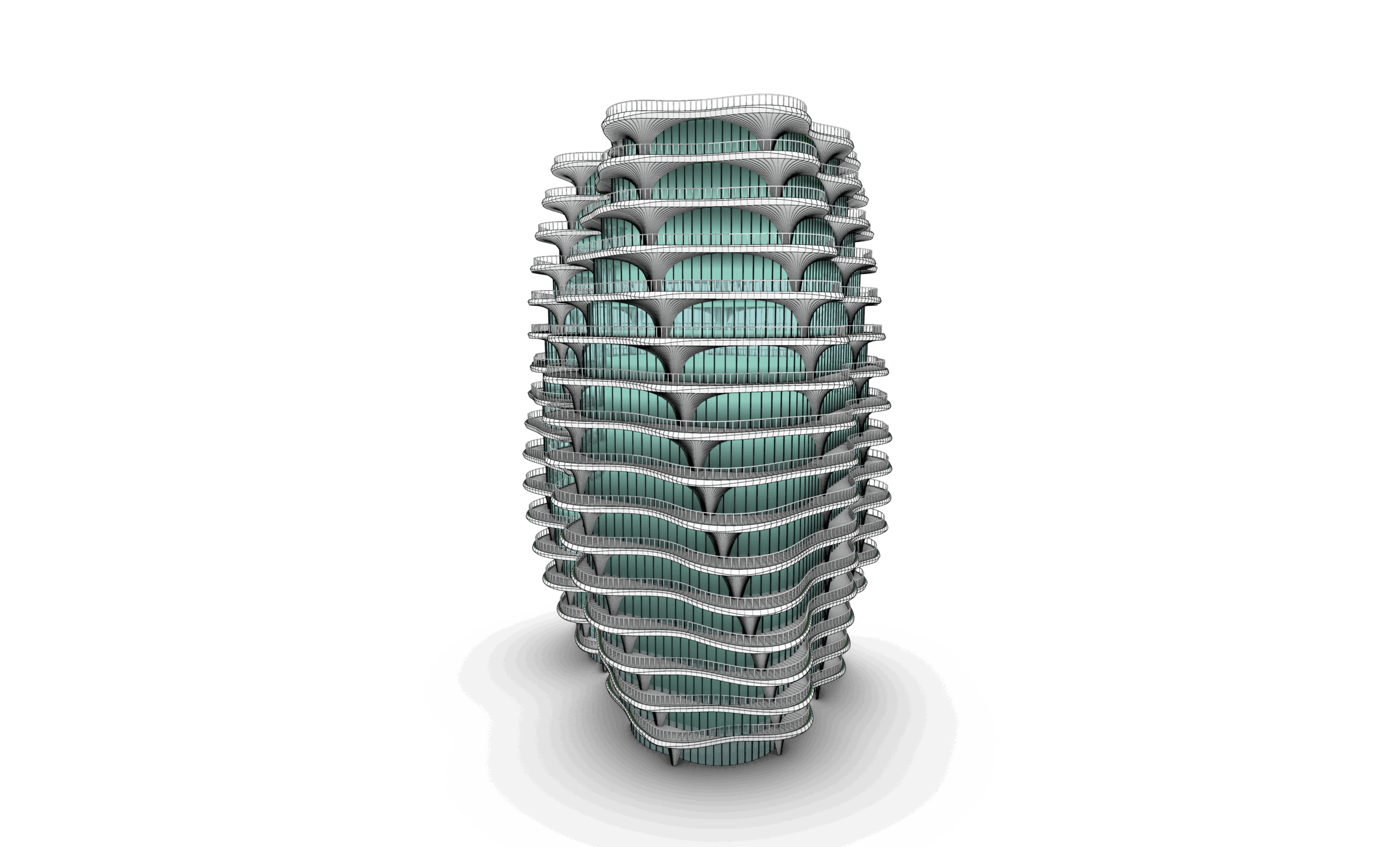
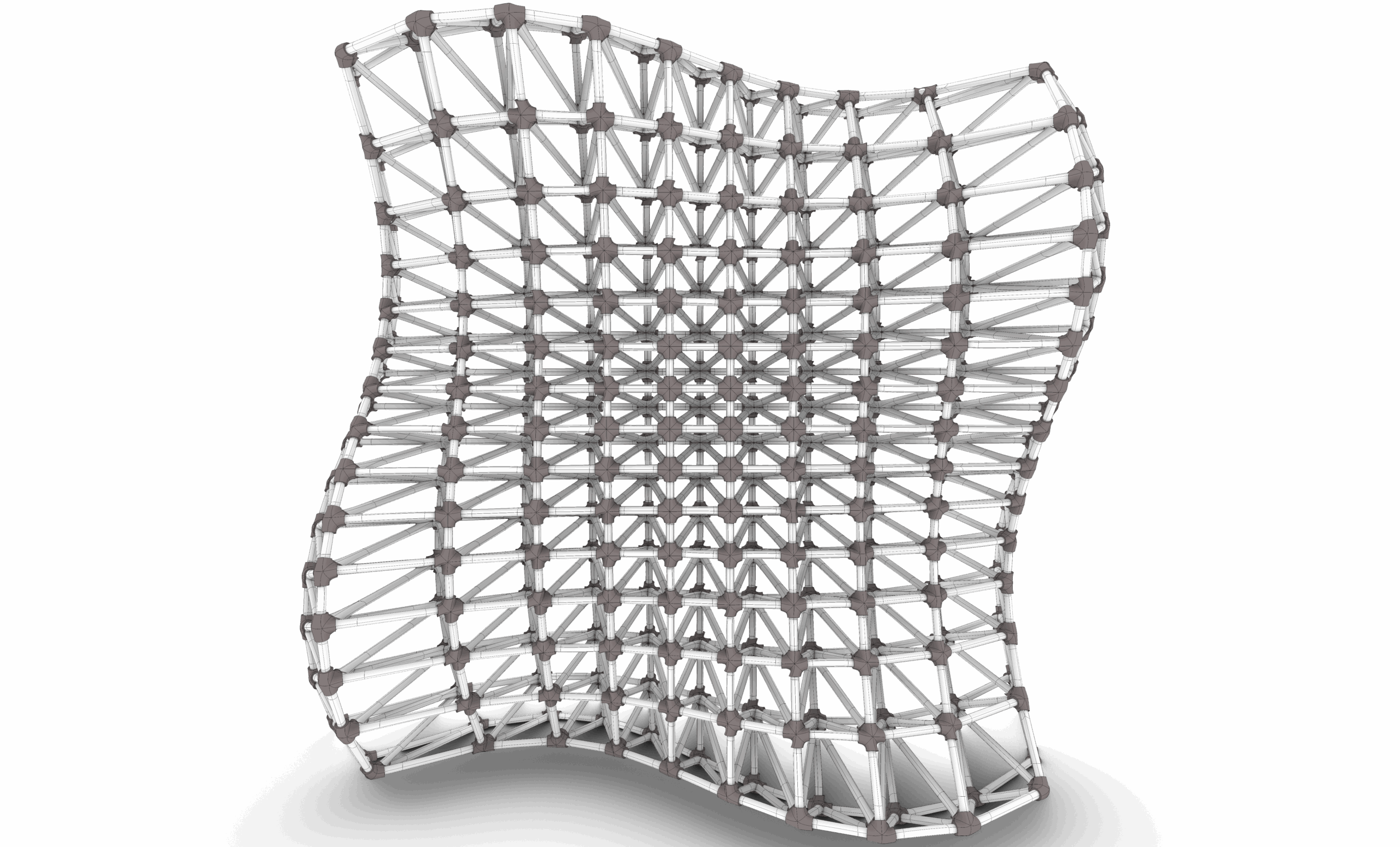
The Grasshopperverse Bundle is an advanced, fully integrated training package designed for architects and designers who want to master computational design and elevate their digital capabilities. This comprehensive bundle unites 3 powerful courses that together provide a complete pathway—from understanding the foundations of algorithmic modeling to applying modular and discrete systems in architectural design.
Whether your goal is to build a strong parametric foundation or to advance into cutting-edge modular and systemic design, The Grasshopperverse Bundle provides a complete, future-ready learning experience. By combining computational theory with rigorous architectural application, this bundle equips you with the skills, tools, and workflows needed to perform at a highly professional level in the world of digital and computational design.

Part 01: Ladybug
Session 01: Installation & Workspace Setup
This session guides students through the complete installation process of Ladybug Tools, configuring external engines, and setting up the Grasshopper canvas for environmental data workflows.
Session 02: Weather Data & EPW Files
Students will learn how to source, import, and decode EnergyPlus Weather (EPW) files to analyze location-specific climate parameters such as temperature, humidity, and global horizontal irradiance.
Session 03: STAT & DDY Files
An in-depth look at supplementary climate files. Students will explore how to use STAT files for summary data and DDY files to extract design days for peak load and sizing simulations.
Session 04: Hourly & Monthly Charts
Students will learn how to visualize complex climate data by generating 2D and 3D charts, including monthly diurnal averages and hourly data plots to identify seasonal weather patterns.
Session 05: Wind Rose & Air Movement Analysis
This session covers wind data visualization. Students will generate Wind Rose diagrams to analyze wind speed, direction, and frequency to inform passive ventilation strategies.
Session 06: Radiation Analysis Foundations
An introduction to cumulative radiation mapping. Students will calculate solar radiation falling on surfaces over specified periods using sky matrices to evaluate solar exposure.
Session 07: Outdoor Comfort (UTCI)
Students will explore microclimate simulation by calculating the Universal Thermal Climate Index (UTCI) to evaluate outdoor thermal comfort, shading impacts, and pedestrian comfort.
Session 08: Indoor Comfort Parameters
This session introduces indoor thermal comfort metrics. Students will evaluate indoor environments using Adaptive Comfort models and PMV/PPD indices based on radiant and air temperatures.
Session 09: Sunpath, Sunlight Hours & Radiation
A comprehensive session combining solar geometry. Students will build dynamic Sunpaths to compute exact sunlight hours and link them with radiation data for optimized facade shading.
Session 10: View Analysis
Students will learn how to evaluate visual connectivity and spatial quality, calculating view percentages, sky view factors, and lines of sight from interior spaces to the outdoors.
Session 11: Parametric Optimization
This session introduces automated design feedback. Students will couple Ladybug outputs with evolutionary solvers (like Galapagos) to automatically optimize geometry for environmental performance.
Session 12: Analyze Geometry
A wrap-up session for Part 01 focusing on preparing and testing complex architectural geometries to ensure proper data structure and accurate environmental parsing.
Part 02: HB Honeybee Modeling
Session 01: Honeybee Introduction & Core Concepts
An introduction to the Honeybee ecosystem. Students will understand the underlying validation engines (Radiance/EnergyPlus) and the core principles of object-oriented simulation modeling.
Session 02: Create Honeybee Model - 01 (Geometry to Rooms)
Students will learn the foundational steps of building an analytical model, converting standard Rhino geometry into thermal zones, defining floor plates, and creating structural Honeybee Rooms.
Session 03: Create Honeybee Model - 02 (Apertures & Adjacencies)
This session covers advanced model building, including dynamically generating window apertures (WWR), adding custom doors, context shading, and solving inter-room boundary adjacencies.
Session 04: Visualize Honeybee Model
Students will explore model verification techniques, using Honeybee attributes to visually audit construction types, room programs, window placements, and normal directions before running simulations.
Part 03: HB Radiance
Session 01: Setting Up Your 1st Daylight Simulation
A step-by-step guide to executing a point-in-time daylight simulation. Students will define sensor grids, sky models, and run the Radiance engine to calculate indoor illuminance (lux).
Session 02: Annual Daylighting Simulation (CBDM)
Moving into climate-based daylight modeling. Students will run annual simulations to compute advanced daylight metrics, including Daylight Autonomy (DA) and Useful Daylight Illuminance (UDI).
Session 03: Glare Simulations
This session focuses on visual comfort. Students will set up camera views and use the Radiance engine to simulate and evaluate Daylight Glare Probability (DGP) to prevent visual discomfort.
Session 04: Radiance Modifiers & Materials
Students will master material optical properties, creating and assigning custom Radiance modifiers for opaque surfaces, specular glazing, trans materials, and context shading.
Part 04: HB Energy
Session 01: Running Energy Simulations & Results Parsing
Students will link their Honeybee models to the EnergyPlus engine, execute annual thermal simulations, troubleshoot simulation errors, and read raw output data.
Session 02: Energy Balance Analysis
An in-depth look at thermal performance. Students will generate and analyze Energy Balance charts to track heat gains and losses via conduction, infiltration, occupants, and solar radiation.
Session 03: Honeybee Programs & Schedule Profiles
This session covers internal loads. Students will assign programmatic metadata to rooms (e.g., Office, Retail) and customize schedules for occupancy, lighting, equipment, and HVAC setpoints.
Session 04: Honeybee Construction Sets
Students will master thermal envelope configurations, creating custom construction sets, specifying insulation layers, and assigning precise thermal properties ($U$-values and SHGC) to building assemblies.

Part 01: Introduction
Session 01: Modular Design Fundamentals
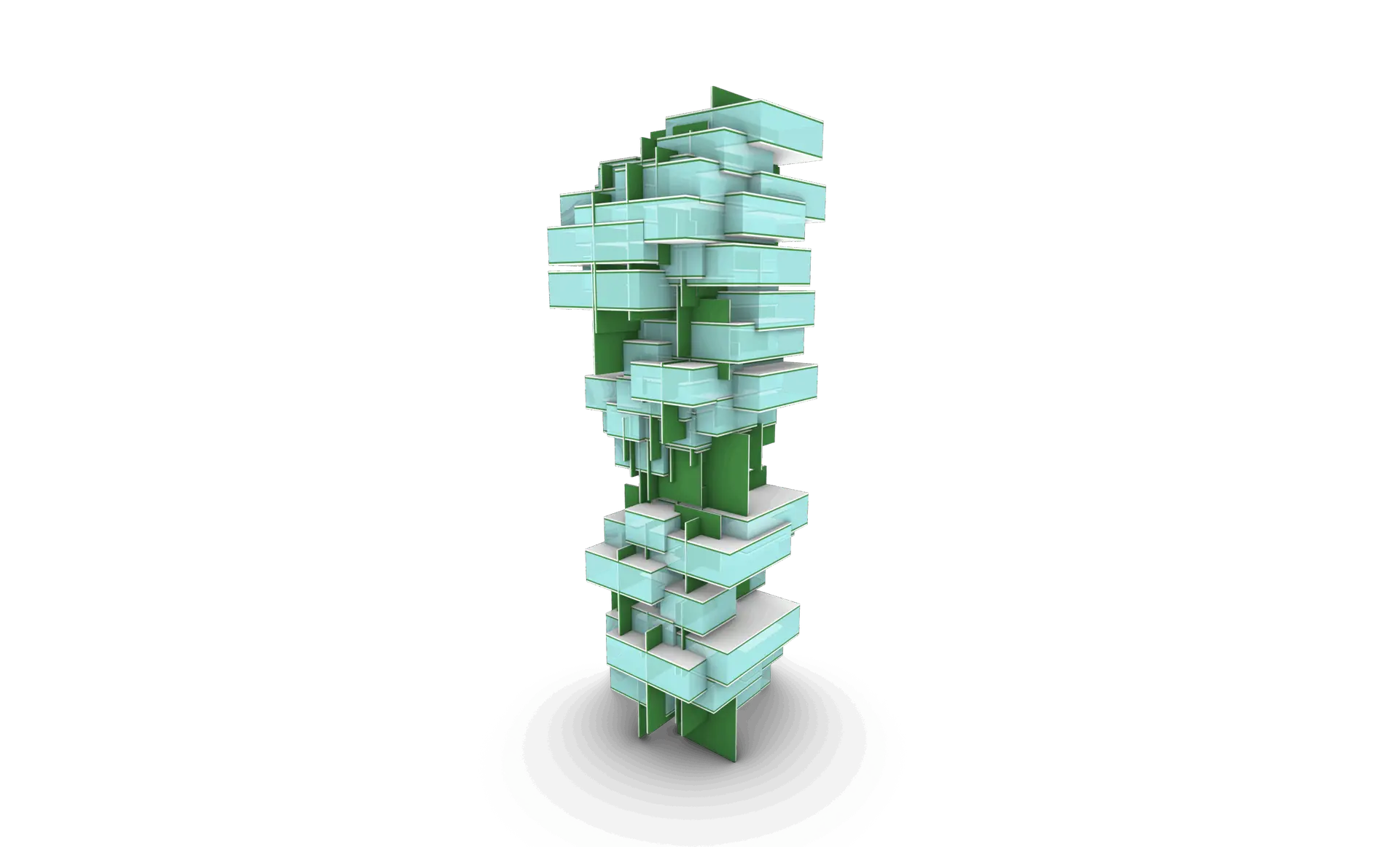
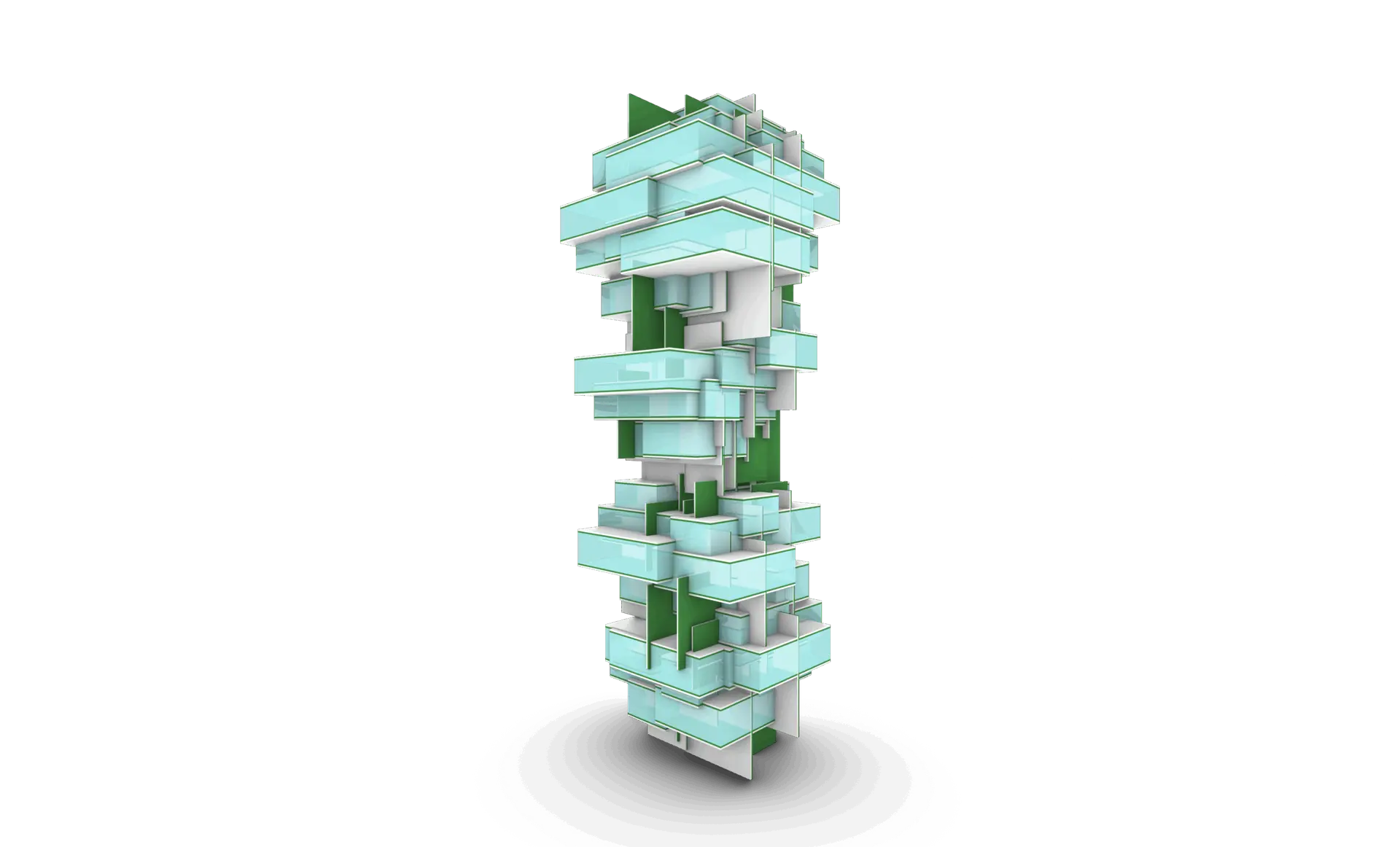
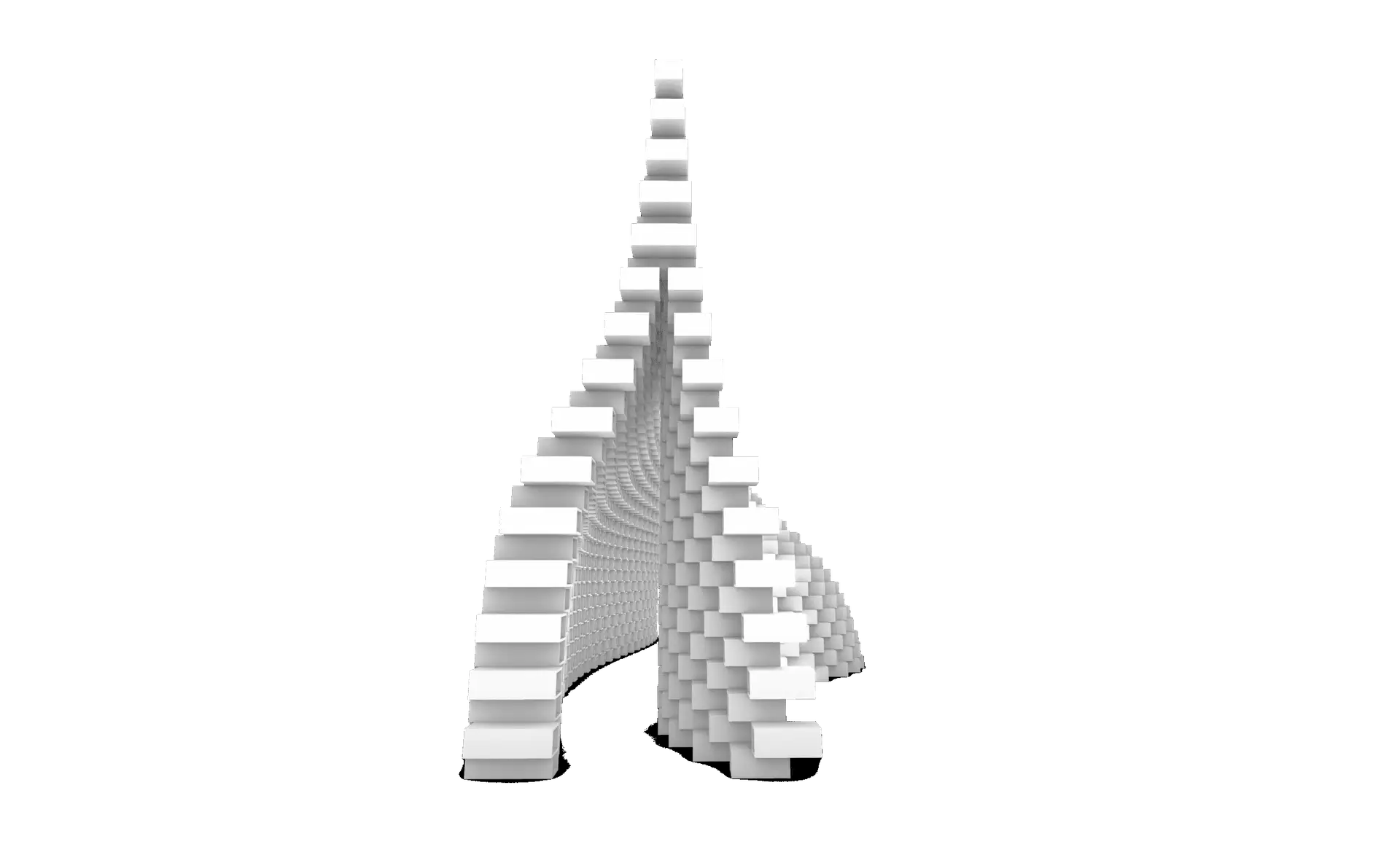
This session introduces the core principles of discrete and modular architecture, covering modular thinking, repetition, variation, part-to-whole relationships, and the logic behind designing architectural systems using defined components.
Session 02: Tools & Setup
This session guides you through installing and preparing the essential tools for the course, including Rhino, Grasshopper plugins, and any required add-ons, ensuring your environment is fully ready for modular and discrete design workflows.
Part 02: Parts & Rules
Session 01: Basic Aggregations & Connections
This session explains how to design simple modules and connect them through basic aggregation logic. You’ll learn how to define interfaces and create stable, readable part relationships.
Session 02: Grasshopper Connections
This session introduces Grasshopper workflows for generating automatic and advanced connections between modular parts, allowing you to streamline and systemize your assembly logic.
Session 03: Iterations, Catalogs & Control Systems
This session explores creating iterative variations, saving and loading aggregation states, organizing part catalogs, and controlling module counts for efficient design management.
Session 04: Parts Attributes
This session focuses on assigning attributes to parts—such as type, rotation, hierarchy, or behavior—enabling more intelligent and flexible modular systems.
Session 05: Rules 01
This session introduces rule-based design, covering adjacency rules, connection restrictions, and logical conditions that drive the assembly of your system.
Session 06: Rules 02
This session expands on rule creation, exploring more advanced logic, multi-layered constraints, and rule combinations that generate complex modular outcomes.
Part 03: Fields & Constraints
Session 01: Volumetric Field
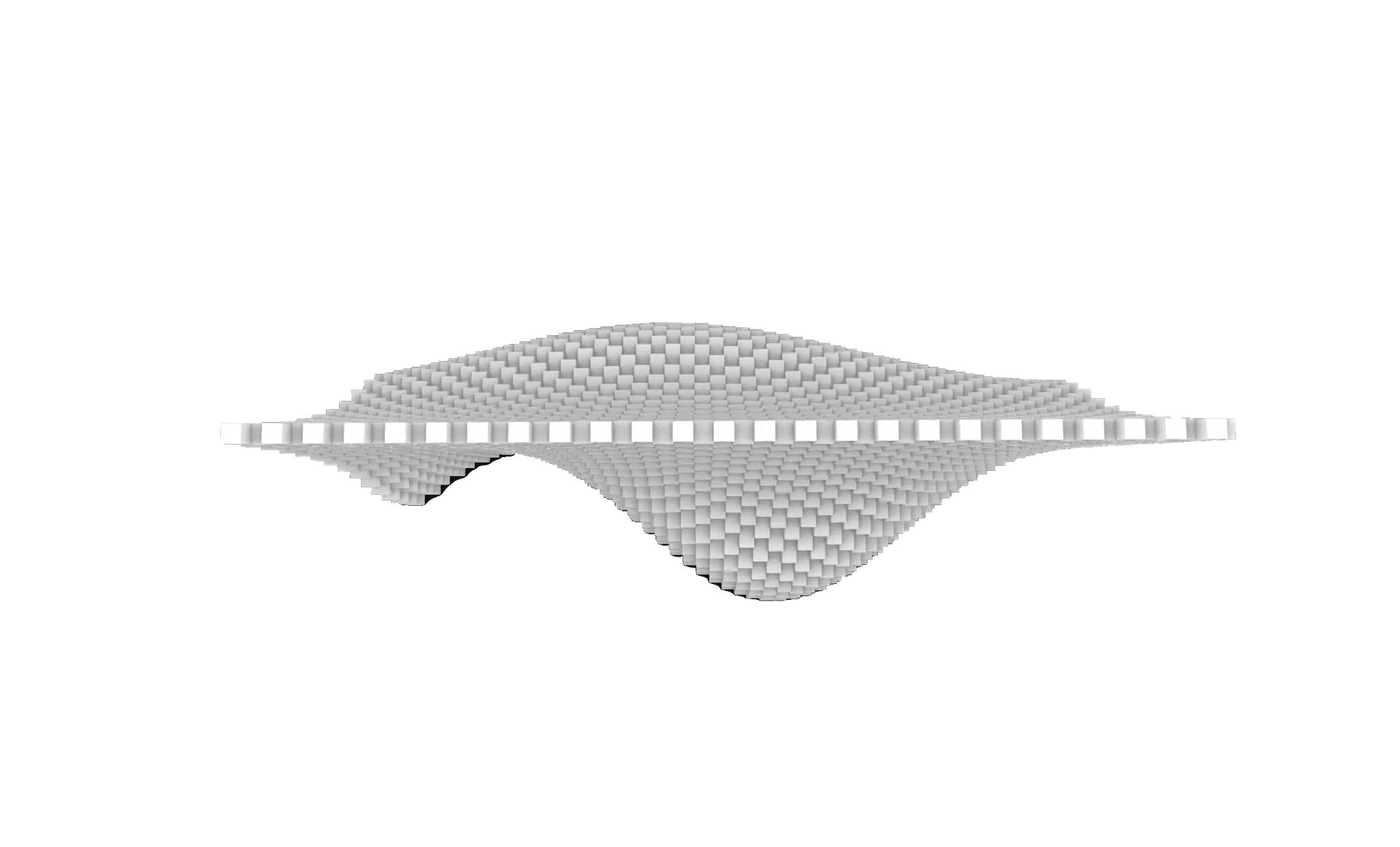
This session teaches how to generate 3D volumetric fields that guide the distribution, orientation, and density of modular systems in space.
Session 02: Curve Field
This session introduces curve-driven fields that influence aggregation paths, directional flows, and the alignment of modules along curves.
Session 03: Curve Field 02
This session builds on the previous one with multi-curve fields, transitions, weighting, and more sophisticated control strategies.
Session 04: Surface Field
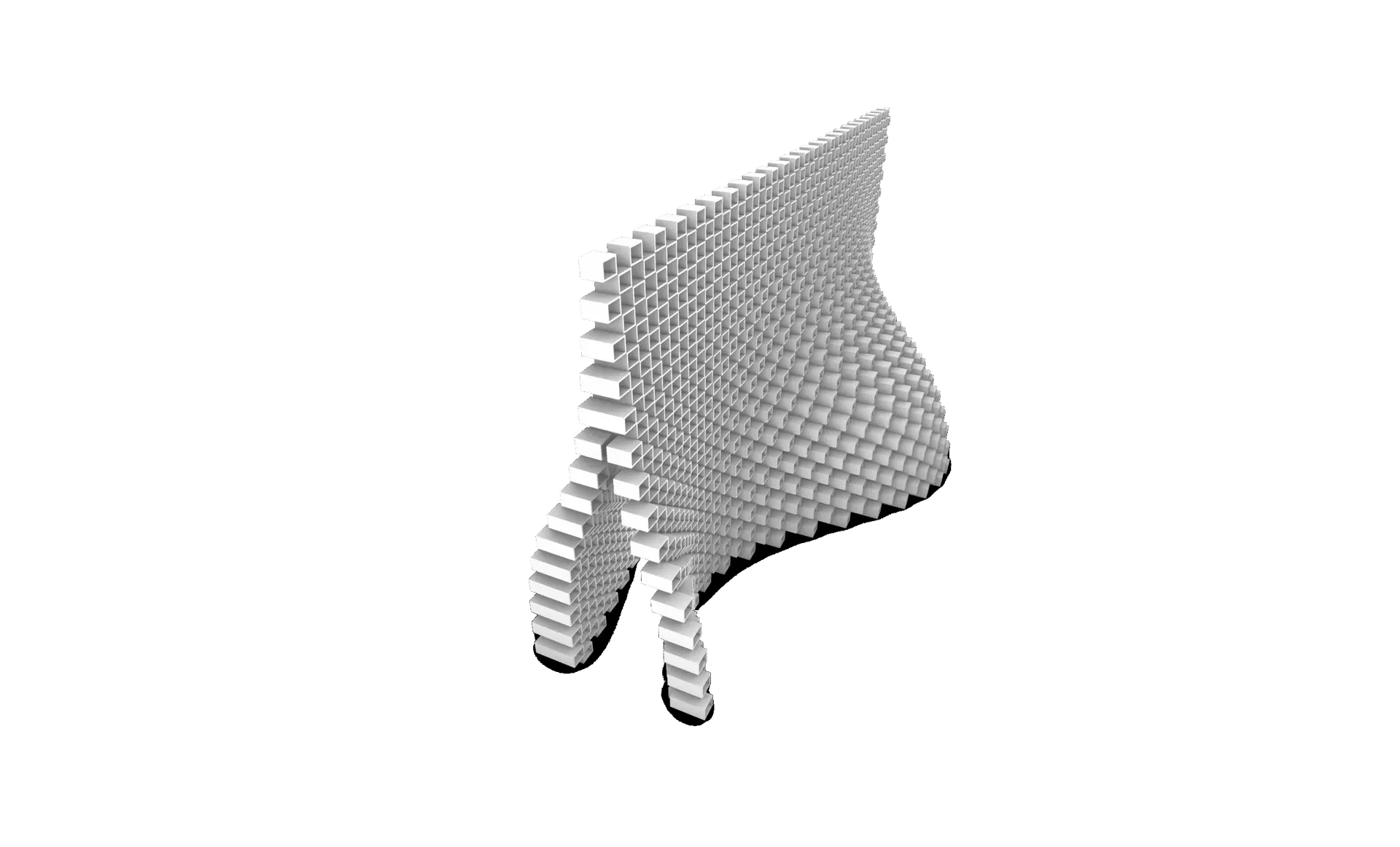
This session explains how to generate fields based on surfaces, allowing modules to follow topologies, gradients, and surface-defined constraints.
Session 05: Combine Fields
This session focuses on blending multiple fields—volumetric, curve, and surface—to create complex global behaviors and controlled design outcomes.
Session 06: Global Constraints
This session explores system-level limitations, such as boundaries, envelopes, height limits, and environmental rules that shape the overall aggregation.
Session 07: Local Constraints
This session looks at localized control—restricting modules in certain regions, resolving conflicts, and guiding micro-level behavior within your system.
Part 04: Final Project
Session 01: Circulation
This session introduces circulation strategies within modular systems, exploring pathways, flows, spatial gradients, and how circulation shapes aggregation logic.
Session 02: Aggregation 01
This session begins the final project development by generating and refining the first full aggregation based on your parts, rules, and chosen fields.
Session 03: Aggregation 02
This session completes the final project with advanced aggregation refinements, integrating constraints, circulation, and presentation-ready geometry

Part 01: Introduction
Session 01: Introduction
This session introduces parametric modeling and explains how it differs from static modeling. Students will understand the logic of relationships and rule-based geometry creation.
Session 02: Grasshopper Introduction
Students will learn the basics of Grasshopper, including what it is, how it works, and why it’s a key tool for computational design in Rhino.
Session 03: Components Types
This session covers the different types of components in Grasshopper, including Params, Logic, Math, and Geometry, and how data flows between them.
Session 04: Inputs
Students will explore common input types like sliders, panels, and geometry containers to control parametric models dynamically.
Session 05: Grasshopper Interface
An overview of the Grasshopper interface, including display settings, wire styles, preview modes, grouping, and how to organize scripts effectively.
Session 06 to 08: Exercise 01
Hands-on exercise applying basic components and logic to create a parametric form using sliders and math.
Part 02: Points, Vectors & Planes
Session 01: Points & Vectors
This session introduces how to create and manipulate points and vectors in Grasshopper, forming the foundation for geometric logic and direction-based modeling.
Session 02: Planes
Students will explore how planes are constructed and used as coordinate systems for transforming, orienting, and building geometry.
Session 03: Vectors & Planes Applications with Curves & Surfaces
This session focuses on vectors and surfaces commands and applications with in curves and surfaces
Session 04: Grids
Students will generate 2D and 3D grids using Grid Native Components in grasshopper
Session 05: Exercise 02
This exercise brings together points, vectors, and planes to create a dynamic, responsive design
Session 06: Fields + Exercise 03
An introduction to scalar and vector fields. Students will explore how to influence geometry using attractors and field manipulation.
Part 03: Math
Session 01: Simple Math Components
Students will explore basic math operations—addition, subtraction, multiplication, and division—essential for controlling numerical input and relationships in parametric models.
Session 02: Simple Mathematics Equations
This session introduces geometry-related equations (area, volume, circle/sphere dimensions) and how to apply them in components and expression editors.
Session 03: Exercise 04
Students will use mathematical expressions combined with looping techniques (e.g., Hoopsnake) to generate iterative geometry.
Session 04: Sine, Cosine & Graph Mapper
An introduction to trigonometric functions and the Graph Mapper for creating waves, periodic patterns, and custom-controlled forms.
Session 05: Exercises 05 + 06
A set of guided exercises using sine, cosine, and graph-based logic to create parametric systems.
Session 06: Number Remapping, Domains, Ranges, Random & Series
Students learn how to structure and remap numeric data using domains, ranges, and random or sequential generators.
Session 07: Exercise 07
An applied task that uses remapped numbers, domain control, and mathematical Graph Mapper to generate a controlled organic Design.
Part 04: Attractors
Session 01: Simple Attractors
Students will learn how to use point, curve, and object-based attractors to influence geometry based on distance or proximity.
Session 02: Image Sampler
This session introduces the image sampler component, allowing students to extract color and brightness data from images to drive geometry and patterns.
Session 03: Exercise 08 – Pattern Design 01
A guided exercise using attractors to generate responsive design patterns.
Session 04: Exercise 09 – Pattern Design 02
A guided exercise using attractors to generate responsive design patterns.
Part 05: Lists & Trees
Session 01: Introduction to Lists & Trees
This session introduces data structures in Grasshopper, explaining the difference between flat lists and hierarchical data trees.
Session 02: Trees 01 – Graft & Flatten
Students will explore grafting and flattening operations to structure and restructure data for controlled geometric logic.
Session 03: Trees 02 – Advanced Tree Operations
Covers essential tree management tools like Simplify, Shift Path, Flip Matrix, Explode Tree, Tree Branch, Merge, Match Tree, and Stream Filter.
Session 04: Lists 01 – Basics
Introduces list operations like item selection, list length, and list manipulation to control geometry through indexing.
Session 05: Lists 02 – Advanced Manipulation
Students will work with sorting, reversing, culling, and shuffling lists to structure design logic and variability.
Session 06: Sequence
Covers generating and using number sequences with range, series, and steps to automate repetitive design logic.
Session 07: Sets
Students will explore set operations (union, intersection, difference) and tools like duplicate removal and member index.
Session 08: Lists & Trees Applications in Previous Tasks
A recap session applying list and tree logic to earlier exercises, reinforcing understanding through real examples.
Part 06: Curves
Session 01: Parameter Space
Students will understand how Grasshopper interprets curve domains and parameter space, enabling precise control over curve operations.
Session 02: Curves Primitive Commands
Covers basic curve creation tools such as lines, arcs and circles to build foundational geometry.
Session 03: Curves Spline Commands
Focuses on smooth curve generation using Interpolate and NURBS curves.
Session 04: Curves Utilities Commands
Explores offsetting, filleting, rebuilding, and other utilities to refine and modify curves.
Session 05: Curves Division Commands
Students will learn how to divide curves into segments or points using various division methods and logic.
Session 06: Curves Analysis Commands
Introduces tools to analyze curvature, tangents, length, and other curve properties to drive design logic.
Session 07 to 09 : Exercise 10
Hands-on task creating a parametric pattern driven by curve logic and division points.
Part 07: Surfaces
Session 01: Surface Primitive Commands
Students will learn how to create simple surfaces from primitives like planes, boxes, and cylinders directly within Grasshopper.
Session 02: Surface Freeform Commands
Covers generation of custom surfaces using Loft, Sweep, and Boundary tools, ideal for organic and fluid geometries.
Session 03: Surface Utility Commands
Introduces offsetting, rebuilding, trimming, and extending surfaces to enhance and control design logic.
Session 04: Surface Analysis Commands
Explores curvature analysis, UV directions, and surface evaluation tools to inform performance and continuity.
Session 05: SubD Commands
Students are introduced to SubD surfaces and their integration with Grasshopper for subdivision-based design.
Session 06: Lunchbox Plugin
Covers the use of Lunchbox to create parametric panels, grids, and surface-based patterns with efficient workflows.
Session 07: to 09 Exercise 11-14 – Water World Patterns
Applies learned surface tools and plugins to generate a complex pattern.
Part 08: Meshes
Session 01: Meshes Primitive Commands
Students will learn how to create base mesh geometries like mesh boxes, spheres, and grids directly in Grasshopper.
Session 02: Meshes Utility Commands
Covers essential mesh operations such as joining, exploding, welding, and mesh subdivision for clean topology control.
Session 03: Meshes Analysis Commands
Introduces tools for evaluating mesh quality, face count, edge directions, and normal orientation.
Session 04: Weaverbird Plugin
Students explore the Weaverbird plugin to apply subdivision, smoothing, and mesh thickening for organic and detailed forms.
Session 05: Triangulation (Voronoi) + Exercises 15-18
Applies Voronoi-based triangulation on mesh surfaces and grids, followed by Exercises 15–17 to develop complex mesh patterns.
Session 06: Triangulation (Quad Tree + Metaball) + Exercises 19-21
Focuses on recursive quad tree subdivision and metaball generation, concluding with Exercises 19–21 for fluid mesh structures.
Part 09: Intersections
Session 01: Shapes Intersections
Students will learn how to find intersections between basic geometries like lines, curves, and surfaces using logical operators.
Session 02: Regions Intersections
Covers region-based operations such as union, difference, and intersection for creating complex 2D and planar compositions.
Session 03: Physical Intersection
Explores the use of intersecting solids and surfaces in 3D space to generate new geometries through trimming and splitting.
Session 04: Mathematical Intersection + Exercise 22
Introduces mathematical intersection techniques such as Brep–Plane intersections and Contour tools to extract section curves from complex geometry.
Session 05 to 07: Exercise 23
Students will apply intersection commands to generate sliced geometry and contour-based design elements.
Part 10: Transformation & Morph
Session 01: Transformation – Affine Commands
Students will learn foundational affine transformations including scale, project, and shear to control geometry with numeric precision.
Session 02: Transformation – Array Commands
Covers linear, polar, and rectangular arrays to distribute geometry parametrically across a defined system.
Session 03: Transformation – Euclidean Commands
Explores basic spatial operations like move, rotate, and mirror for structuring and orienting geometry.
Session 04: Morph 01 – Box Morph, Twisted Box, Blend Box
Introduces morphing techniques using bounding boxes to map geometry across varying volumes and forms.
Session 05: Morph 02 – Morph & Domains
Students will learn how to remap geometry using domain transformations and understand how ranges control morphing logic.
Session 06: Surface Morph + Exercise 24
Applies surface morphing tools to project complex patterns or modules onto curved surfaces.
Session 07: Exercise 25
A hands on task integration morph commands
Session 08: Syntax Deform + Exercise 26
Covers deforming geometry through field logic and syntax-driven manipulation, followed by an applied exercise.
Session 09: Map to Surface + Exercise 27
Final transformation exercise using the "map to surface" workflow to generate responsive surface systems.
Part 11: Final Exercise
Session 01 to 3: Final Exercise 28
Students will start a capstone project that brings together points, vectors, curves, surfaces, lists, and transformations into a unified parametric system.
Enviromental Design & Simulations


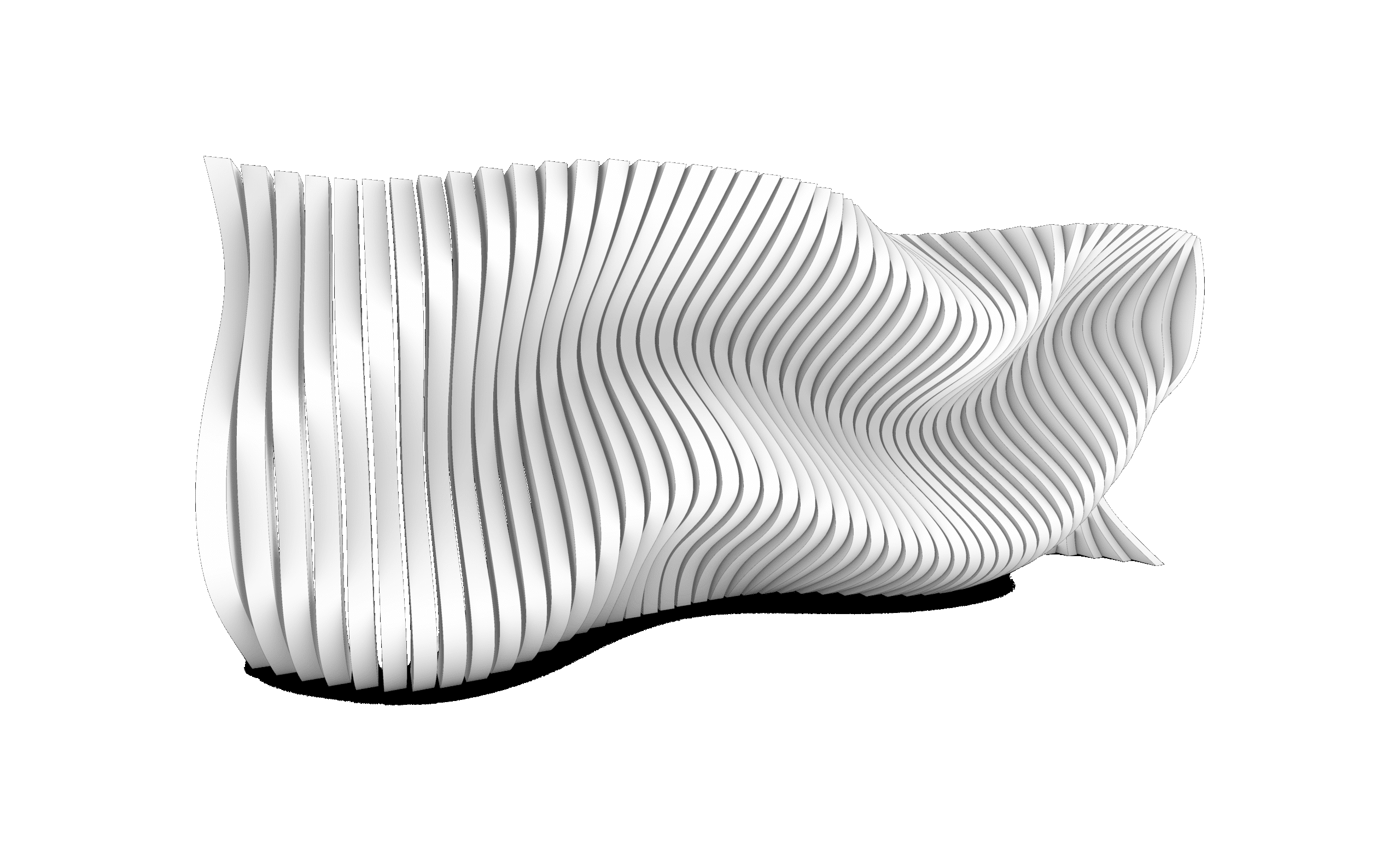
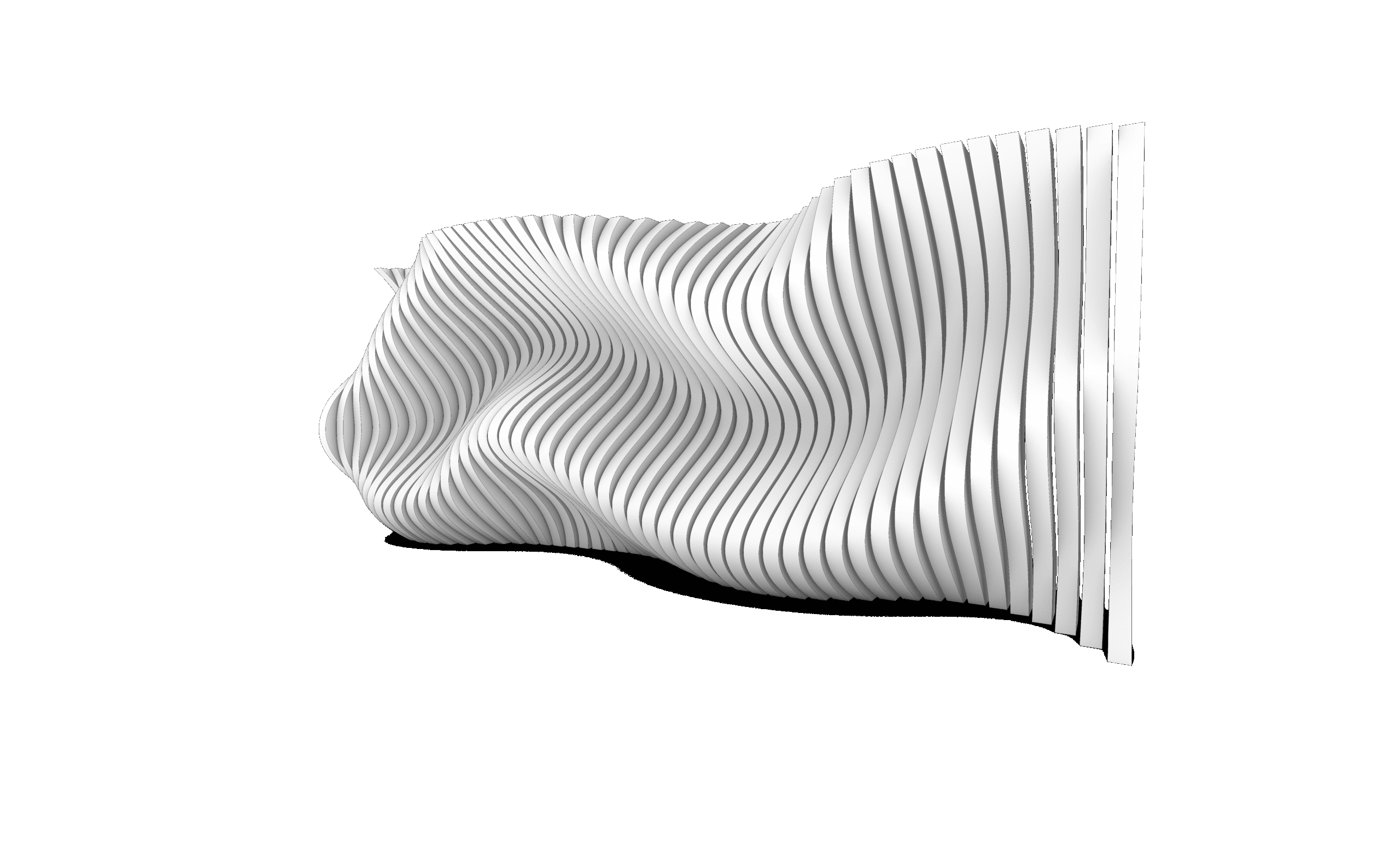
Discrete & Modular Design


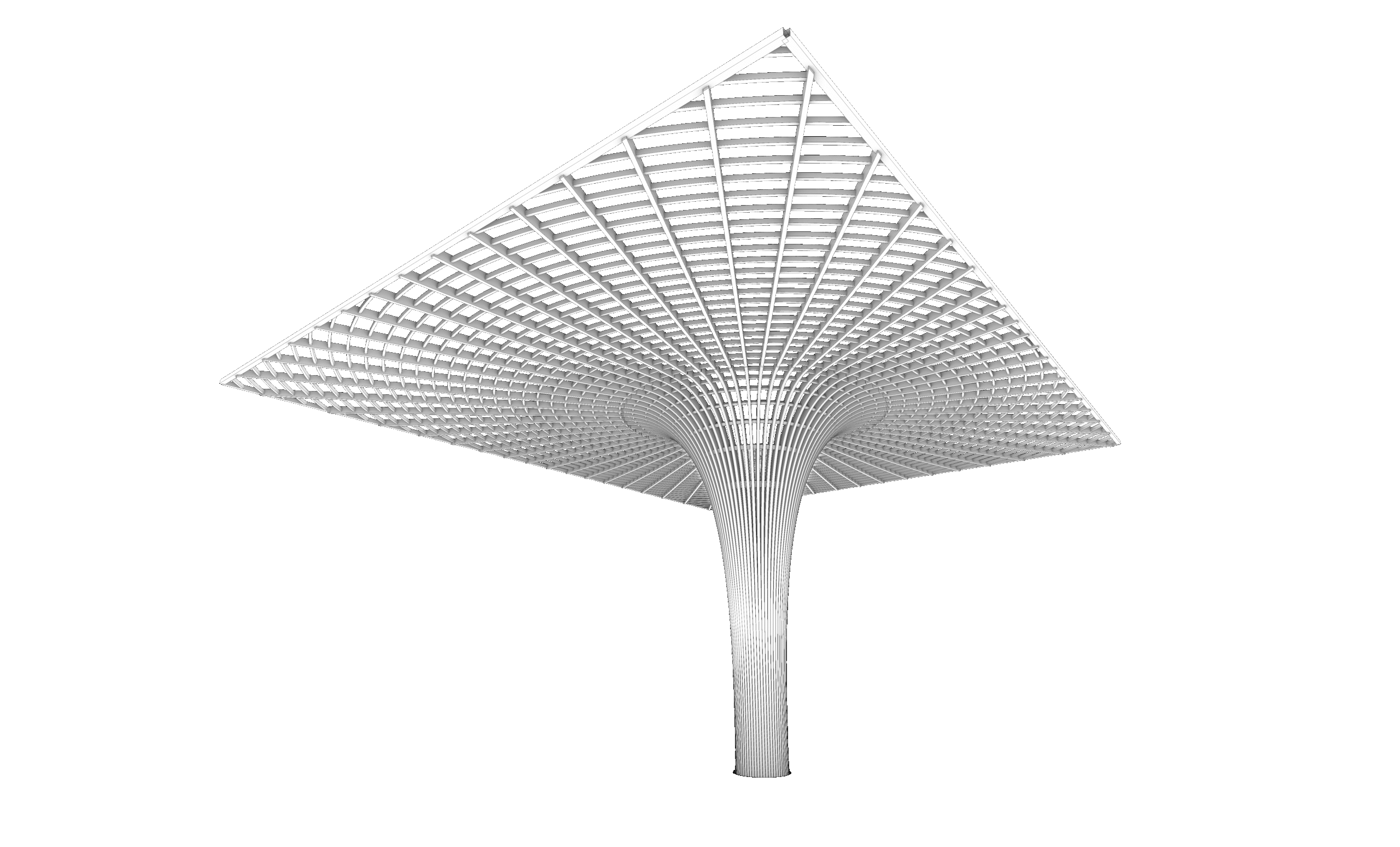
Grasshopper Masterclass
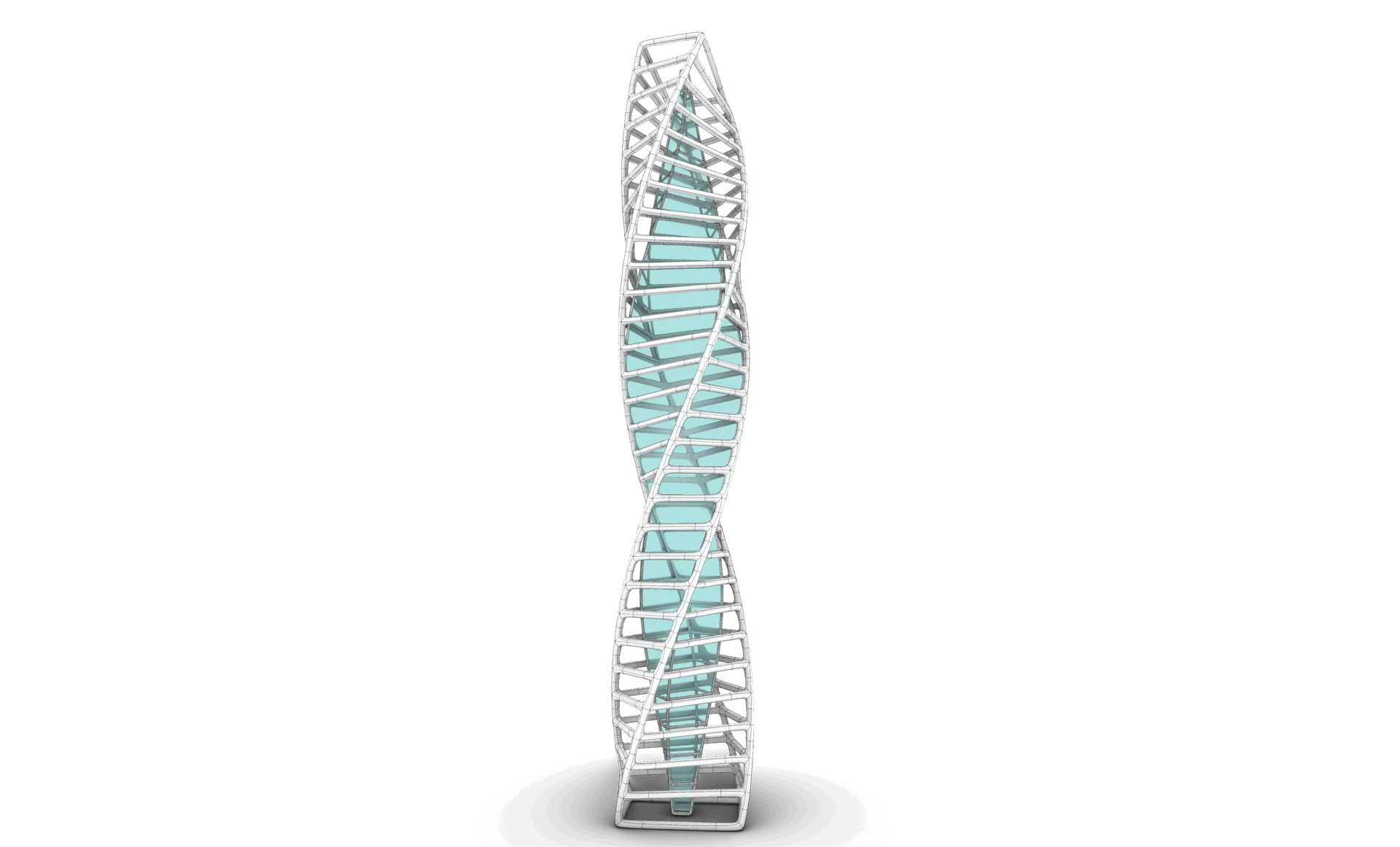
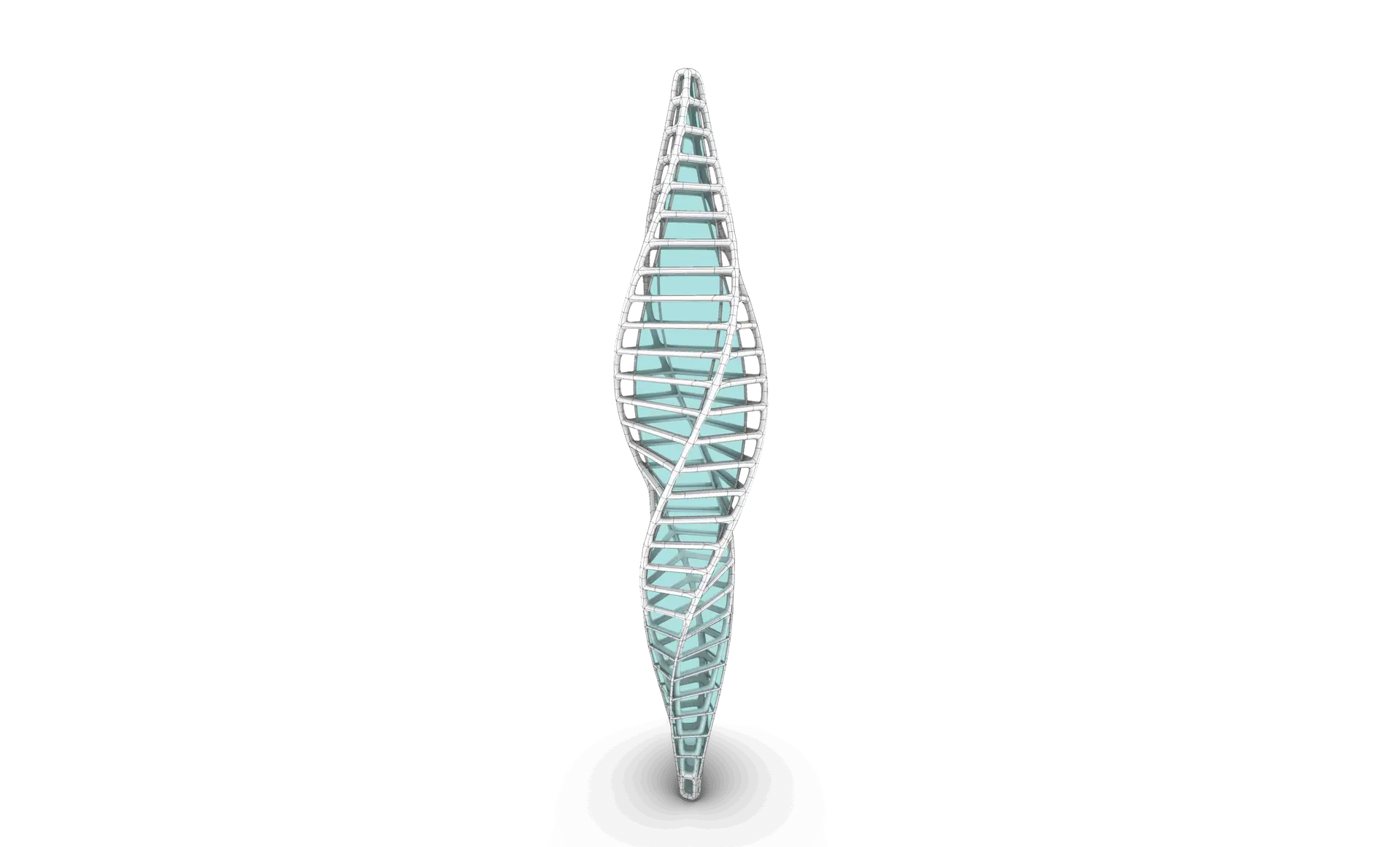
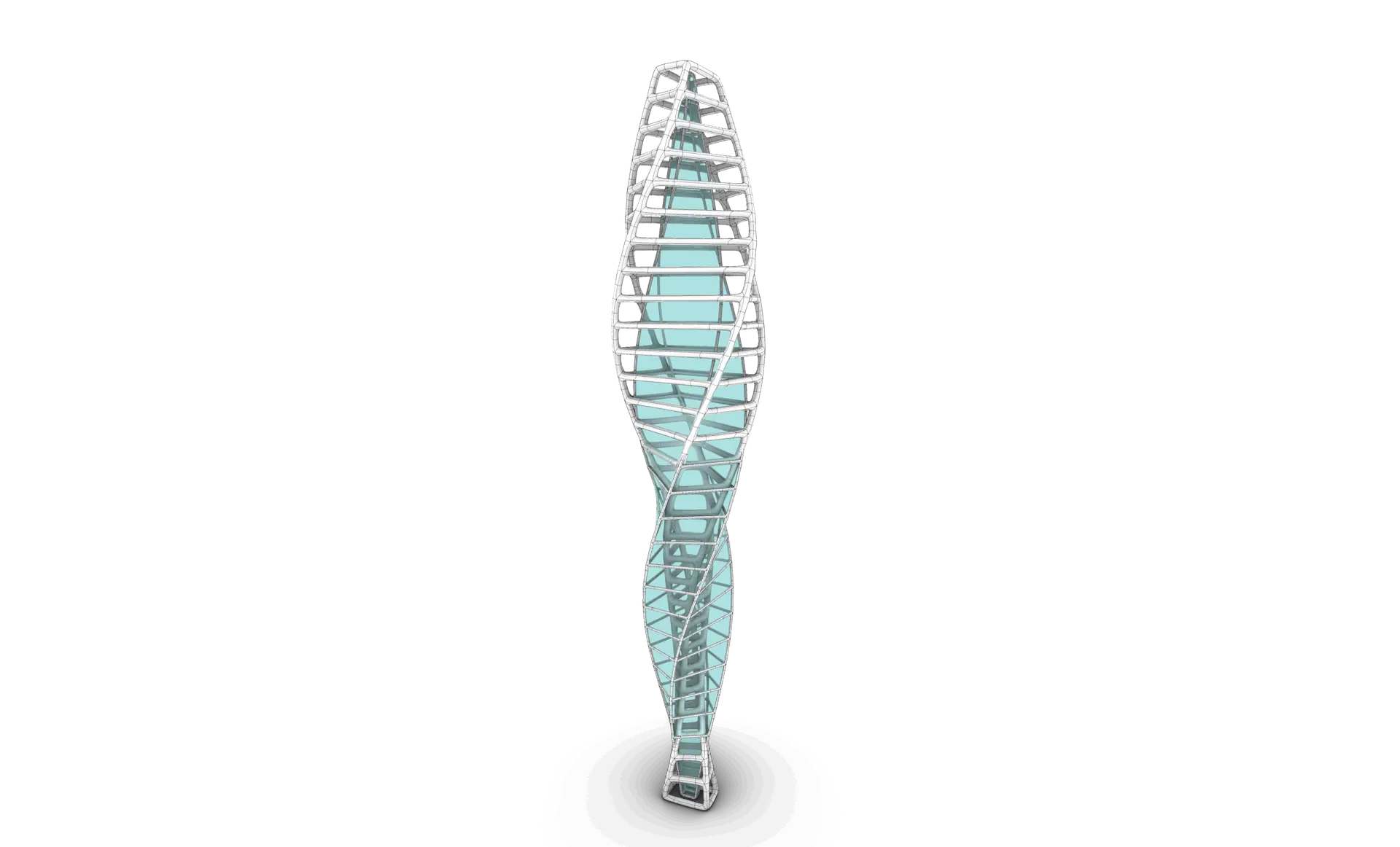
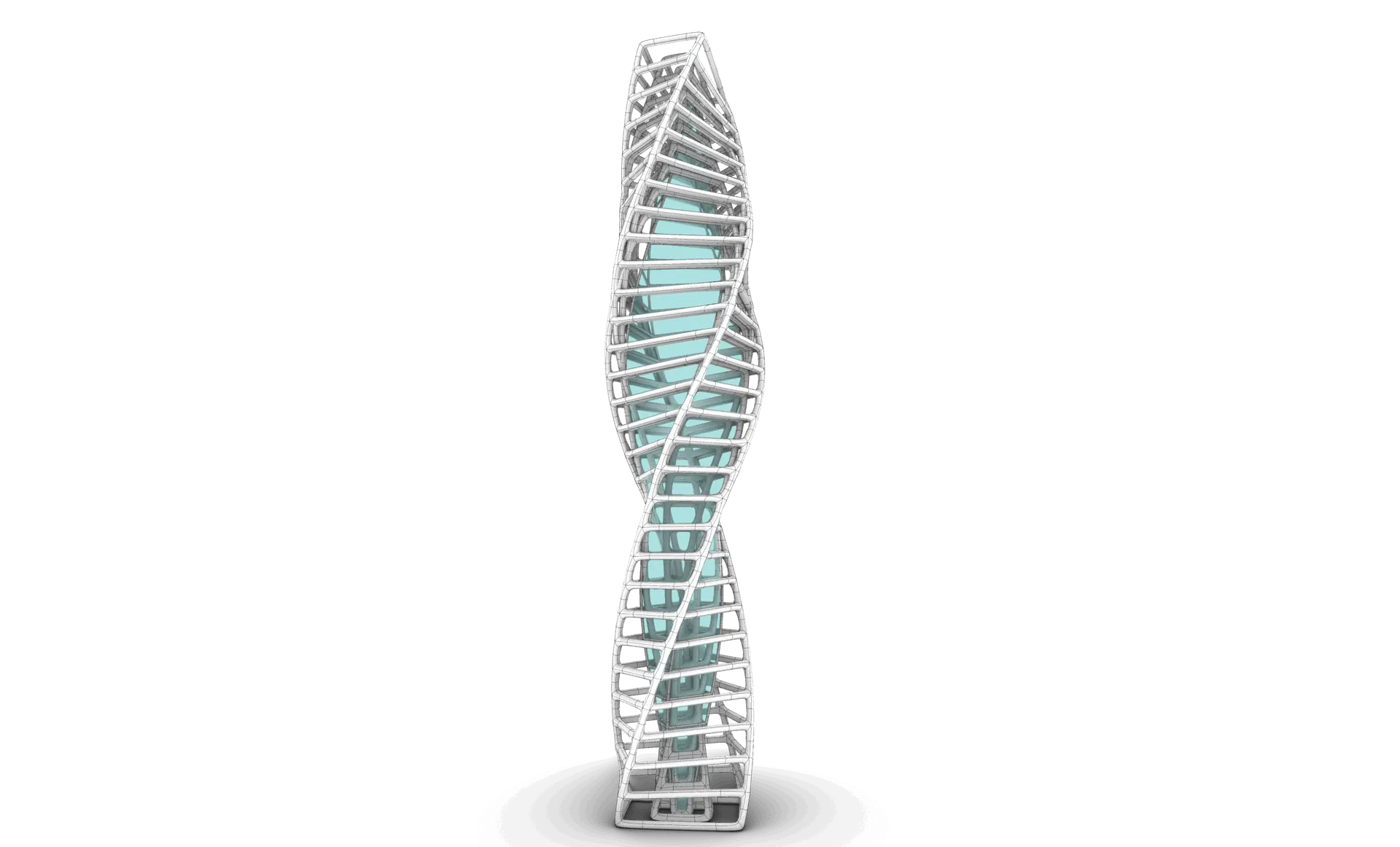
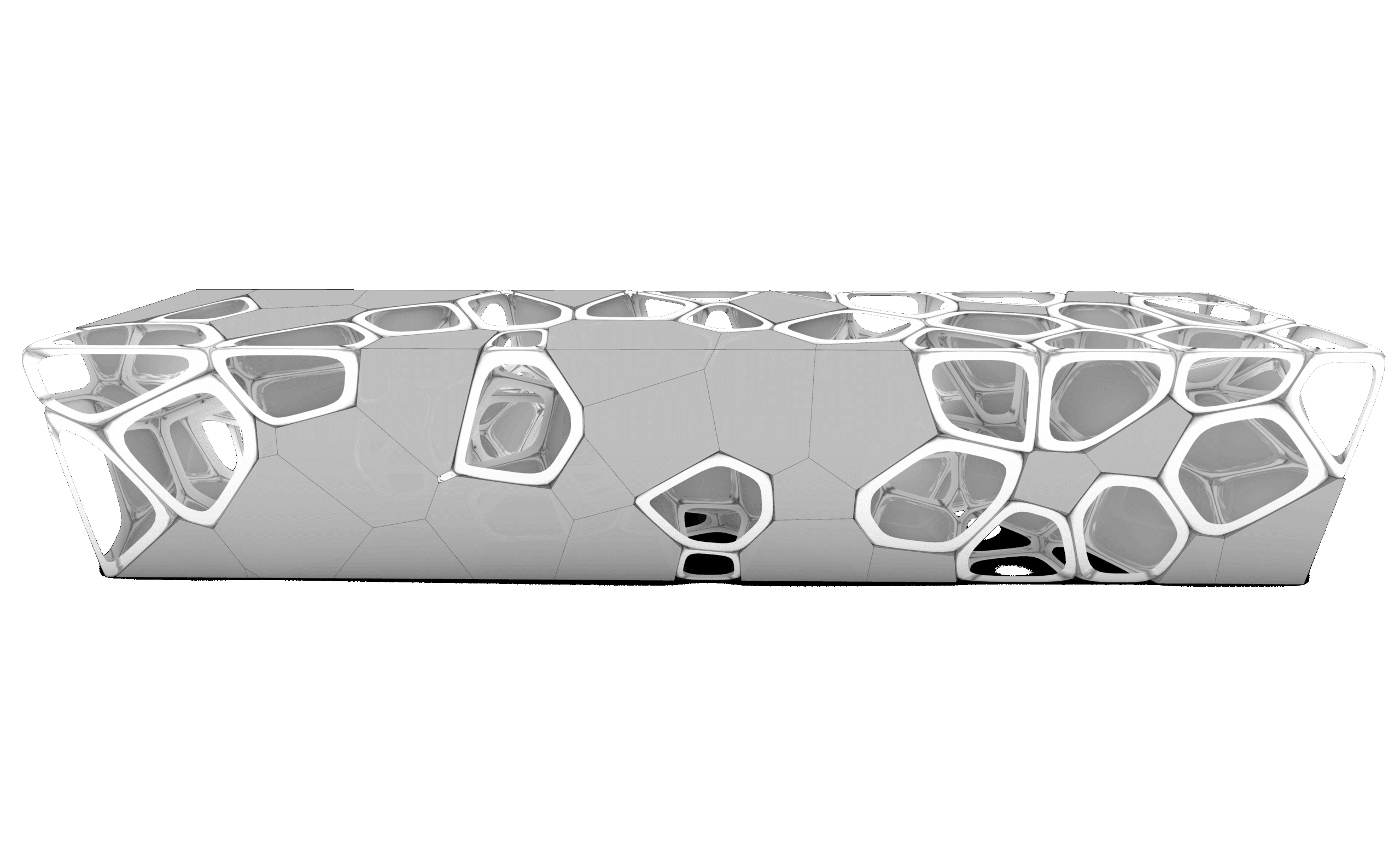
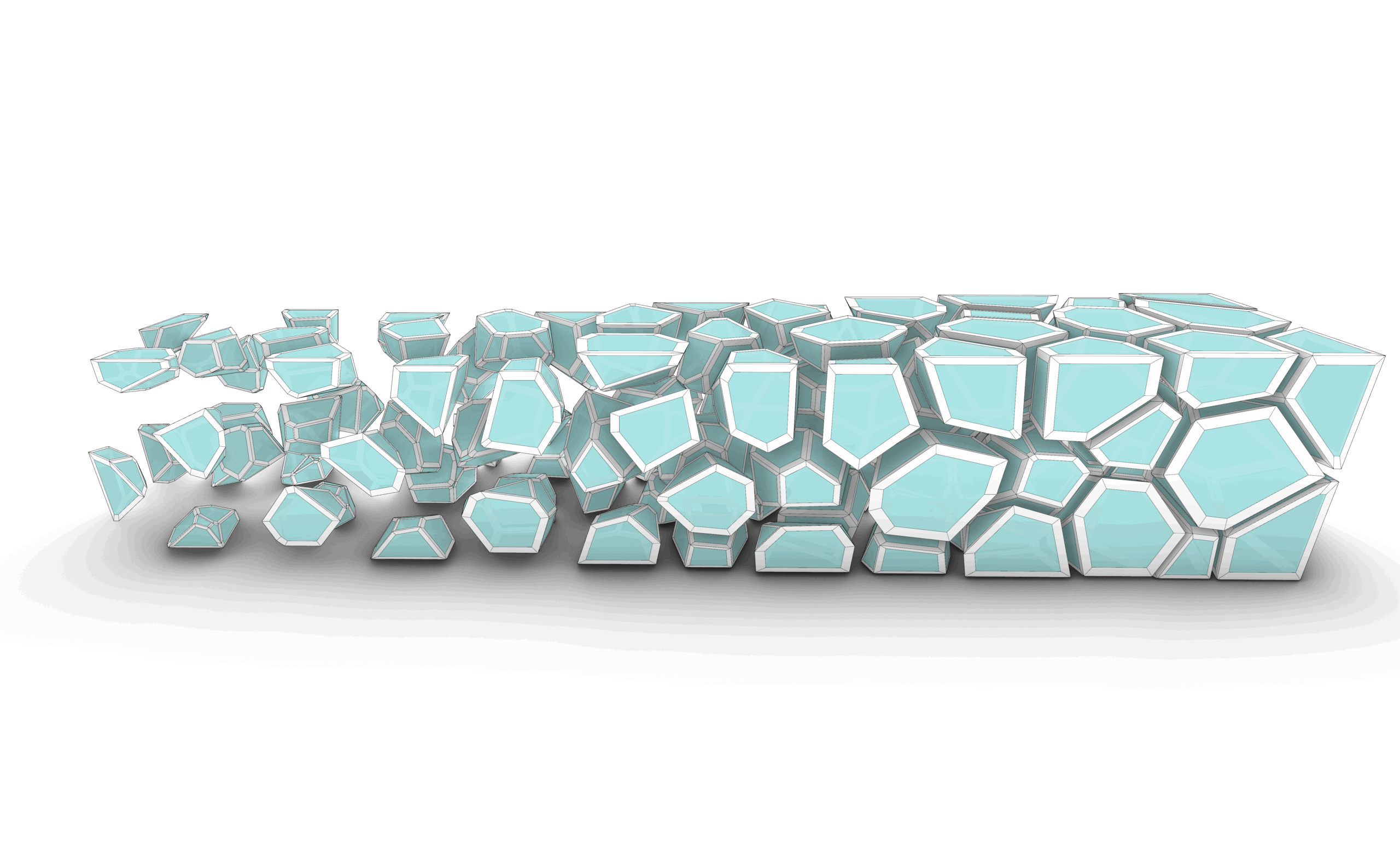

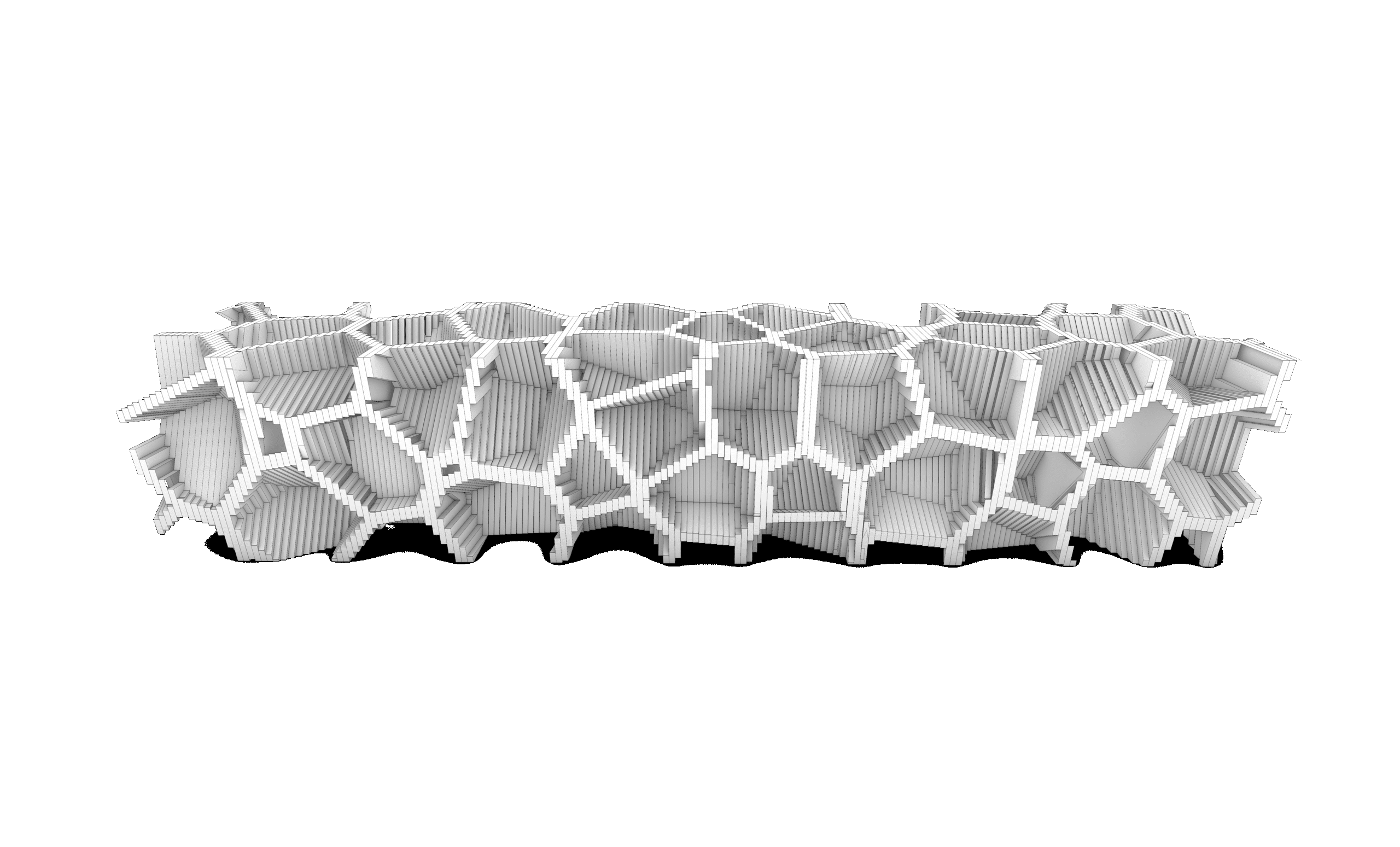
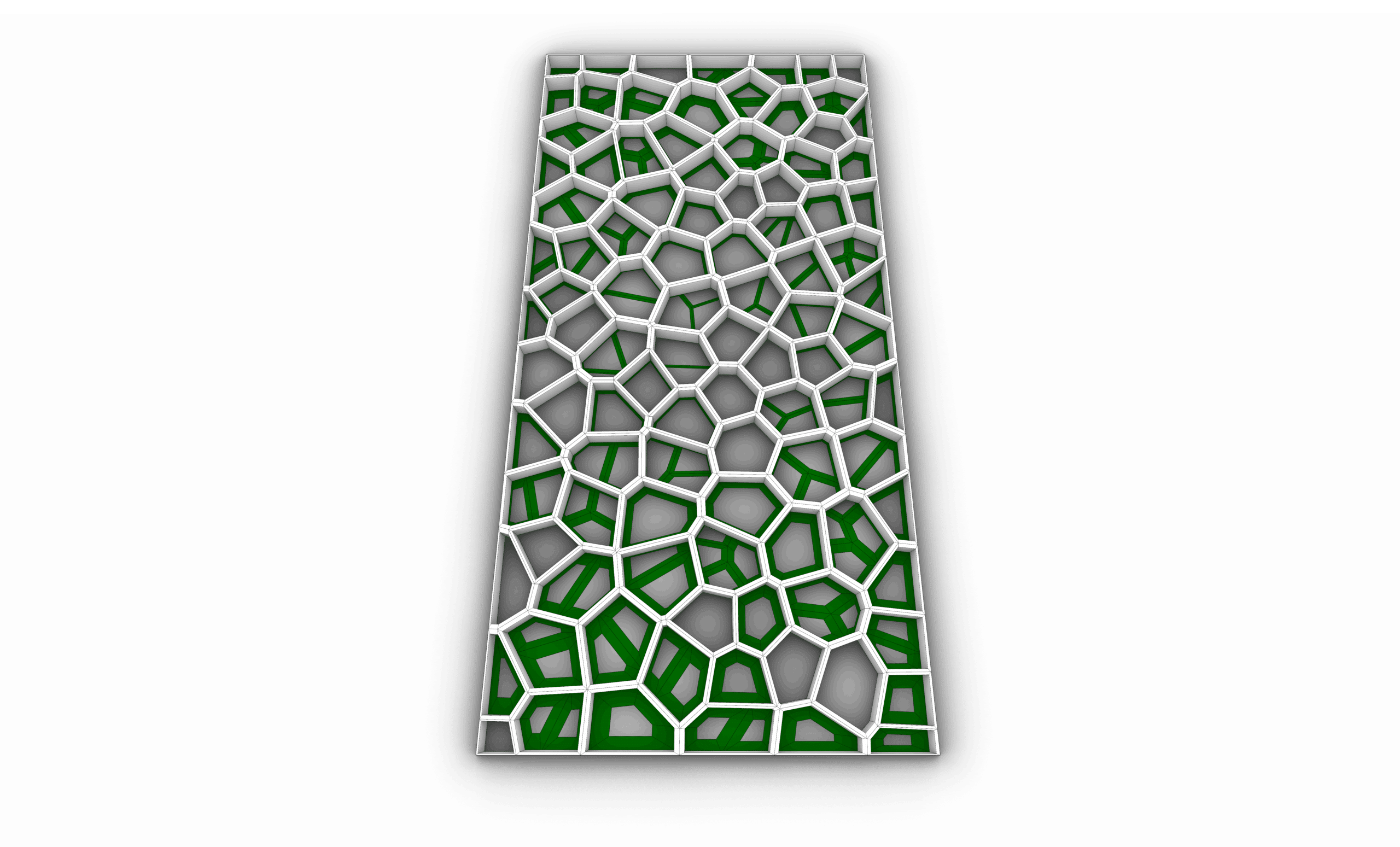
The content is well organized and easy to follow, which helps avoid confusion. Thank you.
this was the best decision i have made
I am an architecture student in second year and i decided to take the masterclass bundle to understand how these applications work but i didnt know that i would learn this much
i took it in summer and although i have not finished the full course i know more commands and shortcuts than my professors themselves it has made my experience way better considering i knew how to work on all these platforms before any of my colleagues and i wish i took it earlier
This course provided a structured introduction to Rhino, progressing from basic 2D drafting to complex 3D modeling.
Through the four tasks, I developed a clear understanding of Rhino’s core tools, accuracy control, and modeling logic.
The course gradually introduced solid, surface, and complex form modeling, which improved my ability to manage geometry and workflow efficiency.
Each task presented new challenges that strengthened my problem-solving skills and design precision.
By the end of the course, I gained the confidence to translate conceptual ideas into accurate 2D drawings and detailed 3D models suitable for real-world design applications.
This course focused on advanced organic modeling techniques in Rhino, with an emphasis on freeform design and complex surface creation.
Through a series of progressive tasks, I developed greater control over smooth transitions, surface continuity, and complex geometries.
The main challenge was maintaining clean, well-structured models while working with intricate organic forms.
The course enhanced my understanding of surface logic and precision in sculpting advanced shapes.
Overall, it strengthened my ability to translate conceptual organic forms into controlled and refined 3D models within Rhino.
Thank you, the lectures were really helpful.
Thank you, the lectures were really helpful.
Sub-D is a new feature in Rhino 8; this course took us through all the important commands related to Sub-D. The tasks were really good practice, and following up with the explanation was easy and clear. Now I can create more organic and complicated shapes using this feature.
I had zero experience in Rhino before starting this course. Now I’m able to model buildings using Rhino easily; the tasks’ organization and order are really beneficial, and the explanation is very clear and easy to understand and follow.
An excellent and comprehensive masterclass! It covers everything from basic tools to advanced workflows. The instructor explains concepts in a very practical and structured way, which helped me improve my modeling speed and accuracy. A must-take course for Rhino users.
This course dives deep into complex organic forms and advanced modeling strategies. The examples are challenging but extremely rewarding. It pushed my skills to a new level and helped me understand how to approach free-form geometry with confidence.
Special offer:
Sale ends in
-60%
600 USD Original price was: 600 USD.240 USDCurrent price is: 240 USD.
This Bundle include:
- Downloadable Content
- Madesst certificate upon reguest
- Instructor support
Course specifications
- Arabic : Available
- 4K